Security & Technology
Security Monitoring and Incident Management System
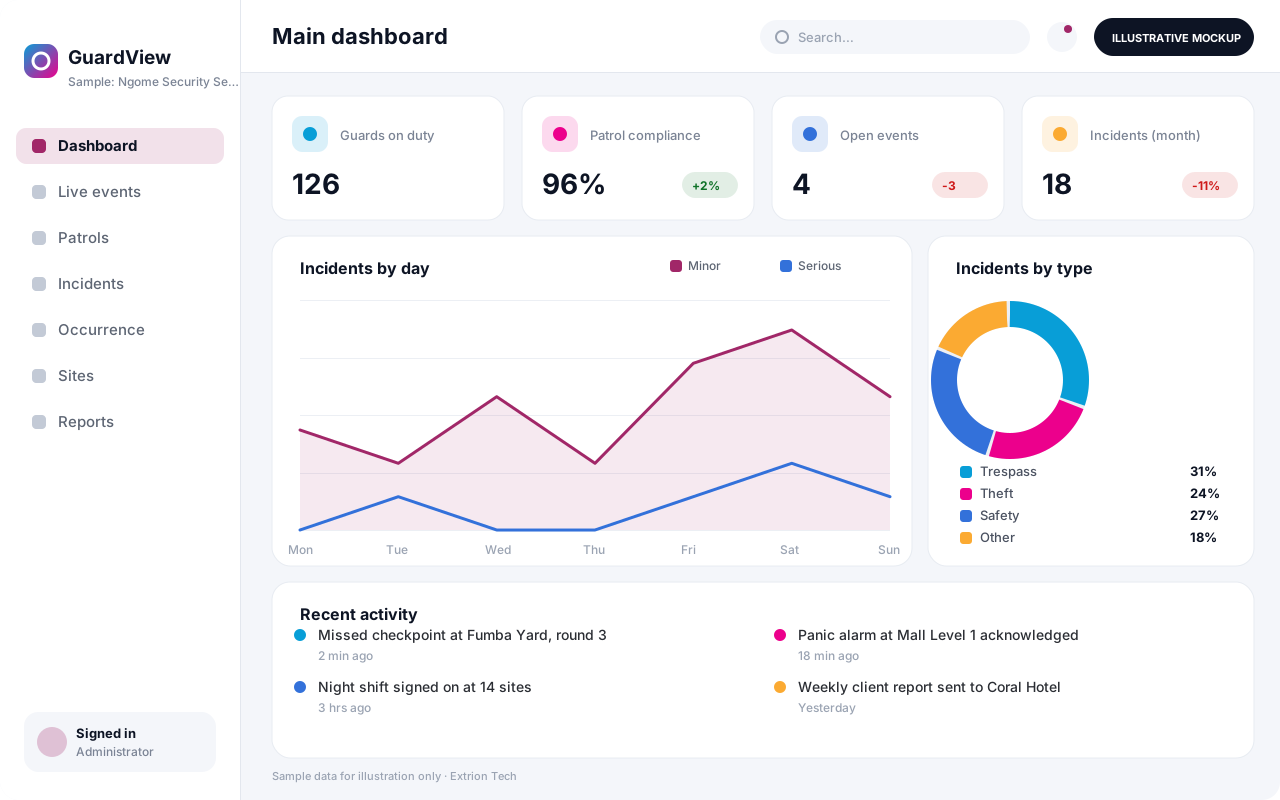
A control-room platform for guard tours, alarms, patrol check-ins, incident reporting and investigations, giving security managers one live picture of every site they protect.
- Web-based
- Android
Overview
Security Monitoring and Incident Management System
A Security Monitoring and Incident Management System gives security teams a single control room view of people, patrols and events across one or many sites. Extrion Tech can design and develop it in-house for private security companies, hotels, ports, warehouses, campuses and institutions that need clear records of what happened, when and who responded.
Guards check in at patrol points using QR or NFC tags on a mobile app, so supervisors can see missed checkpoints in real time instead of reading paper logbooks at the end of a shift. Alarms and alerts from panic buttons, intrusion panels or other systems can be received where the device supports an API or standard protocol, and each one opens an event with a timer, an assigned responder and a required closing note. Control room operators log calls, radio messages and observations in a running occurrence book.
When something serious happens, an incident report captures location, people involved, photos, witness statements and immediate actions, then moves into investigation with corrective actions and follow-up dates. Managers in Zanzibar or anywhere in Tanzania can compare incident trends by site, shift and category, and produce client reports for contracted guarding services. Incident categories, escalation rules and reporting formats are agreed with you during analysis.
Business problems it addresses
- Guard patrols are recorded on paper and missed rounds go unnoticed.
- Alarms and incidents are reported by phone with no consistent response record.
- Incident reports lack photos, statements and follow-up actions.
- Security managers cannot compare incident trends across sites and shifts.
- Clients of guarding companies receive slow, manually written reports.
Interface
Five screens of the system
Illustrative mockups with sample data — not screenshots of a client’s system.
Workflow
From patrol to closed investigation
-
1
Shift start
Guards sign on to their post and the supervisor confirms deployment.
-
2
Patrol rounds
Guards scan checkpoints; missed or late scans raise an alert.
-
3
Event detected
An alarm, call or guard report opens an event in the control room queue.
-
4
Dispatch and response
Operator assigns a responder and the response time is recorded.
-
5
Incident report
Details, people involved, photos and statements are captured.
-
6
Escalation
Serious incidents notify managers, clients or authorities as agreed.
-
7
Investigation
Root cause, corrective actions and owners are recorded and tracked.
-
8
Review and reporting
Trends by site, shift and category feed management and client reports.
Functions covered
Modules and what they do
01 Patrol and deployment
-
Sites, posts and checkpoints
Defines sites, guard posts and tagged patrol checkpoints.
-
Shift roster and sign-on
Plans guard deployment and records sign-on and sign-off.
-
Guard tour monitoring
Tracks checkpoint scans against the planned route and timing.
02 Control room
-
Event and alarm queue
Lists live events with priority, timers and assigned responders.
-
Digital occurrence book
Keeps a time-stamped log of calls, radio messages and observations.
-
Alarm panel integration
Optional / subject to scope
Receives alarms from panels or panic buttons where the device supports an API or standard protocol.
-
SMS and call escalation
Notifies supervisors and managers by SMS or email based on severity.
03 Incidents and reporting
-
Incident reporting
Captures incident details, photos, witnesses and immediate actions.
-
Investigations and actions
Records findings, corrective actions, owners and due dates.
-
Client reporting portal
Optional / subject to scope
Gives guarding clients access to patrol and incident reports for their sites.
-
Trend analytics
Shows incidents by type, site, time of day and shift.
Technology stack
Technology selected for this solution
These are the technologies planned for this type of system. The final stack depends on scale, performance, licensing, infrastructure, integrations and your requirements.
Frontend
Backend
Database
Mobile
Infrastructure
Integrations
Security & data integrity
Protecting your data and its accuracy
Incident reports can contain personal details, photos and witness statements, so access is limited by site and role, and retention and disclosure rules are agreed with the client for the relevant jurisdiction.
Standard protections
-
Role-based access control
Each user sees only what their role allows.
-
Authentication and authorisation
Every request is checked for a signed-in, permitted user.
-
Fine-grained permissions
Permissions per module and action, such as view, edit or approve.
-
Secure password storage
Passwords are stored using strong one-way hashing, never in plain text.
-
Encryption in transit
HTTPS/TLS protects data between users and the server.
-
Encryption at rest
Sensitive data encrypted on disk where the infrastructure supports and is configured for it.
-
Server-side input validation
All input is validated on the server before it is saved.
-
Protection against common web vulnerabilities
Defences against injection, cross-site scripting and request forgery.
-
Database constraints and transactions
Constraints and transactions keep related records consistent.
-
Audit logs
Important actions are recorded with who, what and when.
-
User activity history
A history of each user’s activity for supervisors and administrators.
-
Backup and restoration
Scheduled backups with tested restoration procedures.
-
Session management
Session time-outs and the ability to sign out other devices.
-
Offline mode with controlled synchronisation
Work offline and synchronise safely when the connection returns.
Optional advanced protections
- Multi-factor authentication A second sign-in step for selected or all users.
- Single sign-on Sign in with your organisation’s identity provider where supported.
- Disaster recovery planning A documented plan to restore service after a major failure.
- Data retention and deletion policies Retention periods and deletion rules agreed with you.
- Monitoring and error logging Errors and unusual activity are logged and monitored.
Data integrity
Checkpoint scans and events carry server or device time stamps that cannot be edited, and occurrence book entries are append-only with corrections recorded as new entries. Incidents cannot be closed without a responder note, and every change to a report is kept in the audit trail for later review.
Security controls are configured for each project. We do not claim certification, compliance or immunity from attack unless independently verified for your deployment.
Customisation & integration
Tailored to how you work
We tailor modules, reports, permissions, workflows, branding and integrations to your organisation. Tell us which features you need when you request a quote.
- Incident categories, severity levels and escalation contacts
- Patrol routes, checkpoint intervals and alert thresholds
- Incident and client report templates with your branding
- Alarm and device integrations within project scope
- Roles for guards, supervisors, operators and clients
Deployment & support
From go-live to continuous improvement
Onboarding, data migration, training, maintenance, technical support and future enhancements are services we scope into your project.
Bringing records from spreadsheets or older systems, checked and reconciled.
Role-based training for users, supervisors and administrators.
Technical support and maintenance under an agreed support plan.
New modules, reports and integrations as your organisation grows.
Pricing
Pricing tailored to your requirements
Every organisation has different workflows, users, infrastructure, and integration needs. Request a quotation for a solution designed around your requirements.
- Number of users, branches and modules
- Customisation and integrations
- Hosting: cloud, your server or hybrid
- Data migration and training
- Support and maintenance plan
Security & Technology
Related systems
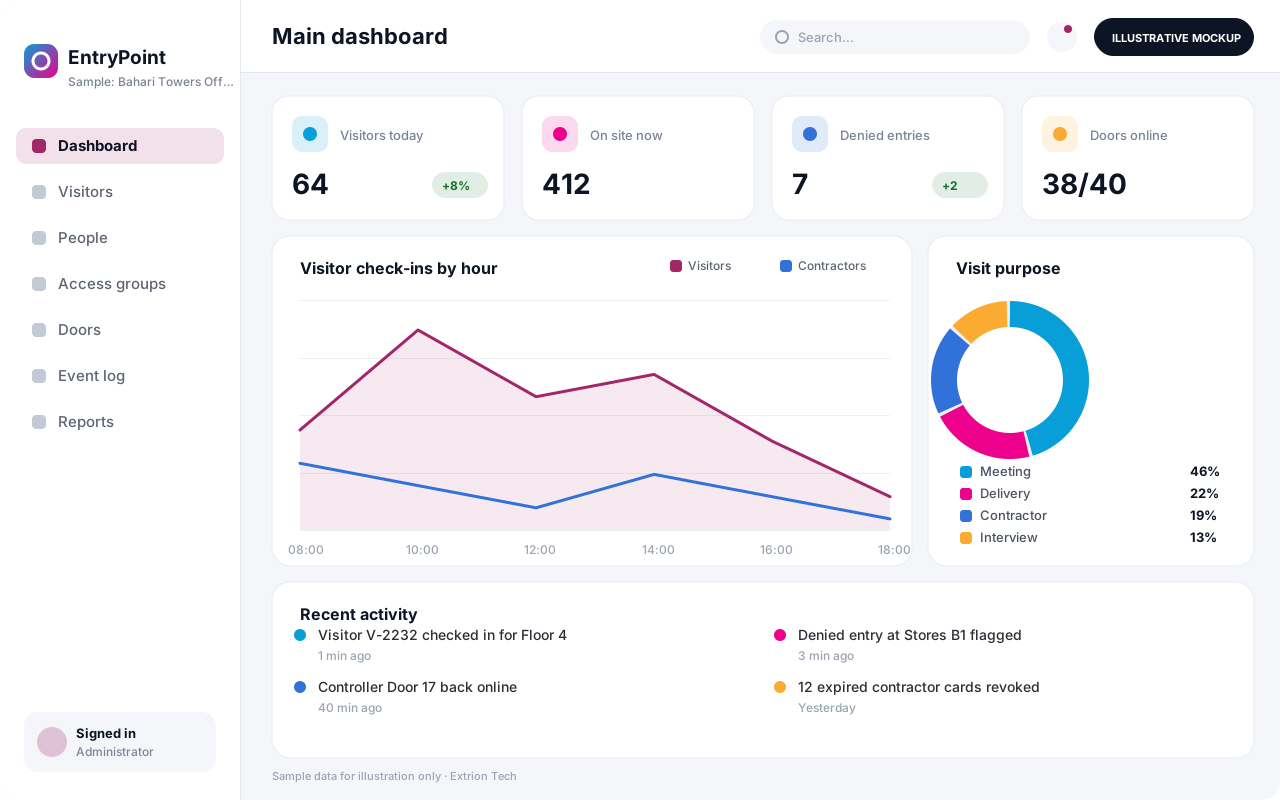 Access Control and Visitor Integration System Manage who may enter which doors and when, register visitors and contractors, issue badges and QR passes, and keep a single entry log from supported door controllers.
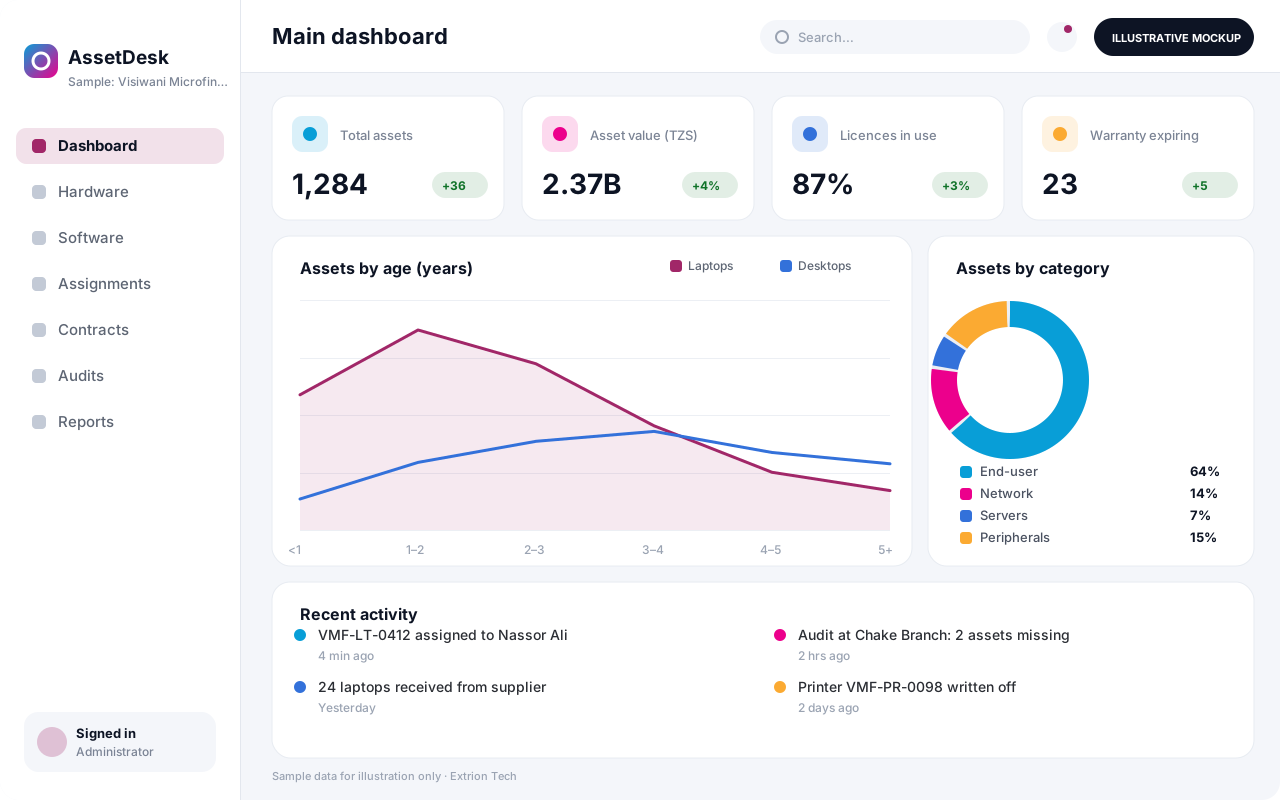 IT Asset and Infrastructure Management System One register of laptops, servers, network gear, software licences and contracts, with assignment to staff, warranty and licence renewals, and a record of every change.
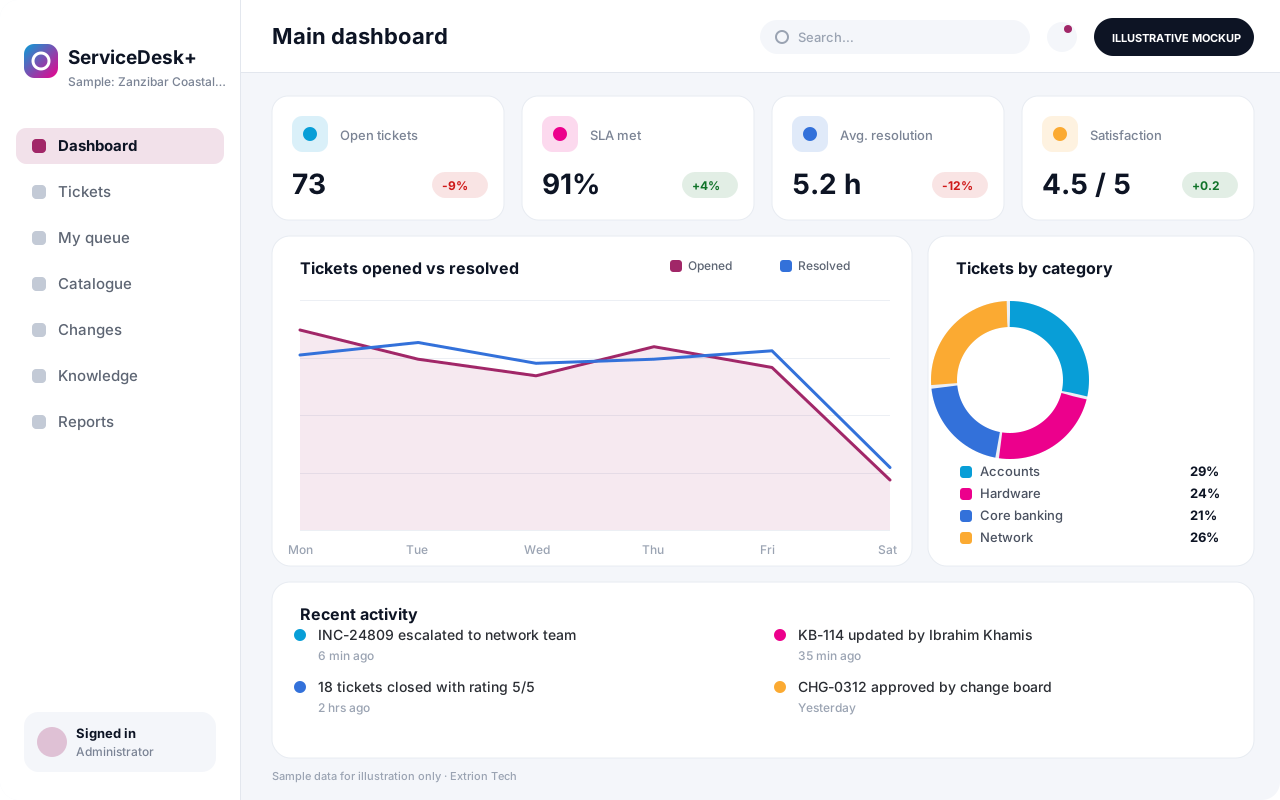 IT Helpdesk and Service Management System Log, prioritise and resolve IT requests and incidents with SLAs, a service catalogue, approvals, knowledge base articles and change records, through a portal, email or phone.
Back to the catalogue Business software services Our development process
