Security & Technology
Access Control and Visitor Integration System
Manage who may enter which doors and when, register visitors and contractors, issue badges and QR passes, and keep a single entry log from supported door controllers.
- Web-based
- Android
- Windows desktop
Overview
Access Control and Visitor Integration System
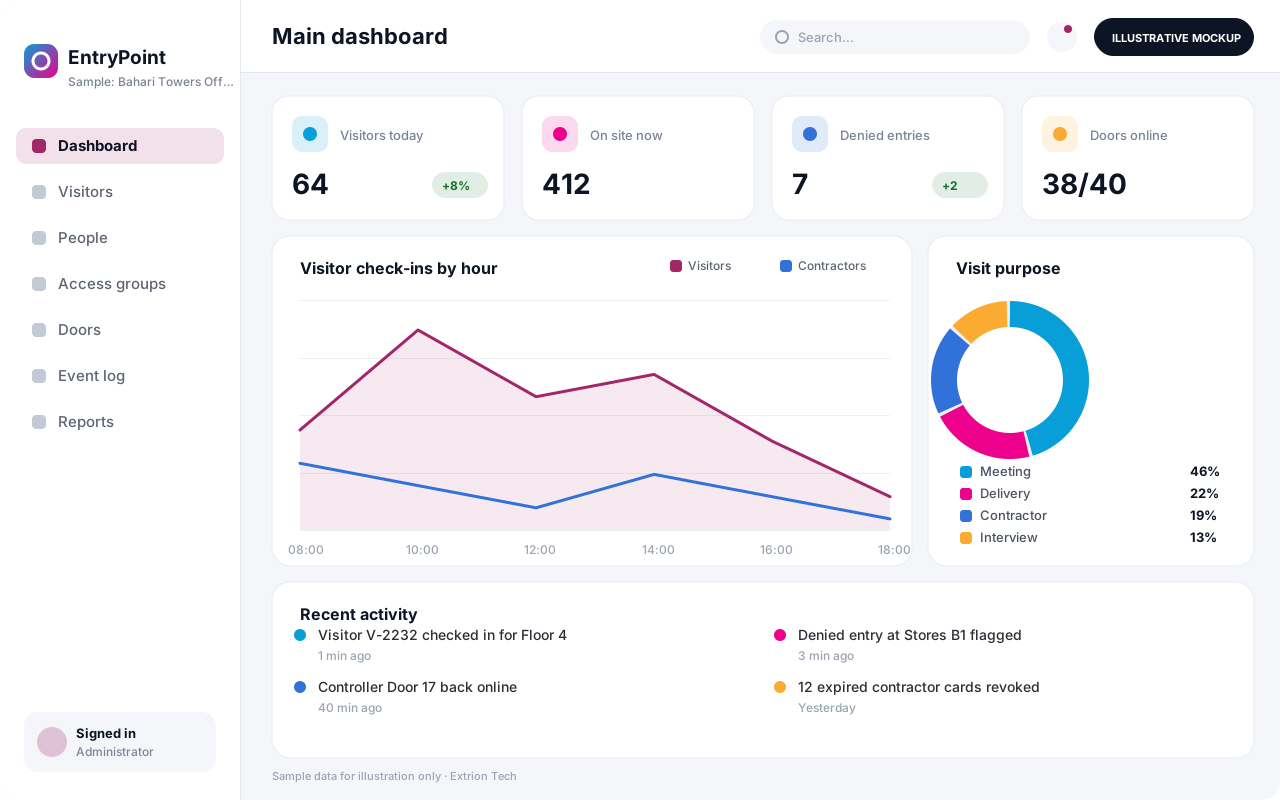
An Access Control and Visitor Integration System brings staff access rights, visitor registration and door events into one application. Many organisations already have card readers or biometric terminals, but each comes with its own software, while visitors are still written in a book at the gate. Extrion Tech can develop a system in-house that sits above this hardware and gives security and reception one consistent record.
Staff and long-term contractors are enrolled once with their department, access groups and validity dates. Access rights such as server room, stores or executive floor can be assigned by role and time schedule, and changes are pushed to door controllers where the device supports an API or standard protocol. Entry and exit events are pulled back into a central log, so it is possible to answer who entered a room, at what time, and through which door.
Visitors can be pre-registered by their host, receive a QR pass by SMS or email, and check in at reception with an ID scan and photo. The host is notified on arrival, a badge is printed, and the visit is closed on exit, giving an accurate on-site list for evacuations. Offices, hotels, factories and government buildings in Zanzibar and across Tanzania can use the same platform for multiple gates and buildings. Access policies and data retention are agreed with you during analysis.
Business problems it addresses
- Visitor books are illegible and give no reliable list of who is on site.
- Each door controller brand has its own software with separate user lists.
- Departed staff and contractors keep working cards for weeks.
- Security cannot quickly answer who entered a sensitive room and when.
- Hosts are not informed when their visitors arrive at reception.
Interface
Five screens of the system
Illustrative mockups with sample data — not screenshots of a client’s system.
Workflow
From enrolment to exit
-
1
Enrol person
Register staff or contractor with photo, department and validity dates.
-
2
Assign access
Grant access groups and time schedules for doors and gates.
-
3
Sync controllers
Rights are pushed to supported door controllers or terminals.
-
4
Visitor pre-registration
A host books a visitor, who receives a QR pass by SMS or email.
-
5
Check-in
Reception scans the pass and ID, takes a photo and prints a badge.
-
6
Host notified
The host gets an arrival alert and collects the visitor.
-
7
Entry log
Door and gate events are collected into one searchable log.
-
8
Check-out and revoke
Visits close on exit and expired rights are removed automatically.
Functions covered
Modules and what they do
01 Access control
-
People and credentials
Holds staff and contractors with cards, PINs or biometric IDs.
-
Access groups and schedules
Defines which doors each group can open and at what times.
-
Controller integration
Optional / subject to scope
Synchronises rights and events with door controllers where the device supports an API or standard protocol.
-
Entry and exit log
Collects door events into one searchable record with alerts for denied access.
02 Visitor management
-
Pre-registration and invitations
Lets hosts book visitors and send QR passes.
-
Reception check-in
Captures ID, photo and purpose of visit and prints badges.
-
Host notifications
Alerts hosts by SMS, email or app when visitors arrive.
-
Self-service kiosk
Optional / subject to scope
Allows visitors to check in on a tablet at reception.
03 Oversight
-
On-site and evacuation list
Shows who is currently in each building for emergencies.
-
Watchlist and blacklist
Flags restricted visitors at check-in for security review.
-
HR system link
Optional / subject to scope
Disables access automatically when staff leave, where an API is available.
Technology stack
Technology selected for this solution
These are the technologies planned for this type of system. The final stack depends on scale, performance, licensing, infrastructure, integrations and your requirements.
Frontend
Backend
Database
Mobile
Desktop
Infrastructure
Integrations
Security & data integrity
Protecting your data and its accuracy
Visitor ID scans, photos and biometric references are personal data, so access is restricted to authorised security staff and retention and consent requirements are agreed with the client for the relevant jurisdiction.
Standard protections
-
Role-based access control
Each user sees only what their role allows.
-
Authentication and authorisation
Every request is checked for a signed-in, permitted user.
-
Fine-grained permissions
Permissions per module and action, such as view, edit or approve.
-
Secure password storage
Passwords are stored using strong one-way hashing, never in plain text.
-
Encryption in transit
HTTPS/TLS protects data between users and the server.
-
Encryption at rest
Sensitive data encrypted on disk where the infrastructure supports and is configured for it.
-
Server-side input validation
All input is validated on the server before it is saved.
-
Protection against common web vulnerabilities
Defences against injection, cross-site scripting and request forgery.
-
Database constraints and transactions
Constraints and transactions keep related records consistent.
-
Audit logs
Important actions are recorded with who, what and when.
-
User activity history
A history of each user’s activity for supervisors and administrators.
-
Backup and restoration
Scheduled backups with tested restoration procedures.
-
Session management
Session time-outs and the ability to sign out other devices.
-
Secure API access
Authenticated, rate-limited access for integrations.
Optional advanced protections
- Multi-factor authentication A second sign-in step for selected or all users.
- Single sign-on Sign in with your organisation’s identity provider where supported.
- Data retention and deletion policies Retention periods and deletion rules agreed with you.
- Disaster recovery planning A documented plan to restore service after a major failure.
- Monitoring and error logging Errors and unusual activity are logged and monitored.
Data integrity
Access changes are versioned, so the rights a person held on any date can be reconstructed, and failed synchronisation with a controller is flagged rather than silently ignored. Door events are stored as received with device time and server time, and visits cannot be deleted, only closed or annotated.
Security controls are configured for each project. We do not claim certification, compliance or immunity from attack unless independently verified for your deployment.
Customisation & integration
Tailored to how you work
We tailor modules, reports, permissions, workflows, branding and integrations to your organisation. Tell us which features you need when you request a quote.
- Access groups, door zones and time schedules
- Visitor categories, required fields and badge design
- Notification channels and messages for hosts
- Controller and terminal brands within project scope
- Data retention periods for visitor records
Deployment & support
From go-live to continuous improvement
Onboarding, data migration, training, maintenance, technical support and future enhancements are services we scope into your project.
Bringing records from spreadsheets or older systems, checked and reconciled.
Role-based training for users, supervisors and administrators.
Technical support and maintenance under an agreed support plan.
New modules, reports and integrations as your organisation grows.
Pricing
Pricing tailored to your requirements
Every organisation has different workflows, users, infrastructure, and integration needs. Request a quotation for a solution designed around your requirements.
- Number of users, branches and modules
- Customisation and integrations
- Hosting: cloud, your server or hybrid
- Data migration and training
- Support and maintenance plan
Security & Technology
Related systems
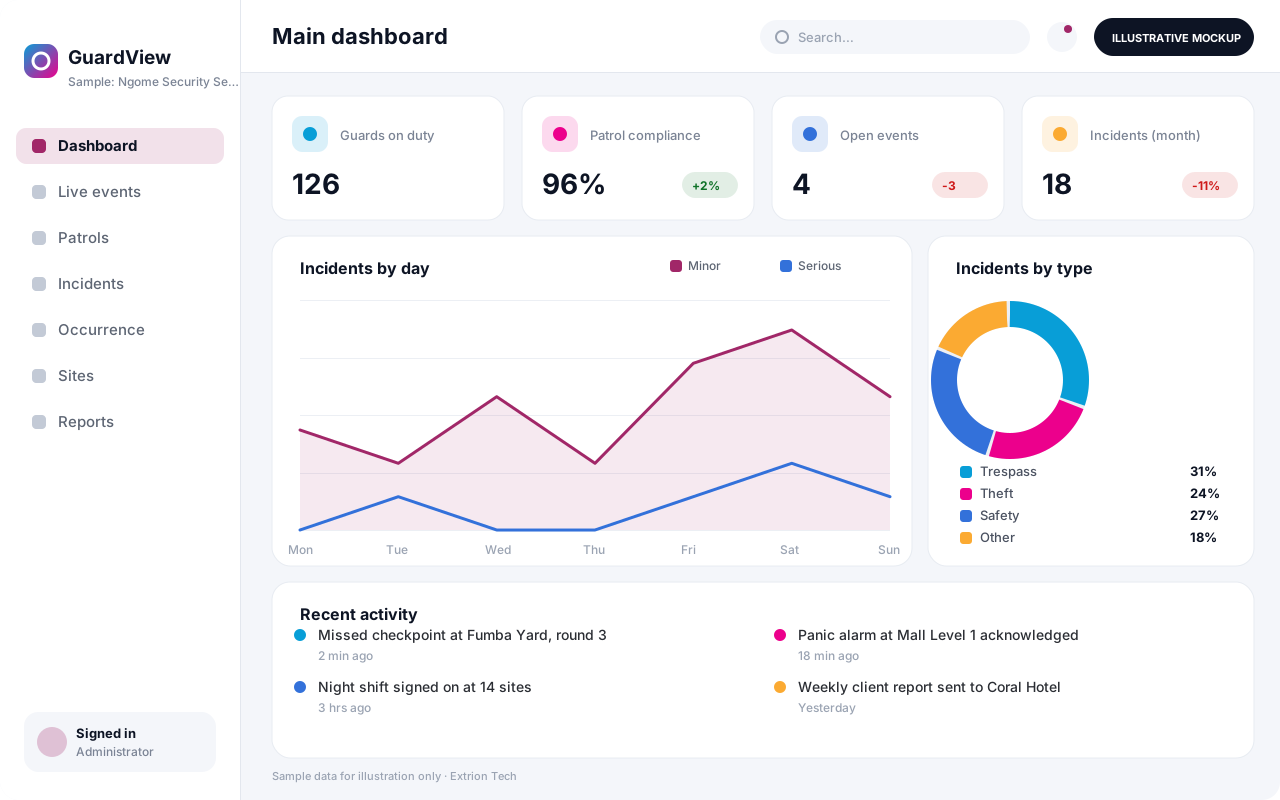 Security Monitoring and Incident Management System A control-room platform for guard tours, alarms, patrol check-ins, incident reporting and investigations, giving security managers one live picture of every site they protect.
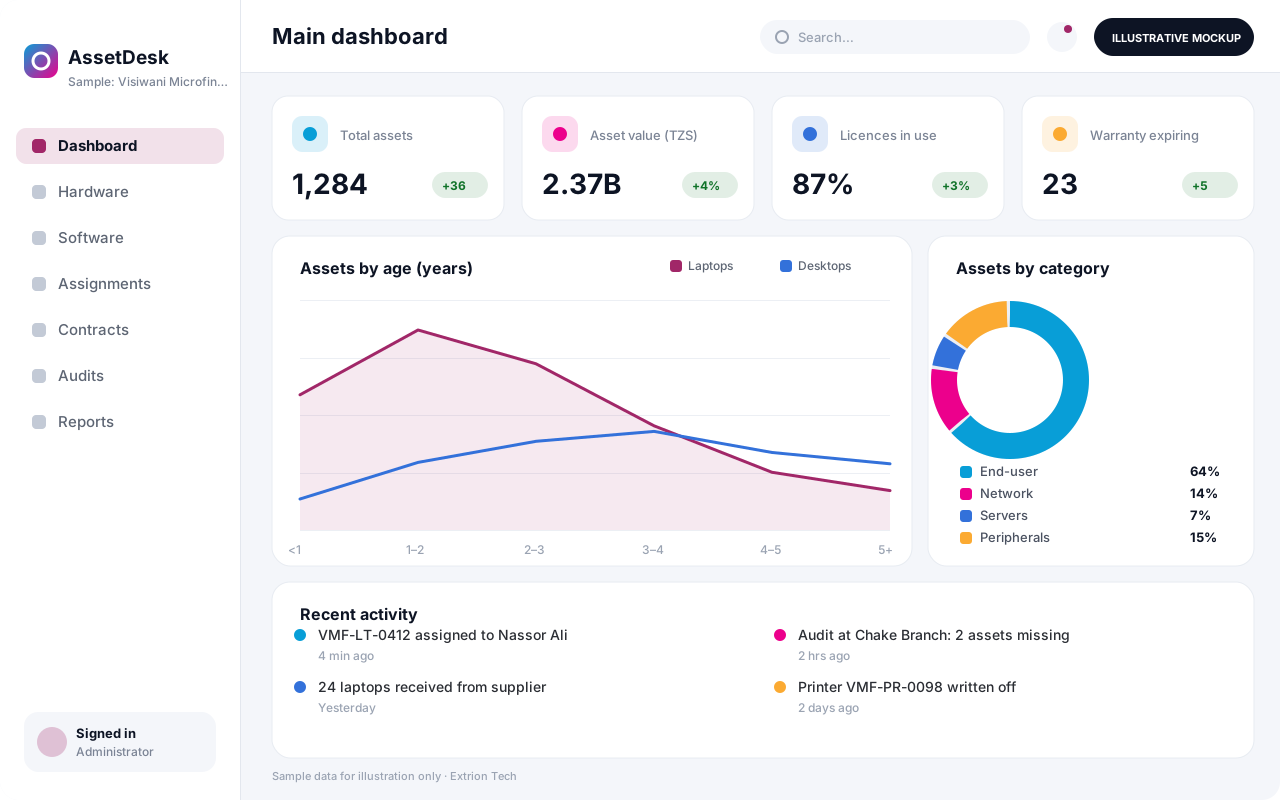 IT Asset and Infrastructure Management System One register of laptops, servers, network gear, software licences and contracts, with assignment to staff, warranty and licence renewals, and a record of every change.
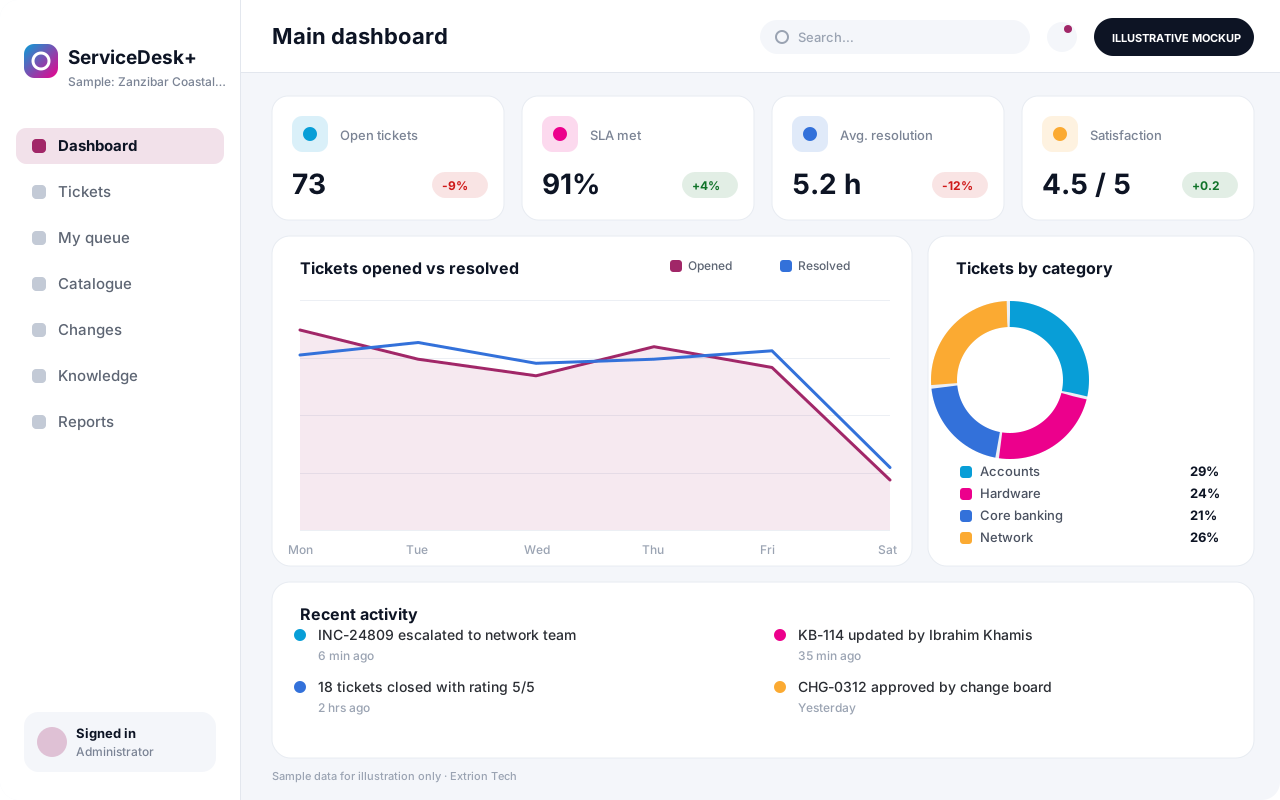 IT Helpdesk and Service Management System Log, prioritise and resolve IT requests and incidents with SLAs, a service catalogue, approvals, knowledge base articles and change records, through a portal, email or phone.
Back to the catalogue Business software services Our development process
