Security & Technology
IT Asset and Infrastructure Management System
One register of laptops, servers, network gear, software licences and contracts, with assignment to staff, warranty and licence renewals, and a record of every change.
- Web-based
- Android
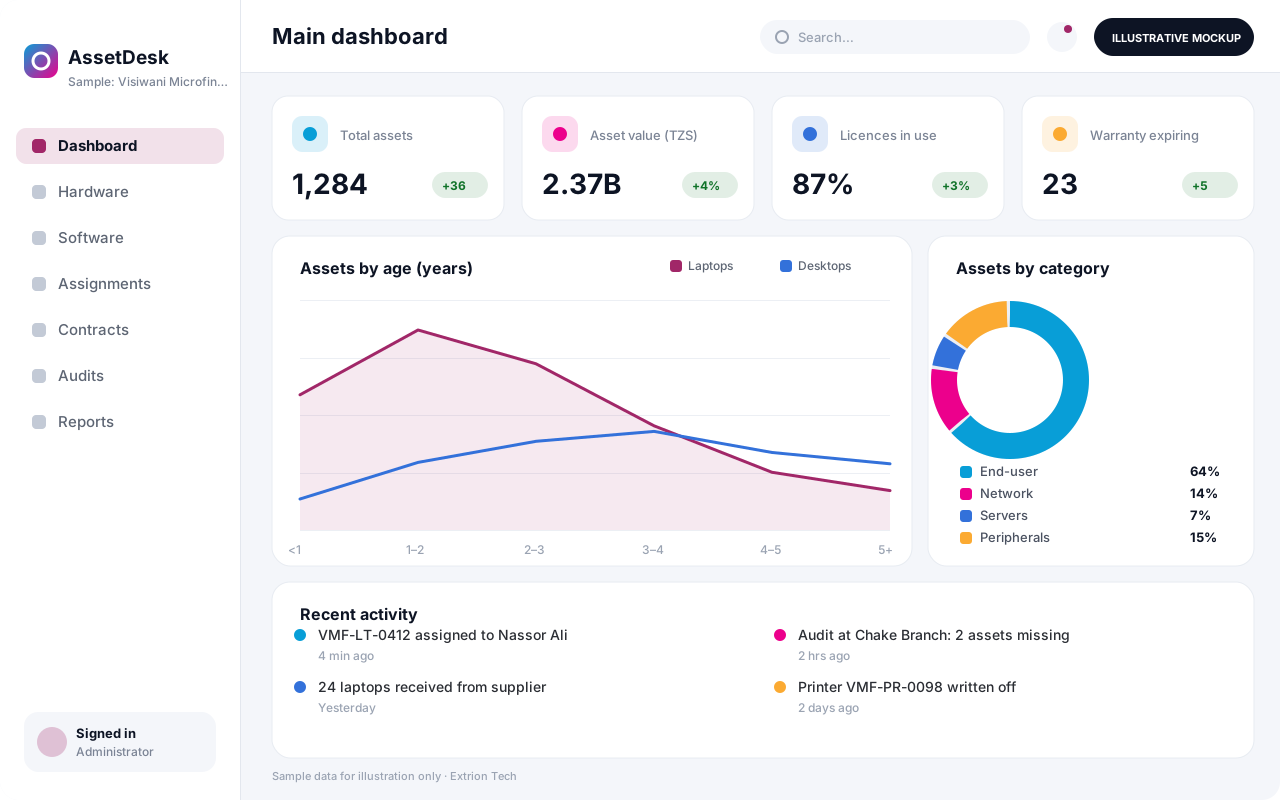
Overview
IT Asset and Infrastructure Management System (ITAM)
An IT Asset and Infrastructure Management System answers basic but critical questions: what IT equipment the organisation owns, where it is, who is using it, what it cost and when its warranty, licence or support contract ends. Extrion Tech can design and develop it in-house for IT departments that have outgrown spreadsheets and want a reliable, auditable register.
Every laptop, desktop, printer, server, switch, access point, UPS and phone is recorded with its tag, serial number, specification, supplier, purchase cost and location. Assets are assigned to staff with a digital handover acknowledgement, moved between offices or branches with a transfer record, and returned when staff leave. Software licences and subscriptions are tracked against installations and users, so the IT team can see over- or under-licensing before renewals. Where devices support an agent or standard protocol, hardware details can be discovered automatically rather than typed in.
Infrastructure items such as racks, servers, virtual machines and network links can be mapped to the services they support, which helps when planning maintenance or assessing the impact of a failure. Depreciation and lifecycle reports show which equipment is due for replacement, supporting budget planning for organisations in Zanzibar and across Tanzania. Asset categories, approval steps and report formats are agreed with you during analysis.
Business problems it addresses
- Nobody knows exactly how many laptops the organisation owns or who holds them.
- Equipment of departing staff is not recovered.
- Software licences and support contracts lapse or are paid for twice.
- There is no history of repairs, moves or upgrades per device.
- Replacement budgets are guessed rather than based on asset age and condition.
Interface
Five screens of the system
Illustrative mockups with sample data — not screenshots of a client’s system.
Workflow
From procurement to disposal
-
1
Procurement
Approved purchase is recorded with supplier, cost and warranty.
-
2
Receive and tag
Device is registered with serial number and a barcode or QR tag.
-
3
Configure
Specification, software and network details are added to the record.
-
4
Assign
Asset is issued to a user or location with signed acknowledgement.
-
5
Maintain
Repairs, upgrades and moves are logged against the asset history.
-
6
Audit
Periodic scans confirm assets are where the register says they are.
-
7
Retire and dispose
Data is wiped, disposal approved and the asset written off.
Functions covered
Modules and what they do
01 Asset register
-
Hardware inventory
Records devices with tags, serials, specifications, cost and location.
-
Assignment and handover
Issues assets to staff and records acknowledgements and returns.
-
Transfers and audits
Tracks moves between sites and runs tag-scan audits.
-
Automated discovery
Optional / subject to scope
Imports hardware details where devices support an agent or standard protocol.
02 Software and contracts
-
Licence management
Tracks licences, seats, keys and assignment to users or devices.
-
Contracts and warranties
Holds support contracts, warranties and renewal dates with alerts.
-
Vendor register
Keeps supplier contacts, contracts and service history.
03 Infrastructure and planning
-
Infrastructure map
Links servers, VMs, racks and network links to the services they support.
-
Lifecycle and depreciation
Calculates book value and flags assets due for replacement.
-
Helpdesk link
Optional / subject to scope
Connects assets to support tickets in an ITSM system.
Technology stack
Technology selected for this solution
These are the technologies planned for this type of system. The final stack depends on scale, performance, licensing, infrastructure, integrations and your requirements.
Frontend
Backend
Database
Mobile
Infrastructure
Integrations
Security & data integrity
Protecting your data and its accuracy
Licence keys, network addresses and infrastructure details are sensitive, so they are visible only to authorised IT roles and their viewing and export are logged.
Standard protections
-
Role-based access control
Each user sees only what their role allows.
-
Authentication and authorisation
Every request is checked for a signed-in, permitted user.
-
Fine-grained permissions
Permissions per module and action, such as view, edit or approve.
-
Secure password storage
Passwords are stored using strong one-way hashing, never in plain text.
-
Encryption in transit
HTTPS/TLS protects data between users and the server.
-
Server-side input validation
All input is validated on the server before it is saved.
-
Protection against common web vulnerabilities
Defences against injection, cross-site scripting and request forgery.
-
Database constraints and transactions
Constraints and transactions keep related records consistent.
-
Audit logs
Important actions are recorded with who, what and when.
-
User activity history
A history of each user’s activity for supervisors and administrators.
-
Backup and restoration
Scheduled backups with tested restoration procedures.
-
Session management
Session time-outs and the ability to sign out other devices.
-
Offline mode with controlled synchronisation
Work offline and synchronise safely when the connection returns.
Optional advanced protections
- Multi-factor authentication A second sign-in step for selected or all users.
- Single sign-on Sign in with your organisation’s identity provider where supported.
- Encryption at rest Sensitive data encrypted on disk where the infrastructure supports and is configured for it.
- Secure API access Authenticated, rate-limited access for integrations.
Data integrity
Serial numbers and asset tags are unique, an asset can only be assigned to one user or location at a time, and every assignment, transfer and disposal is a dated event in its history. Licence counts are reconciled against recorded installations, and disposals require approval before an asset leaves the active register.
Security controls are configured for each project. We do not claim certification, compliance or immunity from attack unless independently verified for your deployment.
Customisation & integration
Tailored to how you work
We tailor modules, reports, permissions, workflows, branding and integrations to your organisation. Tell us which features you need when you request a quote.
- Asset categories, attributes and tag formats
- Handover forms and acknowledgement wording
- Depreciation methods and replacement thresholds
- Approval steps for transfers and disposals
- Discovery and directory integrations within scope
Deployment & support
From go-live to continuous improvement
Onboarding, data migration, training, maintenance, technical support and future enhancements are services we scope into your project.
Bringing records from spreadsheets or older systems, checked and reconciled.
Role-based training for users, supervisors and administrators.
Technical support and maintenance under an agreed support plan.
New modules, reports and integrations as your organisation grows.
Pricing
Pricing tailored to your requirements
Every organisation has different workflows, users, infrastructure, and integration needs. Request a quotation for a solution designed around your requirements.
- Number of users, branches and modules
- Customisation and integrations
- Hosting: cloud, your server or hybrid
- Data migration and training
- Support and maintenance plan
Security & Technology
Related systems
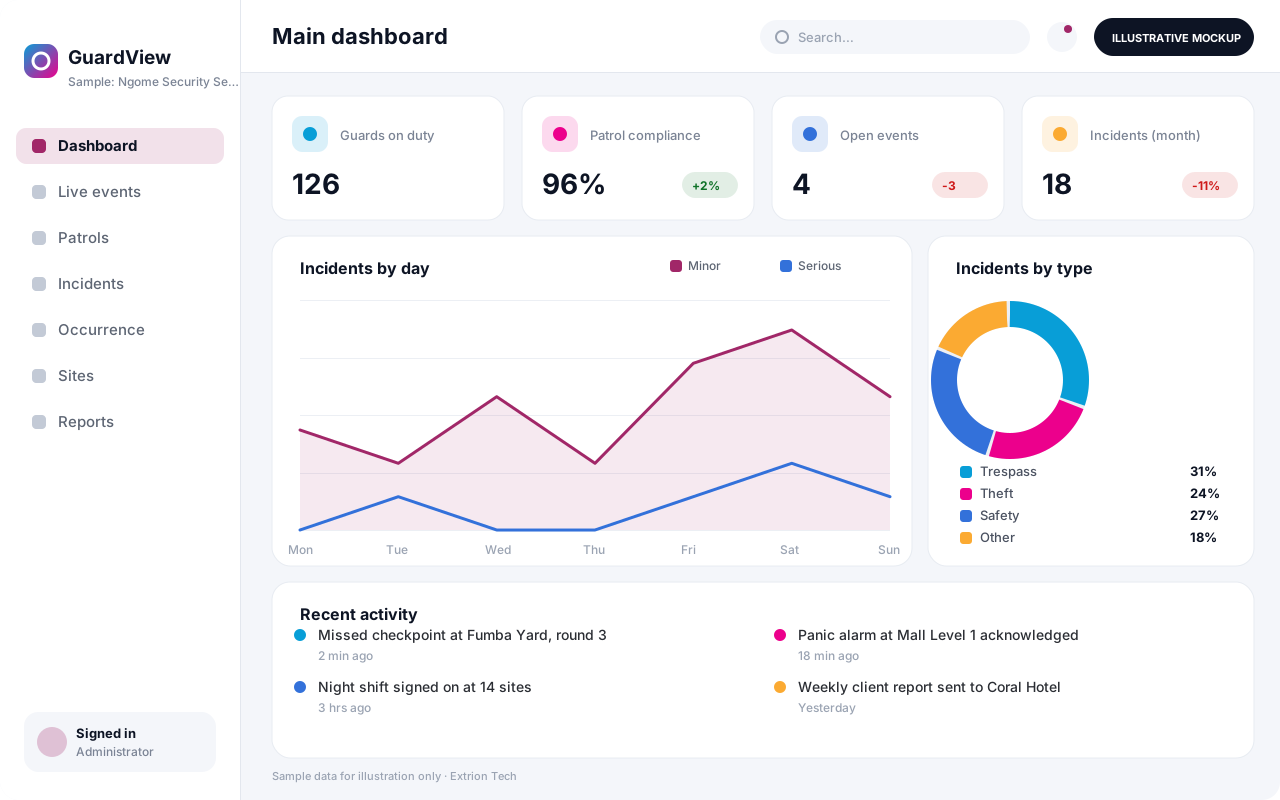 Security Monitoring and Incident Management System A control-room platform for guard tours, alarms, patrol check-ins, incident reporting and investigations, giving security managers one live picture of every site they protect.
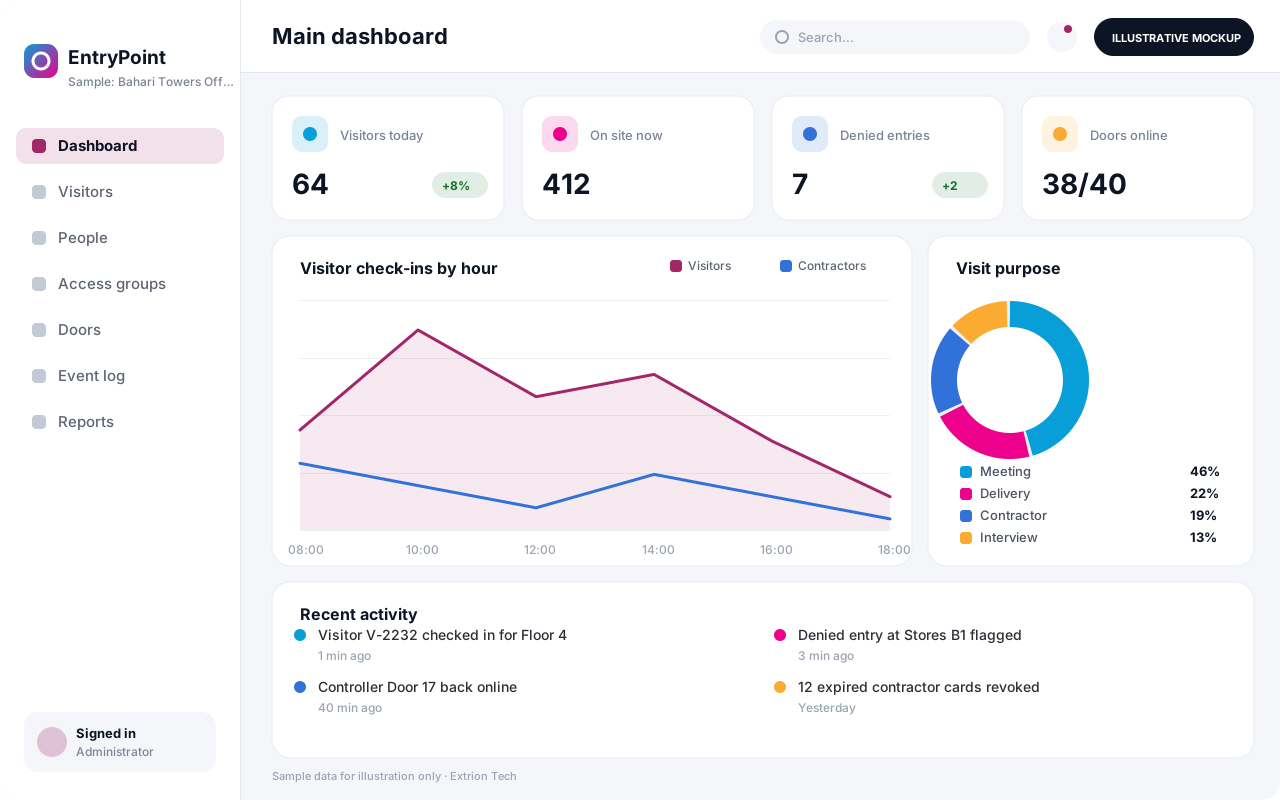 Access Control and Visitor Integration System Manage who may enter which doors and when, register visitors and contractors, issue badges and QR passes, and keep a single entry log from supported door controllers.
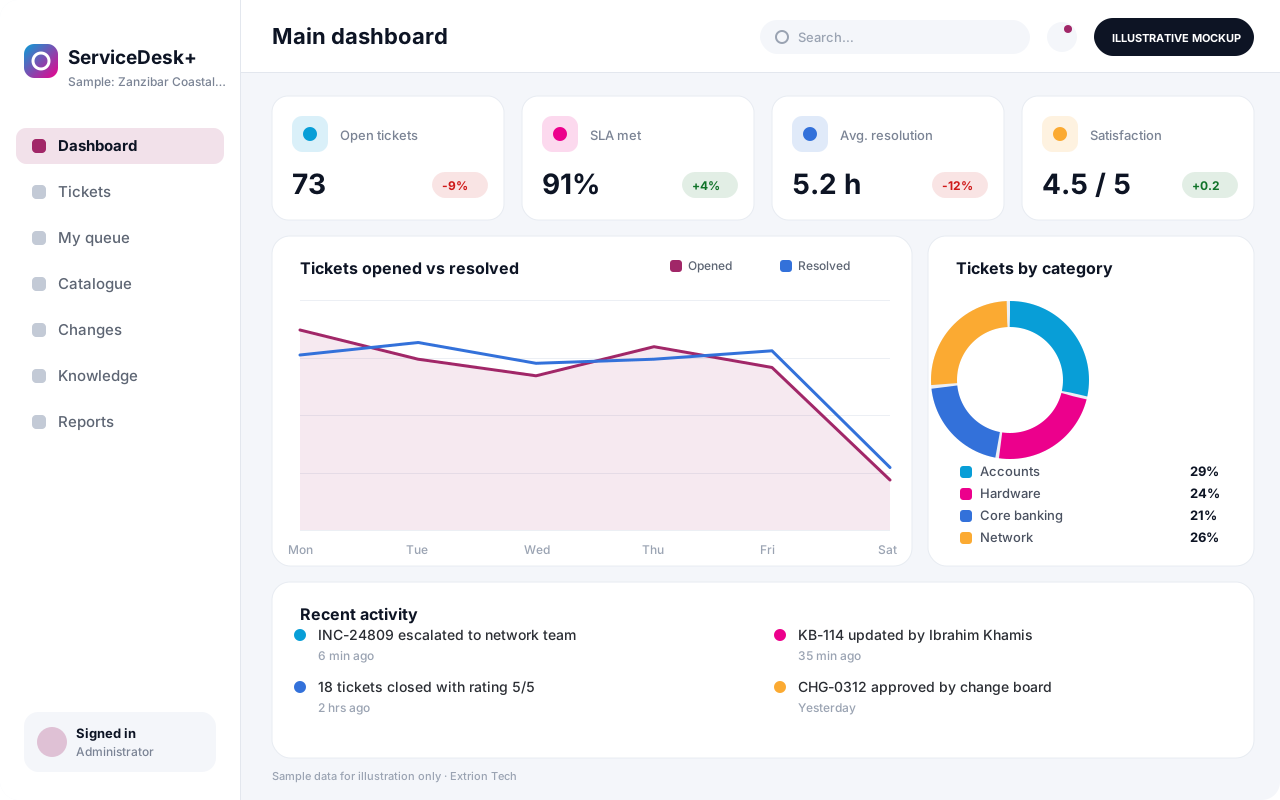 IT Helpdesk and Service Management System Log, prioritise and resolve IT requests and incidents with SLAs, a service catalogue, approvals, knowledge base articles and change records, through a portal, email or phone.
Back to the catalogue Business software services Our development process
