Public Sector & Organisations
Records and Registry Management System
A registry system that logs incoming and outgoing correspondence, tracks physical and digital files as they move between offices, and keeps records searchable and properly retained.
- Web-based
Overview
Records and Registry Management System (RRMS)
In many offices the registry is still the heart of administration: letters are stamped, entered in a ledger, placed in a file and carried from desk to desk. When a file is requested, nobody is quite sure whose desk it is on, and finding an old letter can mean searching shelves for hours.
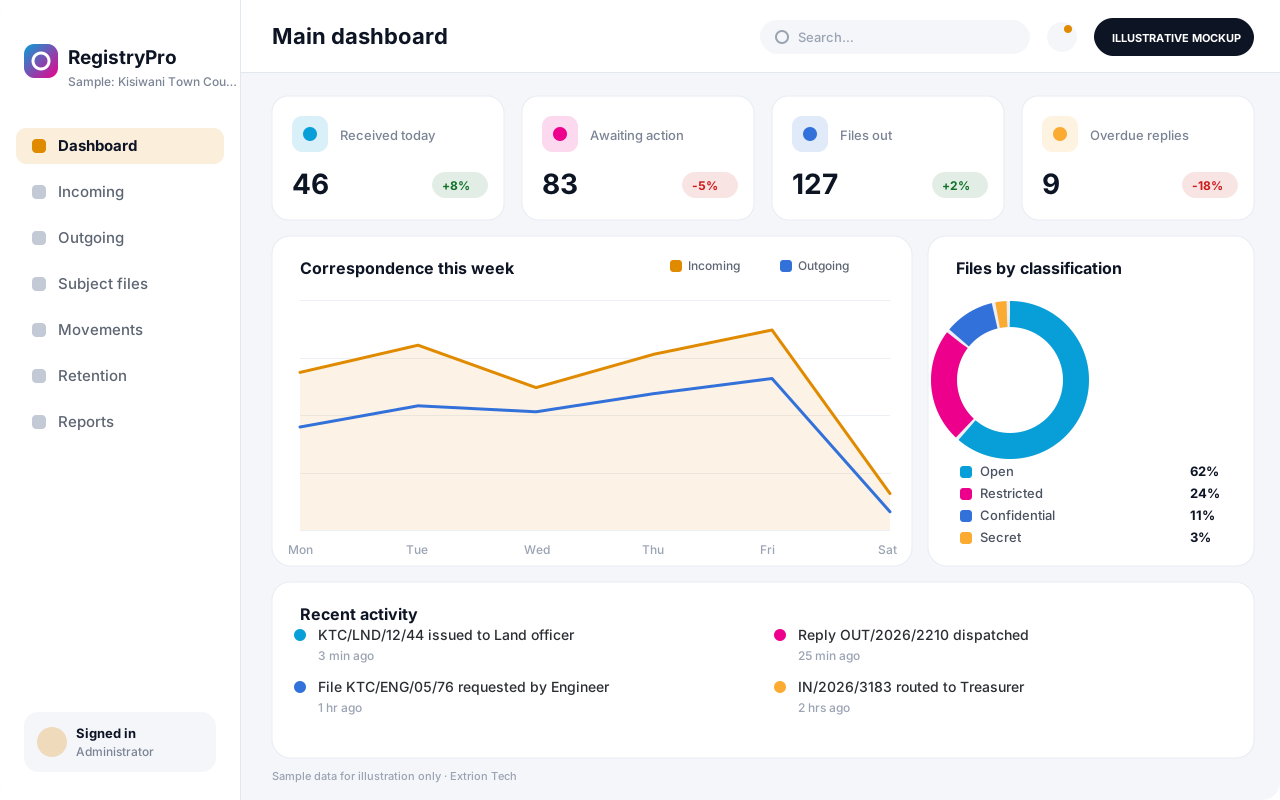
Extrion Tech develops records and registry management systems in-house for public institutions, statutory bodies and larger organisations in Zanzibar and across Tanzania. Incoming and outgoing correspondence is registered with a reference number, scanned where required and linked to the correct subject file. Every file movement is recorded, so the registry can see exactly who holds a physical file, since when, and who requested it next. Digital copies can be routed to action officers with minutes and deadlines, reducing the number of times paper has to travel.
The system follows the organisation’s own file classification scheme, reference format and retention schedule. Records nearing the end of their retention period can be listed for review, transfer or disposal approval rather than being forgotten in storage. Records management and archival requirements are established with the client for the relevant jurisdiction, and the system can be introduced alongside existing paper files during the transition.
Business problems it addresses
- Physical files go missing because movements between offices are recorded in a ledger or not at all.
- Officers spend hours searching for old letters, minutes and decisions across shelves and storerooms.
- Incoming correspondence is not acted on in time because there is no reminder or deadline tracking.
- File numbering and classification differ between departments, making records hard to retrieve.
- Records are kept indefinitely or disposed of informally because retention schedules are not applied.
Interface
Five screens of the system
Illustrative mockups with sample data — not screenshots of a client’s system.
Workflow
From receipt to archive
-
1
Receive correspondence
Incoming letter or document is stamped, registered and given a correspondence number.
-
2
Scan and classify
The item is scanned if required and linked to the correct subject file and classification.
-
3
Route for action
Registry routes it to the action officer with a minute, priority and response deadline.
-
4
File movement
Physical file transfers between offices are recorded, showing the current holder.
-
5
Response and dispatch
Outgoing replies are registered, referenced to the original and recorded as dispatched.
-
6
File closure
Completed files are closed and their retention period starts from the closure date.
-
7
Retention review
Records due for disposal or transfer are listed for authorised review and approval.
Functions covered
Modules and what they do
01 Registry operations
-
Correspondence register
Records incoming and outgoing letters with sender, subject, dates and reference numbers.
-
Subject file management
Creates and maintains files according to the organisation’s classification scheme.
-
File movement tracking
Logs every transfer of a physical file and shows who holds it now.
-
File requests
Lets officers request a file and queues requests when it is already out.
02 Digital records
-
Scanning and digital copies
Attaches scanned images and PDFs to correspondence and subject files.
-
Routing and minutes
Sends items to action officers with minutes, instructions and response deadlines.
-
Full-text search
Searches across references, subjects, senders and, where text is available, document content.
-
Barcode file labels
Optional / subject to scope
Prints barcode labels for files and speeds up movement recording with a scanner.
03 Retention and reporting
-
Retention schedules
Applies retention periods by record class and lists records due for review.
-
Disposal and transfer approvals
Records authorised decisions to destroy, retain or transfer records to an archive.
-
Registry reports
Reports on volumes received, pending actions, overdue responses and files out of registry.
Technology stack
Technology selected for this solution
These are the technologies planned for this type of system. The final stack depends on scale, performance, licensing, infrastructure, integrations and your requirements.
Frontend
Backend
Database
Infrastructure
Integrations
Security & data integrity
Protecting your data and its accuracy
Files can carry security classifications so that restricted or confidential records are visible only to authorised officers. Classification levels, retention periods and archival obligations are agreed with the client for the relevant jurisdiction.
Standard protections
-
Role-based access control
Each user sees only what their role allows.
-
Authentication and authorisation
Every request is checked for a signed-in, permitted user.
-
Fine-grained permissions
Permissions per module and action, such as view, edit or approve.
-
Secure password storage
Passwords are stored using strong one-way hashing, never in plain text.
-
Encryption in transit
HTTPS/TLS protects data between users and the server.
-
Server-side input validation
All input is validated on the server before it is saved.
-
Protection against common web vulnerabilities
Defences against injection, cross-site scripting and request forgery.
-
Database constraints and transactions
Constraints and transactions keep related records consistent.
-
Audit logs
Important actions are recorded with who, what and when.
-
User activity history
A history of each user’s activity for supervisors and administrators.
-
Backup and restoration
Scheduled backups with tested restoration procedures.
-
Session management
Session time-outs and the ability to sign out other devices.
-
Data retention and deletion policies
Retention periods and deletion rules agreed with you.
-
Data export controls
Exports limited to authorised roles and recorded.
Optional advanced protections
- Encryption at rest Sensitive data encrypted on disk where the infrastructure supports and is configured for it.
- Multi-factor authentication A second sign-in step for selected or all users.
- Single sign-on Sign in with your organisation’s identity provider where supported.
- Disaster recovery planning A documented plan to restore service after a major failure.
Data integrity
Reference numbers follow a controlled format and cannot be reused, and each file can have only one current holder at a time. Registered correspondence is never deleted outright; corrections and disposals are recorded with the authorising officer, so the audit trail can always reconstruct a record’s history.
Security controls are configured for each project. We do not claim certification, compliance or immunity from attack unless independently verified for your deployment.
Customisation & integration
Tailored to how you work
We tailor modules, reports, permissions, workflows, branding and integrations to your organisation. Tell us which features you need when you request a quote.
- File classification scheme and reference formats
- Retention schedules by record class
- Routing rules, minute templates and deadlines
- Security classification levels and access rules
- Registry reports and dispatch book layouts
Deployment & support
From go-live to continuous improvement
Onboarding, data migration, training, maintenance, technical support and future enhancements are services we scope into your project.
Bringing records from spreadsheets or older systems, checked and reconciled.
Role-based training for users, supervisors and administrators.
Technical support and maintenance under an agreed support plan.
New modules, reports and integrations as your organisation grows.
Pricing
Pricing tailored to your requirements
Every organisation has different workflows, users, infrastructure, and integration needs. Request a quotation for a solution designed around your requirements.
- Number of users, branches and modules
- Customisation and integrations
- Hosting: cloud, your server or hybrid
- Data migration and training
- Support and maintenance plan
Public Sector & Organisations
Related systems
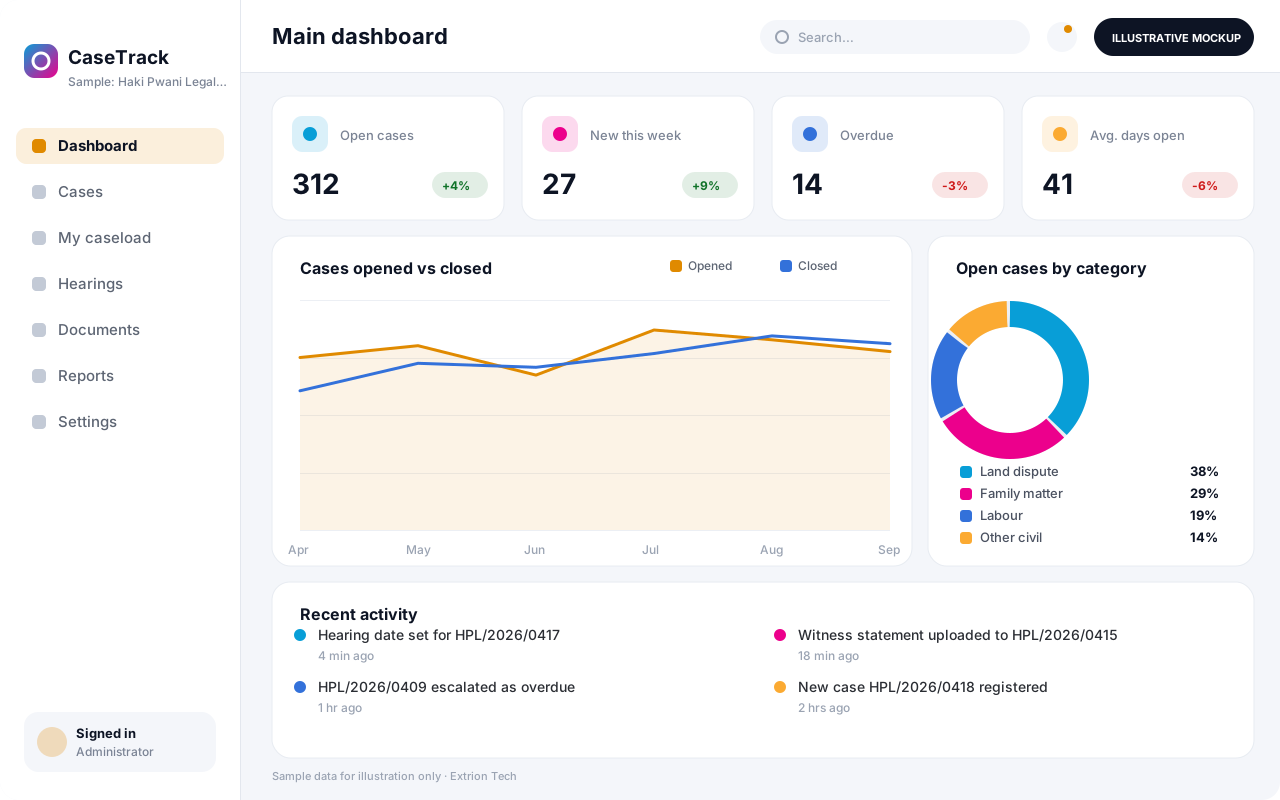 Case Management System A case management system that registers, assigns and tracks cases from intake to closure, with deadlines, case notes, documents and supervisor oversight in one record.
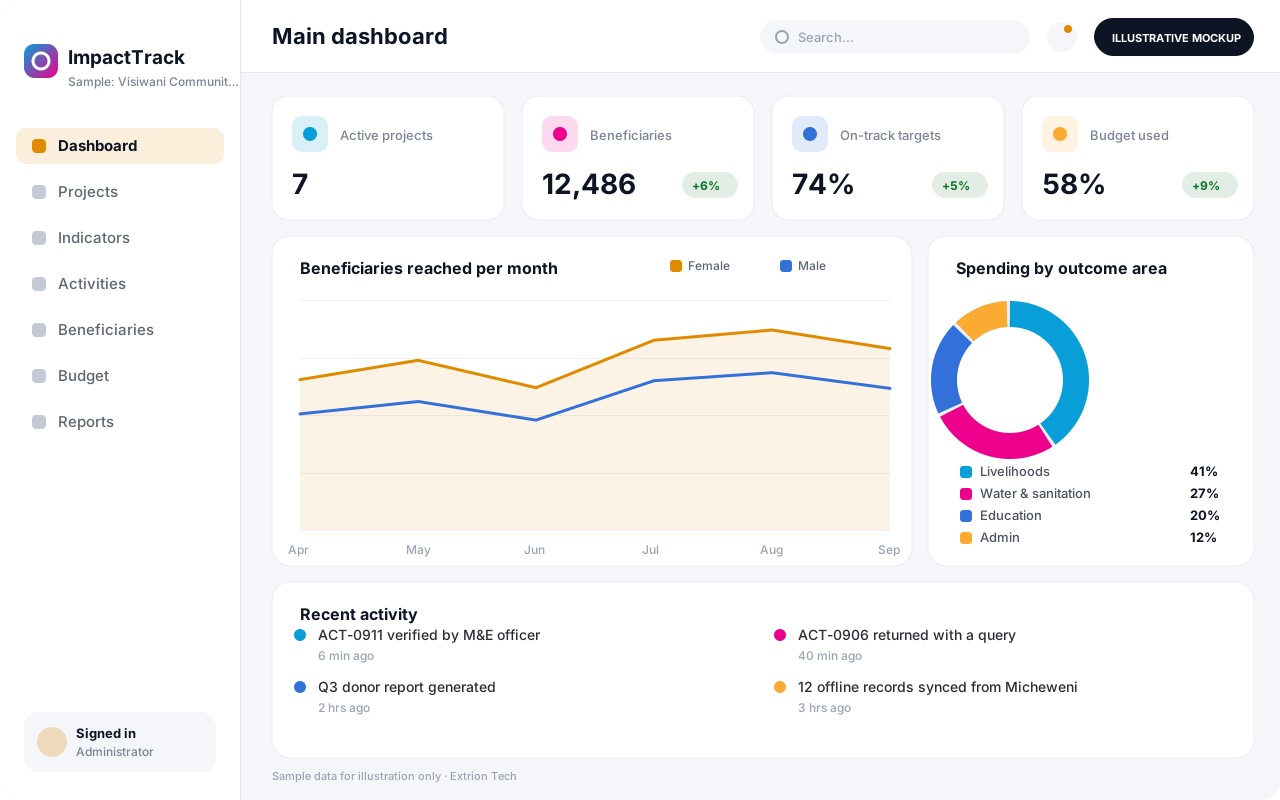 NGO and Project Monitoring System A monitoring and evaluation system for NGOs and project teams that links activities, beneficiaries, indicators and budgets, so progress against targets is visible without spreadsheet chasing.
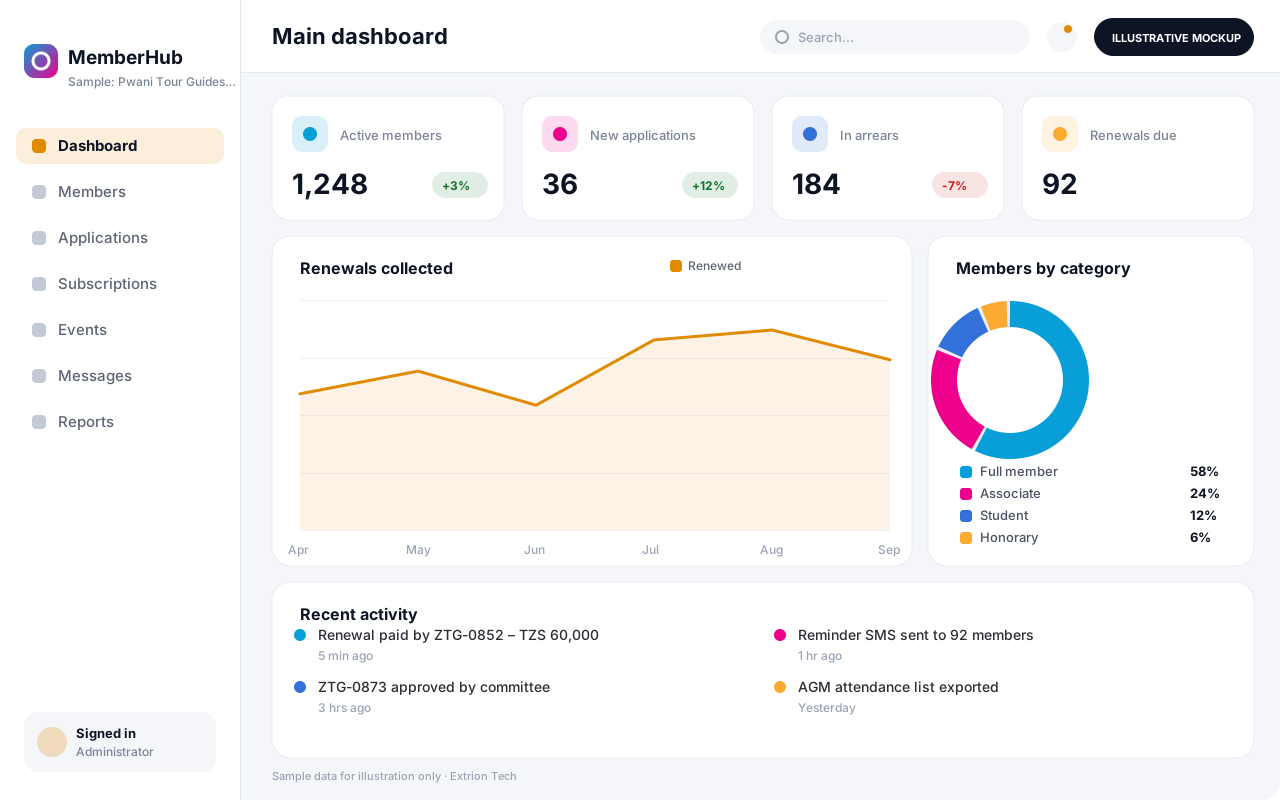 Membership Management System A membership system for associations, cooperatives and professional bodies that manages applications, member records, subscriptions, renewals, events and communication in one place.
Back to the catalogue Business software services Our development process
