Public Sector & Organisations
Case Management System
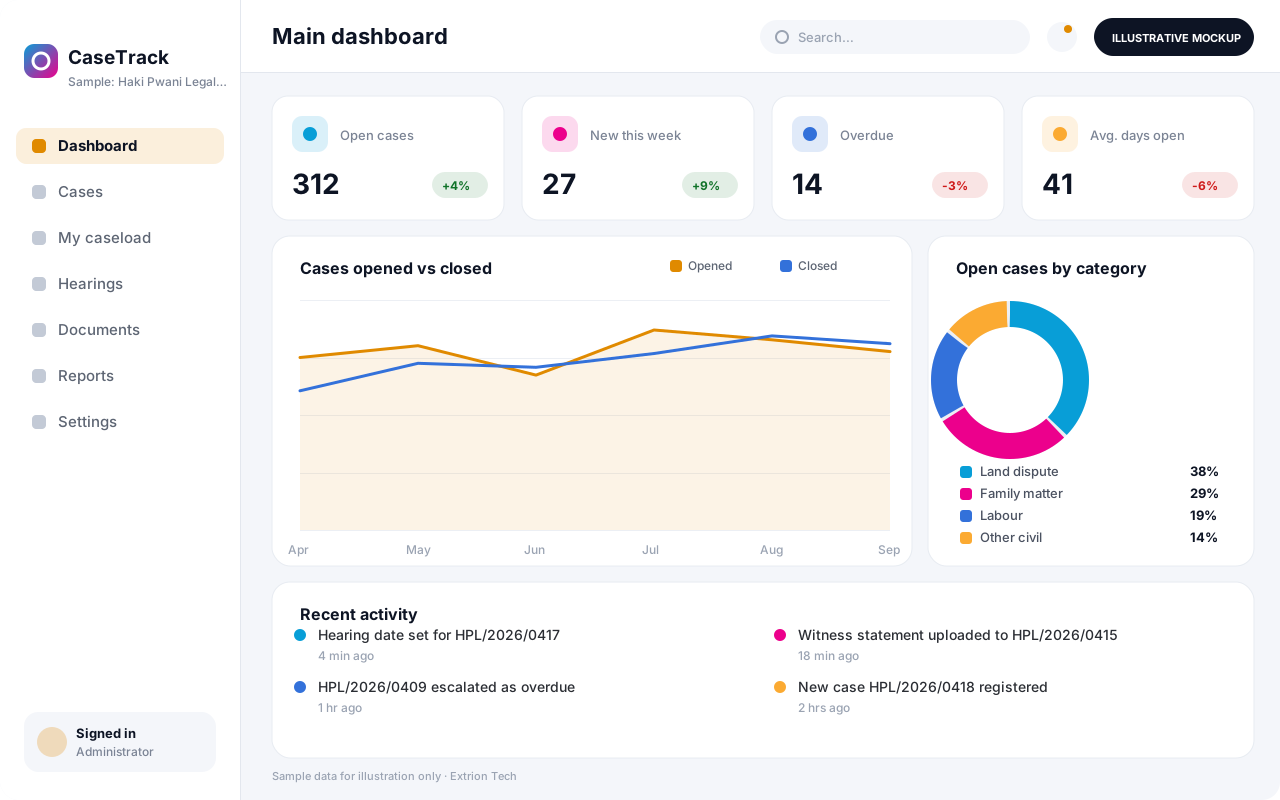
A case management system that registers, assigns and tracks cases from intake to closure, with deadlines, case notes, documents and supervisor oversight in one record.
- Web-based
- Android
Overview
Case Management System (CMS)
Many public offices, legal aid providers and social service teams still track cases in paper files, desk diaries and shared spreadsheets. Files go missing between officers, deadlines are noticed late and managers cannot see how many cases are open, stalled or overdue without asking each officer in turn.
Extrion Tech designs and develops case management systems in-house for organisations in Zanzibar, mainland Tanzania and the wider region. Each case receives a unique reference, a clear owner and a timeline that records every action, hearing, referral, letter and note. Officers work from a personal case list with due dates highlighted, while supervisors can reassign work, review progress and approve closure. Documents are attached to the case rather than kept in separate folders, and sensitive matters can be restricted to named staff.
The system is shaped around the client’s own case types, stages, service standards and reporting obligations. A complaints unit, a legal aid clinic and a social welfare office each run cases differently, so intake forms, categories, escalation rules and reports are configured during the project rather than forced into a generic template. Data protection, retention and confidentiality requirements are established with the client for the relevant jurisdiction before development begins.
Business problems it addresses
- Case files are held on paper or in personal folders, so history is lost when an officer is transferred or on leave.
- Deadlines, hearing dates and follow-ups are missed because there is no shared reminder or escalation process.
- Managers cannot see caseloads, overdue matters or average resolution times without manual counting.
- Confidential case details are shared by email or printed copies with little control over who sees them.
- Preparing periodic reports for boards, ministries or donors takes days of compiling figures by hand.
Interface
Five screens of the system
Illustrative mockups with sample data — not screenshots of a client’s system.
Workflow
From intake to case closure
-
1
Case intake
Complaint, referral or application is recorded with the client’s details and a case reference.
-
2
Screening and categorisation
The case is checked for eligibility, given a category and assigned a priority level.
-
3
Assignment
A supervisor assigns the case to an officer, taking current caseloads into account.
-
4
Investigation and actions
The officer records interviews, site visits, letters and notes against the case timeline.
-
5
Hearings and referrals
Hearing dates, referrals to other bodies and responses are scheduled and tracked.
-
6
Decision or resolution
The outcome is recorded and the supervisor reviews it before the case can be closed.
-
7
Closure and reporting
The case is closed, archived under retention rules and counted in periodic reports.
Functions covered
Modules and what they do
01 Case handling
-
Case intake and registration
Captures new cases through configurable intake forms and issues a unique case reference.
-
Assignment and caseloads
Lets supervisors assign, reassign and balance cases across officers and units.
-
Case timeline and notes
Keeps a dated record of every action, note, call and meeting on the case.
-
Document management
Stores letters, statements, photos and evidence against the relevant case.
02 Oversight and deadlines
-
Deadlines and hearings calendar
Tracks due dates and hearing dates with reminders to officers and supervisors.
-
Escalation rules
Flags cases that pass service standards and escalates them to the next level.
-
Supervisor review and closure approval
Requires a supervisor to review outcomes before a case is formally closed.
03 Reporting and access
-
Case reports and statistics
Produces caseload, outcome, category and resolution-time reports by period and unit.
-
Public case status lookup
Optional / subject to scope
Allows complainants to check case status online using their reference number.
-
SMS and email notifications
Optional / subject to scope
Sends hearing reminders and status updates to clients through an SMS gateway or email.
Technology stack
Technology selected for this solution
These are the technologies planned for this type of system. The final stack depends on scale, performance, licensing, infrastructure, integrations and your requirements.
Frontend
Backend
Database
Infrastructure
Integrations
Security & data integrity
Protecting your data and its accuracy
Case records can contain highly sensitive personal information, so access can be restricted per case or category and every view and change is logged. Confidentiality, retention and data protection requirements are agreed with the client for the relevant jurisdiction.
Standard protections
-
Role-based access control
Each user sees only what their role allows.
-
Authentication and authorisation
Every request is checked for a signed-in, permitted user.
-
Fine-grained permissions
Permissions per module and action, such as view, edit or approve.
-
Secure password storage
Passwords are stored using strong one-way hashing, never in plain text.
-
Encryption in transit
HTTPS/TLS protects data between users and the server.
-
Server-side input validation
All input is validated on the server before it is saved.
-
Protection against common web vulnerabilities
Defences against injection, cross-site scripting and request forgery.
-
Database constraints and transactions
Constraints and transactions keep related records consistent.
-
Audit logs
Important actions are recorded with who, what and when.
-
User activity history
A history of each user’s activity for supervisors and administrators.
-
Backup and restoration
Scheduled backups with tested restoration procedures.
-
Session management
Session time-outs and the ability to sign out other devices.
-
Data export controls
Exports limited to authorised roles and recorded.
-
Data retention and deletion policies
Retention periods and deletion rules agreed with you.
Optional advanced protections
- Multi-factor authentication A second sign-in step for selected or all users.
- Single sign-on Sign in with your organisation’s identity provider where supported.
- Encryption at rest Sensitive data encrypted on disk where the infrastructure supports and is configured for it.
- Disaster recovery planning A documented plan to restore service after a major failure.
Data integrity
Each case has one owner and one reference, and status changes follow defined stages so a case cannot be closed without a recorded outcome and supervisor approval. Notes and documents are time-stamped and cannot be silently edited, and the audit trail shows who viewed, changed or reassigned each case.
Security controls are configured for each project. We do not claim certification, compliance or immunity from attack unless independently verified for your deployment.
Customisation & integration
Tailored to how you work
We tailor modules, reports, permissions, workflows, branding and integrations to your organisation. Tell us which features you need when you request a quote.
- Case types, categories, stages and priority levels
- Intake forms and mandatory fields per case type
- Service standards, deadlines and escalation rules
- Report templates for boards, ministries or donors
- Branding, letter templates and notification wording
Deployment & support
From go-live to continuous improvement
Onboarding, data migration, training, maintenance, technical support and future enhancements are services we scope into your project.
Bringing records from spreadsheets or older systems, checked and reconciled.
Role-based training for users, supervisors and administrators.
Technical support and maintenance under an agreed support plan.
New modules, reports and integrations as your organisation grows.
Pricing
Pricing tailored to your requirements
Every organisation has different workflows, users, infrastructure, and integration needs. Request a quotation for a solution designed around your requirements.
- Number of users, branches and modules
- Customisation and integrations
- Hosting: cloud, your server or hybrid
- Data migration and training
- Support and maintenance plan
Public Sector & Organisations
Related systems
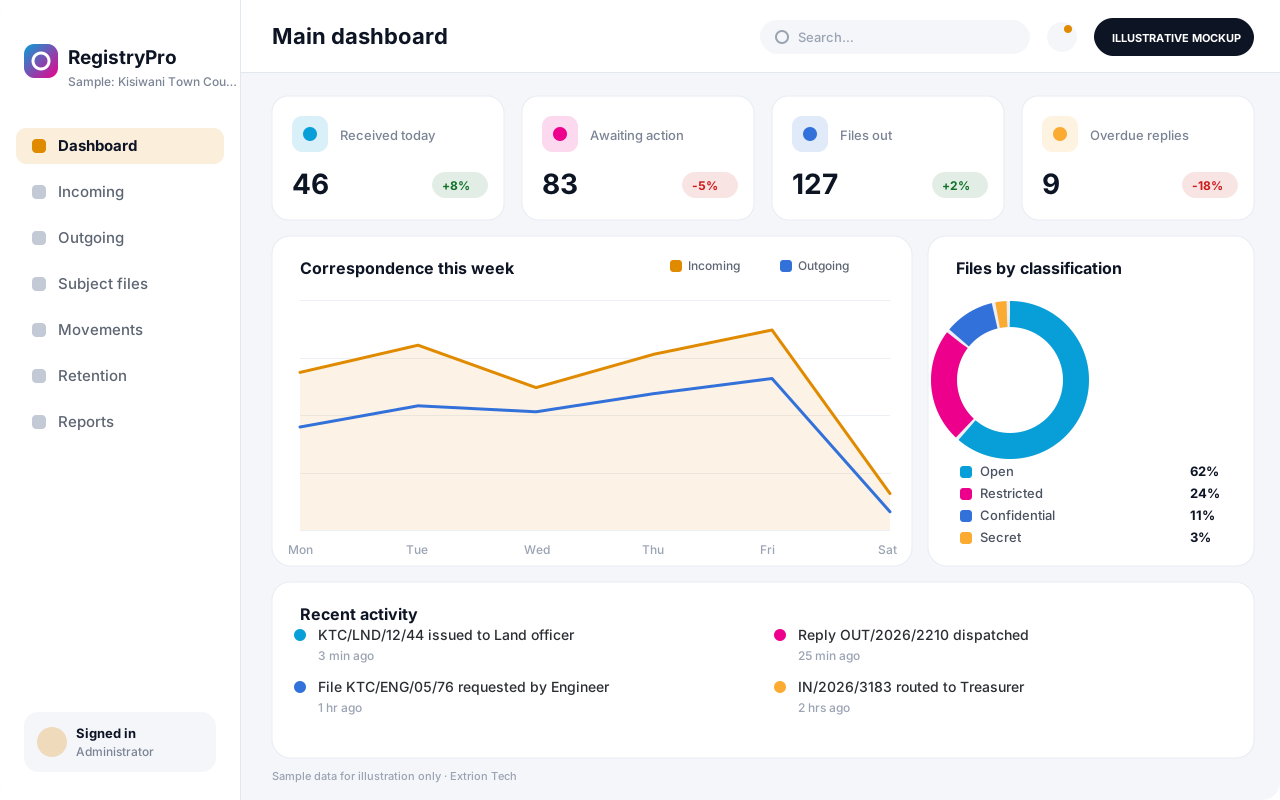 Records and Registry Management System A registry system that logs incoming and outgoing correspondence, tracks physical and digital files as they move between offices, and keeps records searchable and properly retained.
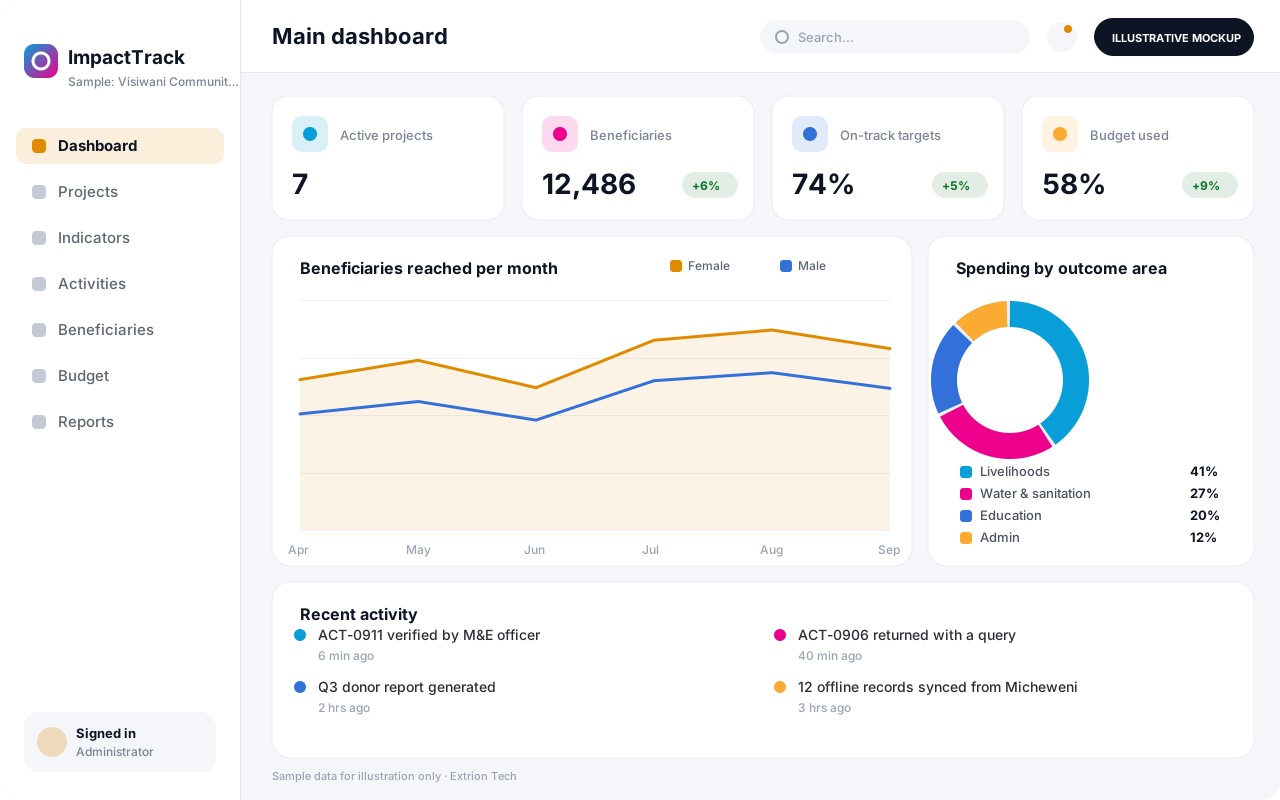 NGO and Project Monitoring System A monitoring and evaluation system for NGOs and project teams that links activities, beneficiaries, indicators and budgets, so progress against targets is visible without spreadsheet chasing.
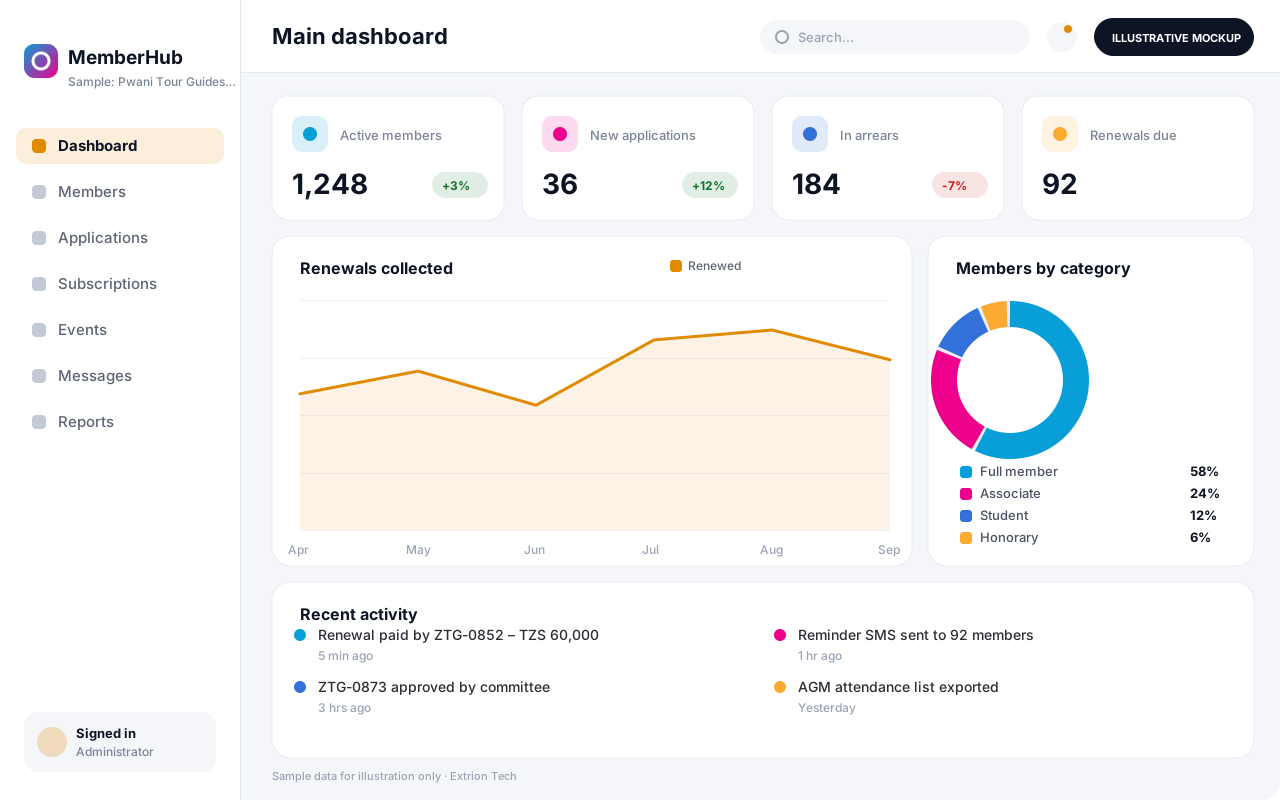 Membership Management System A membership system for associations, cooperatives and professional bodies that manages applications, member records, subscriptions, renewals, events and communication in one place.
Back to the catalogue Business software services Our development process
