Public Sector & Organisations
NGO and Project Monitoring System
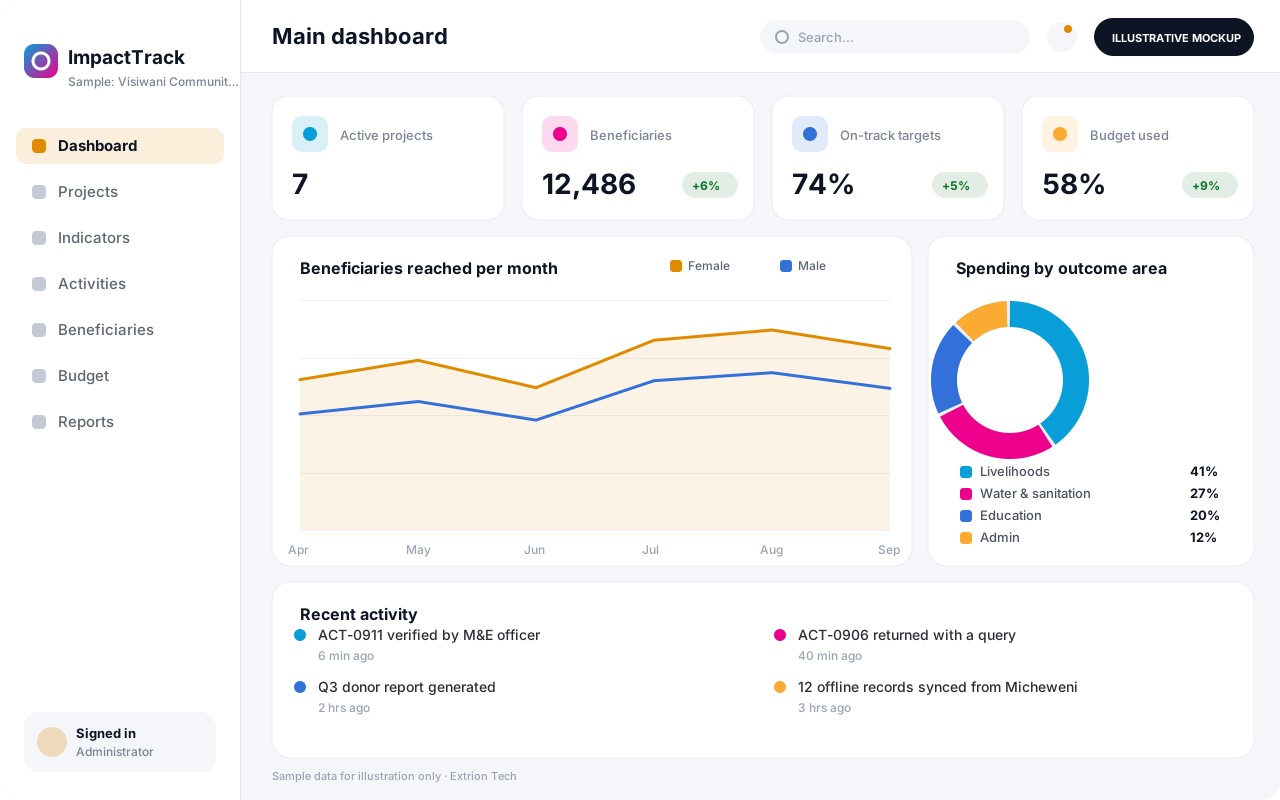
A monitoring and evaluation system for NGOs and project teams that links activities, beneficiaries, indicators and budgets, so progress against targets is visible without spreadsheet chasing.
- Web-based
- Android
Overview
NGO and Project Monitoring System (M&E)
NGOs and development projects answer to several audiences at once: donors want indicator reports in their own format, managers need to know which activities are behind schedule, and field teams need a simple way to record what they did and who they reached. When this lives in separate spreadsheets for every project and district, reporting periods become a scramble.
Extrion Tech designs and builds project monitoring systems in-house for NGOs, community-based organisations and programme units working in Zanzibar, mainland Tanzania and beyond. Each project holds its results framework, with outcomes, outputs, indicators, baselines and targets. Field staff record activities and beneficiary reach, including from a mobile app in areas with weak connectivity, and the figures roll up automatically to indicator progress. Budget lines can be linked to activities so that spending and delivery are reviewed together.
The system is built around how the organisation actually reports. Indicator definitions, disaggregation such as sex, age group and district, data verification steps and donor report templates are agreed during the project. Data protection requirements for beneficiary records are established with the client for the relevant jurisdiction, and identifiable information can be separated from aggregate reporting.
Business problems it addresses
- Indicator data is collected in different spreadsheets per project, district and officer, then merged by hand.
- Donor reports take weeks to prepare and figures are hard to trace back to the original activity records.
- Managers cannot see which activities are behind schedule or under-spent until the reporting period ends.
- Beneficiaries are double-counted across activities because there is no shared beneficiary register.
- Field data arrives late because staff in remote areas must travel to an office to submit paper forms.
Interface
Five screens of the system
Illustrative mockups with sample data — not screenshots of a client’s system.
Workflow
From project design to donor report
-
1
Project set-up
Project, donor, period, locations and budget are registered with the responsible team.
-
2
Results framework
Outcomes, outputs, indicators, baselines and targets are defined, with disaggregation.
-
3
Activity planning
Activities are scheduled by quarter and district, and linked to indicators and budget lines.
-
4
Field data capture
Field officers record activities, attendance and beneficiary reach, online or offline.
-
5
Data verification
M&E officers check submissions, query gaps and approve data before it counts.
-
6
Progress review
Indicator progress and spending are reviewed against targets in monthly meetings.
-
7
Donor reporting
Approved figures fill donor report templates and exports for each reporting period.
Functions covered
Modules and what they do
01 Project design
-
Project and grant register
Holds each project’s donor, period, locations, partners and total budget.
-
Results framework and indicators
Defines the logframe, indicators, baselines, targets and disaggregation categories.
-
Activity work plans
Schedules activities by period and location and assigns responsible staff.
02 Field data
-
Activity reporting
Records completed activities with dates, locations, participants and evidence photos.
-
Beneficiary register
Keeps one record per beneficiary to track services received and avoid double counting.
-
Mobile field app
Optional / subject to scope
Lets field staff capture data offline on Android devices and sync later.
-
Data verification queue
Routes submissions to M&E officers for checking, queries and approval.
03 Finance and reporting
-
Budget tracking
Compares budget lines with recorded spending per activity and period.
-
Indicator dashboards
Shows progress against targets by project, district and disaggregation.
-
Donor report templates
Generates reports and spreadsheets in the formats each donor requires.
-
Map view of activities
Optional / subject to scope
Plots activities and reach by location on a map for programme reviews.
Technology stack
Technology selected for this solution
These are the technologies planned for this type of system. The final stack depends on scale, performance, licensing, infrastructure, integrations and your requirements.
Frontend
Backend
Database
Mobile
Infrastructure
Integrations
Security & data integrity
Protecting your data and its accuracy
Beneficiary records may include names, ages, locations and vulnerability information, so identifiable data can be limited to authorised staff while donors see aggregates only. Privacy, consent and retention requirements are agreed with the client for the relevant jurisdiction.
Standard protections
-
Role-based access control
Each user sees only what their role allows.
-
Authentication and authorisation
Every request is checked for a signed-in, permitted user.
-
Fine-grained permissions
Permissions per module and action, such as view, edit or approve.
-
Secure password storage
Passwords are stored using strong one-way hashing, never in plain text.
-
Encryption in transit
HTTPS/TLS protects data between users and the server.
-
Server-side input validation
All input is validated on the server before it is saved.
-
Protection against common web vulnerabilities
Defences against injection, cross-site scripting and request forgery.
-
Database constraints and transactions
Constraints and transactions keep related records consistent.
-
Audit logs
Important actions are recorded with who, what and when.
-
User activity history
A history of each user’s activity for supervisors and administrators.
-
Backup and restoration
Scheduled backups with tested restoration procedures.
-
Secure API access
Authenticated, rate-limited access for integrations.
-
Offline mode with controlled synchronisation
Work offline and synchronise safely when the connection returns.
-
Data export controls
Exports limited to authorised roles and recorded.
Optional advanced protections
- Encryption at rest Sensitive data encrypted on disk where the infrastructure supports and is configured for it.
- Multi-factor authentication A second sign-in step for selected or all users.
- Data retention and deletion policies Retention periods and deletion rules agreed with you.
- Disaster recovery planning A documented plan to restore service after a major failure.
Data integrity
Indicator figures are calculated from approved activity and beneficiary records rather than typed in, so every reported number can be traced to its source entries. Validation rules catch impossible values and duplicates at entry, offline submissions are reconciled on sync, and verified data is locked once a reporting period is closed.
Security controls are configured for each project. We do not claim certification, compliance or immunity from attack unless independently verified for your deployment.
Customisation & integration
Tailored to how you work
We tailor modules, reports, permissions, workflows, branding and integrations to your organisation. Tell us which features you need when you request a quote.
- Results framework structure and indicator definitions
- Disaggregation categories and location hierarchy
- Field forms and verification steps
- Donor-specific report templates and exports
- Dashboards for management, partners or donors
Deployment & support
From go-live to continuous improvement
Onboarding, data migration, training, maintenance, technical support and future enhancements are services we scope into your project.
Bringing records from spreadsheets or older systems, checked and reconciled.
Role-based training for users, supervisors and administrators.
Technical support and maintenance under an agreed support plan.
New modules, reports and integrations as your organisation grows.
Pricing
Pricing tailored to your requirements
Every organisation has different workflows, users, infrastructure, and integration needs. Request a quotation for a solution designed around your requirements.
- Number of users, branches and modules
- Customisation and integrations
- Hosting: cloud, your server or hybrid
- Data migration and training
- Support and maintenance plan
Public Sector & Organisations
Related systems
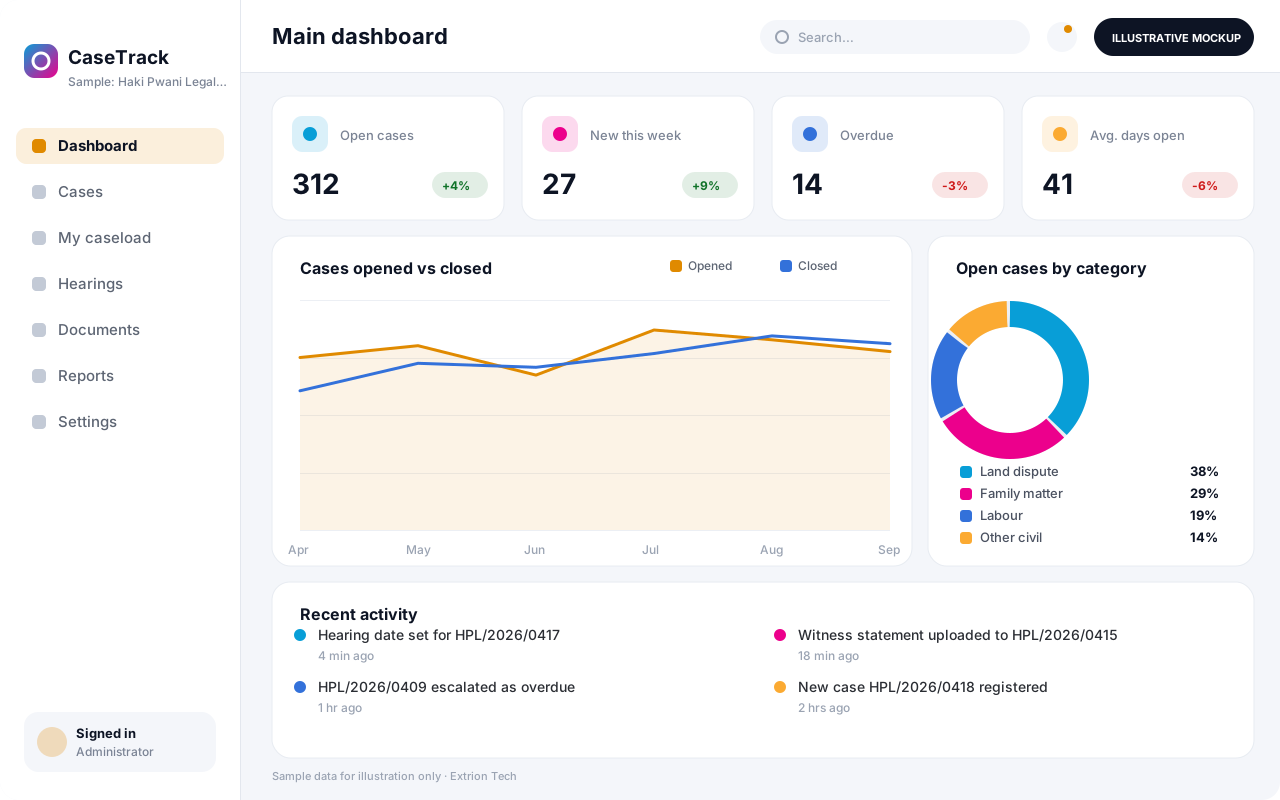 Case Management System A case management system that registers, assigns and tracks cases from intake to closure, with deadlines, case notes, documents and supervisor oversight in one record.
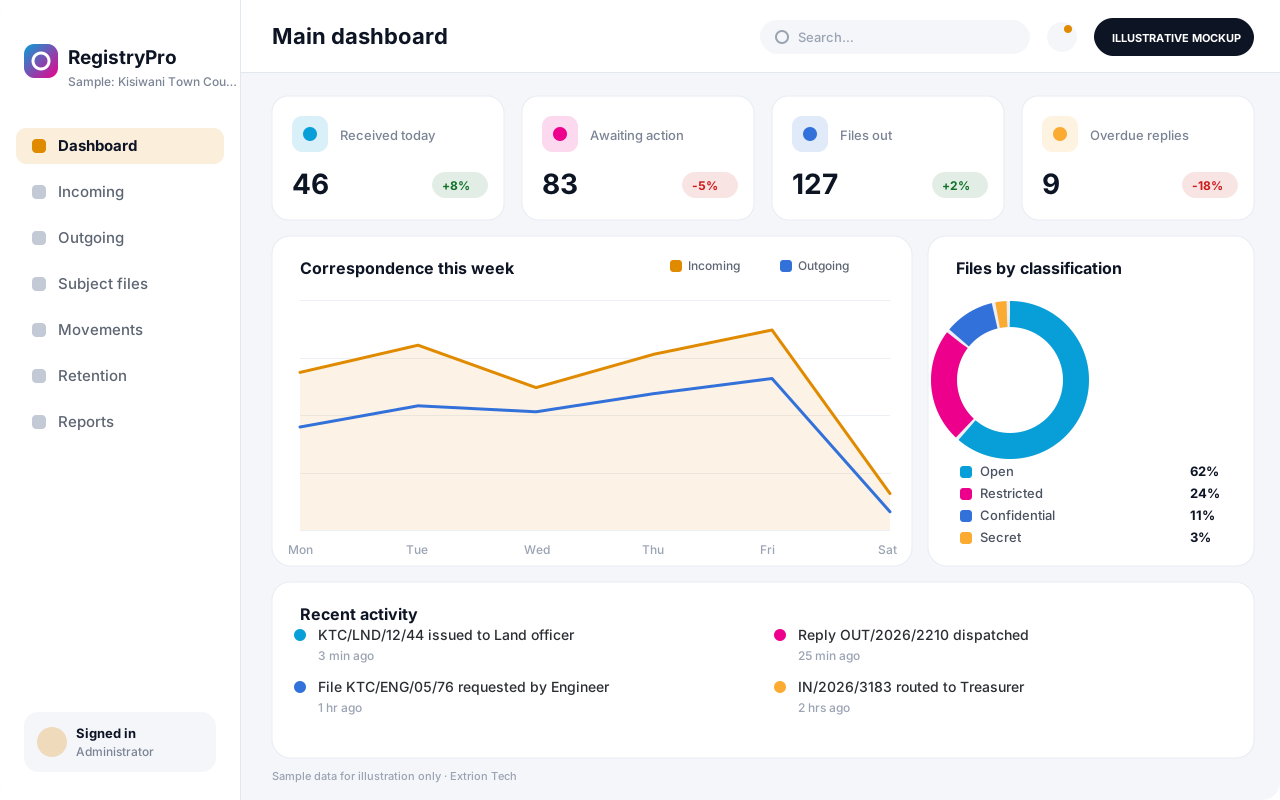 Records and Registry Management System A registry system that logs incoming and outgoing correspondence, tracks physical and digital files as they move between offices, and keeps records searchable and properly retained.
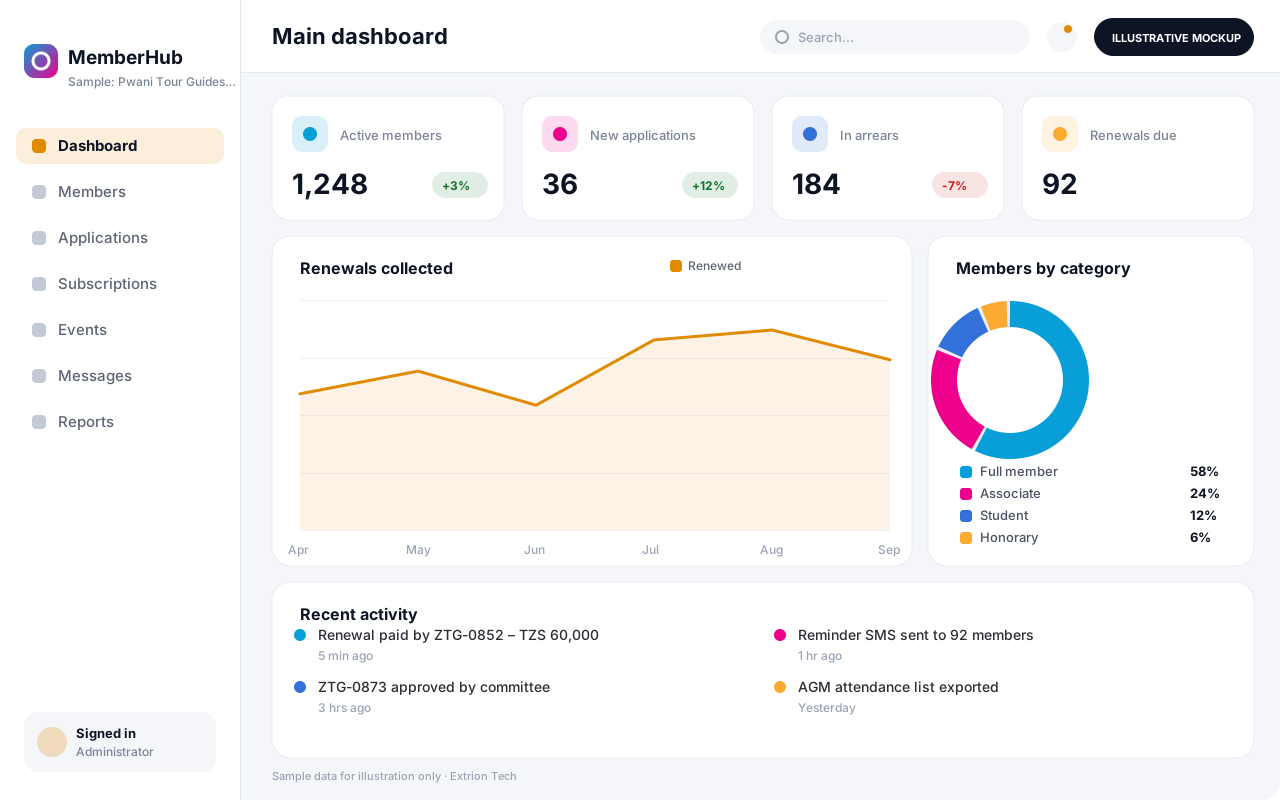 Membership Management System A membership system for associations, cooperatives and professional bodies that manages applications, member records, subscriptions, renewals, events and communication in one place.
Back to the catalogue Business software services Our development process
