Construction & Real Estate
Property Management System
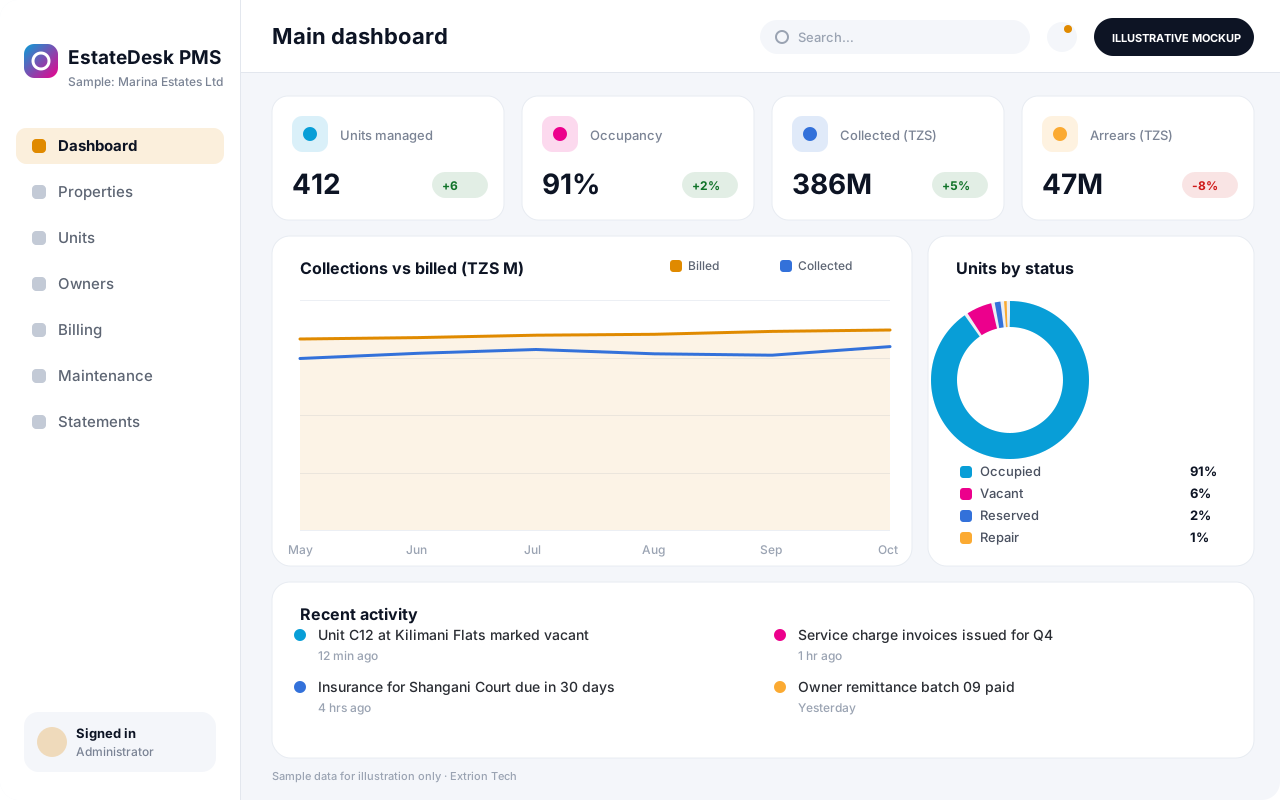
Manage a portfolio of buildings, units and owners in one system: occupancy, owner statements, service charges, maintenance and property-level income and expenses.
- Web-based
- Android
- iOS
Overview
Property Management System (PMS)
A Property Management System is built for organisations that look after buildings on behalf of themselves or other owners. It keeps a structured record of every property, block, floor and unit, who owns it, who occupies it and what it earns and costs. Extrion Tech can design and develop it in-house for estate agents, management companies and institutional landlords in Zanzibar and across Tanzania.
The system is organised around the portfolio rather than individual tenancies. Managers see occupancy and vacancy by building, collect service charges for shared areas such as security, cleaning and generators, and record property expenses like repairs, utilities and insurance. Each owner receives a periodic statement showing rent collected, management fees deducted, expenses paid and the net amount remitted, which removes much of the manual work behind owner reporting.
Maintenance requests are linked to units and assets, assigned to staff or contractors, and costed back to the right property. Documents such as title deeds, building permits and insurance policies are stored against each property with expiry reminders. Where the client also needs detailed lease administration, the system can be combined with a rental and tenancy module. Fee structures, statement formats and approval rules are agreed with you during analysis.
Business problems it addresses
- Property records, owner details and unit status are kept in separate files.
- Owner statements are compiled by hand each month and often disputed.
- Service charges for shared costs are not allocated fairly or collected consistently.
- Repair costs are not linked to the property, so true net income is unknown.
- Insurance, permits and contracts expire without anyone being reminded.
Interface
Five screens of the system
Illustrative mockups with sample data — not screenshots of a client’s system.
Workflow
From property onboarding to owner remittance
-
1
Onboard property
Register the building, units, owner, mandate and management fee.
-
2
Unit status
Mark each unit as occupied, vacant, reserved or under repair.
-
3
Service charge budget
Set annual shared costs and apportion them across units.
-
4
Billing and collection
Issue rent and service charge invoices and record receipts.
-
5
Expenses and repairs
Record property costs and approved maintenance against the building.
-
6
Owner statement
Calculate income, fees and expenses, then the net due to the owner.
-
7
Remittance
Approve and record payment to the owner and close the period.
Functions covered
Modules and what they do
01 Portfolio
-
Property and unit register
Records buildings, blocks, units, sizes, features and status.
-
Owners and mandates
Holds owner details, management agreements and fee terms.
-
Documents and compliance
Stores deeds, permits and policies with expiry reminders.
02 Finance
-
Billing and receipts
Generates rent and service charge invoices and records payments.
-
Service charge management
Budgets shared costs and apportions them by unit size or agreed share.
-
Property expense ledger
Records utilities, repairs and insurance per property.
-
Owner statements and remittance
Produces periodic statements and records owner payments.
-
Mobile money and bank collections
Optional / subject to scope
Matches payments from mobile money or bank feeds where an API is available.
03 Operations
-
Maintenance requests
Logs, assigns and costs repairs against units and building assets.
-
Owner portal
Optional / subject to scope
Lets owners view statements, occupancy and documents online.
-
Portfolio reports
Shows occupancy, arrears, yield and net income by property.
Technology stack
Technology selected for this solution
These are the technologies planned for this type of system. The final stack depends on scale, performance, licensing, infrastructure, integrations and your requirements.
Frontend
Backend
Database
Mobile
Infrastructure
Integrations
Security & data integrity
Protecting your data and its accuracy
Owner and occupant financial records are restricted by portfolio and role, owners see only their own properties, and retention of personal and financial data is agreed with the client for the relevant jurisdiction.
Standard protections
-
Role-based access control
Each user sees only what their role allows.
-
Authentication and authorisation
Every request is checked for a signed-in, permitted user.
-
Fine-grained permissions
Permissions per module and action, such as view, edit or approve.
-
Secure password storage
Passwords are stored using strong one-way hashing, never in plain text.
-
Encryption in transit
HTTPS/TLS protects data between users and the server.
-
Server-side input validation
All input is validated on the server before it is saved.
-
Protection against common web vulnerabilities
Defences against injection, cross-site scripting and request forgery.
-
Database constraints and transactions
Constraints and transactions keep related records consistent.
-
Audit logs
Important actions are recorded with who, what and when.
-
User activity history
A history of each user’s activity for supervisors and administrators.
-
Backup and restoration
Scheduled backups with tested restoration procedures.
-
Session management
Session time-outs and the ability to sign out other devices.
-
Data export controls
Exports limited to authorised roles and recorded.
Optional advanced protections
- Multi-factor authentication A second sign-in step for selected or all users.
- Encryption at rest Sensitive data encrypted on disk where the infrastructure supports and is configured for it.
- Disaster recovery planning A documented plan to restore service after a major failure.
- Secure API access Authenticated, rate-limited access for integrations.
Data integrity
Receipts, expenses and remittances are posted as balanced ledger entries per property and owner, so statements always tie back to transactions. Closed periods are locked, corrections are made through dated adjustments, and collections can be reconciled against bank or mobile money statements.
Security controls are configured for each project. We do not claim certification, compliance or immunity from attack unless independently verified for your deployment.
Customisation & integration
Tailored to how you work
We tailor modules, reports, permissions, workflows, branding and integrations to your organisation. Tell us which features you need when you request a quote.
- Management fee rules and owner statement layout
- Service charge apportionment methods
- Property, unit and amenity attributes
- Approval levels for expenses and remittances
- Owner portal branding and payment integrations
Deployment & support
From go-live to continuous improvement
Onboarding, data migration, training, maintenance, technical support and future enhancements are services we scope into your project.
Bringing records from spreadsheets or older systems, checked and reconciled.
Role-based training for users, supervisors and administrators.
Technical support and maintenance under an agreed support plan.
New modules, reports and integrations as your organisation grows.
Pricing
Pricing tailored to your requirements
Every organisation has different workflows, users, infrastructure, and integration needs. Request a quotation for a solution designed around your requirements.
- Number of users, branches and modules
- Customisation and integrations
- Hosting: cloud, your server or hybrid
- Data migration and training
- Support and maintenance plan
Construction & Real Estate
Related systems
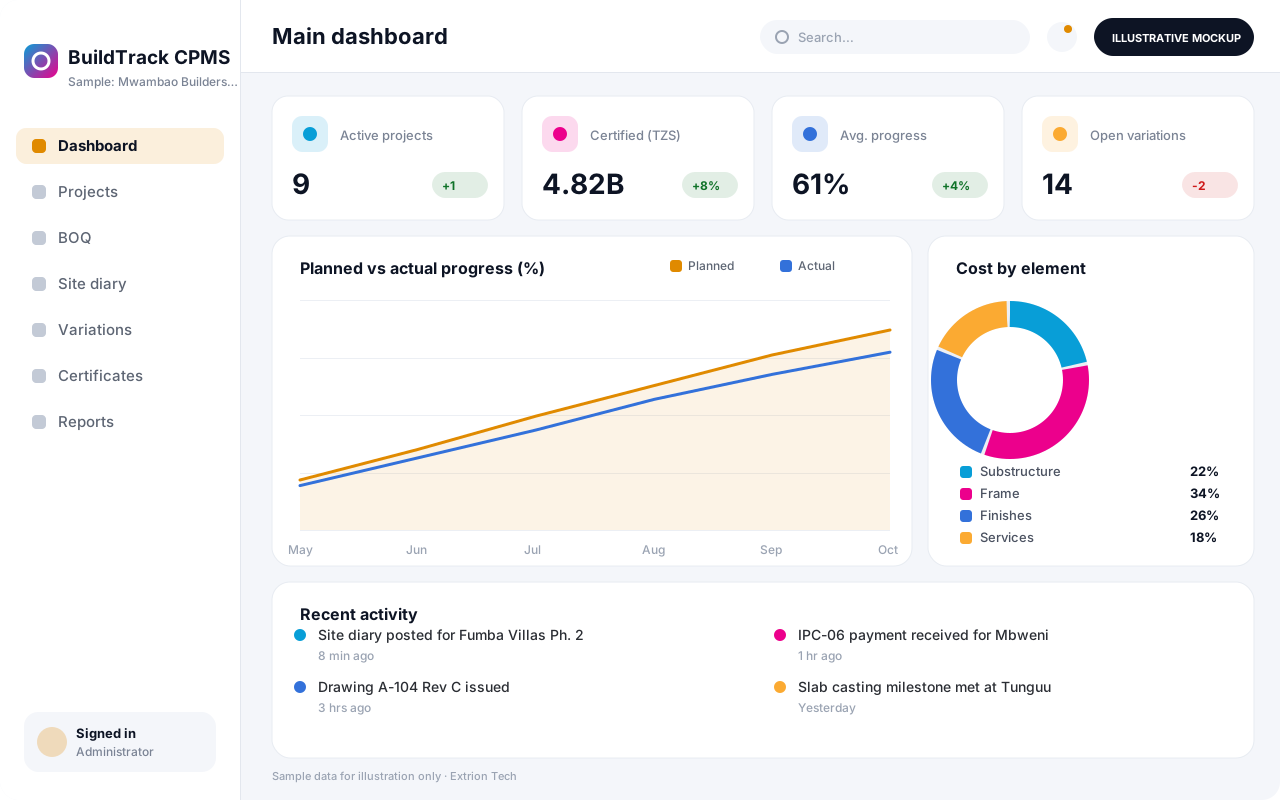 Construction Project Management System A custom platform to plan construction projects, track progress against the bill of quantities, control budgets and variations, and manage interim payment certificates.
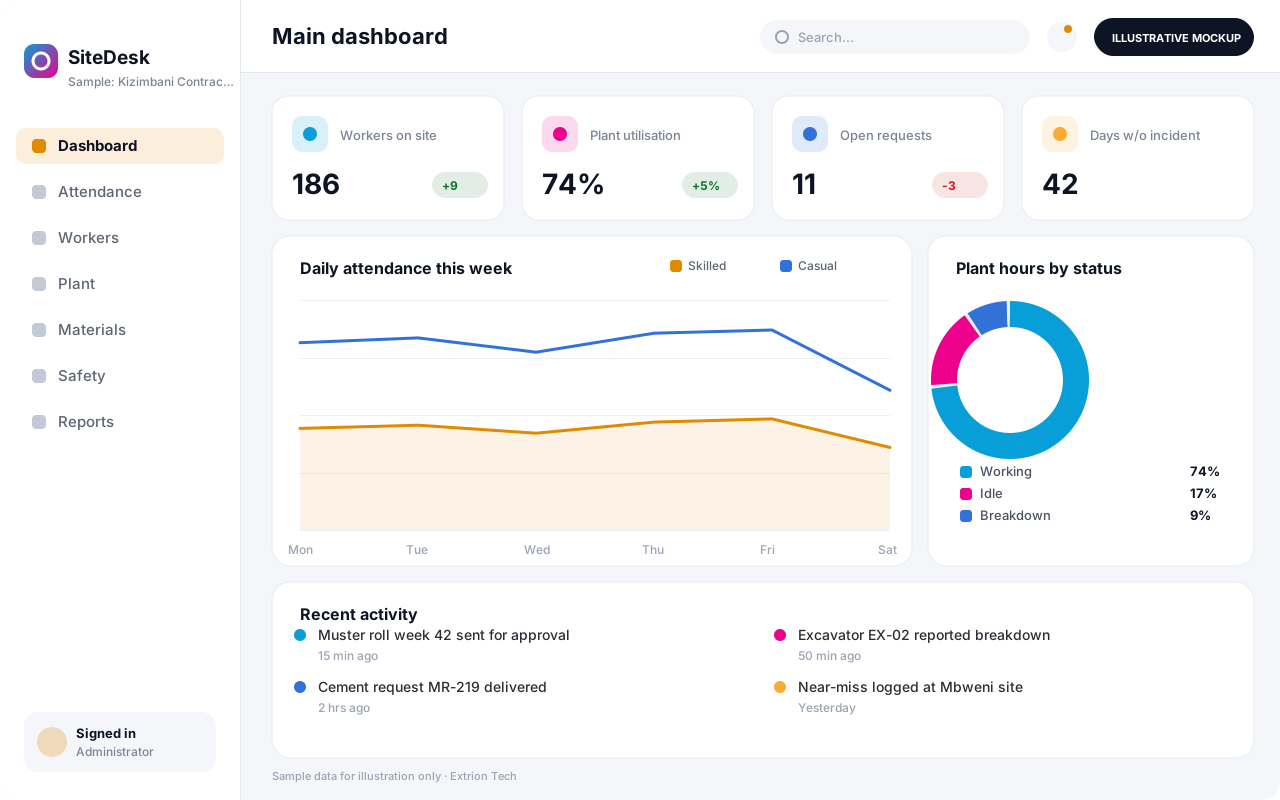 Contractor and Site Operations Management System Day-to-day site control for contractors: labour attendance and casual payroll, plant usage, material requests, safety inspections and daily reports from every active site.
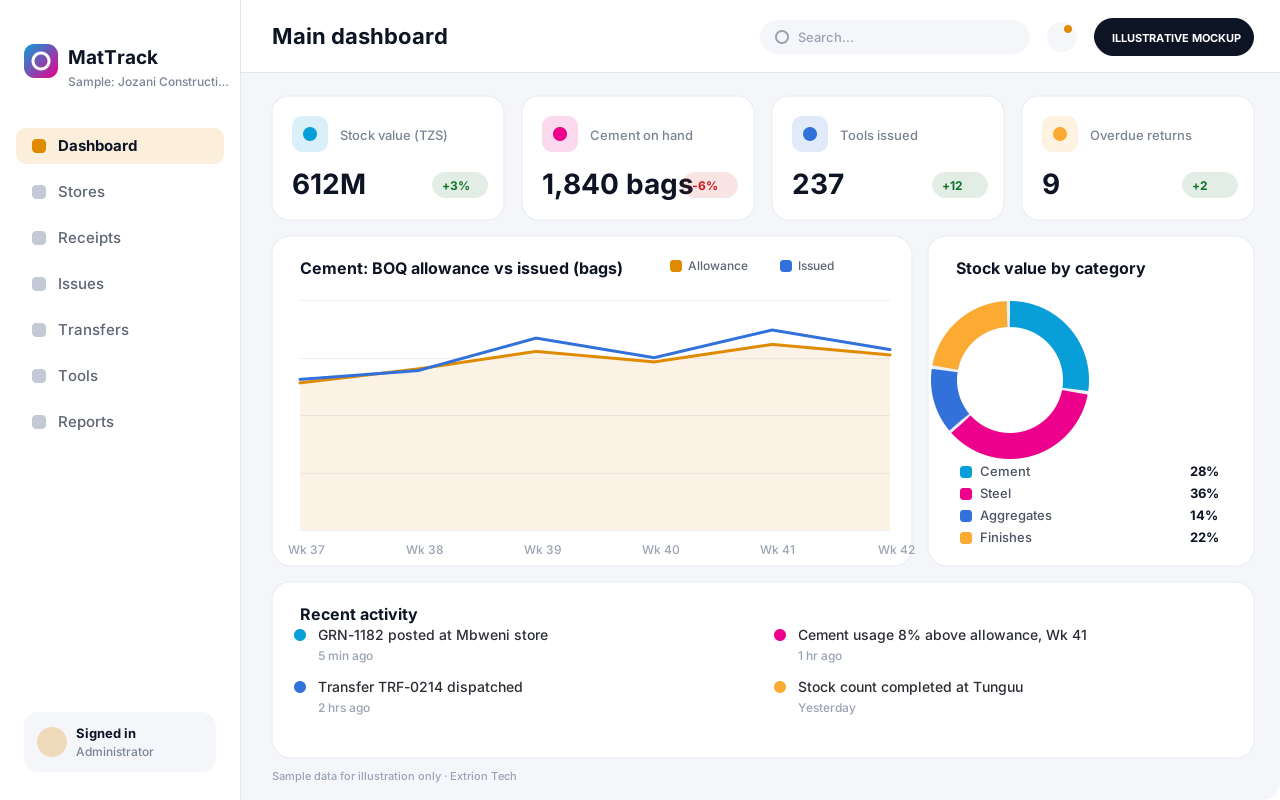 Building Materials and Equipment Tracking System Track cement, steel, aggregates, tools and equipment from purchase to site, with stores per project, transfers, tool issue to workers and material reconciliation against BOQ.
Back to the catalogue Business software services Our development process
