Inventory, Retail & Commerce
Point of Sale System
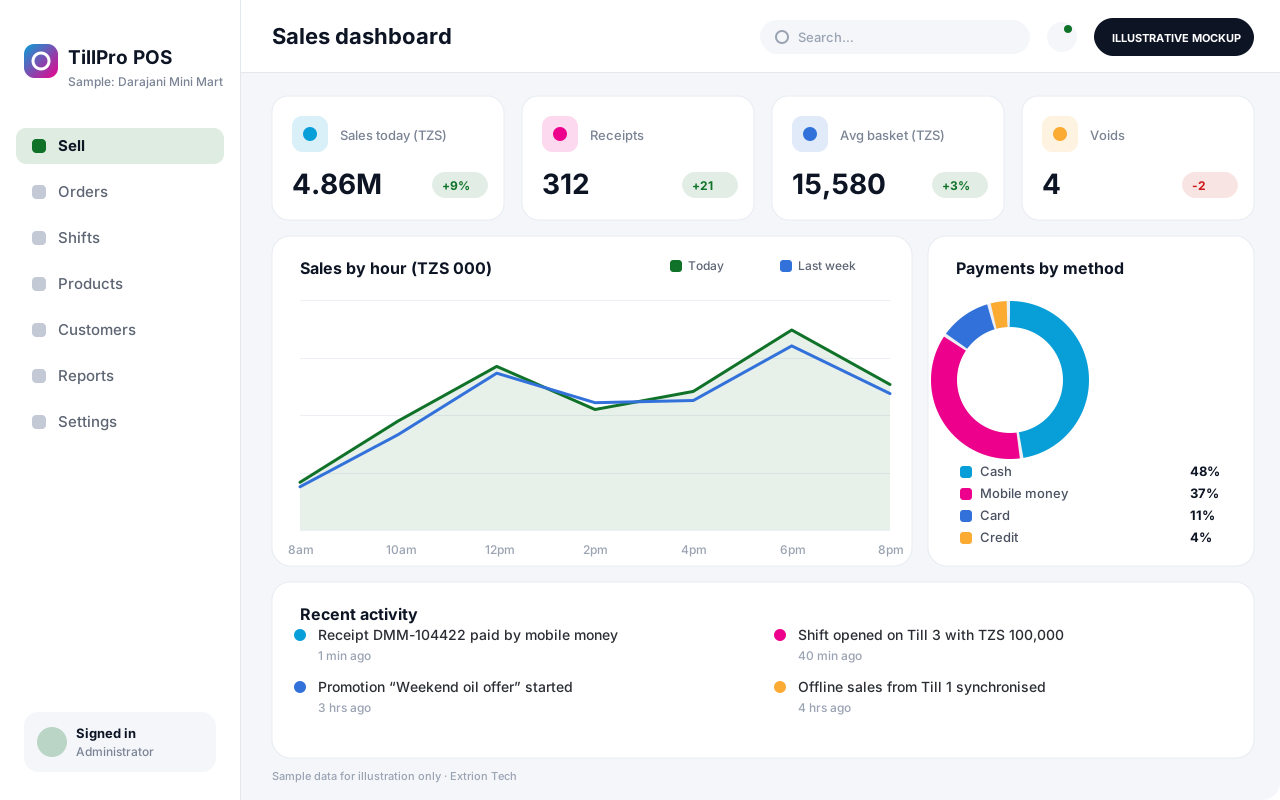
A fast point of sale system for shops, restaurants and pharmacies, with barcode checkout, mixed payments, shift cash-up and live stock deduction across tills and branches.
- Web-based
- Windows desktop
- Android
Overview
Point of Sale System (POS)
A Point of Sale System is where every sale is captured, so it must be quick at the counter and dependable at closing time. Extrion Tech builds POS software tailored to the way your outlets sell: barcode or touch-screen item selection, price levels, discounts within set limits, and receipts printed or sent by SMS.
Customers in Zanzibar and mainland Tanzania pay in many ways, so the till can split a bill between cash, card and mobile money, with mobile money confirmation integrated where the provider offers an API. Each cashier opens a shift with a float and closes it with a cash-up that compares counted cash with expected takings. Returns, voids and price overrides require a supervisor and are logged. Integration with a TRA-approved fiscal device or virtual fiscal device (EFD/VFD) is optional and subject to project scope; tax requirements are confirmed with the client.
Sales deduct stock immediately, and head office sees branch takings, best-selling items and cashier performance in real time. The till can keep selling during an internet outage and synchronise later, which matters in areas with unreliable connectivity. Retail, restaurant and pharmacy variants can be configured from the same core.
Business problems it addresses
- Long queues form because manual calculation and handwritten receipts are slow.
- Cash shortages at closing cannot be traced to a shift or cashier.
- Unauthorised discounts, voids and refunds go unnoticed.
- Stock sold at the counter is not deducted, so inventory records drift.
- Owners cannot see branch sales until the end of the day or week.
Interface
Five screens of the system
Illustrative mockups with sample data — not screenshots of a client’s system.
Workflow
From opening shift to end-of-day reports
-
1
Open shift
Cashier signs in at the till and records the opening cash float.
-
2
Scan or select items
Add items by barcode, search or touch menu, with price levels applied.
-
3
Discounts and approvals
Apply allowed discounts; overrides above limit need supervisor approval.
-
4
Take payment
Accept cash, card or mobile money, or split one bill across methods.
-
5
Issue receipt
Print or SMS the receipt; fiscal receipt via EFD/VFD where in scope.
-
6
Stock deduction
Sold quantities are deducted from the outlet’s stock immediately.
-
7
Close and cash-up
Count cash, compare with expected takings and record any variance.
-
8
Sales reports
Review takings by branch, item, payment method and cashier.
Functions covered
Modules and what they do
01 Checkout
-
Sales terminal
Fast item entry by barcode, search or touch menu with running totals.
-
Payments
Accepts cash, card and mobile money and supports split payments and change.
-
Returns and voids
Handles refunds and cancelled lines with supervisor authorisation.
-
Receipts
Prints receipts or sends them by SMS with outlet details and reference number.
02 Store control
-
Shifts and cash-up
Records opening floats, cash drops and closing counts per cashier.
-
Price lists and promotions
Manages prices, time-limited offers and discount limits per role.
-
Outlet stock
Deducts stock on sale and records outlet receipts and transfers.
-
Customer accounts
Optional / subject to scope
Keeps credit customers, balances and loyalty points where needed.
03 Reporting and integration
-
Sales reports
Shows takings by branch, item, hour, payment method and cashier.
-
Restaurant mode
Optional / subject to scope
Adds tables, kitchen order tickets and bill splitting for food outlets.
-
Fiscal device integration
Optional / subject to scope
Sends sales to a TRA EFD or VFD where in scope and the device or service supports it.
-
Mobile money confirmation
Optional / subject to scope
Confirms mobile money payments automatically where the provider offers an API.
Technology stack
Technology selected for this solution
These are the technologies planned for this type of system. The final stack depends on scale, performance, licensing, infrastructure, integrations and your requirements.
Frontend
Backend
Database
Mobile
Desktop
Infrastructure
Integrations
Security & data integrity
Protecting your data and its accuracy
Cashiers can only perform actions allowed for their role, and every void, refund, discount override and cash variance is logged with the cashier and approving supervisor.
Standard protections
-
Role-based access control
Each user sees only what their role allows.
-
Authentication and authorisation
Every request is checked for a signed-in, permitted user.
-
Fine-grained permissions
Permissions per module and action, such as view, edit or approve.
-
Secure password storage
Passwords are stored using strong one-way hashing, never in plain text.
-
Encryption in transit
HTTPS/TLS protects data between users and the server.
-
Server-side input validation
All input is validated on the server before it is saved.
-
Protection against common web vulnerabilities
Defences against injection, cross-site scripting and request forgery.
-
Database constraints and transactions
Constraints and transactions keep related records consistent.
-
Audit logs
Important actions are recorded with who, what and when.
-
User activity history
A history of each user’s activity for supervisors and administrators.
-
Session management
Session time-outs and the ability to sign out other devices.
-
Backup and restoration
Scheduled backups with tested restoration procedures.
-
Offline mode with controlled synchronisation
Work offline and synchronise safely when the connection returns.
Optional advanced protections
- Multi-factor authentication A second sign-in step for selected or all users.
- Secure API access Authenticated, rate-limited access for integrations.
- Disaster recovery planning A documented plan to restore service after a major failure.
- Data export controls Exports limited to authorised roles and recorded.
Data integrity
Each sale, its payment lines and the related stock deduction are saved as one transaction, and receipt numbers are sequential and cannot be reused. Offline sales carry unique till references so they synchronise without duplication. End-of-shift cash-up reconciles counted cash and mobile money totals against recorded sales.
Security controls are configured for each project. We do not claim certification, compliance or immunity from attack unless independently verified for your deployment.
Customisation & integration
Tailored to how you work
We tailor modules, reports, permissions, workflows, branding and integrations to your organisation. Tell us which features you need when you request a quote.
- Retail, restaurant or pharmacy checkout layouts
- Discount limits and approval rules per role
- Receipt layout, logo and languages (English and Kiswahili)
- Payment methods and mobile money providers
- Optional fiscal device and accounting integrations
Deployment & support
From go-live to continuous improvement
Onboarding, data migration, training, maintenance, technical support and future enhancements are services we scope into your project.
Bringing records from spreadsheets or older systems, checked and reconciled.
Role-based training for users, supervisors and administrators.
Technical support and maintenance under an agreed support plan.
New modules, reports and integrations as your organisation grows.
Pricing
Pricing tailored to your requirements
Every organisation has different workflows, users, infrastructure, and integration needs. Request a quotation for a solution designed around your requirements.
- Number of users, branches and modules
- Customisation and integrations
- Hosting: cloud, your server or hybrid
- Data migration and training
- Support and maintenance plan
Inventory, Retail & Commerce
Related systems
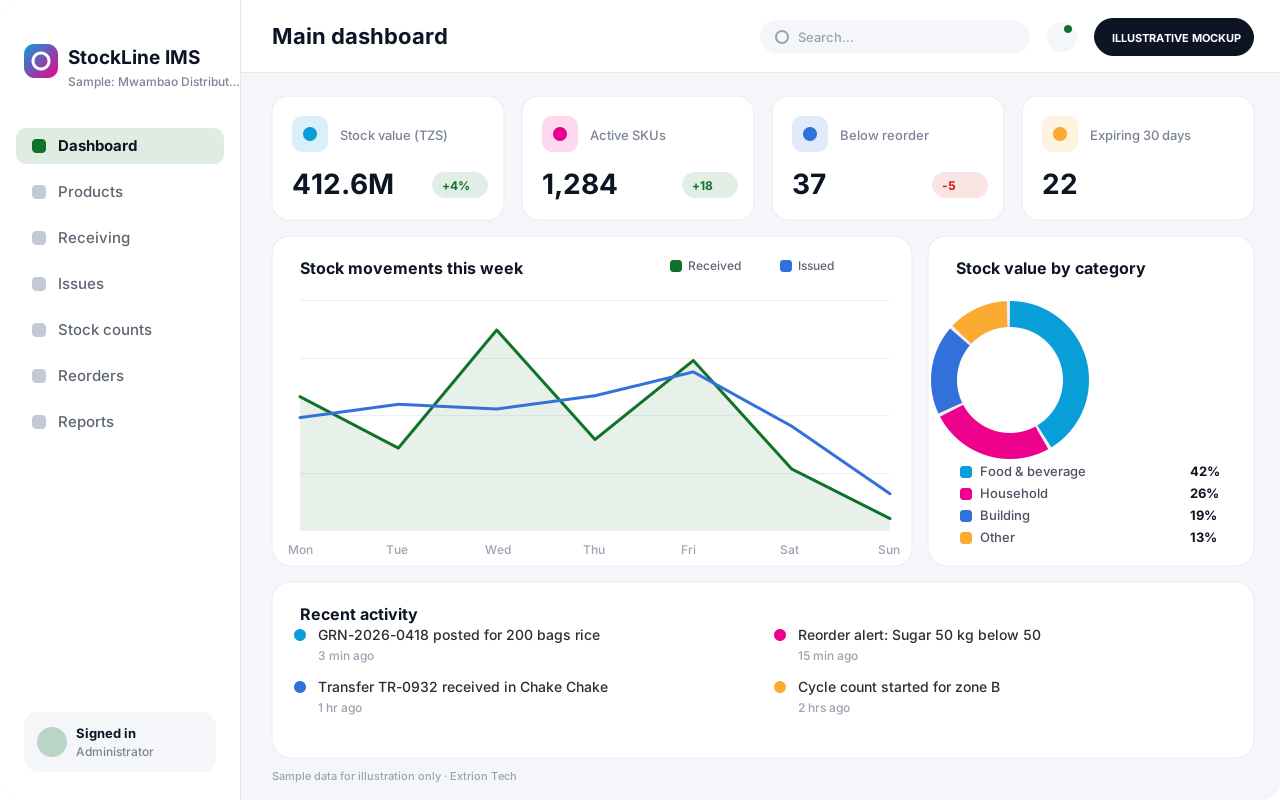 Inventory Management System A custom inventory system that tracks every product from receipt to issue or sale, with batch details, reorder alerts and stock counts across stores and branches.
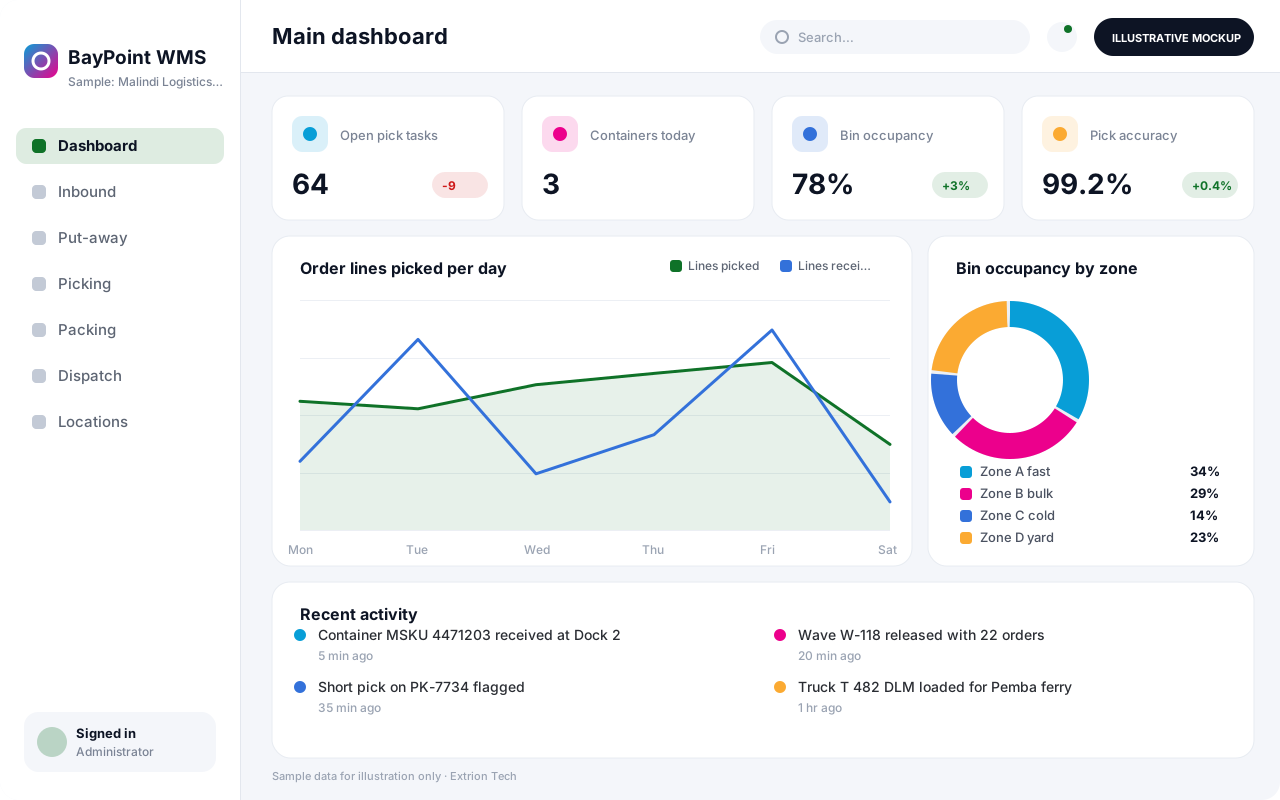 Warehouse Management System A warehouse system that directs receiving, put-away, picking, packing and dispatch by bin location, so pallets and cartons move quickly and every location stays accurate.
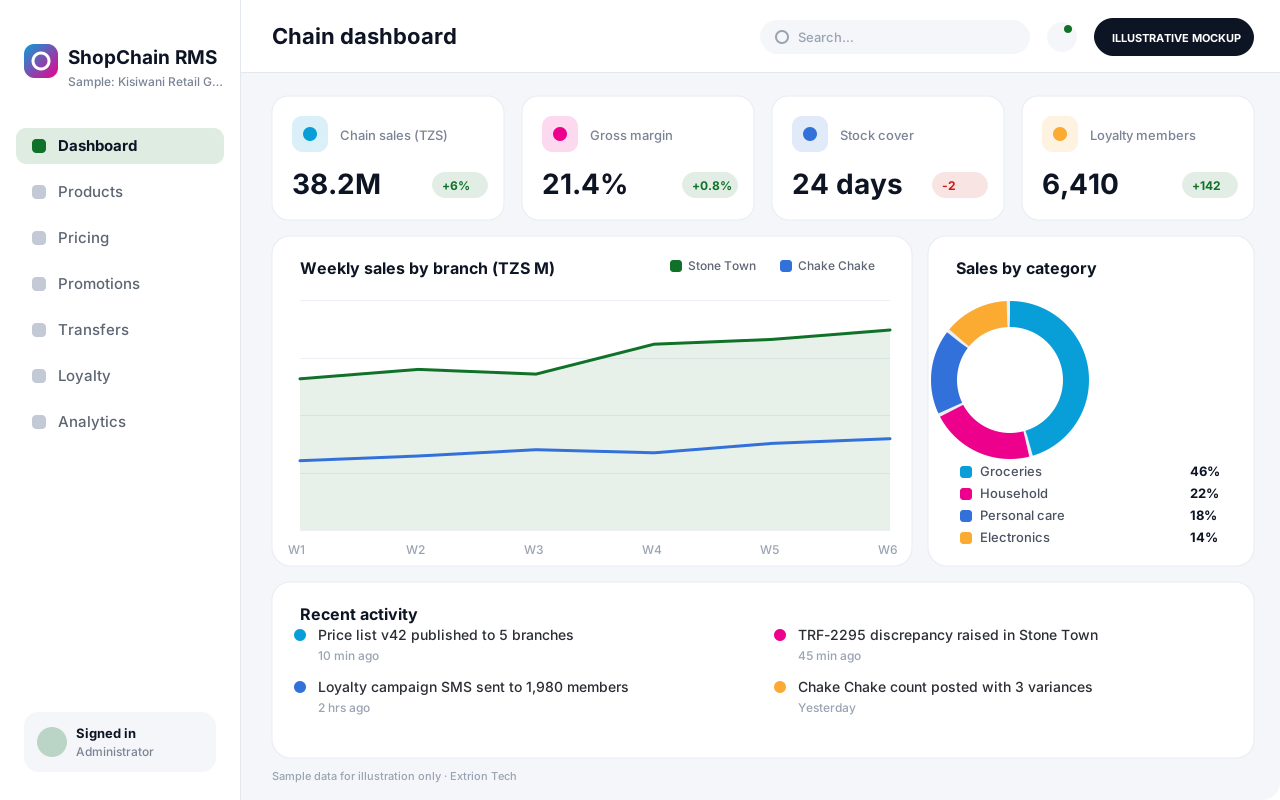 Retail Management System A head-office retail system that connects branches, central buying, pricing, promotions, transfers and customer loyalty so a multi-shop business runs from one set of numbers.
Back to the catalogue Business software services Our development process
