Inventory, Retail & Commerce
Inventory Management System
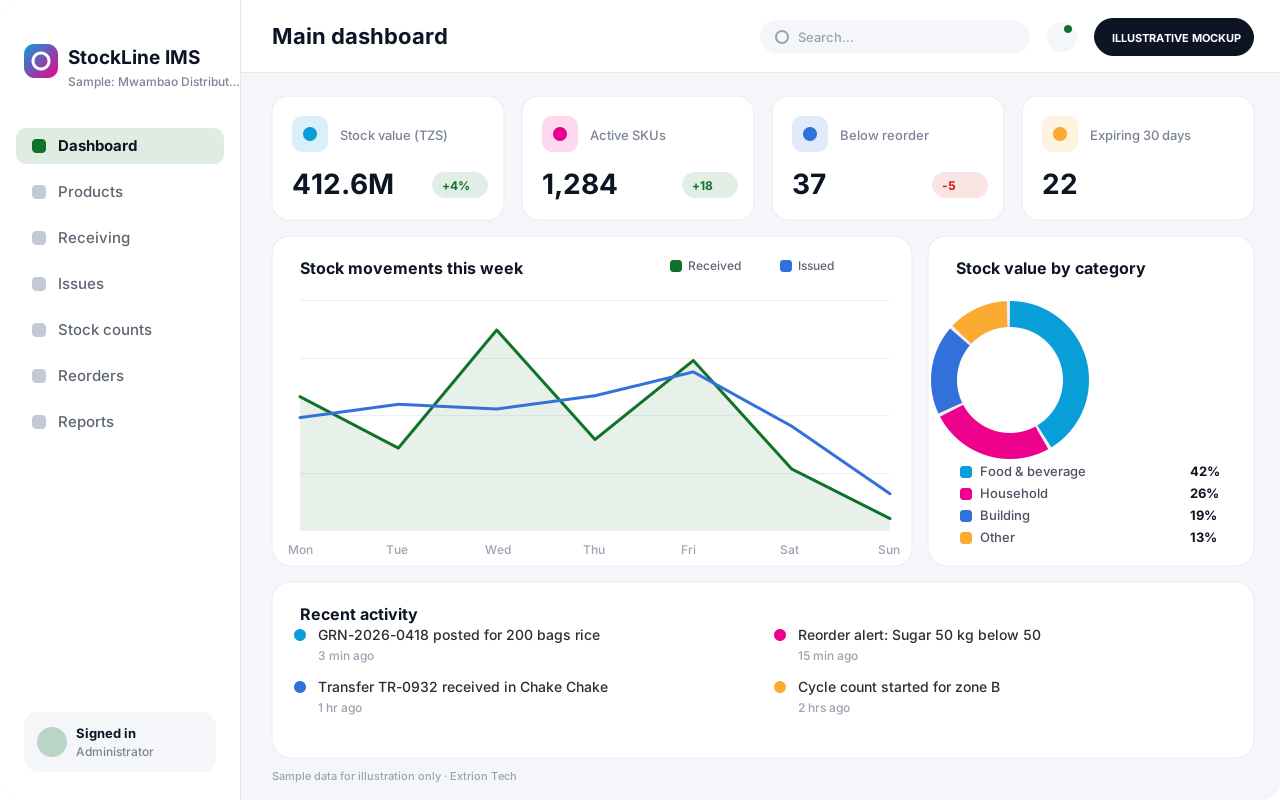
A custom inventory system that tracks every product from receipt to issue or sale, with batch details, reorder alerts and stock counts across stores and branches.
- Web-based
- Android
Overview
Inventory Management System (IMS)
An Inventory Management System gives an organisation one reliable record of what it holds, where it is kept and how quickly it moves. Extrion Tech designs and develops the system around the way your stores actually work: products are registered once with units, barcodes and reorder levels, and every receipt, transfer, issue and sale updates quantities in real time.
Many businesses in Zanzibar and across Tanzania still rely on spreadsheets or paper bin cards, which makes it hard to know true stock levels when goods arrive by ship from Dar es Salaam or are moved between Unguja and Pemba. The system replaces those records with controlled transactions, so each movement carries a date, a reference document and the person who recorded it. Batch and expiry tracking can be enabled for perishable or regulated items.
Managers receive reorder alerts before items run out, schedule cycle counts and reconcile physical counts against system quantities with approved adjustments. Valuation reports, slow-moving stock analysis and movement histories support purchasing decisions and month-end reporting. The system can run in the cloud, on a local server or as a hybrid, and modules such as barcode scanning or accounting integration are included according to project scope.
Business problems it addresses
- Stock levels on paper or spreadsheets rarely match what is physically on the shelves.
- Items run out unexpectedly because nobody sees reorder points in time.
- Expired or damaged goods are discovered too late to return or sell.
- Unexplained losses cannot be traced to a specific movement, store or person.
- Month-end stock valuation takes days of manual counting and calculation.
Interface
Five screens of the system
Illustrative mockups with sample data — not screenshots of a client’s system.
Workflow
From product registration to stock reports
-
1
Product registration
Register items with SKU, barcode, unit of measure, category and reorder level.
-
2
Stock receipt
Record goods received against a supplier delivery, with batch and expiry where needed.
-
3
Storage location
Assign received stock to a store, shelf or bin so it can be found and counted.
-
4
Stock issue or sale
Issue items to departments or sell them, reducing quantities with a reference document.
-
5
Reorder alerts
Flag items that fall below their reorder level and suggest purchase quantities.
-
6
Stock reconciliation
Compare physical counts with system quantities and post approved adjustments.
-
7
Reports
Produce valuation, movement, slow-moving and expiry reports for management.
Functions covered
Modules and what they do
01 Stock control
-
Product catalogue
Maintains items, units, categories, barcodes and reorder levels in one master list.
-
Goods receiving
Records deliveries against suppliers and updates stock with batch and expiry details.
-
Stock issues and transfers
Moves stock between stores or issues it to departments with a traceable reference.
-
Batch and expiry tracking
Tracks lots and expiry dates and supports first-expiry, first-out issuing.
02 Counting and control
-
Stock counts
Schedules full or cycle counts and captures counted quantities per location.
-
Adjustments and approvals
Routes variances and write-offs to a manager for approval before posting.
-
Reorder management
Calculates items below reorder level and prepares purchase requisitions.
03 Reporting and integration
-
Inventory reports
Provides stock valuation, movement history, ageing and slow-moving item reports.
-
Barcode scanning
Optional / subject to scope
Uses handheld or phone scanners for receiving, issuing and counting.
-
Accounting integration
Optional / subject to scope
Exports stock valuation and movements to the accounting system where an interface exists.
Technology stack
Technology selected for this solution
These are the technologies planned for this type of system. The final stack depends on scale, performance, licensing, infrastructure, integrations and your requirements.
Frontend
Backend
Database
Mobile
Infrastructure
Integrations
Security & data integrity
Protecting your data and its accuracy
Stock quantities and valuations change only through recorded transactions, and adjustments or write-offs require an authorised approver so losses can always be traced.
Standard protections
-
Role-based access control
Each user sees only what their role allows.
-
Authentication and authorisation
Every request is checked for a signed-in, permitted user.
-
Fine-grained permissions
Permissions per module and action, such as view, edit or approve.
-
Secure password storage
Passwords are stored using strong one-way hashing, never in plain text.
-
Encryption in transit
HTTPS/TLS protects data between users and the server.
-
Server-side input validation
All input is validated on the server before it is saved.
-
Protection against common web vulnerabilities
Defences against injection, cross-site scripting and request forgery.
-
Database constraints and transactions
Constraints and transactions keep related records consistent.
-
Audit logs
Important actions are recorded with who, what and when.
-
User activity history
A history of each user’s activity for supervisors and administrators.
-
Backup and restoration
Scheduled backups with tested restoration procedures.
-
Session management
Session time-outs and the ability to sign out other devices.
Optional advanced protections
- Multi-factor authentication A second sign-in step for selected or all users.
- Offline mode with controlled synchronisation Work offline and synchronise safely when the connection returns.
- Secure API access Authenticated, rate-limited access for integrations.
- Disaster recovery planning A documented plan to restore service after a major failure.
Data integrity
Every receipt, issue, transfer and adjustment is saved inside a database transaction, so quantities and movement records can never disagree. Constraints prevent negative stock where the client requires it, and each change is written to an audit trail with user, time and reference document. Periodic counts are reconciled against system balances before any adjustment is posted.
Security controls are configured for each project. We do not claim certification, compliance or immunity from attack unless independently verified for your deployment.
Customisation & integration
Tailored to how you work
We tailor modules, reports, permissions, workflows, branding and integrations to your organisation. Tell us which features you need when you request a quote.
- Units of measure, product categories and numbering formats
- Number of stores, branches and storage locations
- Approval levels for adjustments, write-offs and transfers
- Valuation method and report layouts
- Integrations with accounting, POS or e-commerce systems
Deployment & support
From go-live to continuous improvement
Onboarding, data migration, training, maintenance, technical support and future enhancements are services we scope into your project.
Bringing records from spreadsheets or older systems, checked and reconciled.
Role-based training for users, supervisors and administrators.
Technical support and maintenance under an agreed support plan.
New modules, reports and integrations as your organisation grows.
Pricing
Pricing tailored to your requirements
Every organisation has different workflows, users, infrastructure, and integration needs. Request a quotation for a solution designed around your requirements.
- Number of users, branches and modules
- Customisation and integrations
- Hosting: cloud, your server or hybrid
- Data migration and training
- Support and maintenance plan
Inventory, Retail & Commerce
Related systems
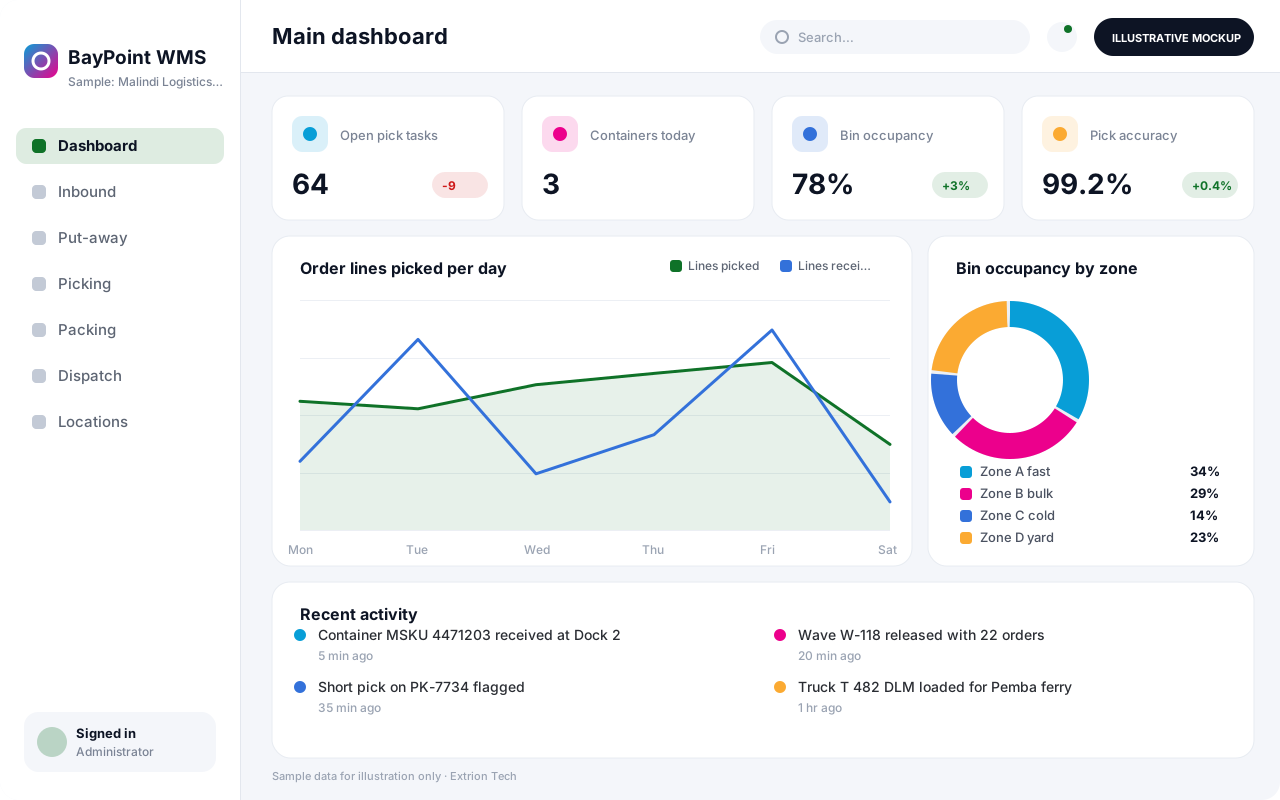 Warehouse Management System A warehouse system that directs receiving, put-away, picking, packing and dispatch by bin location, so pallets and cartons move quickly and every location stays accurate.
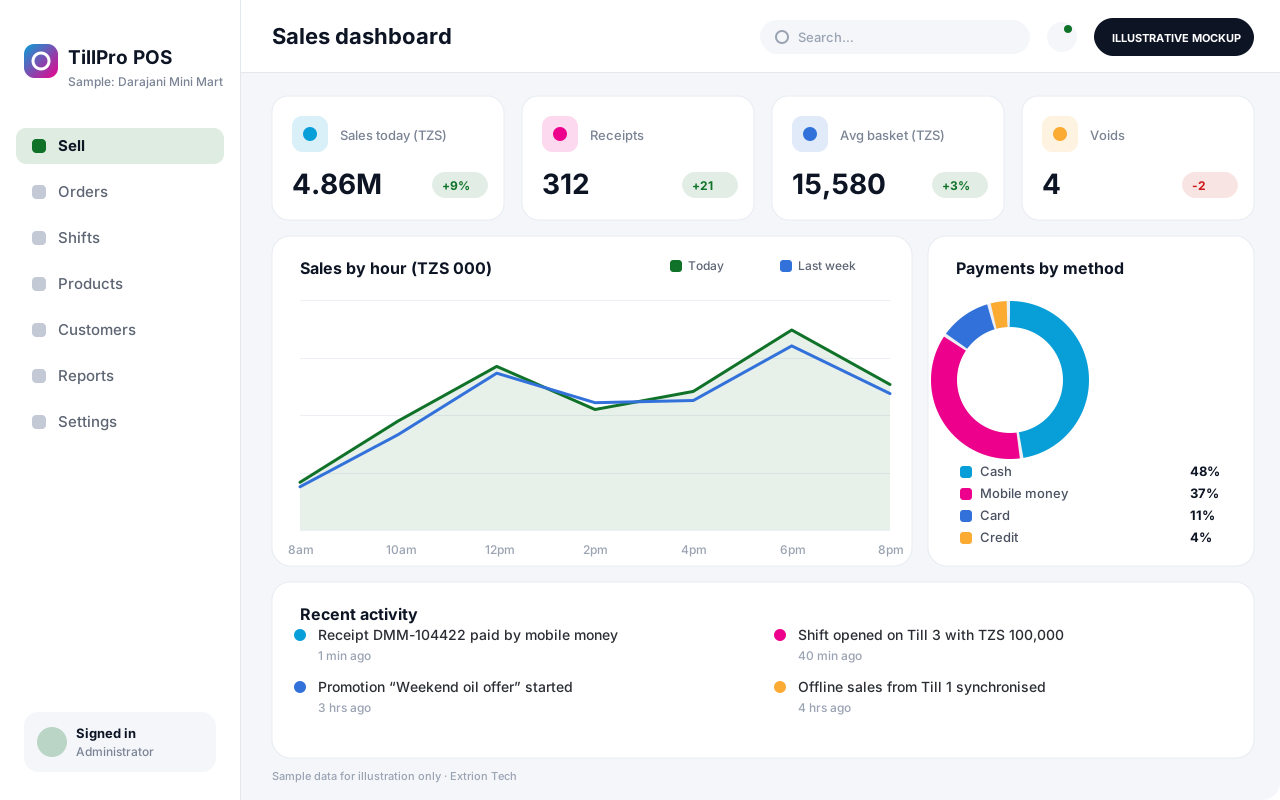 Point of Sale System A fast point of sale system for shops, restaurants and pharmacies, with barcode checkout, mixed payments, shift cash-up and live stock deduction across tills and branches.
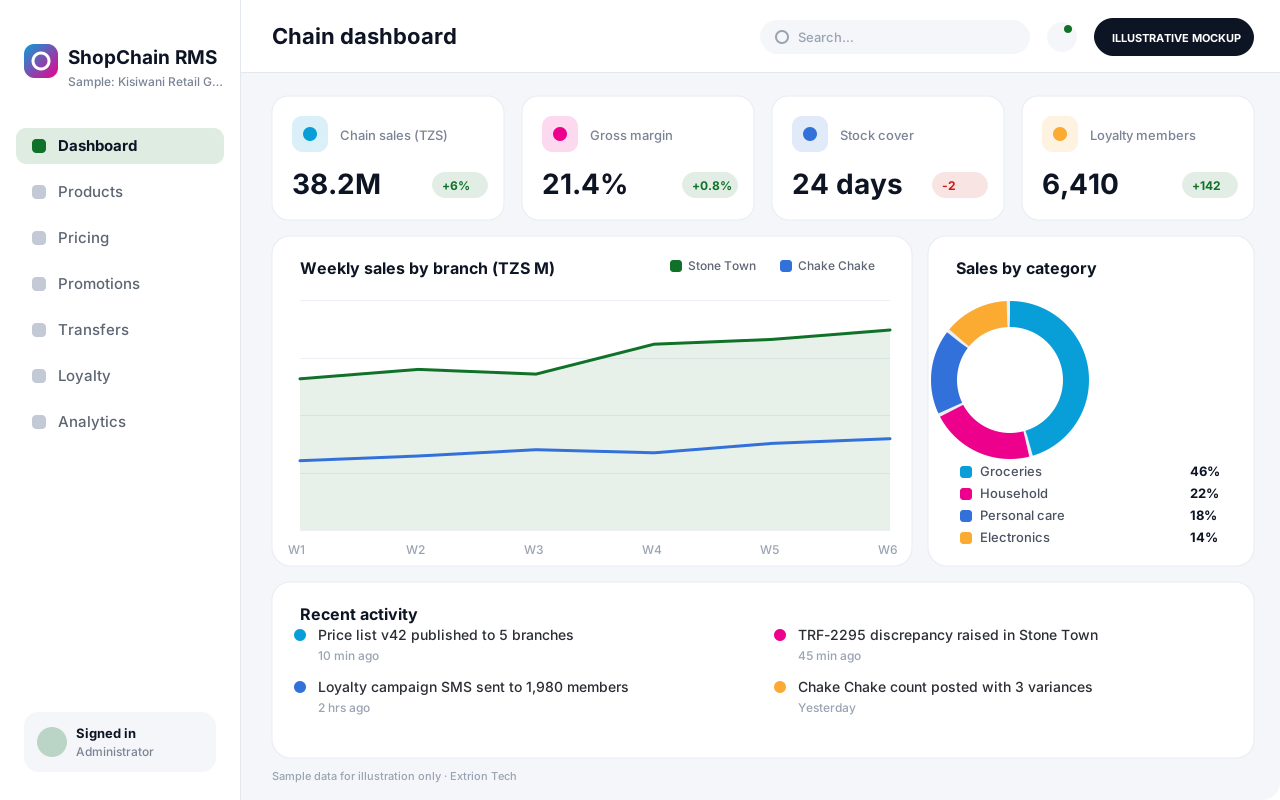 Retail Management System A head-office retail system that connects branches, central buying, pricing, promotions, transfers and customer loyalty so a multi-shop business runs from one set of numbers.
Back to the catalogue Business software services Our development process
