Finance & Payments
Payment Tracking and Reconciliation System
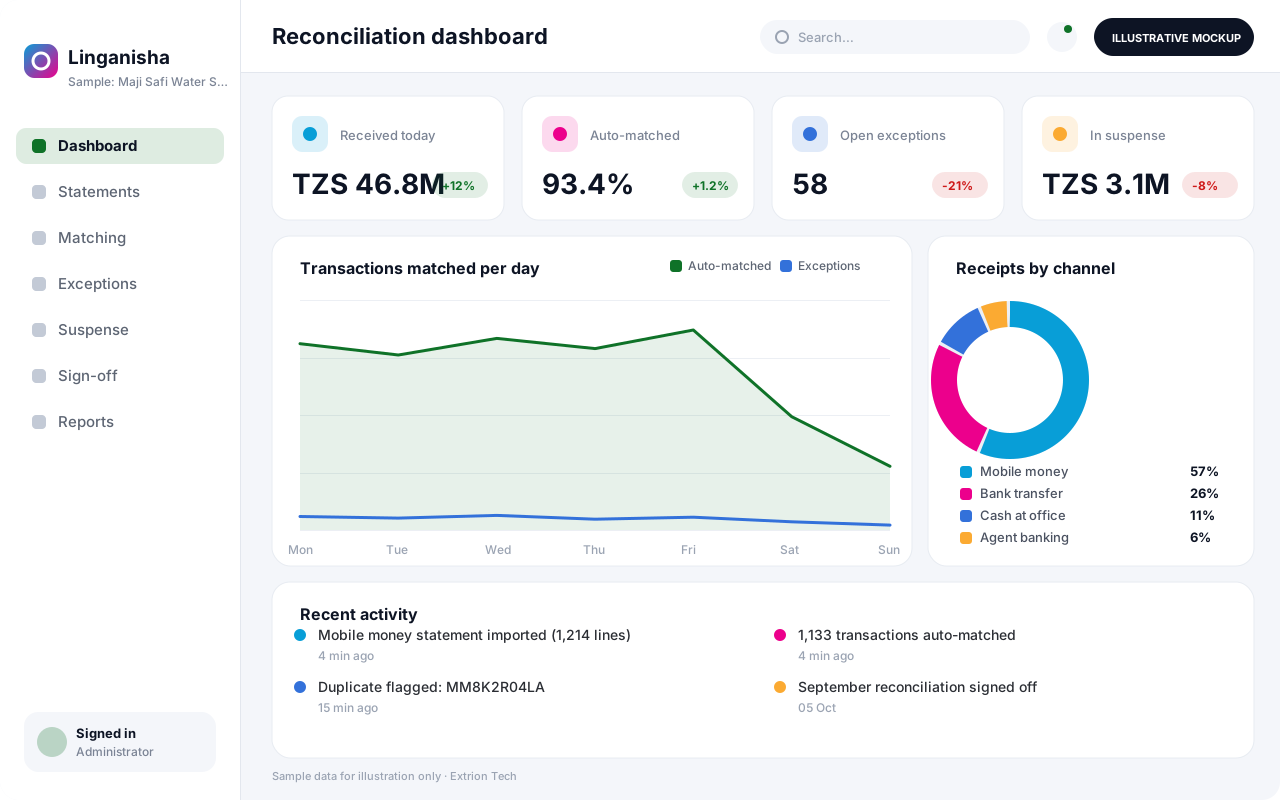
A reconciliation system that imports bank and mobile money statements, matches them automatically to expected payments and invoices, and routes exceptions for review and sign-off.
- Web-based
- Server-based
Overview
Payment Tracking and Reconciliation System
Organisations that receive payments through several bank accounts, mobile money wallets, cash and control numbers face a daily puzzle: which payment belongs to which customer, invoice or account. Reconciliation is done line by line in spreadsheets, unidentified receipts pile up, and month-end closes with unexplained differences. A Payment Tracking and Reconciliation System automates the matching and makes every exception visible.
Extrion Tech develops the system around your payment channels and references. Statement files or feeds from banks and mobile money providers are imported where the provider offers them, and expected payments are loaded from your billing, loan or fee systems. Matching rules compare reference numbers, amounts, dates and payer details, so most transactions are matched automatically and only genuine exceptions reach staff.
Unmatched receipts, duplicates, short payments and reversals are worked in an exceptions queue with notes and approvals, and each reconciliation is signed off by period and account. Finance teams in Zanzibar and across Tanzania can see cash received by channel in near real time, and confirmed allocations can be posted back to the accounting or billing system according to project scope. Control number or payment gateway integration is included only where the provider offers an API and the client has the necessary arrangements in place.
Business problems it addresses
- Payments arrive through many channels and cannot easily be linked to customers or invoices.
- Bank and mobile money reconciliation is done line by line in spreadsheets.
- Unidentified receipts accumulate in suspense with no follow-up.
- Duplicate, reversed or short payments are missed until customers complain.
- Month-end close is delayed by unexplained differences between bank and books.
Interface
Five screens of the system
Illustrative mockups with sample data — not screenshots of a client’s system.
Workflow
From expected payment to signed-off reconciliation
-
1
Load expected payments
Invoices, fees, loan instalments or control numbers are imported from source systems.
-
2
Import statements
Bank and mobile money statements are loaded from files or feeds where available.
-
3
Automatic matching
Rules match transactions by reference, amount, date and payer, with a confidence level.
-
4
Exception handling
Unmatched, duplicate, short or reversed items are investigated and resolved with notes.
-
5
Manual matching and approval
Staff propose matches or splits, and a supervisor approves them.
-
6
Posting
Confirmed allocations are posted back to billing or accounting systems.
-
7
Period sign-off
Each account’s reconciliation is reviewed, closed and locked for the period.
Functions covered
Modules and what they do
01 Data intake
-
Statement import
Loads bank and mobile money statements in supported file formats.
-
Expected payments
Imports invoices, instalments or fees awaiting payment.
-
Provider feeds
Optional / subject to scope
Receives transactions automatically where the provider offers an API.
02 Reconciliation
-
Matching rules
Configures reference, amount, date and tolerance rules per channel.
-
Exceptions queue
Lists unmatched and suspicious items for investigation.
-
Manual match and split
Allows one payment to settle several items, or several payments one item.
-
Period close
Records sign-off and locks reconciled periods per account.
03 Reporting and posting
-
Cash position reports
Shows receipts by channel, account and day.
-
Suspense ageing
Tracks how long unidentified receipts remain unresolved.
-
Posting to source systems
Optional / subject to scope
Sends confirmed allocations to billing or accounting, subject to scope.
Technology stack
Technology selected for this solution
These are the technologies planned for this type of system. The final stack depends on scale, performance, licensing, infrastructure, integrations and your requirements.
Frontend
Backend
Database
Infrastructure
Integrations
Security & data integrity
Protecting your data and its accuracy
Statements reveal account numbers and payer details, so imports, matching and approvals are separated between roles and every manual match is logged. Retention and audit requirements for financial records are agreed with the client for the relevant jurisdiction.
Standard protections
-
Role-based access control
Each user sees only what their role allows.
-
Authentication and authorisation
Every request is checked for a signed-in, permitted user.
-
Fine-grained permissions
Permissions per module and action, such as view, edit or approve.
-
Secure password storage
Passwords are stored using strong one-way hashing, never in plain text.
-
Encryption in transit
HTTPS/TLS protects data between users and the server.
-
Encryption at rest
Sensitive data encrypted on disk where the infrastructure supports and is configured for it.
-
Server-side input validation
All input is validated on the server before it is saved.
-
Protection against common web vulnerabilities
Defences against injection, cross-site scripting and request forgery.
-
Database constraints and transactions
Constraints and transactions keep related records consistent.
-
Audit logs
Important actions are recorded with who, what and when.
-
User activity history
A history of each user’s activity for supervisors and administrators.
-
Backup and restoration
Scheduled backups with tested restoration procedures.
-
Session management
Session time-outs and the ability to sign out other devices.
-
Secure API access
Authenticated, rate-limited access for integrations.
-
Monitoring and error logging
Errors and unusual activity are logged and monitored.
Optional advanced protections
- Multi-factor authentication A second sign-in step for selected or all users.
- Disaster recovery planning A documented plan to restore service after a major failure.
- Data retention and deletion policies Retention periods and deletion rules agreed with you.
- Data export controls Exports limited to authorised roles and recorded.
Data integrity
Imported statements are checked against their opening and closing balances, and file hashes prevent the same statement being loaded twice. Each transaction can be matched only once, manual matches require a second approver, and signed-off periods cannot change without a recorded reopening.
Security controls are configured for each project. We do not claim certification, compliance or immunity from attack unless independently verified for your deployment.
Customisation & integration
Tailored to how you work
We tailor modules, reports, permissions, workflows, branding and integrations to your organisation. Tell us which features you need when you request a quote.
- Payment channels and statement formats
- Matching rules, tolerances and confidence levels
- Approval rules for manual matches and write-offs
- Source systems for expected payments
- Reports for treasury, finance and audit
Deployment & support
From go-live to continuous improvement
Onboarding, data migration, training, maintenance, technical support and future enhancements are services we scope into your project.
Bringing records from spreadsheets or older systems, checked and reconciled.
Role-based training for users, supervisors and administrators.
Technical support and maintenance under an agreed support plan.
New modules, reports and integrations as your organisation grows.
Pricing
Pricing tailored to your requirements
Every organisation has different workflows, users, infrastructure, and integration needs. Request a quotation for a solution designed around your requirements.
- Number of users, branches and modules
- Customisation and integrations
- Hosting: cloud, your server or hybrid
- Data migration and training
- Support and maintenance plan
Finance & Payments
Related systems
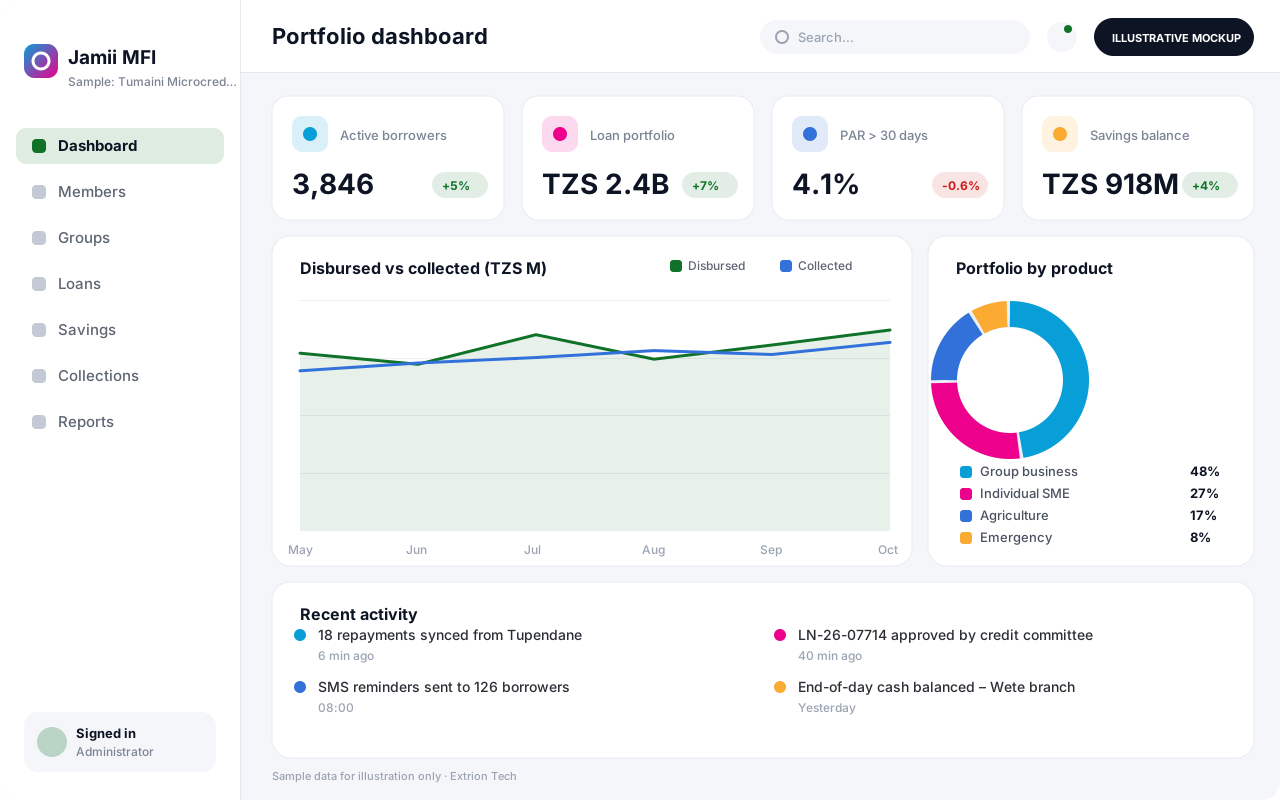 Microfinance Management System A microfinance system for members, groups, savings, loans and collections, with loan officer field tools and portfolio-at-risk reporting for MFIs, SACCOS and community lenders.
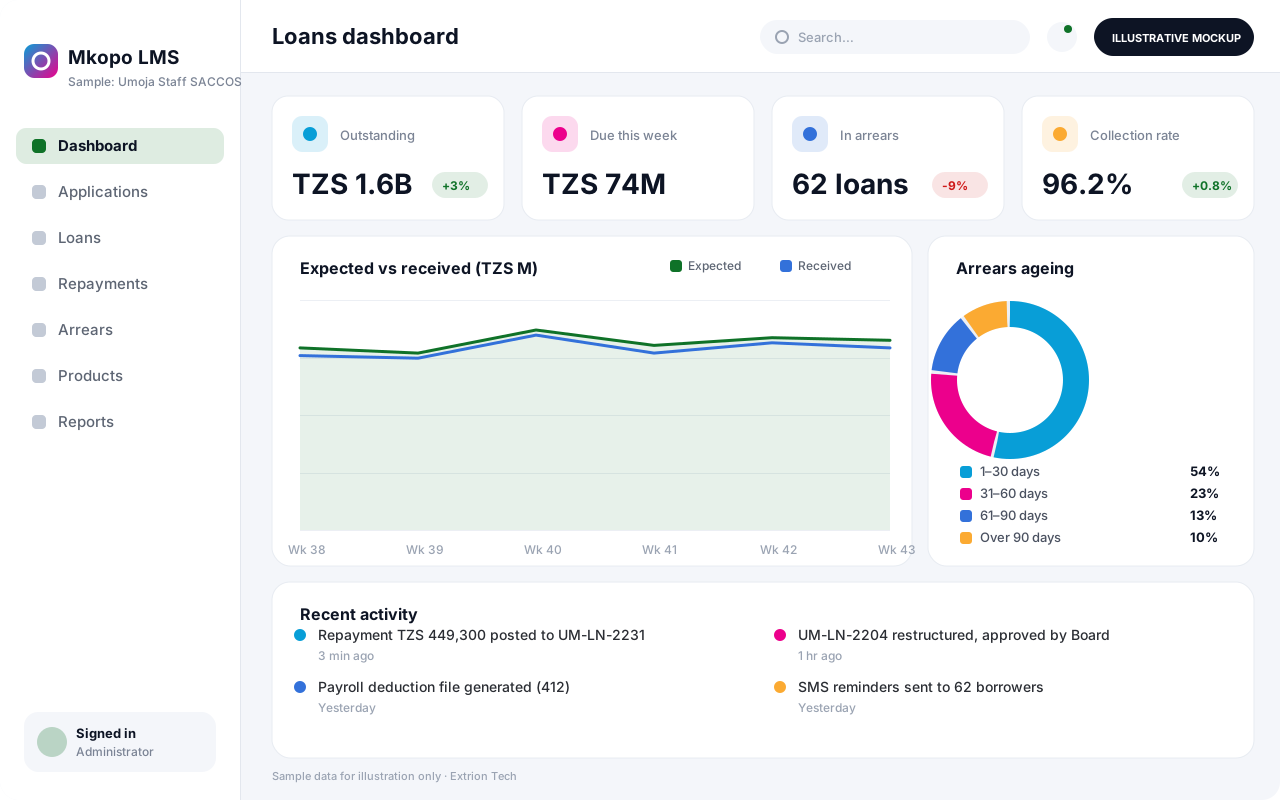 Loan and Repayment Management System A loan management system that handles applications, credit assessment, approval, disbursement, repayment schedules, arrears, restructuring and closure for any lending organisation.
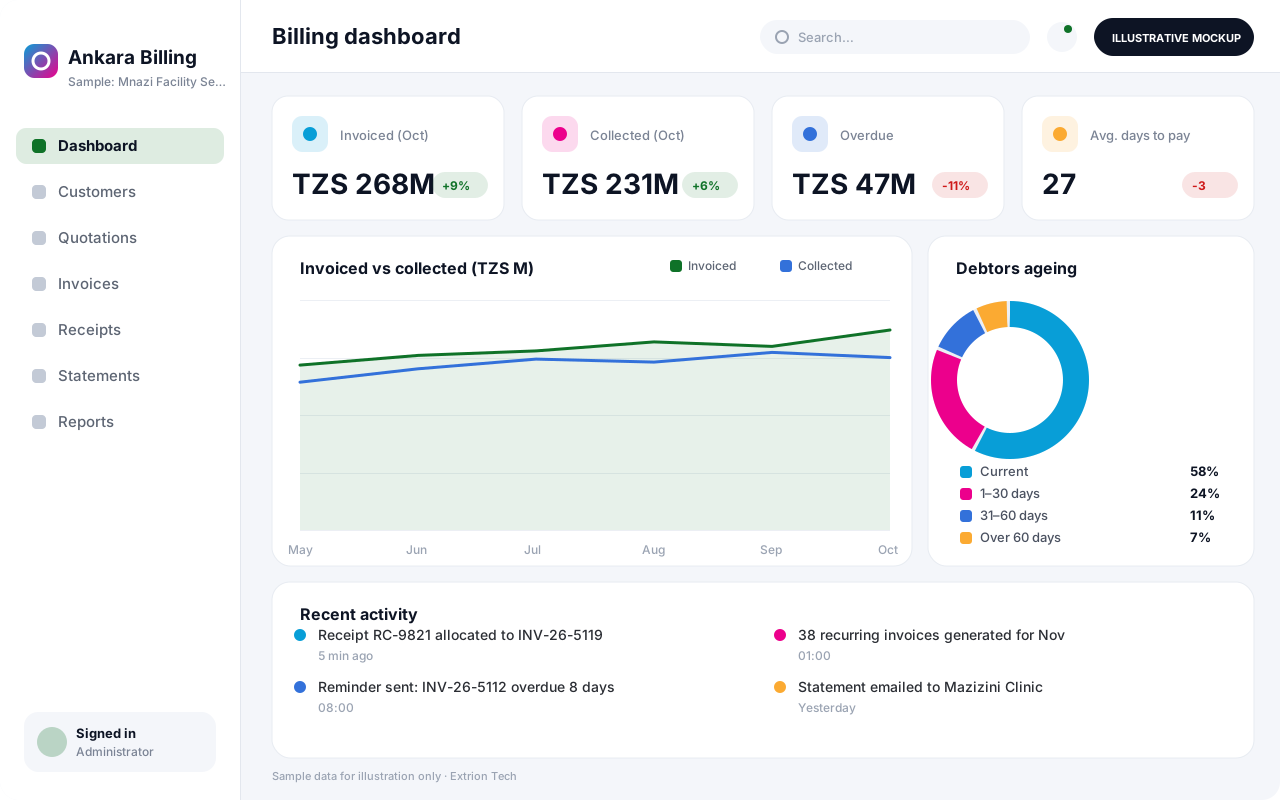 Invoicing and Billing Management System A billing system for quotations, one-off and recurring invoices, credit notes, receipts and customer statements, with ageing reports and automatic reminders for overdue accounts.
Back to the catalogue Business software services Our development process
