Security & Technology
Network Monitoring Dashboard
A live view of routers, switches, links, servers and power across offices and branches, with availability checks, bandwidth graphs, threshold alerts and uptime reports.
- Web-based
- Server-based
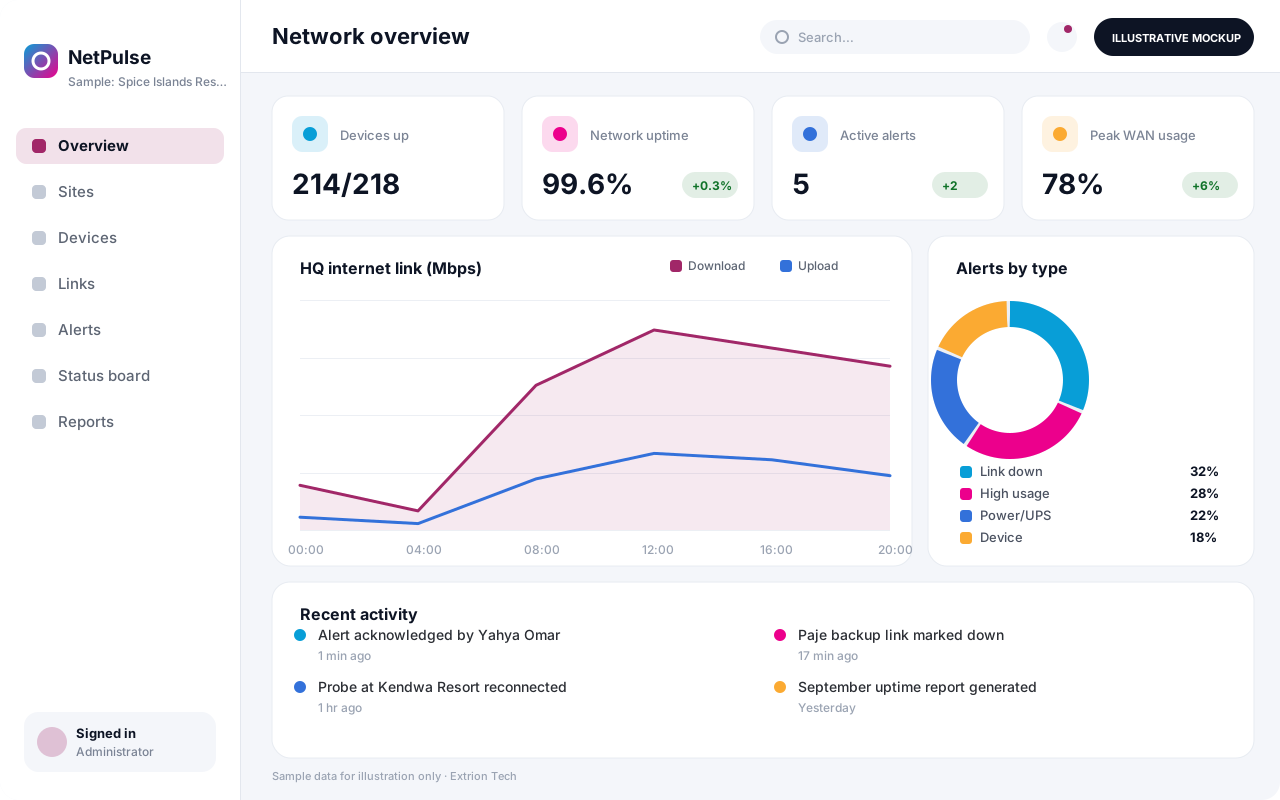
Overview
Network Monitoring Dashboard
A Network Monitoring Dashboard shows IT teams the health of their network at a glance and warns them before users start calling. Extrion Tech can design and develop it in-house as a focused, easy-to-read dashboard for organisations with several offices, branches or sites, including those spread between Unguja, Pemba and the mainland.
The system regularly checks whether devices and services respond, and collects interface traffic, CPU, memory, temperature and UPS battery data where the device supports SNMP or another standard protocol or API. Internet links from different providers are measured for availability, latency and packet loss, so performance can be compared against what was contracted. Each branch is shown on a site map or status board, making it obvious which location is down and whether the cause is the link, the router or the power.
When a threshold is crossed, for example a link down for more than two minutes or a UPS running on battery, the dashboard raises an alert by email, SMS or messaging channel and can optionally open a ticket in a helpdesk system. Alerts can be acknowledged, assigned and annotated so the team knows who is handling them. Monthly reports show uptime by site and link, peak bandwidth usage and recurring faults, supporting capacity planning and discussions with service providers. Device lists, thresholds and alert rules are agreed with you during analysis.
Business problems it addresses
- The IT team learns about outages from users rather than from monitoring.
- It is unclear whether a branch outage is caused by the link, router or power.
- Internet provider performance cannot be measured against contracted levels.
- Bandwidth bottlenecks are discovered only after users complain.
- There are no uptime figures to report to management.
Interface
Five screens of the system
Illustrative mockups with sample data — not screenshots of a client’s system.
Workflow
From device discovery to monthly report
-
1
Add devices
Register routers, switches, servers, links and UPS units by site.
-
2
Set checks
Choose ping, port, SNMP or API checks and polling intervals.
-
3
Define thresholds
Set limits for downtime, latency, utilisation and battery.
-
4
Collect metrics
Probes poll devices and store time-series data.
-
5
Raise alerts
Breaches send email, SMS or chat alerts to the on-call engineer.
-
6
Acknowledge and resolve
Engineer acknowledges, notes the cause and closes the alert.
-
7
Report
Uptime, bandwidth and fault reports are produced per site and link.
Functions covered
Modules and what they do
01 Monitoring
-
Device and site inventory
Lists monitored devices grouped by site, type and criticality.
-
Availability checks
Tests ping, ports and web services at set intervals.
-
SNMP metrics collection
Polls interface traffic, CPU, memory and UPS status where the device supports SNMP.
-
ISP link monitoring
Measures latency, jitter and packet loss on each provider link.
-
Remote branch probes
Optional / subject to scope
Lightweight collectors placed at branches behind firewalls.
02 Alerting
-
Thresholds and alert rules
Defines conditions, delays and severities for alerts.
-
Notifications
Sends alerts by email, SMS or chat to on-call staff.
-
Helpdesk ticket creation
Optional / subject to scope
Opens tickets in an ITSM system where it offers an API.
03 Visualisation and reporting
-
Status board and site map
Shows each site’s status for wall screens and NOC displays.
-
Uptime and capacity reports
Summarises availability, peak usage and recurring faults.
Technology stack
Technology selected for this solution
These are the technologies planned for this type of system. The final stack depends on scale, performance, licensing, infrastructure, integrations and your requirements.
Frontend
Backend
Database
Infrastructure
Integrations
Security & data integrity
Protecting your data and its accuracy
Device credentials and SNMP community strings are stored encrypted, read-only polling access is used wherever possible, and network topology details are visible only to authorised IT staff.
Standard protections
-
Role-based access control
Each user sees only what their role allows.
-
Authentication and authorisation
Every request is checked for a signed-in, permitted user.
-
Fine-grained permissions
Permissions per module and action, such as view, edit or approve.
-
Secure password storage
Passwords are stored using strong one-way hashing, never in plain text.
-
Encryption in transit
HTTPS/TLS protects data between users and the server.
-
Encryption at rest
Sensitive data encrypted on disk where the infrastructure supports and is configured for it.
-
Server-side input validation
All input is validated on the server before it is saved.
-
Protection against common web vulnerabilities
Defences against injection, cross-site scripting and request forgery.
-
Audit logs
Important actions are recorded with who, what and when.
-
Backup and restoration
Scheduled backups with tested restoration procedures.
-
Session management
Session time-outs and the ability to sign out other devices.
-
Secure API access
Authenticated, rate-limited access for integrations.
-
Monitoring and error logging
Errors and unusual activity are logged and monitored.
Optional advanced protections
- Multi-factor authentication A second sign-in step for selected or all users.
- Single sign-on Sign in with your organisation’s identity provider where supported.
- Disaster recovery planning A documented plan to restore service after a major failure.
Data integrity
Metrics are stored as time-stamped samples with the probe that collected them, so gaps caused by probe or link failures are shown as missing data rather than as zero. Alert acknowledgements and notes are logged, and uptime figures are calculated from raw check results using the agreed reporting period.
Security controls are configured for each project. We do not claim certification, compliance or immunity from attack unless independently verified for your deployment.
Customisation & integration
Tailored to how you work
We tailor modules, reports, permissions, workflows, branding and integrations to your organisation. Tell us which features you need when you request a quote.
- Device types, sites and dashboard layouts
- Polling intervals, thresholds and alert delays
- Notification channels and on-call schedules
- Report periods and uptime calculation rules
- Integration with helpdesk or asset systems
Deployment & support
From go-live to continuous improvement
Onboarding, data migration, training, maintenance, technical support and future enhancements are services we scope into your project.
Bringing records from spreadsheets or older systems, checked and reconciled.
Role-based training for users, supervisors and administrators.
Technical support and maintenance under an agreed support plan.
New modules, reports and integrations as your organisation grows.
Pricing
Pricing tailored to your requirements
Every organisation has different workflows, users, infrastructure, and integration needs. Request a quotation for a solution designed around your requirements.
- Number of users, branches and modules
- Customisation and integrations
- Hosting: cloud, your server or hybrid
- Data migration and training
- Support and maintenance plan
Security & Technology
Related systems
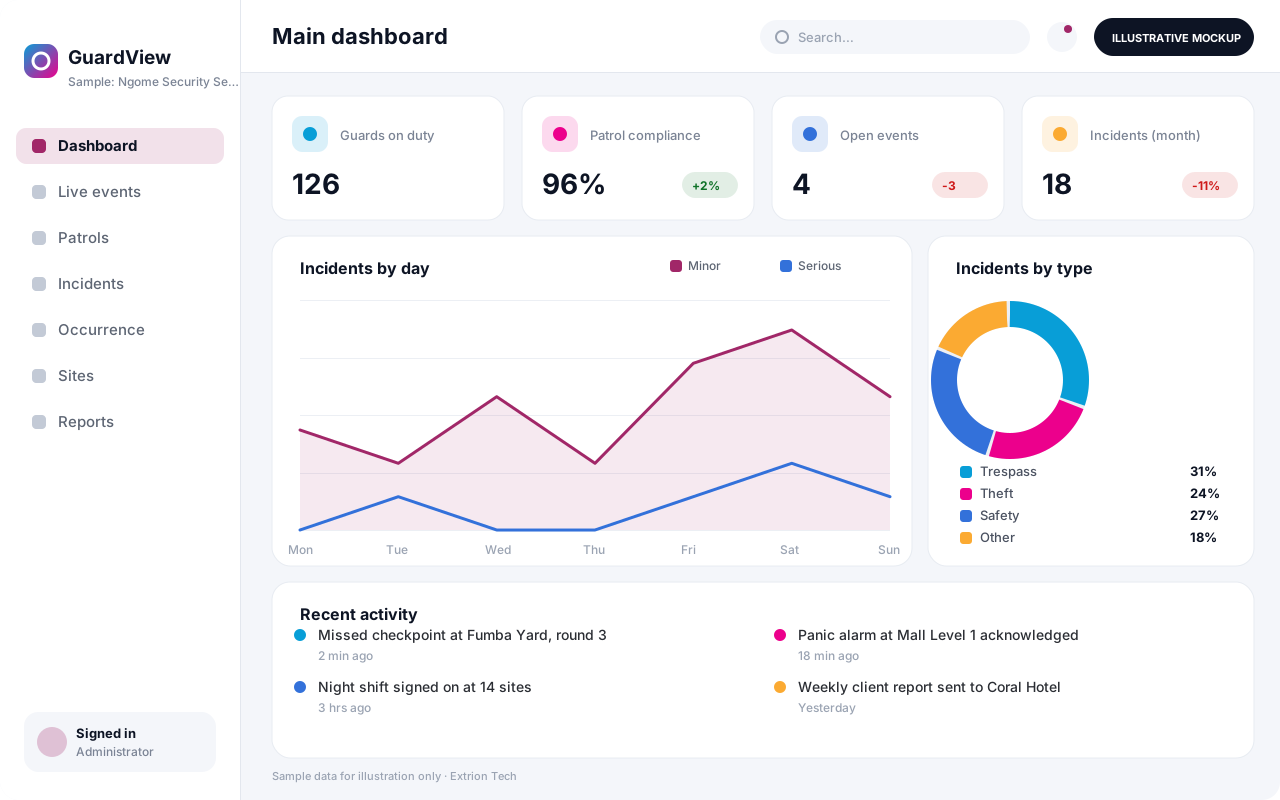 Security Monitoring and Incident Management System A control-room platform for guard tours, alarms, patrol check-ins, incident reporting and investigations, giving security managers one live picture of every site they protect.
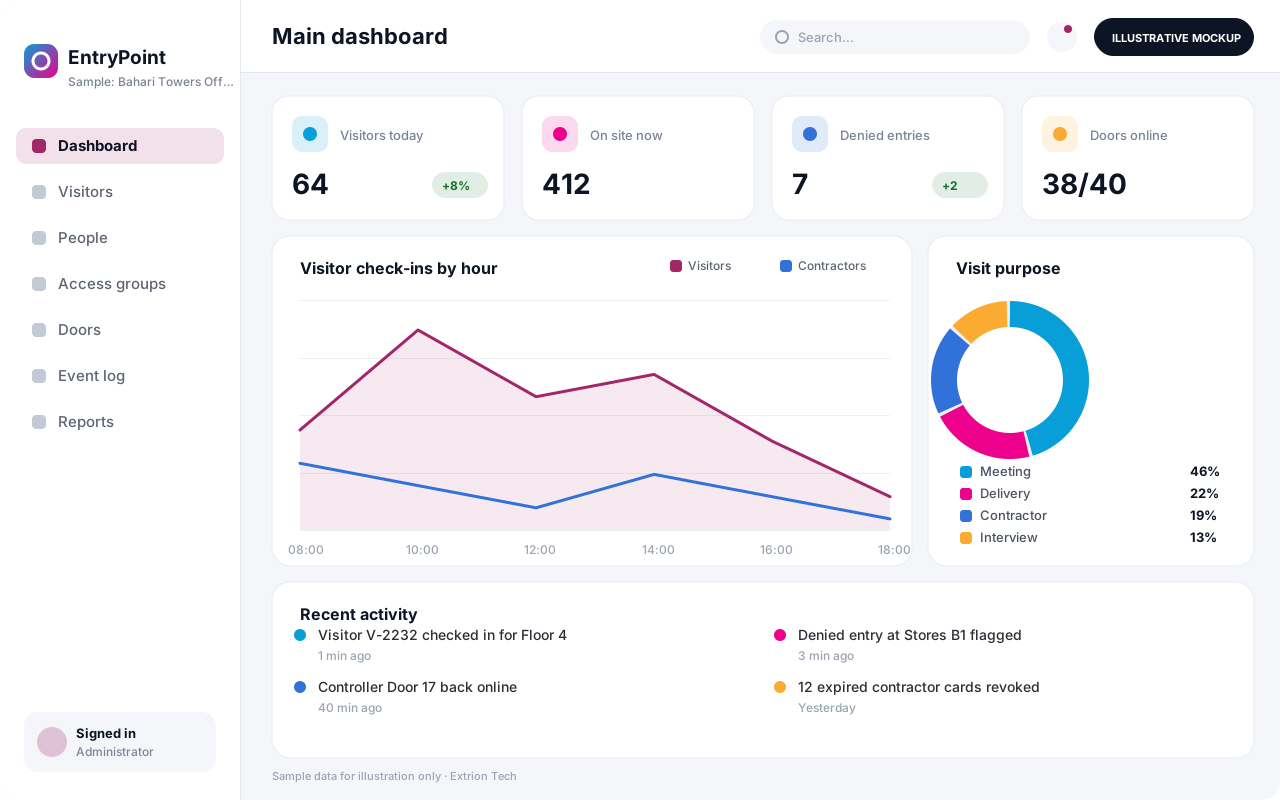 Access Control and Visitor Integration System Manage who may enter which doors and when, register visitors and contractors, issue badges and QR passes, and keep a single entry log from supported door controllers.
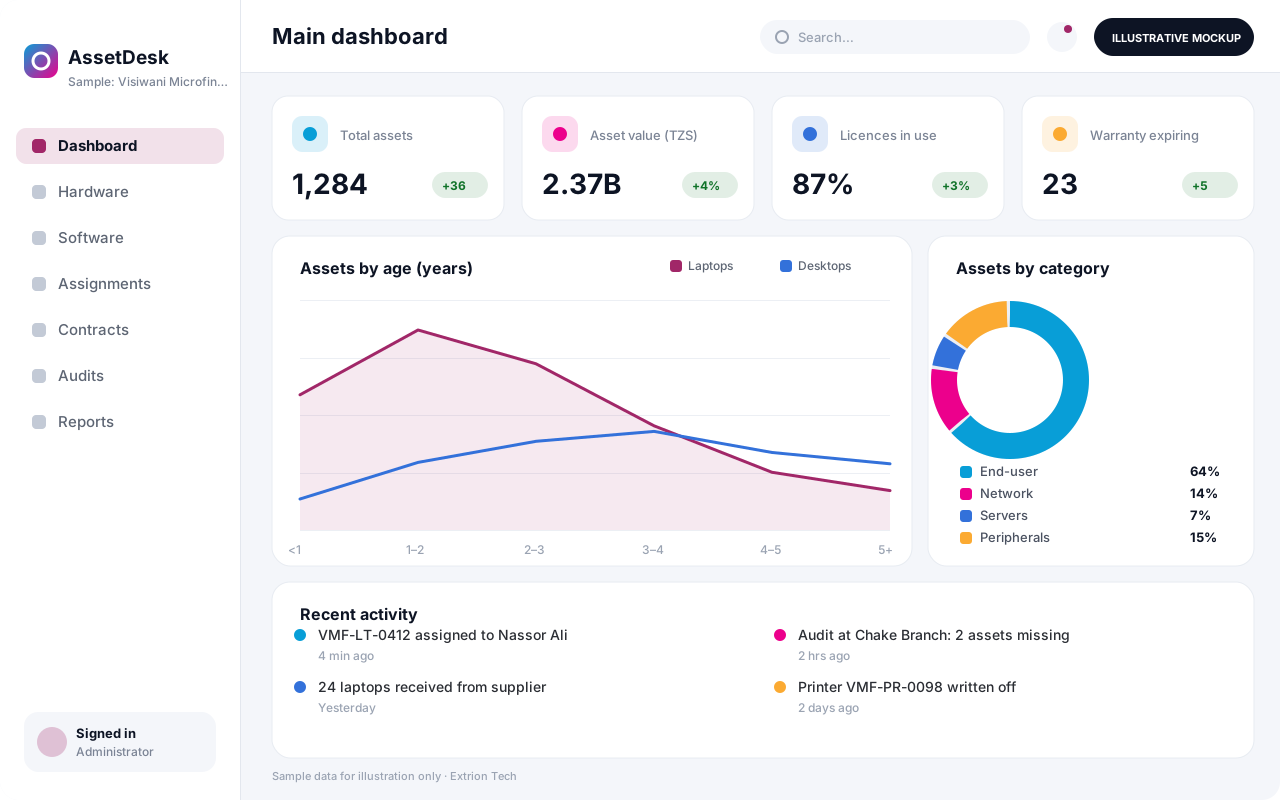 IT Asset and Infrastructure Management System One register of laptops, servers, network gear, software licences and contracts, with assignment to staff, warranty and licence renewals, and a record of every change.
Back to the catalogue Business software services Our development process
