Construction & Real Estate
Facility Management System
Keep buildings running with planned preventive maintenance, reactive work orders, asset registers, technician scheduling, utilities monitoring and contractor service levels.
- Web-based
- Android
- iOS
Overview
Facility Management System (FMS)
A Facility Management System helps the people responsible for buildings keep them safe, working and cost-effective. It records every asset that needs care, such as generators, lifts, air-conditioning units, pumps, fire systems and solar installations, and makes sure each one is serviced on schedule. Extrion Tech can develop it in-house for hotels, office campuses, hospitals, schools and mixed-use developments in Zanzibar and across Tanzania.
The core of the system is the work order. Occupants or staff report a fault through a web form, QR code on the asset or mobile app; the helpdesk assigns a priority and a technician; the technician records time, parts used and photos; and the requester confirms completion. Planned preventive maintenance creates work orders automatically from service intervals or run hours, so generator services and fire equipment checks are not forgotten in the busy season.
Managers can track response and completion times against agreed service levels, compare in-house and contractor performance, and see maintenance cost per building or asset category. Utility readings for electricity, water and diesel can be recorded to spot unusual consumption. Where equipment supports an API or standard protocol, meter or building management readings can be imported. Asset categories, priorities and service levels are defined together with you.
Business problems it addresses
- Faults are reported by phone and forgotten, with no record of response time.
- Generators, lifts and air-conditioning units miss scheduled services.
- There is no asset register showing age, condition and repair history.
- Spare parts are bought repeatedly because usage is not tracked.
- Contractor performance and maintenance costs cannot be measured.
Interface
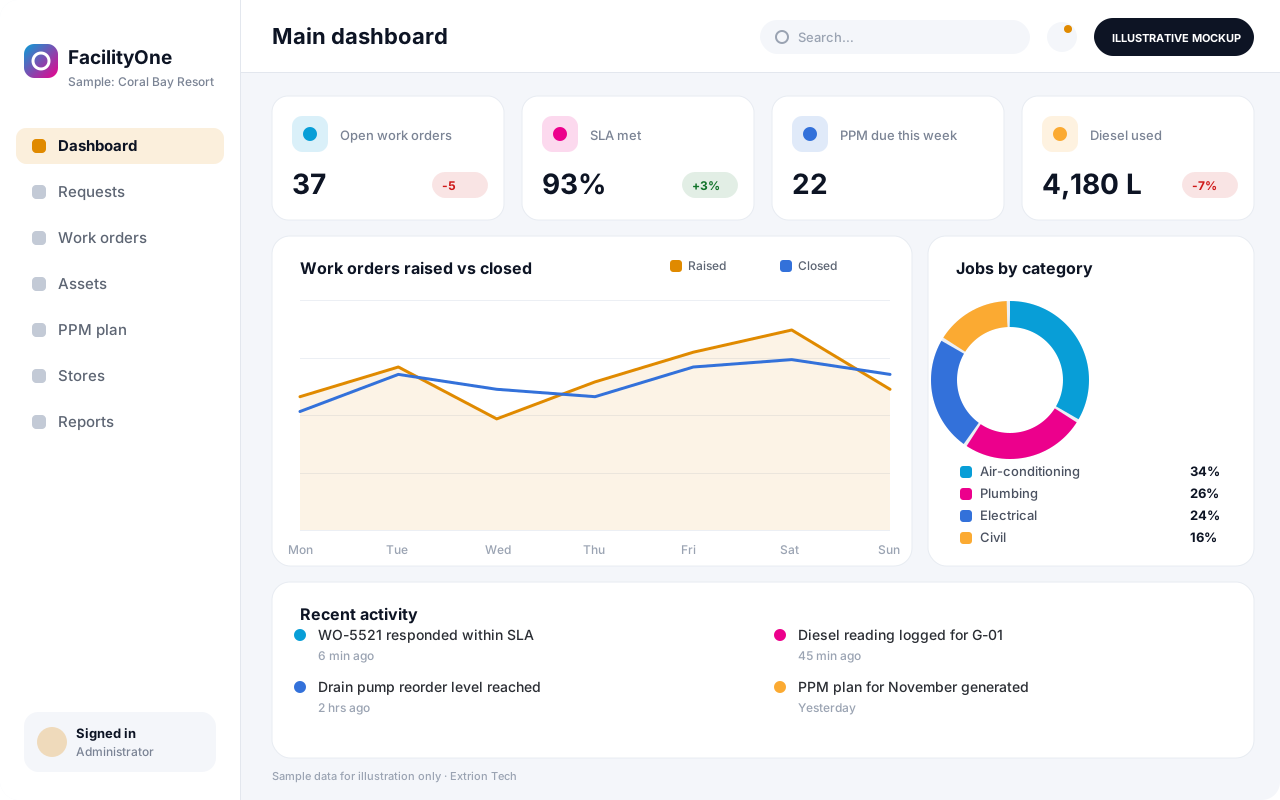
Five screens of the system
Illustrative mockups with sample data — not screenshots of a client’s system.
Workflow
From fault report to closed work order
-
1
Request raised
A fault is reported via web form, app or QR code on the asset.
-
2
Triage
Helpdesk sets category and priority, which fixes the response target.
-
3
Assignment
The job goes to an in-house technician or an approved contractor.
-
4
Work in progress
Technician records diagnosis, time, parts used and photos.
-
5
Completion sign-off
Requester confirms the fix; the asset history is updated.
-
6
Preventive schedule
Planned jobs are generated from service intervals or run hours.
-
7
Performance review
Managers review SLA compliance, costs and recurring faults.
Functions covered
Modules and what they do
01 Maintenance
-
Service requests and work orders
Captures faults and tracks each job from assignment to sign-off.
-
Planned preventive maintenance
Generates jobs from calendar intervals, run hours or meter readings.
-
Technician scheduling
Balances workload by skill, shift and building.
-
Contractor management
Manages service contracts, SLAs and contractor job sheets.
02 Assets and stores
-
Asset register
Records equipment, location, warranty, condition and full repair history.
-
QR asset labels
Lets staff scan an asset to report a fault or view its history.
-
Spare parts store
Tracks parts stock, issues to work orders and reorder levels.
03 Monitoring and reporting
-
Utility readings
Records electricity, water and diesel readings and flags anomalies.
-
Meter and BMS data import
Optional / subject to scope
Reads meter or building management data where the device supports an API or standard protocol.
-
SLA and cost reports
Shows response times, backlog and cost per asset or building.
Technology stack
Technology selected for this solution
These are the technologies planned for this type of system. The final stack depends on scale, performance, licensing, infrastructure, integrations and your requirements.
Frontend
Backend
Database
Mobile
Infrastructure
Integrations
Security & data integrity
Protecting your data and its accuracy
Contractors and requesters see only the jobs and buildings relevant to them, and records of safety-critical assets such as fire systems and lifts keep a complete, tamper-evident service history.
Standard protections
-
Role-based access control
Each user sees only what their role allows.
-
Authentication and authorisation
Every request is checked for a signed-in, permitted user.
-
Fine-grained permissions
Permissions per module and action, such as view, edit or approve.
-
Secure password storage
Passwords are stored using strong one-way hashing, never in plain text.
-
Encryption in transit
HTTPS/TLS protects data between users and the server.
-
Server-side input validation
All input is validated on the server before it is saved.
-
Protection against common web vulnerabilities
Defences against injection, cross-site scripting and request forgery.
-
Database constraints and transactions
Constraints and transactions keep related records consistent.
-
Audit logs
Important actions are recorded with who, what and when.
-
User activity history
A history of each user’s activity for supervisors and administrators.
-
Backup and restoration
Scheduled backups with tested restoration procedures.
-
Session management
Session time-outs and the ability to sign out other devices.
-
Offline mode with controlled synchronisation
Work offline and synchronise safely when the connection returns.
Optional advanced protections
- Multi-factor authentication A second sign-in step for selected or all users.
- Single sign-on Sign in with your organisation’s identity provider where supported.
- Secure API access Authenticated, rate-limited access for integrations.
- Disaster recovery planning A documented plan to restore service after a major failure.
Data integrity
Work orders move through defined statuses with time stamps, so response and completion times are calculated from recorded events rather than manual entry. Parts issued to a job are deducted from store stock in the same transaction, and closed jobs can only be reopened with a logged reason.
Security controls are configured for each project. We do not claim certification, compliance or immunity from attack unless independently verified for your deployment.
Customisation & integration
Tailored to how you work
We tailor modules, reports, permissions, workflows, branding and integrations to your organisation. Tell us which features you need when you request a quote.
- Asset categories, locations and attributes
- Priority levels and service level targets
- Preventive maintenance task lists and intervals
- Request channels and approval for high-cost jobs
- Integration with meters, BMS or finance systems
Deployment & support
From go-live to continuous improvement
Onboarding, data migration, training, maintenance, technical support and future enhancements are services we scope into your project.
Bringing records from spreadsheets or older systems, checked and reconciled.
Role-based training for users, supervisors and administrators.
Technical support and maintenance under an agreed support plan.
New modules, reports and integrations as your organisation grows.
Pricing
Pricing tailored to your requirements
Every organisation has different workflows, users, infrastructure, and integration needs. Request a quotation for a solution designed around your requirements.
- Number of users, branches and modules
- Customisation and integrations
- Hosting: cloud, your server or hybrid
- Data migration and training
- Support and maintenance plan
Construction & Real Estate
Related systems
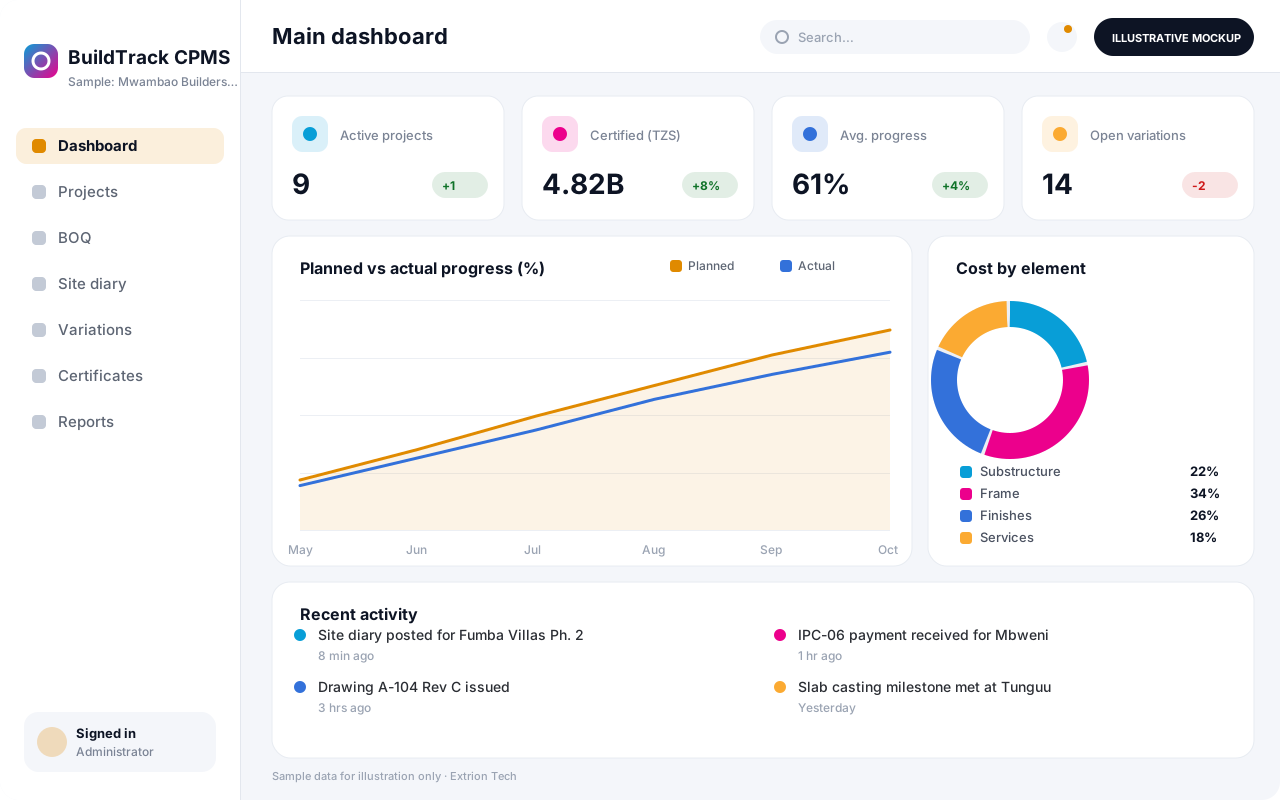 Construction Project Management System A custom platform to plan construction projects, track progress against the bill of quantities, control budgets and variations, and manage interim payment certificates.
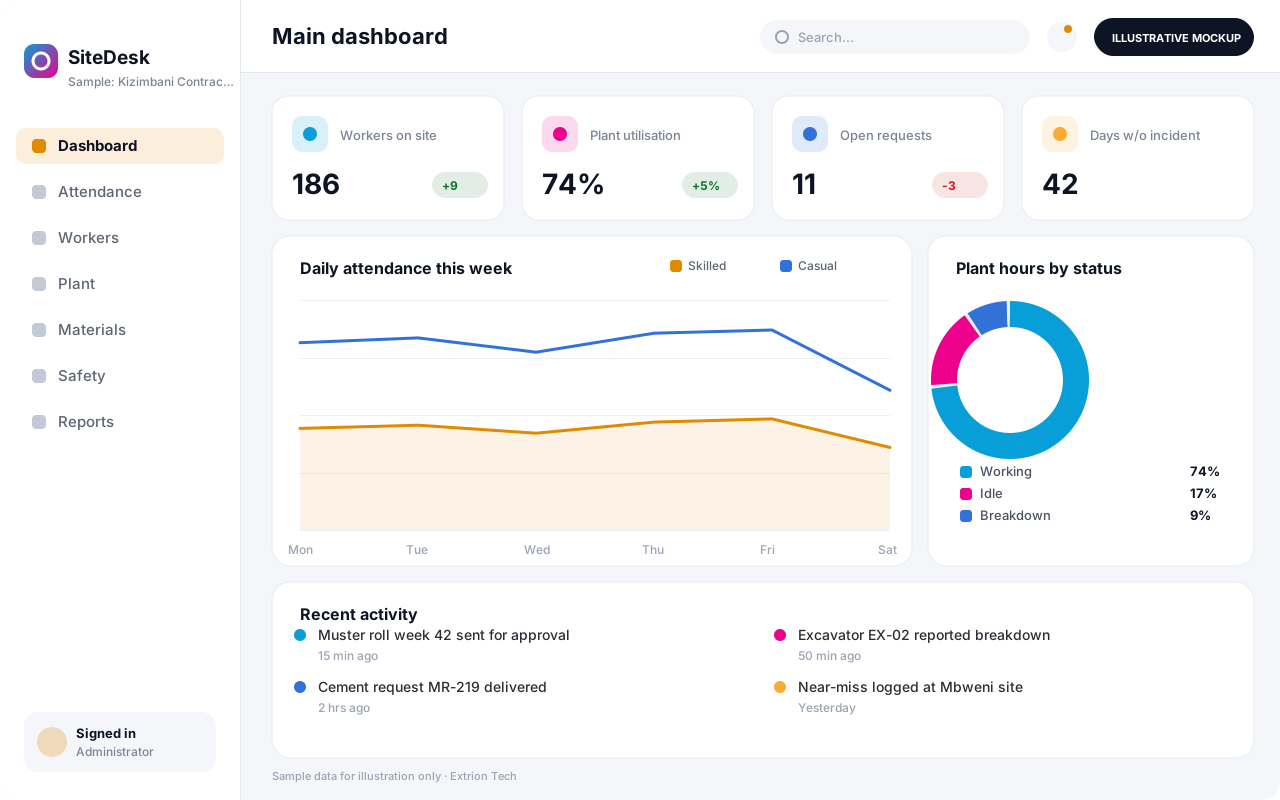 Contractor and Site Operations Management System Day-to-day site control for contractors: labour attendance and casual payroll, plant usage, material requests, safety inspections and daily reports from every active site.
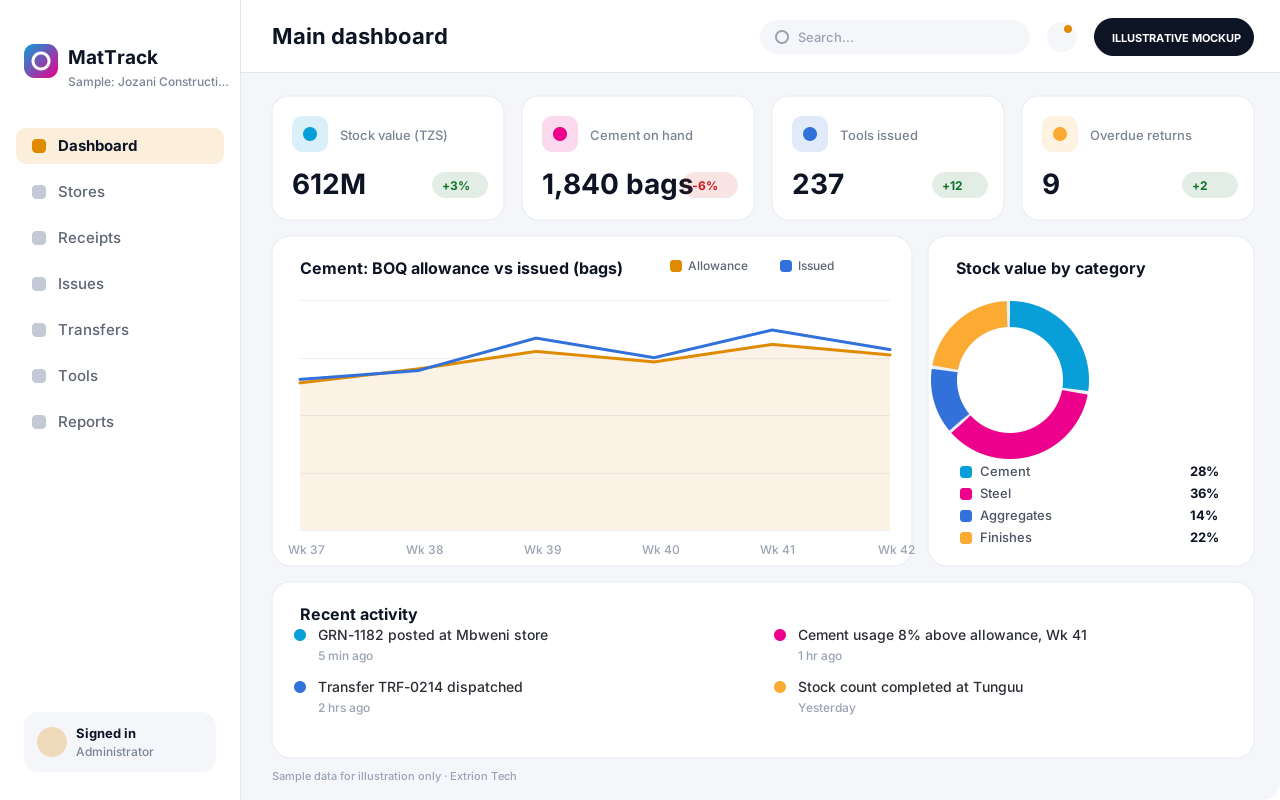 Building Materials and Equipment Tracking System Track cement, steel, aggregates, tools and equipment from purchase to site, with stores per project, transfers, tool issue to workers and material reconciliation against BOQ.
Back to the catalogue Business software services Our development process
