HR & Administration
Employee Self-Service Portal
Gives employees secure web and mobile access to payslips, leave, personal details, HR requests, letters and policies, reducing routine queries to the HR office.
- Web-based
- Android
- iOS
Overview
Employee Self-Service Portal (ESS)
Much of an HR office’s day goes on routine requests: a copy of last month’s payslip, an introduction letter for the bank, an updated phone number or a question about remaining leave. Extrion Tech develops Employee Self-Service Portals in-house in Zanzibar that let staff handle these themselves, securely and at any time, while HR keeps control of what changes and who approves it.
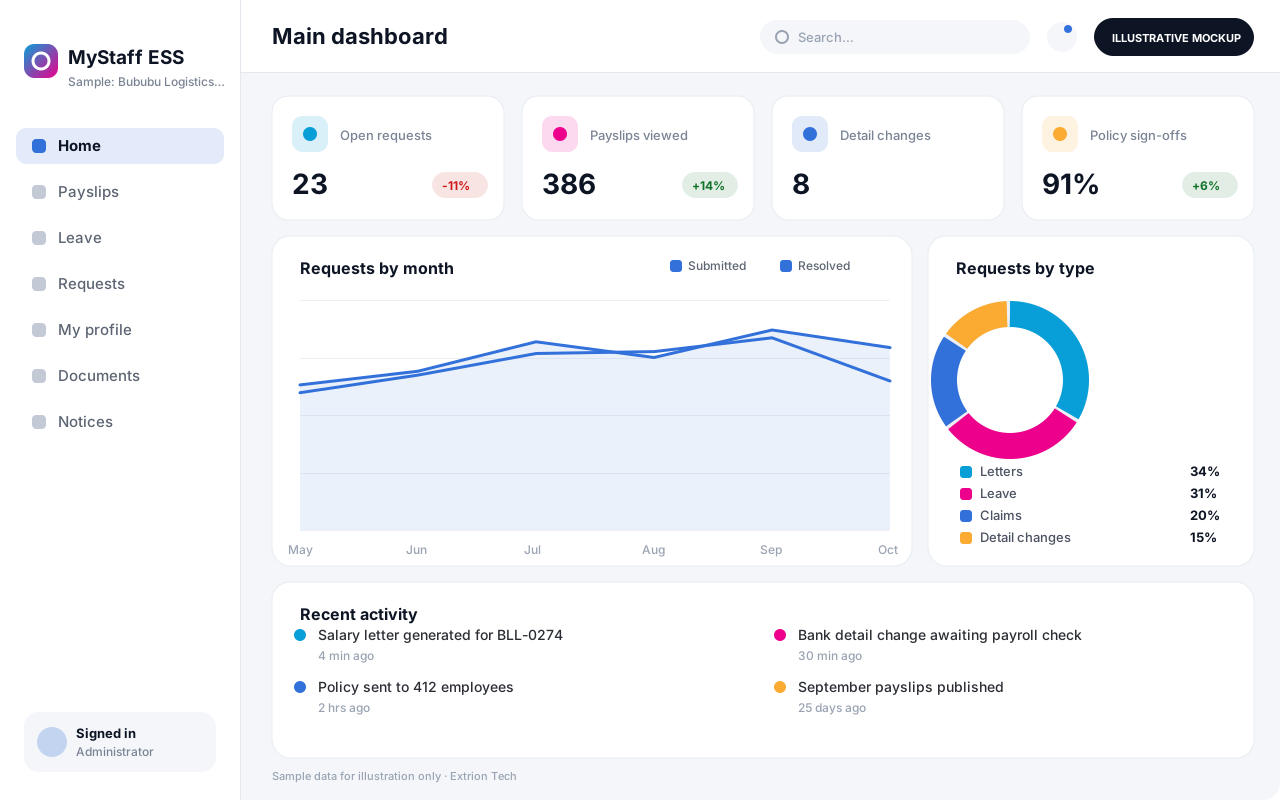
Employees sign in on the web or mobile app to view and download payslips and annual earnings summaries, check leave balances and submit requests, and update personal details such as address, next of kin or bank account, which take effect only after HR verification. They can request standard letters, submit expense or advance claims, read and acknowledge company policies, and follow the status of every request in one place.
For HR, requests arrive as structured tickets with the right attachments, routed to the correct approver, instead of emails and walk-in queries. Announcements reach every employee at once, including those without a company email address. The portal can sit on top of an existing payroll or HR system through integration where it offers an interface, or alongside an HR system Extrion Tech develops for the organisation.
Business problems it addresses
- HR staff spend hours each week reprinting payslips and answering balance queries.
- Employees without company email miss announcements and policy updates.
- Changes to personal and bank details arrive informally and are not verified properly.
- Requests for letters, advances and claims are hard to track and often delayed.
- There is no record that staff have read and acknowledged important policies.
Interface
Five screens of the system
Illustrative mockups with sample data — not screenshots of a client’s system.
Workflow
From employee request to HR resolution
-
1
Secure sign-in
Employees sign in with their staff number and a verified phone or email.
-
2
Self-service lookup
View payslips, leave balances, contracts and policies without contacting HR.
-
3
Submit a request
Request a letter, leave, claim, advance or a change to personal details.
-
4
Routing
The request goes to the line manager, HR or finance according to its type.
-
5
Verification and approval
Approvers check attachments and approve, reject or ask for more information.
-
6
Fulfilment
Letters are generated, records updated or claims passed to payroll.
-
7
Notification and history
The employee is notified and the request stays in their history.
Functions covered
Modules and what they do
01 Employee services
-
Payslips and earnings
Publishes monthly payslips and annual earnings summaries securely.
-
Leave and attendance view
Shows leave balances, requests and attendance summaries.
-
Personal details
Lets employees propose updates to contacts, next of kin and bank details.
-
Documents and contracts
Stores contracts, appraisal forms and certificates for the employee.
02 Requests and approvals
-
Letter requests
Generates introduction, salary and employment letters from templates.
-
Claims and advances
Optional / subject to scope
Handles expense claims and salary advance requests with approval.
-
HR helpdesk
Tracks general HR queries as tickets with response times.
03 Communication and integration
-
Announcements
Sends notices to all staff or selected departments and sites.
-
Policy acknowledgement
Records when each employee reads and accepts a policy.
-
Payroll and HR integration
Optional / subject to scope
Connects to an existing payroll or HR system where an interface exists.
Technology stack
Technology selected for this solution
These are the technologies planned for this type of system. The final stack depends on scale, performance, licensing, infrastructure, integrations and your requirements.
Frontend
Backend
Database
Mobile
Infrastructure
Integrations
Security & data integrity
Protecting your data and its accuracy
The portal exposes salary, bank and personal data, so each employee sees only their own records, sensitive changes require HR verification, and privacy and retention requirements are agreed with the client for the relevant jurisdiction.
Standard protections
-
Role-based access control
Each user sees only what their role allows.
-
Authentication and authorisation
Every request is checked for a signed-in, permitted user.
-
Fine-grained permissions
Permissions per module and action, such as view, edit or approve.
-
Secure password storage
Passwords are stored using strong one-way hashing, never in plain text.
-
Encryption in transit
HTTPS/TLS protects data between users and the server.
-
Encryption at rest
Sensitive data encrypted on disk where the infrastructure supports and is configured for it.
-
Server-side input validation
All input is validated on the server before it is saved.
-
Protection against common web vulnerabilities
Defences against injection, cross-site scripting and request forgery.
-
Database constraints and transactions
Constraints and transactions keep related records consistent.
-
Audit logs
Important actions are recorded with who, what and when.
-
User activity history
A history of each user’s activity for supervisors and administrators.
-
Backup and restoration
Scheduled backups with tested restoration procedures.
-
Session management
Session time-outs and the ability to sign out other devices.
-
Secure API access
Authenticated, rate-limited access for integrations.
Optional advanced protections
- Multi-factor authentication A second sign-in step for selected or all users.
- Single sign-on Sign in with your organisation’s identity provider where supported.
- Data retention and deletion policies Retention periods and deletion rules agreed with you.
- Monitoring and error logging Errors and unusual activity are logged and monitored.
Data integrity
Employee-submitted changes are held as pending until HR verifies them, and the previous value is kept in the audit trail when they are applied. Payslips are published as fixed documents generated from closed payroll periods, so later payroll edits cannot alter what an employee has already received.
Security controls are configured for each project. We do not claim certification, compliance or immunity from attack unless independently verified for your deployment.
Customisation & integration
Tailored to how you work
We tailor modules, reports, permissions, workflows, branding and integrations to your organisation. Tell us which features you need when you request a quote.
- Request types, forms and approval routes
- Letter and certificate templates
- Which personal fields employees may update
- Branding, domain and mobile app name
- Integration with existing payroll or HR software
Deployment & support
From go-live to continuous improvement
Onboarding, data migration, training, maintenance, technical support and future enhancements are services we scope into your project.
Bringing records from spreadsheets or older systems, checked and reconciled.
Role-based training for users, supervisors and administrators.
Technical support and maintenance under an agreed support plan.
New modules, reports and integrations as your organisation grows.
Pricing
Pricing tailored to your requirements
Every organisation has different workflows, users, infrastructure, and integration needs. Request a quotation for a solution designed around your requirements.
- Number of users, branches and modules
- Customisation and integrations
- Hosting: cloud, your server or hybrid
- Data migration and training
- Support and maintenance plan
HR & Administration
Related systems
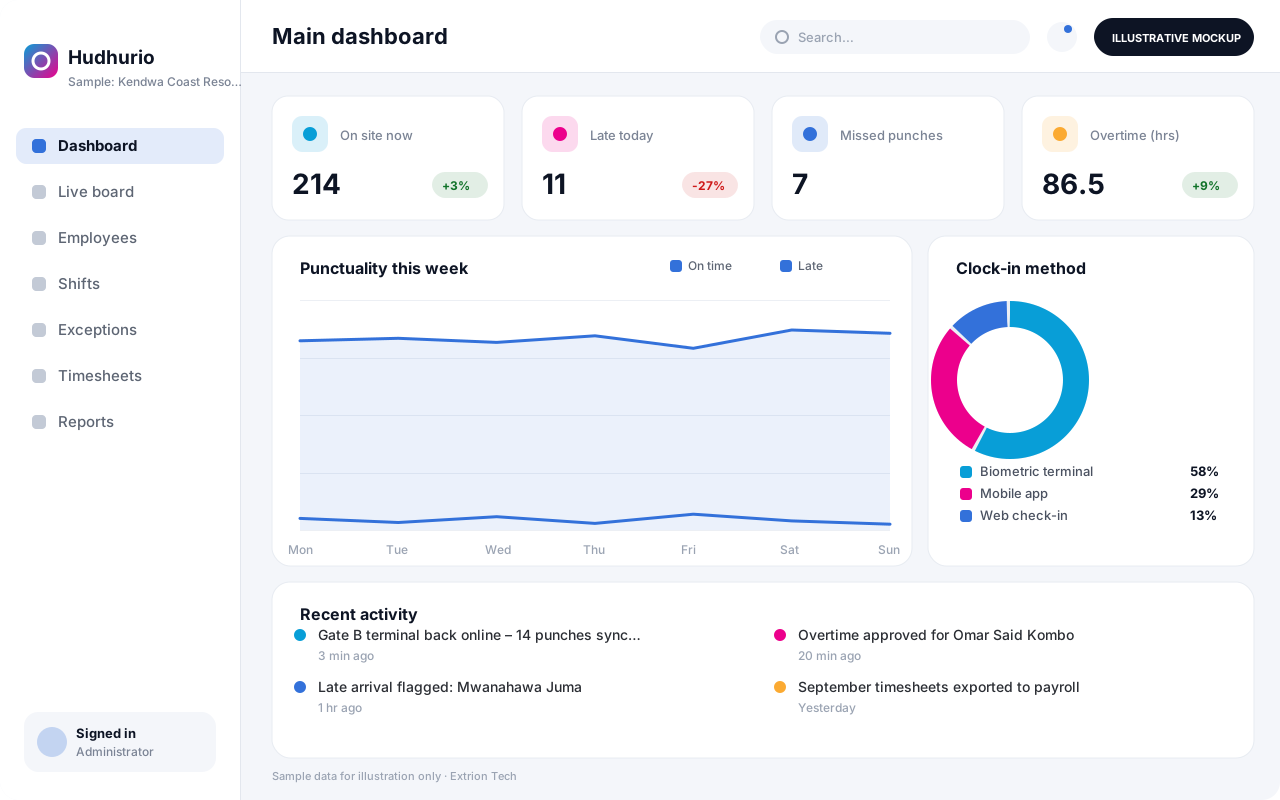 Attendance and Workforce Management System Captures clock-ins from biometric devices, mobile check-in or web, applies shift and overtime rules, and produces approved timesheets ready for payroll.
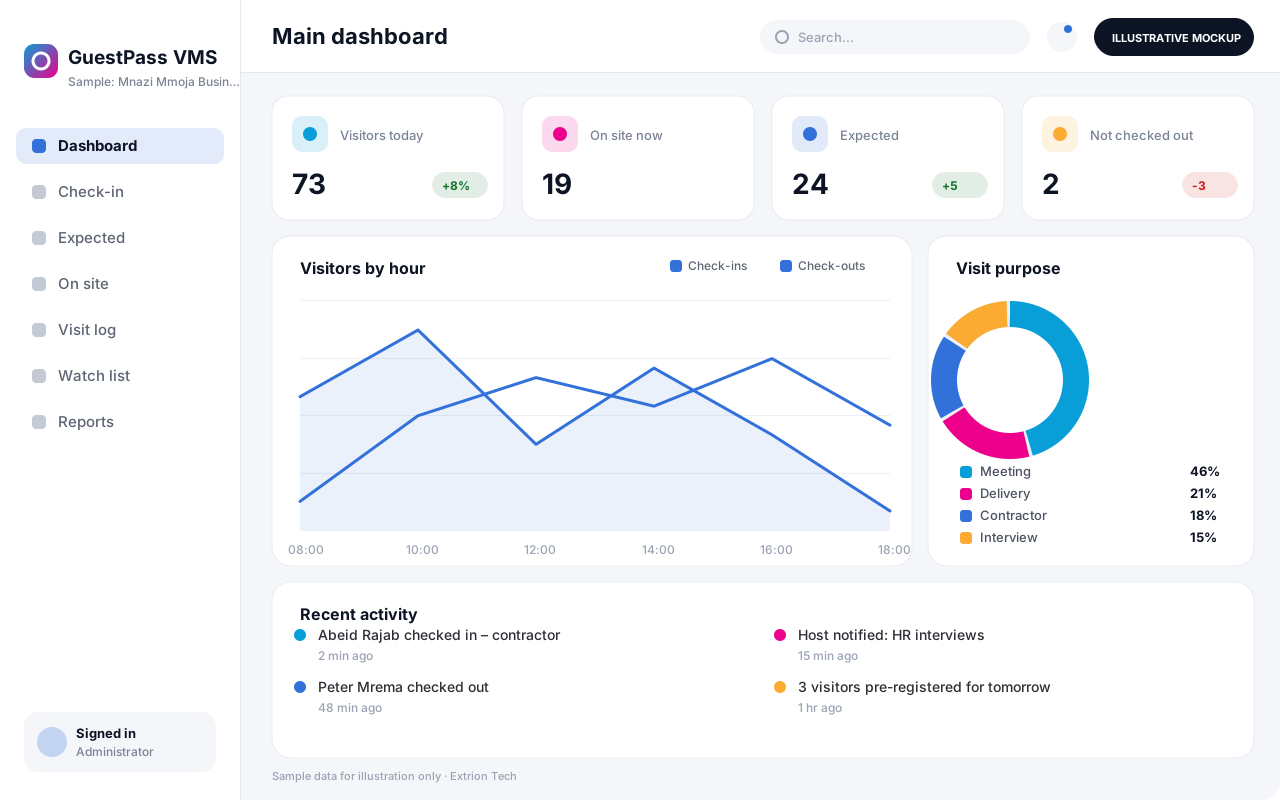 Visitor Management System Registers visitors at reception or in advance, notifies hosts, issues badges with QR codes, and keeps a searchable record of who is on the premises at any moment.
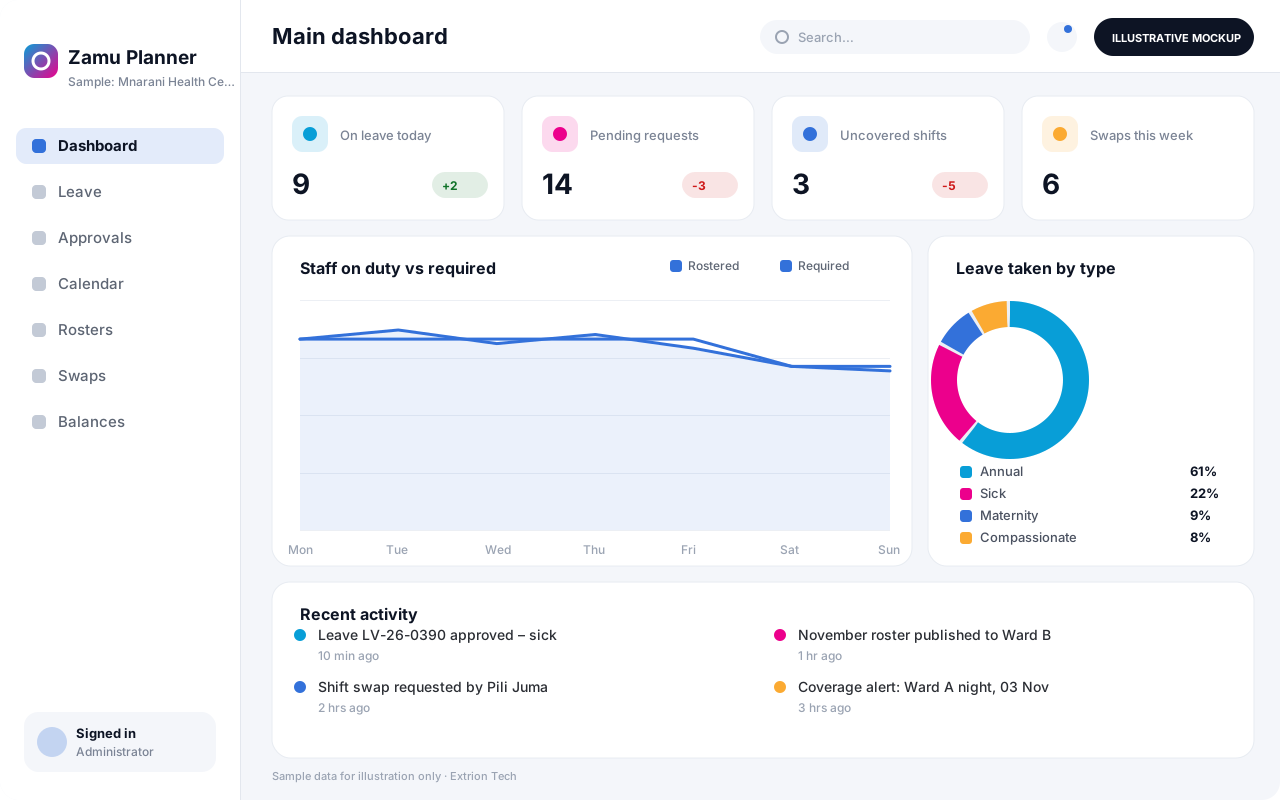 Leave and Staff Scheduling System Handles leave requests, entitlements and balances alongside duty rosters, so managers can approve time off while keeping every shift and department adequately staffed.
Back to the catalogue Business software services Our development process
