HR & Administration
Attendance and Workforce Management System
Captures clock-ins from biometric devices, mobile check-in or web, applies shift and overtime rules, and produces approved timesheets ready for payroll.
- Web-based
- Android
- iOS
- Server-based
Overview
Attendance and Workforce Management System
Accurate attendance is the starting point for fair pay, reliable staffing and disciplined operations. Extrion Tech designs and develops Attendance and Workforce Management Systems in-house in Zanzibar for organisations whose staff work across offices, shifts, sites and field locations.
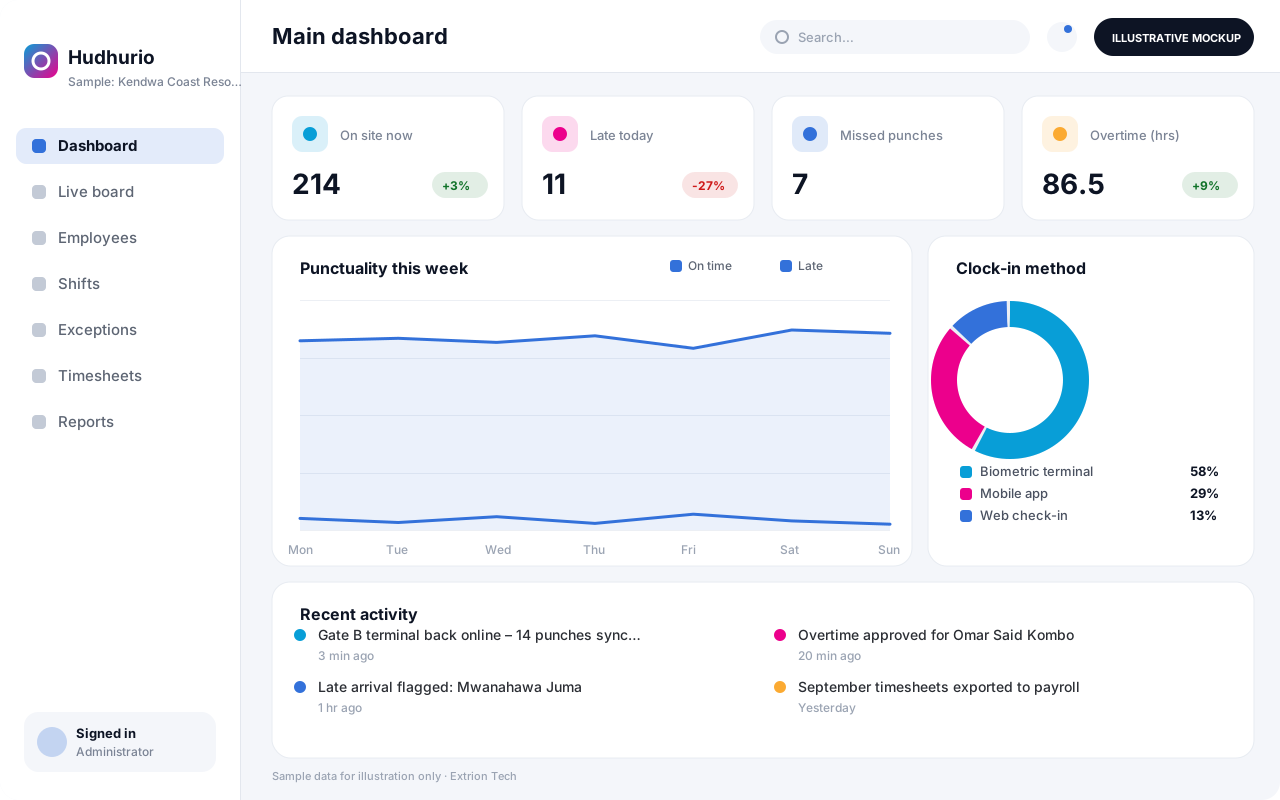
Staff clock in and out using the method that suits each workplace: biometric or card terminals at fixed sites where the device offers an integration interface, a mobile app with location confirmation for field teams, or a web check-in for office staff. The system matches every punch against the employee’s assigned shift, calculating lateness, early departures, missed punches, overtime and night or holiday hours according to the organisation’s rules. Supervisors review exceptions daily, correct missing punches with a recorded reason and approve overtime before it counts.
At the end of each period, approved timesheets are locked and exported to payroll, with totals by employee, department and cost centre. Managers see live headcount on site, absenteeism trends and overtime cost. Working-hour and overtime rules are configured with each client to reflect their policies and the labour requirements of Tanzania or the relevant jurisdiction, rather than assumed by the software.
Business problems it addresses
- Paper registers and signing sheets are easy to falsify and slow to total at month end.
- Overtime is paid without clear approval or evidence of hours actually worked.
- Managers have no live view of who is present across branches, sites or shifts.
- Payroll staff spend days reconciling attendance records before they can run salaries.
- Field staff attendance cannot be confirmed when they work away from the office.
Interface
Five screens of the system
Illustrative mockups with sample data — not screenshots of a client’s system.
Workflow
From clock-in to payroll-ready timesheets
-
1
Employee and shift setup
Register staff, departments and sites, and assign shift patterns and rules.
-
2
Clock-in and clock-out
Staff punch in by terminal, mobile app with location, or web check-in.
-
3
Rule calculation
Punches are matched to shifts to compute lateness, overtime and absences.
-
4
Exception review
Supervisors resolve missed punches and anomalies with a recorded reason.
-
5
Overtime approval
Managers approve or reject overtime before it is counted.
-
6
Timesheet lock
Approved period timesheets are locked to prevent further changes.
-
7
Payroll export and reports
Totals are exported to payroll and attendance trends reviewed.
Functions covered
Modules and what they do
01 Time capture
-
Biometric and card terminals
Optional / subject to scope
Pulls punches from supported devices where an integration interface exists.
-
Mobile clock-in
Records check-ins with location and optional photo for field staff.
-
Web check-in
Lets office staff clock in from approved networks or locations.
02 Rules and scheduling
-
Shifts and rosters
Defines shift patterns, rotations and site assignments per employee.
-
Attendance rules
Applies grace periods, lateness, overtime, night and holiday rules.
-
Holiday calendar
Maintains public holidays and organisation-specific closure days.
03 Control and payroll
-
Exceptions and corrections
Lists missed punches and anomalies for supervisor correction.
-
Overtime approval
Routes overtime claims to managers for approval within limits.
-
Timesheets and payroll export
Locks period timesheets and exports totals to payroll formats.
-
Attendance analytics
Reports absenteeism, punctuality and overtime cost by department.
Technology stack
Technology selected for this solution
These are the technologies planned for this type of system. The final stack depends on scale, performance, licensing, infrastructure, integrations and your requirements.
Frontend
Backend
Database
Mobile
Infrastructure
Integrations
Security & data integrity
Protecting your data and its accuracy
Attendance and location data are employee personal data, so access is limited to the staff member and authorised managers, and biometric handling, location capture and retention periods are agreed with the client for the relevant jurisdiction.
Standard protections
-
Role-based access control
Each user sees only what their role allows.
-
Authentication and authorisation
Every request is checked for a signed-in, permitted user.
-
Fine-grained permissions
Permissions per module and action, such as view, edit or approve.
-
Secure password storage
Passwords are stored using strong one-way hashing, never in plain text.
-
Encryption in transit
HTTPS/TLS protects data between users and the server.
-
Server-side input validation
All input is validated on the server before it is saved.
-
Protection against common web vulnerabilities
Defences against injection, cross-site scripting and request forgery.
-
Database constraints and transactions
Constraints and transactions keep related records consistent.
-
Audit logs
Important actions are recorded with who, what and when.
-
User activity history
A history of each user’s activity for supervisors and administrators.
-
Backup and restoration
Scheduled backups with tested restoration procedures.
-
Session management
Session time-outs and the ability to sign out other devices.
-
Secure API access
Authenticated, rate-limited access for integrations.
-
Offline mode with controlled synchronisation
Work offline and synchronise safely when the connection returns.
Optional advanced protections
- Multi-factor authentication A second sign-in step for selected or all users.
- Single sign-on Sign in with your organisation’s identity provider where supported.
- Encryption at rest Sensitive data encrypted on disk where the infrastructure supports and is configured for it.
- Data retention and deletion policies Retention periods and deletion rules agreed with you.
Data integrity
Raw punches are stored unchanged and corrections are saved as separate, reasoned entries, so the original evidence is never overwritten. Timesheets are calculated from punches and approved rules, locked once a period is closed, and payroll exports can be reconciled against the locked totals.
Security controls are configured for each project. We do not claim certification, compliance or immunity from attack unless independently verified for your deployment.
Customisation & integration
Tailored to how you work
We tailor modules, reports, permissions, workflows, branding and integrations to your organisation. Tell us which features you need when you request a quote.
- Shift patterns, grace periods and overtime rules
- Clock-in methods per site or employee group
- Approval levels for corrections and overtime
- Payroll export formats and pay period dates
- Attendance reports and dashboards
Deployment & support
From go-live to continuous improvement
Onboarding, data migration, training, maintenance, technical support and future enhancements are services we scope into your project.
Bringing records from spreadsheets or older systems, checked and reconciled.
Role-based training for users, supervisors and administrators.
Technical support and maintenance under an agreed support plan.
New modules, reports and integrations as your organisation grows.
Pricing
Pricing tailored to your requirements
Every organisation has different workflows, users, infrastructure, and integration needs. Request a quotation for a solution designed around your requirements.
- Number of users, branches and modules
- Customisation and integrations
- Hosting: cloud, your server or hybrid
- Data migration and training
- Support and maintenance plan
HR & Administration
Related systems
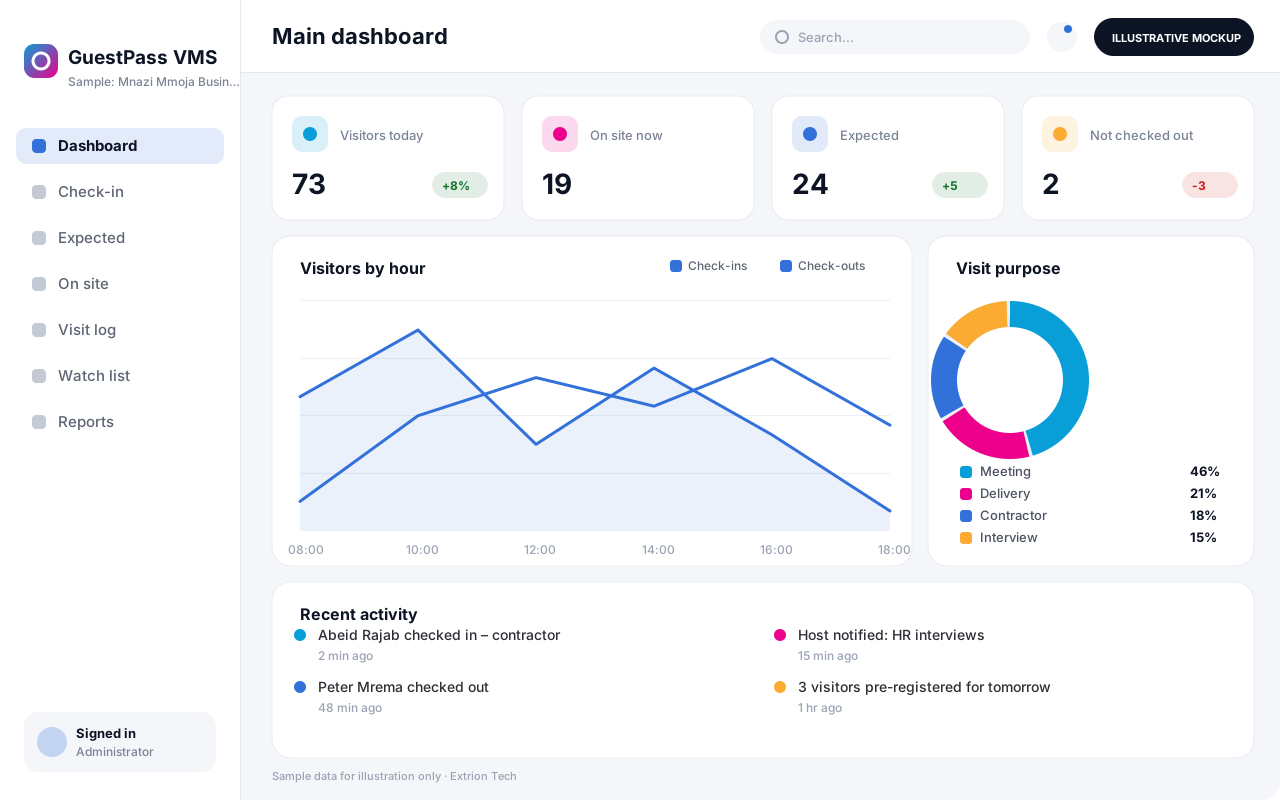 Visitor Management System Registers visitors at reception or in advance, notifies hosts, issues badges with QR codes, and keeps a searchable record of who is on the premises at any moment.
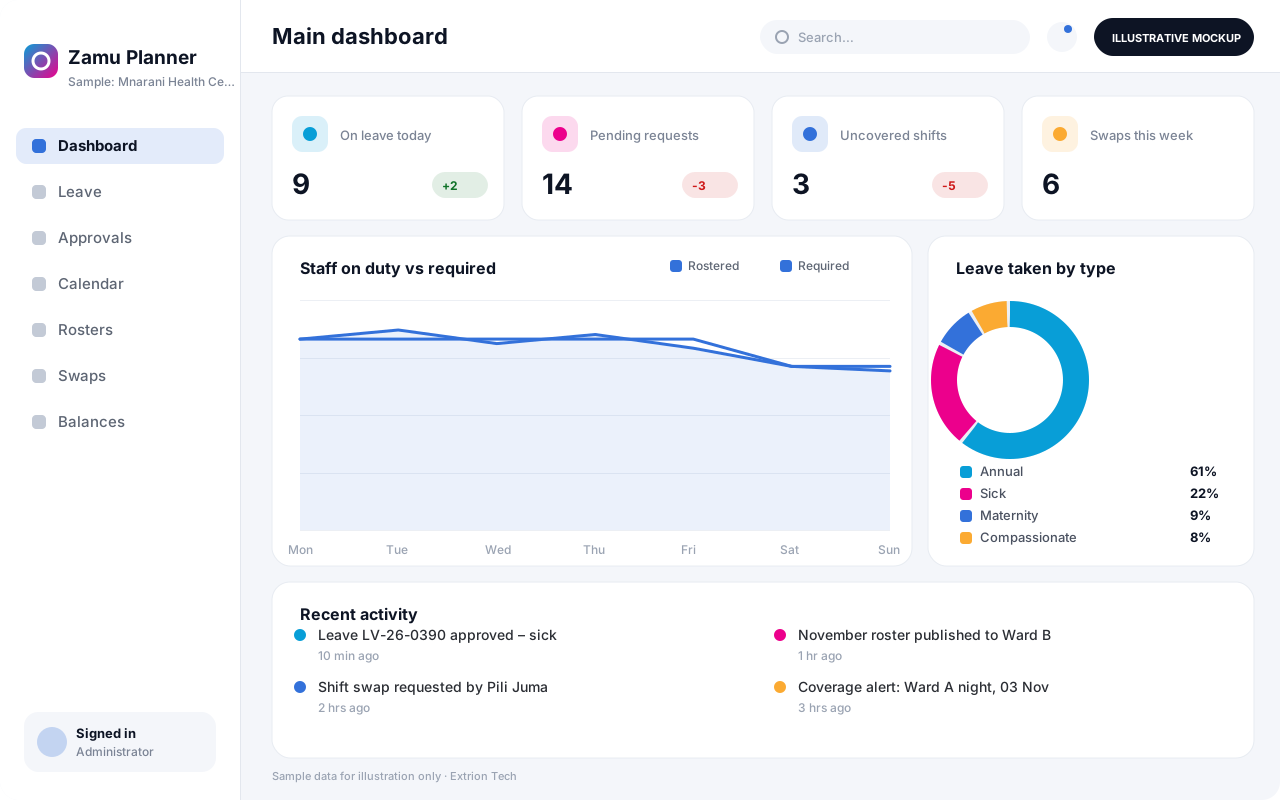 Leave and Staff Scheduling System Handles leave requests, entitlements and balances alongside duty rosters, so managers can approve time off while keeping every shift and department adequately staffed.
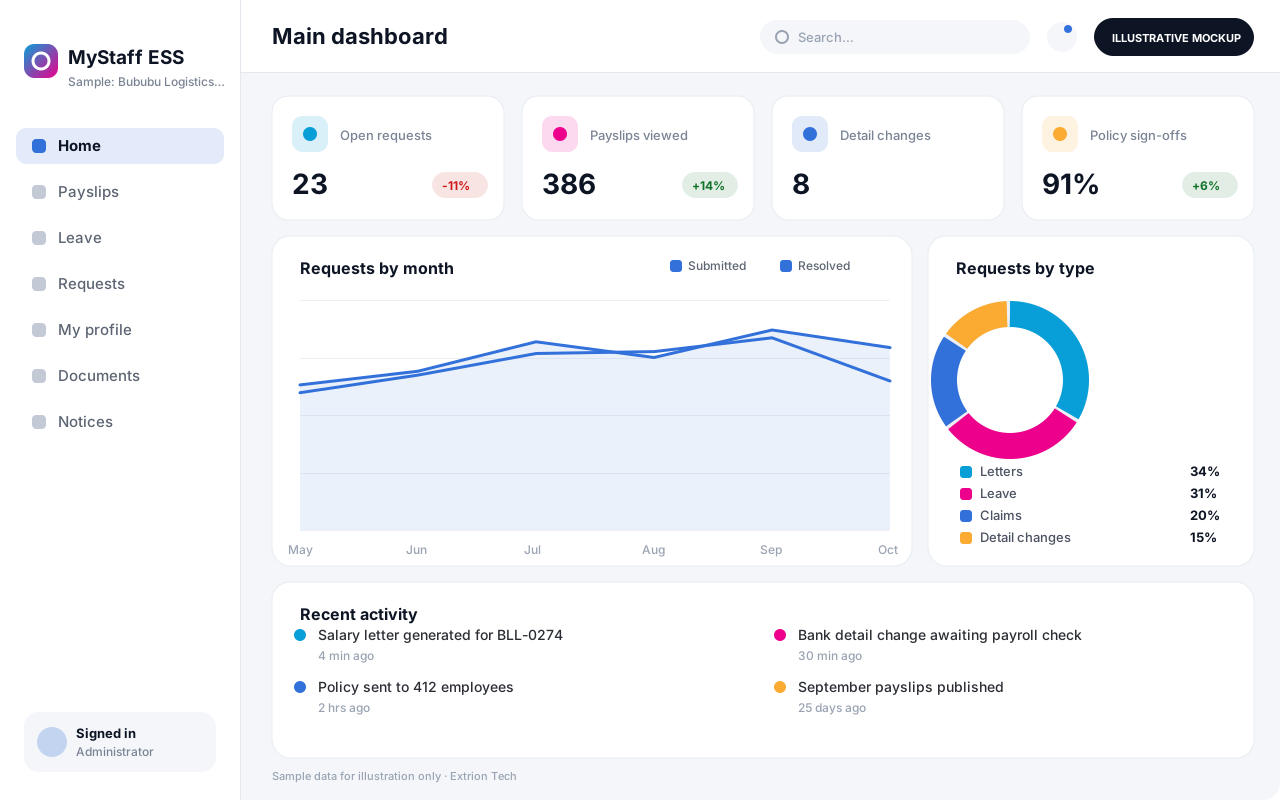 Employee Self-Service Portal Gives employees secure web and mobile access to payslips, leave, personal details, HR requests, letters and policies, reducing routine queries to the HR office.
Back to the catalogue Business software services Our development process
