Public Sector & Organisations
Digital Forms and Approval Management System
A digital forms and approvals system that replaces paper requests with online forms, routes them through defined approval levels and keeps a complete record of every decision.
- Web-based
- Android
- iOS
Overview
Digital Forms and Approval Management System
Leave requests, purchase requisitions, travel authorisations, permits and internal memos often still move on paper from desk to desk, collecting signatures along the way. Requests stall when an approver is travelling, applicants cannot tell where their form is, and auditors later struggle to prove who approved what and when.
Extrion Tech develops digital forms and approval management systems in-house for public bodies and organisations in Zanzibar and across Tanzania. Administrators design forms with the fields, attachments and validation the process needs, then define who approves at each level, under what conditions, and within what time. Submitted forms move automatically to the next approver, who can approve, return with comments or decline from a computer or phone. Applicants follow progress in real time, and delegation rules keep requests moving when someone is away.
Because each organisation’s delegated authority is different, approval chains can depend on amount, department, request type or location, and completed forms can generate a PDF record for filing. Integration with HR, finance or registry systems is optional and subject to project scope, and records retention requirements are established with the client for the relevant jurisdiction.
Business problems it addresses
- Paper forms move slowly between offices and are frequently lost or left unsigned on a desk.
- Applicants have no way to see where their request is or who is holding it up.
- Approvals stop completely when an approver is travelling or on leave.
- Approval limits and delegated authority are applied inconsistently across departments.
- Proving who approved a request, and on what basis, takes a manual search through paper files.
Interface
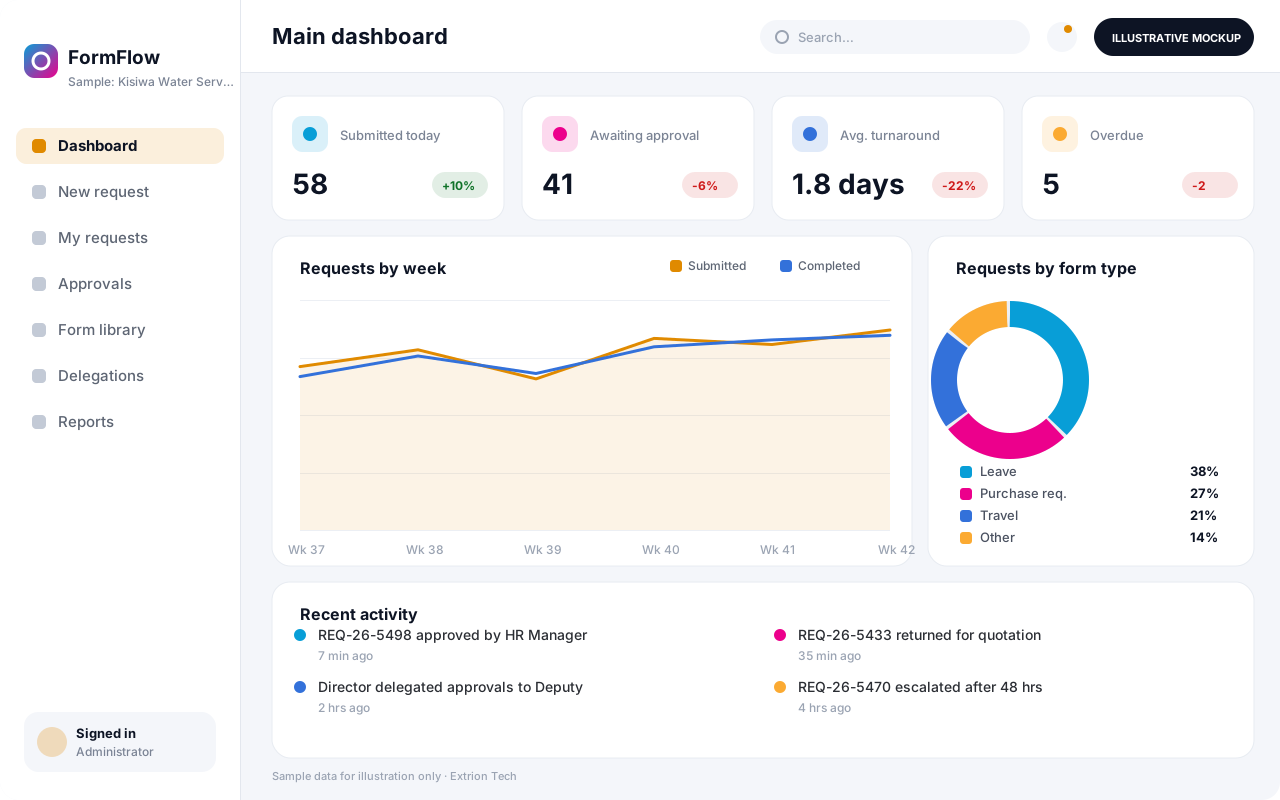
Five screens of the system
Illustrative mockups with sample data — not screenshots of a client’s system.
Workflow
From request to recorded decision
-
1
Form design
Administrator builds the form, its fields, validation rules and required attachments.
-
2
Approval chain set-up
Approval levels and conditions are defined, such as amount limits or department.
-
3
Submission
Applicant completes and submits the form online, with documents attached.
-
4
Routing
The request goes automatically to the first approver and the applicant is notified.
-
5
Review and decision
Each approver approves, returns with comments or declines, in sequence or in parallel.
-
6
Escalation and delegation
Overdue requests are escalated and approvers on leave can delegate to a deputy.
-
7
Completion and record
The final decision is issued, a PDF record is filed and the request is closed.
Functions covered
Modules and what they do
01 Forms
-
Form builder
Creates forms with text, number, date, list, table and attachment fields.
-
Validation and calculations
Applies required fields, limits and calculated totals before a form can be submitted.
-
Form library
Publishes approved forms by department with version control.
02 Approvals
-
Approval chain designer
Defines sequential or parallel approval levels with conditions and time limits.
-
Approver inbox
Shows each approver their pending requests with documents and history.
-
Delegation and escalation
Lets approvers delegate during absence and escalates requests past their deadline.
-
Electronic signatures
Optional / subject to scope
Applies a recorded approval stamp or signature image to the completed form.
03 Records and reporting
-
Request tracking
Lets applicants and administrators see the status and current holder of each request.
-
PDF records and archive
Generates a final PDF with all approvals and stores it for retrieval.
-
Turnaround reports
Reports on volumes, approval times and bottlenecks by form type and approver.
-
HR and finance integration
Optional / subject to scope
Passes approved leave or requisitions to HR or finance systems, subject to project scope.
Technology stack
Technology selected for this solution
These are the technologies planned for this type of system. The final stack depends on scale, performance, licensing, infrastructure, integrations and your requirements.
Frontend
Backend
Database
Mobile
Infrastructure
Integrations
Security & data integrity
Protecting your data and its accuracy
Requests can include personal, salary or financial details, so each form type defines who may view submissions beyond the applicant and approvers. Retention periods and records requirements are agreed with the client for the relevant jurisdiction.
Standard protections
-
Role-based access control
Each user sees only what their role allows.
-
Authentication and authorisation
Every request is checked for a signed-in, permitted user.
-
Fine-grained permissions
Permissions per module and action, such as view, edit or approve.
-
Secure password storage
Passwords are stored using strong one-way hashing, never in plain text.
-
Encryption in transit
HTTPS/TLS protects data between users and the server.
-
Server-side input validation
All input is validated on the server before it is saved.
-
Protection against common web vulnerabilities
Defences against injection, cross-site scripting and request forgery.
-
Database constraints and transactions
Constraints and transactions keep related records consistent.
-
Audit logs
Important actions are recorded with who, what and when.
-
User activity history
A history of each user’s activity for supervisors and administrators.
-
Backup and restoration
Scheduled backups with tested restoration procedures.
-
Session management
Session time-outs and the ability to sign out other devices.
-
Secure API access
Authenticated, rate-limited access for integrations.
-
Data retention and deletion policies
Retention periods and deletion rules agreed with you.
Optional advanced protections
- Multi-factor authentication A second sign-in step for selected or all users.
- Single sign-on Sign in with your organisation’s identity provider where supported.
- Encryption at rest Sensitive data encrypted on disk where the infrastructure supports and is configured for it.
- Data export controls Exports limited to authorised roles and recorded.
Data integrity
Form content is locked once submitted, and any change requested by an approver creates a new revision so the original remains on record. Approval limits are enforced by the system rather than by memory, and every decision is time-stamped with the approver, any delegation and the comments given.
Security controls are configured for each project. We do not claim certification, compliance or immunity from attack unless independently verified for your deployment.
Customisation & integration
Tailored to how you work
We tailor modules, reports, permissions, workflows, branding and integrations to your organisation. Tell us which features you need when you request a quote.
- Form designs, fields and validation rules
- Approval levels, limits and delegated authority
- Deadlines, reminders and escalation paths
- PDF layouts, letterheads and signature stamps
- Integrations with HR, finance or registry systems
Deployment & support
From go-live to continuous improvement
Onboarding, data migration, training, maintenance, technical support and future enhancements are services we scope into your project.
Bringing records from spreadsheets or older systems, checked and reconciled.
Role-based training for users, supervisors and administrators.
Technical support and maintenance under an agreed support plan.
New modules, reports and integrations as your organisation grows.
Pricing
Pricing tailored to your requirements
Every organisation has different workflows, users, infrastructure, and integration needs. Request a quotation for a solution designed around your requirements.
- Number of users, branches and modules
- Customisation and integrations
- Hosting: cloud, your server or hybrid
- Data migration and training
- Support and maintenance plan
Public Sector & Organisations
Related systems
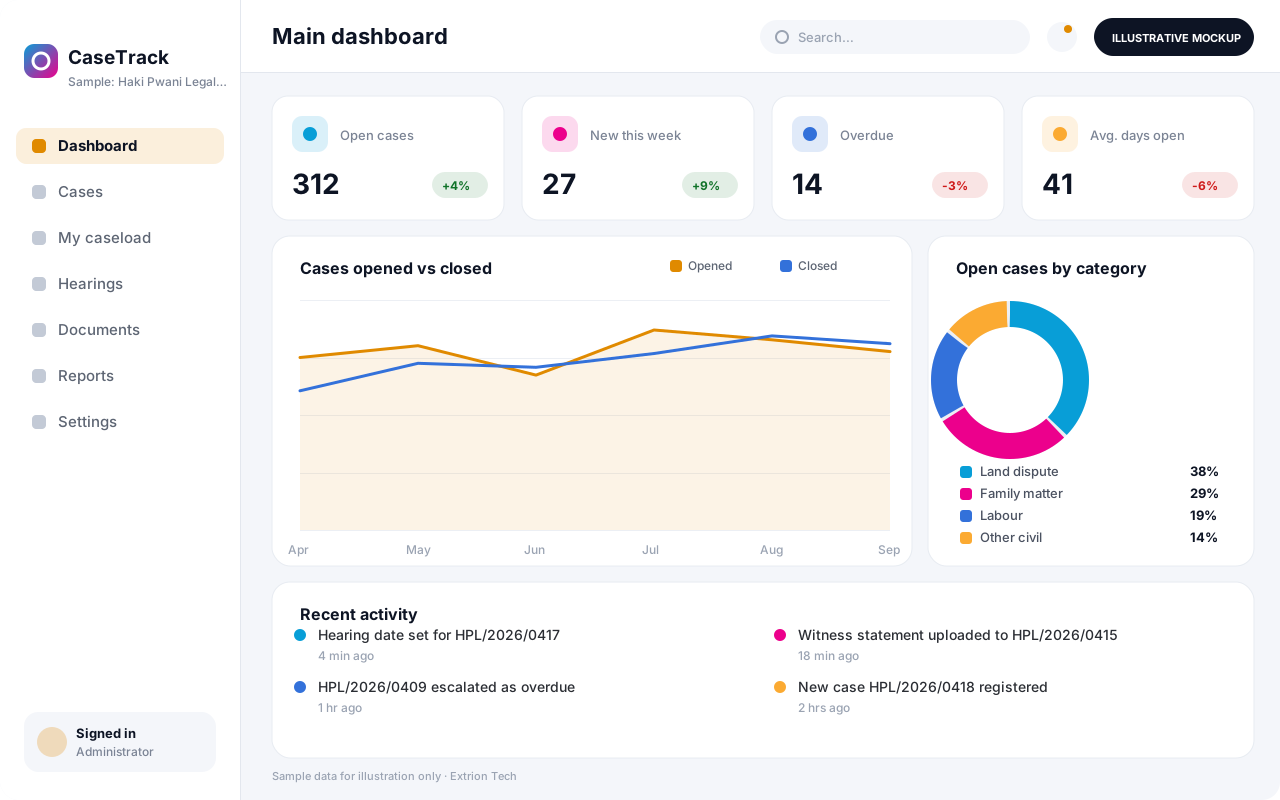 Case Management System A case management system that registers, assigns and tracks cases from intake to closure, with deadlines, case notes, documents and supervisor oversight in one record.
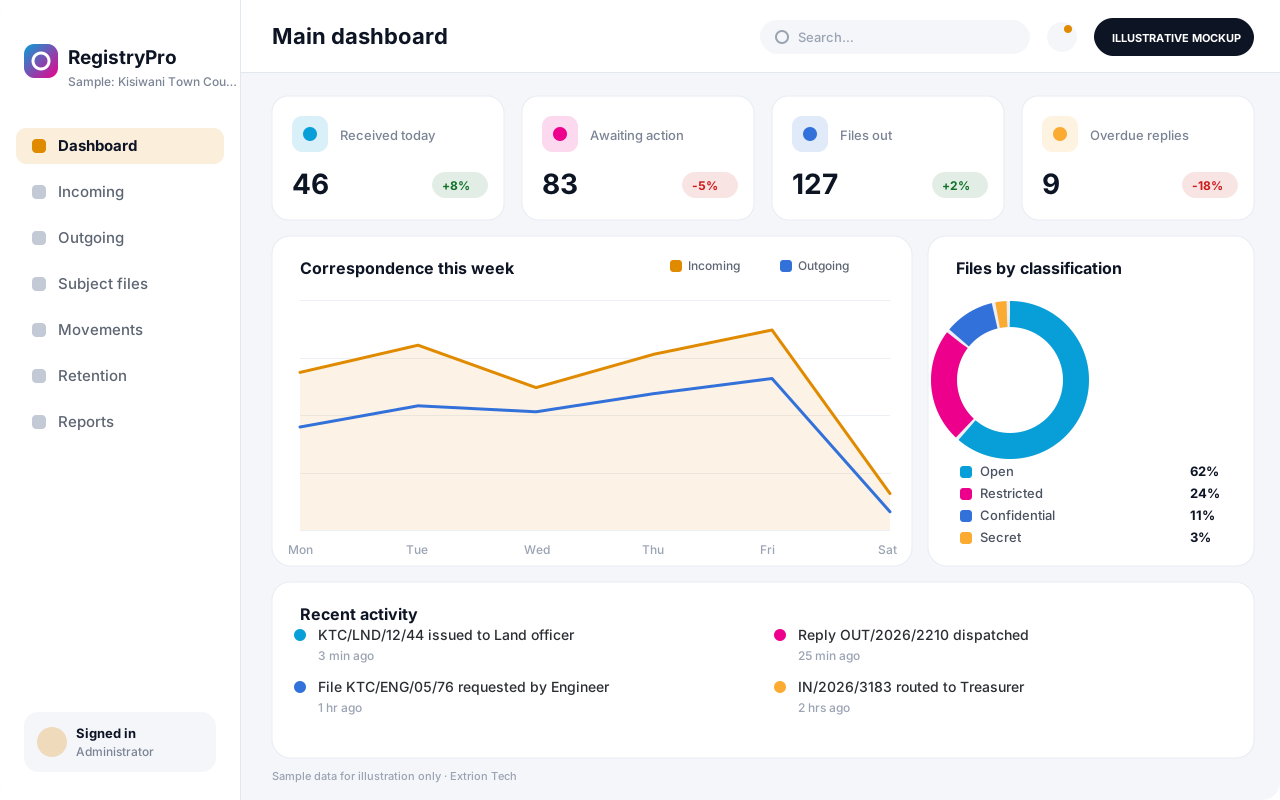 Records and Registry Management System A registry system that logs incoming and outgoing correspondence, tracks physical and digital files as they move between offices, and keeps records searchable and properly retained.
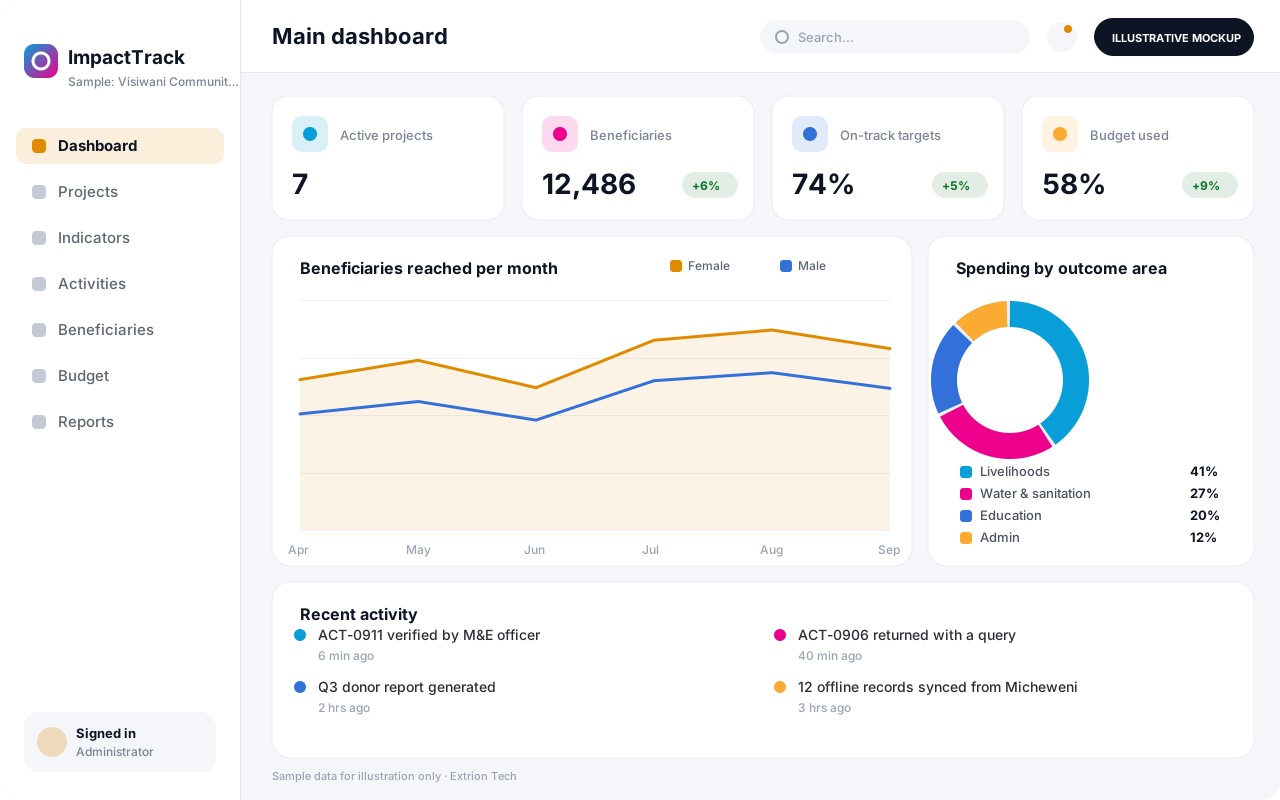 NGO and Project Monitoring System A monitoring and evaluation system for NGOs and project teams that links activities, beneficiaries, indicators and budgets, so progress against targets is visible without spreadsheet chasing.
Back to the catalogue Business software services Our development process
