Security & Technology
CCTV and Security Systems Integration Platform
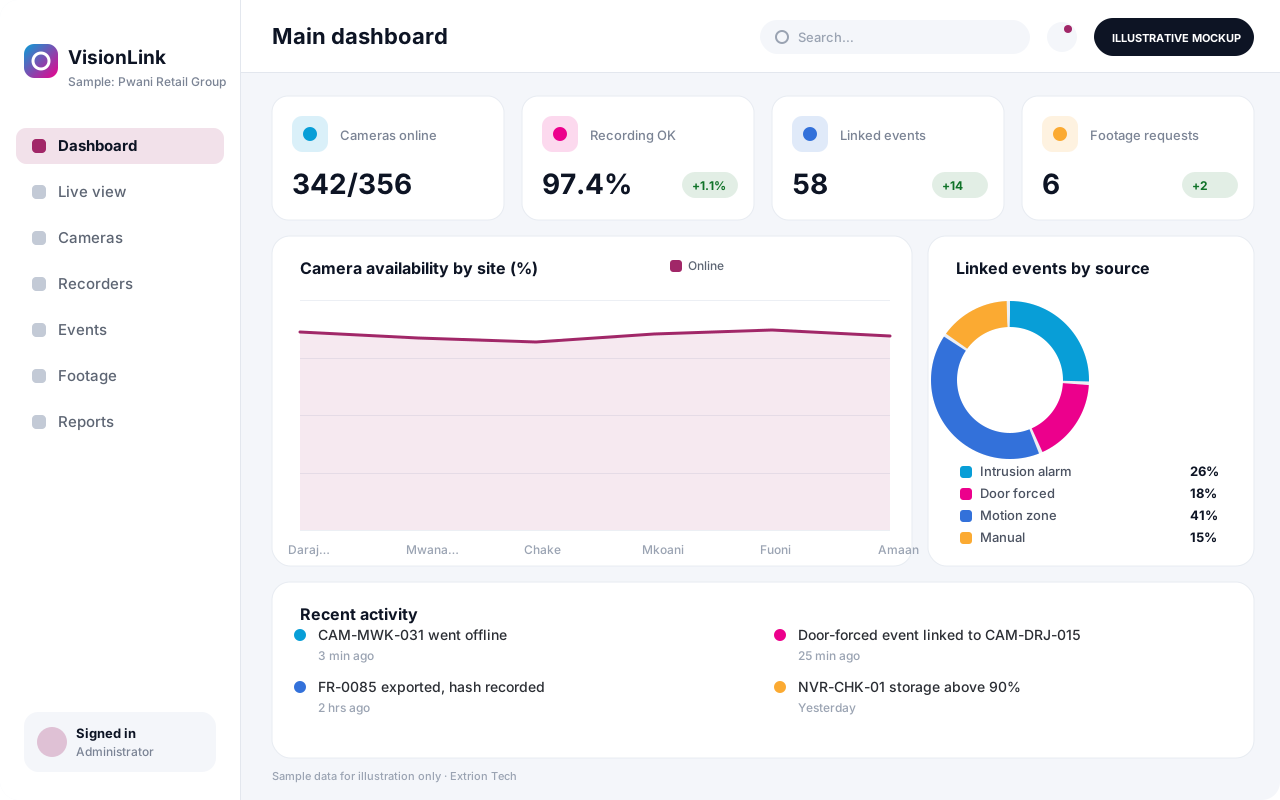
Bring cameras, recorders, alarms and access events from different sites into one console, with camera health checks, event-linked video, evidence export and footage requests.
- Web-based
- Windows desktop
- Server-based
Overview
CCTV and Security Systems Integration Platform
Many organisations end up with CCTV from several installers, recorders of different brands at each site, and alarms and access control that do not talk to each other. A CCTV and Security Systems Integration Platform provides one console above these systems. Extrion Tech can design and develop it in-house, connecting to cameras and recorders where the device supports an API or standard protocol such as ONVIF or RTSP.
The platform keeps a register of every camera and recorder with site, location, coverage and installer details, and checks continuously that each one is online and recording. Operators can view live streams from supported devices in configurable layouts, and when an alarm, access event or incident occurs, the platform links it to the nearest cameras so the relevant footage is one click away. Camera failures, full disks and recording gaps raise alerts so problems are fixed before footage is needed.
When footage is required for an investigation, insurance claim or police request, the platform records who requested it, who approved it and who exported it, and keeps a hash of the exported file so its integrity can be checked later. This chain of custody is especially valuable for hotels, banks, ports and retail groups in Zanzibar and across Tanzania. Supported devices, viewing rights and footage retention are agreed with you during analysis.
Business problems it addresses
- Each site uses a different recorder brand with separate viewing software.
- Cameras go offline or stop recording and nobody notices until footage is needed.
- Finding footage for an alarm or incident takes hours of searching.
- Footage is copied to USB drives with no record of who took it.
- Management has no overview of camera coverage and condition.
Interface
Five screens of the system
Illustrative mockups with sample data — not screenshots of a client’s system.
Workflow
From camera onboarding to evidence export
-
1
Register devices
Add cameras and recorders per site with location and installer details.
-
2
Connect
Link supported devices using their API or protocols such as ONVIF or RTSP.
-
3
Health monitoring
Online, recording and storage status are checked continuously.
-
4
Event linking
Alarms and access events are tied to the nearest cameras.
-
5
Operator review
Operators view the event with live or recorded video and act.
-
6
Footage request
Investigators request clips with reason and time window.
-
7
Approve and export
Approved clips are exported with a hash and custody log.
Functions covered
Modules and what they do
01 Devices and health
-
Camera and recorder register
Records devices, locations, coverage photos, warranties and installers.
-
Health monitoring
Detects offline cameras, recording gaps and full storage.
-
Device integration adapters
Optional / subject to scope
Connects to recorders and cameras where the device supports an API or standard protocol.
02 Operations
-
Live view console
Displays streams from supported devices in saved layouts.
-
Event and alarm linking
Associates alarms and access events with relevant cameras.
-
Access control and alarm feeds
Optional / subject to scope
Receives events from other security systems where an API is available.
-
Operator log
Records operator observations and actions against events.
03 Evidence and reporting
-
Footage requests and approvals
Manages requests for clips with reason, approver and time window.
-
Evidence export and custody
Exports clips with file hashes and a full custody log.
-
Coverage and uptime reports
Shows camera availability and recording compliance by site.
Technology stack
Technology selected for this solution
These are the technologies planned for this type of system. The final stack depends on scale, performance, licensing, infrastructure, integrations and your requirements.
Frontend
Backend
Database
Desktop
Infrastructure
Integrations
Security & data integrity
Protecting your data and its accuracy
Video footage is personal data, so viewing rights are limited by site and camera, every export is approved and logged, and footage retention and disclosure rules are agreed with the client for the relevant jurisdiction.
Standard protections
-
Role-based access control
Each user sees only what their role allows.
-
Authentication and authorisation
Every request is checked for a signed-in, permitted user.
-
Fine-grained permissions
Permissions per module and action, such as view, edit or approve.
-
Secure password storage
Passwords are stored using strong one-way hashing, never in plain text.
-
Encryption in transit
HTTPS/TLS protects data between users and the server.
-
Encryption at rest
Sensitive data encrypted on disk where the infrastructure supports and is configured for it.
-
Server-side input validation
All input is validated on the server before it is saved.
-
Protection against common web vulnerabilities
Defences against injection, cross-site scripting and request forgery.
-
Database constraints and transactions
Constraints and transactions keep related records consistent.
-
Audit logs
Important actions are recorded with who, what and when.
-
User activity history
A history of each user’s activity for supervisors and administrators.
-
Session management
Session time-outs and the ability to sign out other devices.
-
Secure API access
Authenticated, rate-limited access for integrations.
-
Data export controls
Exports limited to authorised roles and recorded.
Optional advanced protections
- Multi-factor authentication A second sign-in step for selected or all users.
- Single sign-on Sign in with your organisation’s identity provider where supported.
- Data retention and deletion policies Retention periods and deletion rules agreed with you.
- Disaster recovery planning A documented plan to restore service after a major failure.
- Monitoring and error logging Errors and unusual activity are logged and monitored.
Data integrity
Each exported clip is stored with a cryptographic hash, the requester, approver and time window, so its integrity can be verified later. Health check results and operator actions are time-stamped and cannot be edited, and recording gaps are logged as events rather than hidden.
Security controls are configured for each project. We do not claim certification, compliance or immunity from attack unless independently verified for your deployment.
Customisation & integration
Tailored to how you work
We tailor modules, reports, permissions, workflows, branding and integrations to your organisation. Tell us which features you need when you request a quote.
- Supported camera and recorder brands within scope
- Site, zone and camera grouping for operators
- Health check intervals and alert thresholds
- Footage request approval rules and export formats
- Viewing rights by role, site and camera
Deployment & support
From go-live to continuous improvement
Onboarding, data migration, training, maintenance, technical support and future enhancements are services we scope into your project.
Bringing records from spreadsheets or older systems, checked and reconciled.
Role-based training for users, supervisors and administrators.
Technical support and maintenance under an agreed support plan.
New modules, reports and integrations as your organisation grows.
Pricing
Pricing tailored to your requirements
Every organisation has different workflows, users, infrastructure, and integration needs. Request a quotation for a solution designed around your requirements.
- Number of users, branches and modules
- Customisation and integrations
- Hosting: cloud, your server or hybrid
- Data migration and training
- Support and maintenance plan
Security & Technology
Related systems
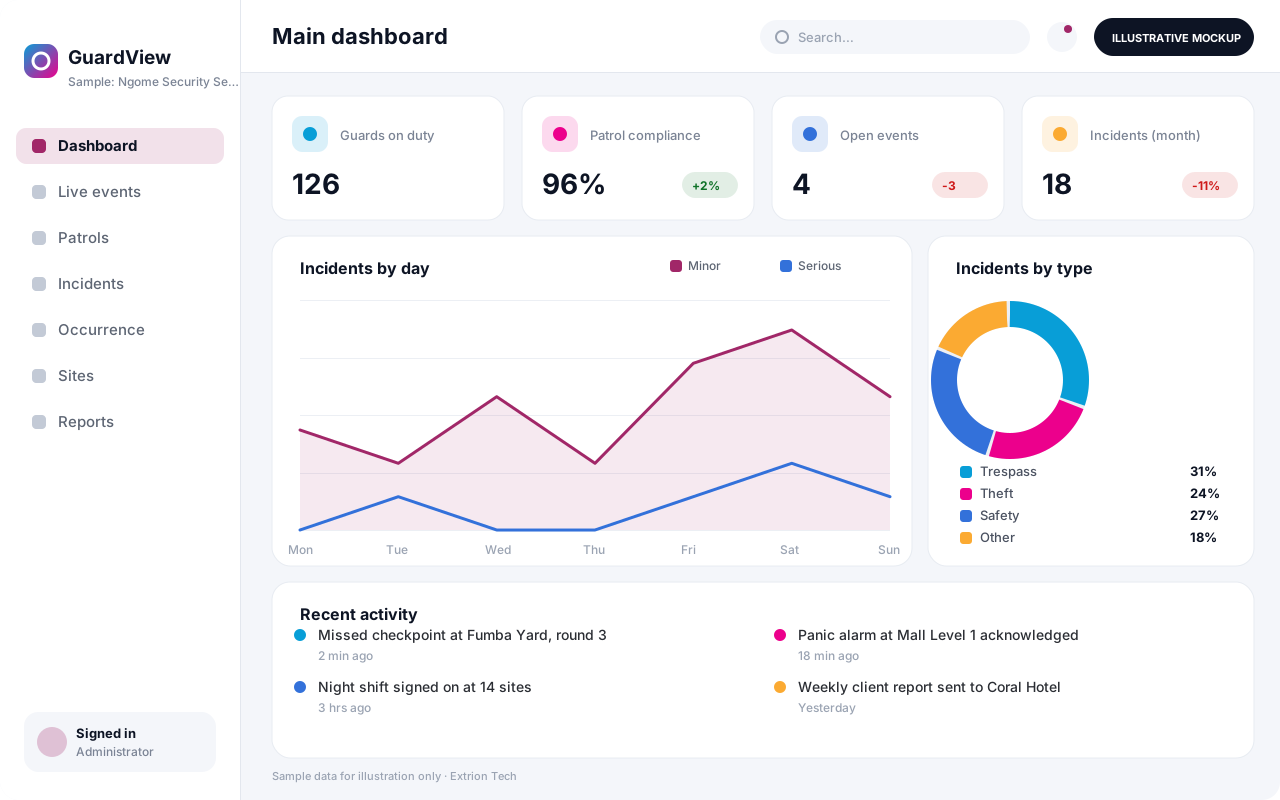 Security Monitoring and Incident Management System A control-room platform for guard tours, alarms, patrol check-ins, incident reporting and investigations, giving security managers one live picture of every site they protect.
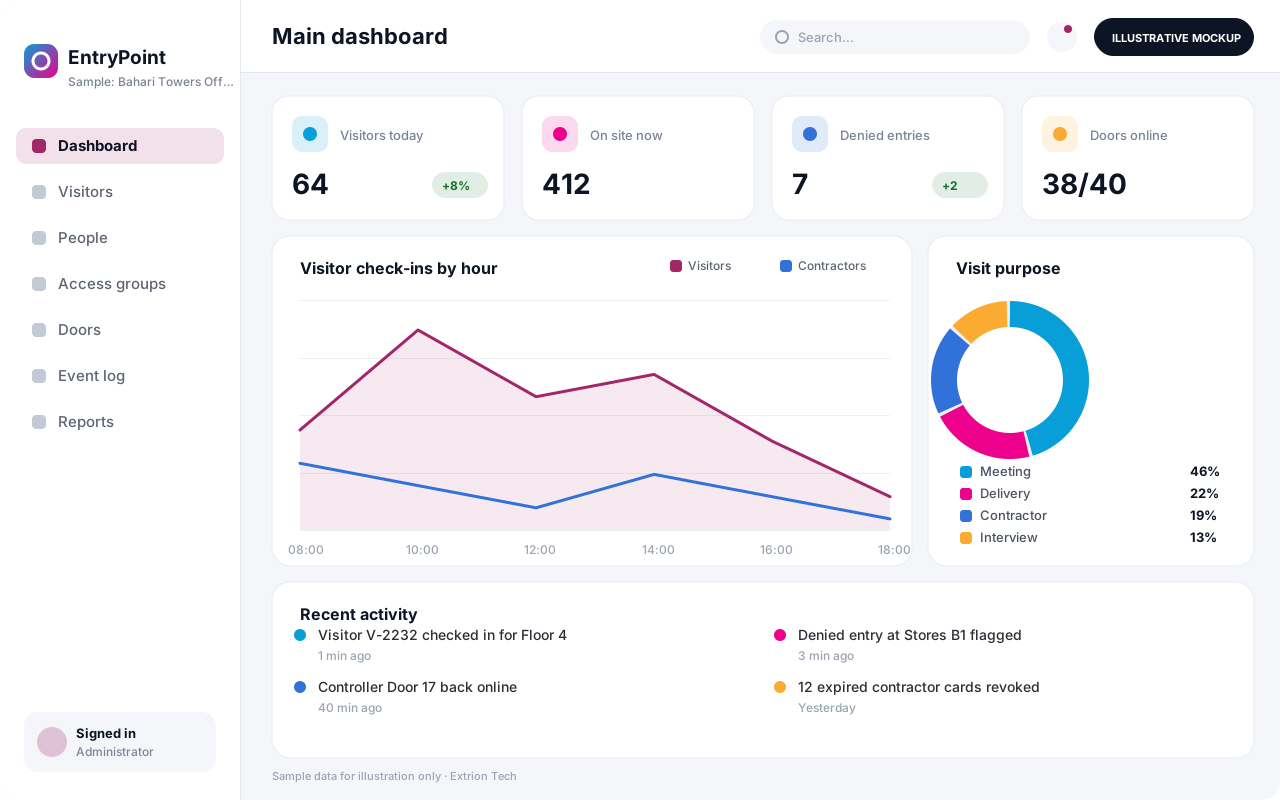 Access Control and Visitor Integration System Manage who may enter which doors and when, register visitors and contractors, issue badges and QR passes, and keep a single entry log from supported door controllers.
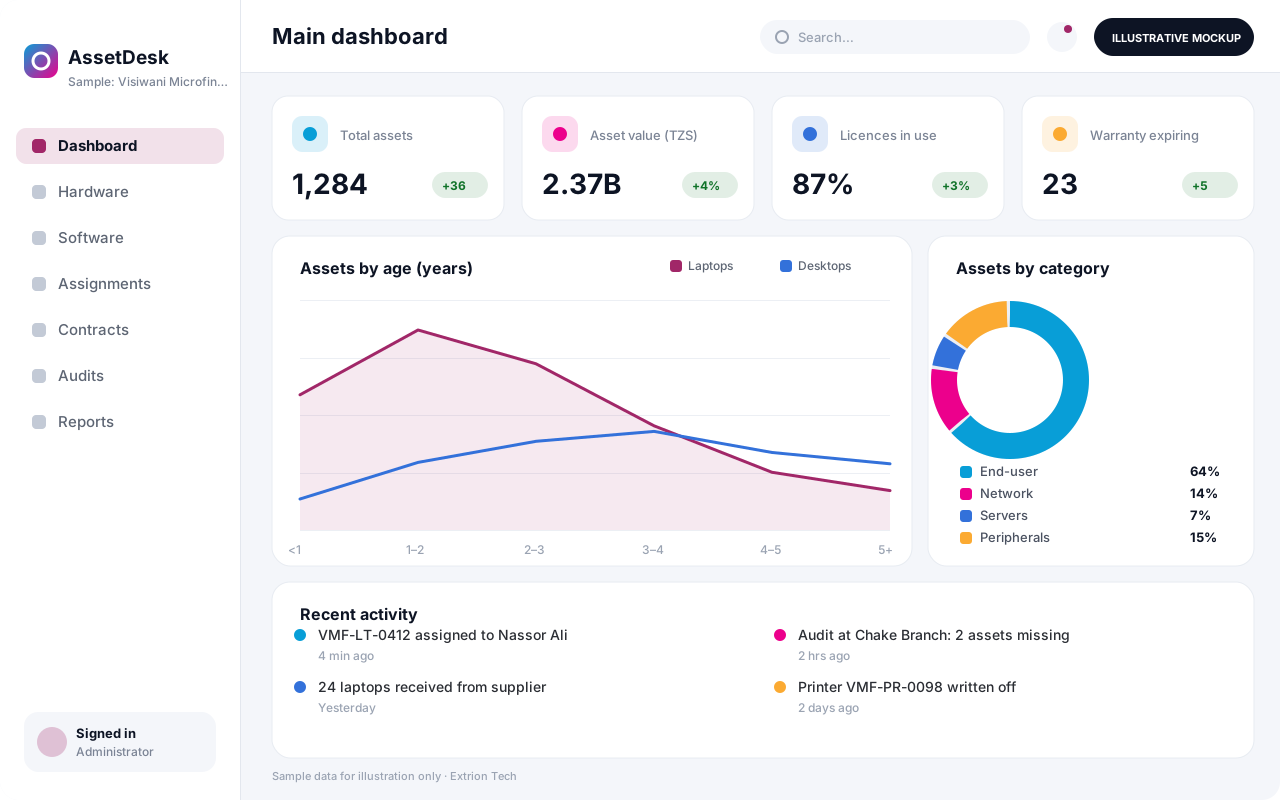 IT Asset and Infrastructure Management System One register of laptops, servers, network gear, software licences and contracts, with assignment to staff, warranty and licence renewals, and a record of every change.
Back to the catalogue Business software services Our development process
