Inventory, Retail & Commerce
Asset Management System
An asset register that tags and tracks equipment, furniture, vehicles and IT across locations, with custodians, transfers, maintenance, depreciation and disposal.
- Web-based
- Android
Overview
Asset Management System (AMS)
An Asset Management System gives an organisation a reliable register of everything it owns and who is responsible for it. Extrion Tech develops the system so each asset, from a laptop or generator to an office chair or boat engine, has a tag, a location, a custodian and a full history from acquisition to disposal.
Assets are registered with purchase details, warranty and category, then labelled with a barcode or QR tag. Staff can verify assets during a physical audit by scanning tags with an Android phone, even in branches or field sites on Unguja and Pemba with weak connectivity. Transfers between offices, issues to employees and returns are recorded with acknowledgement, so the register always shows where an asset is and who holds it.
The system calculates depreciation using the methods and rates the organisation applies, schedules preventive maintenance and warranty reminders, and manages disposal with approvals and recorded proceeds. Finance teams get a fixed asset register and depreciation schedules ready for audit, while managers see utilisation, condition and replacement needs. Accounting rules for depreciation in Tanzania are confirmed with the client’s finance team during setup.
Business problems it addresses
- Nobody knows exactly what assets exist or where they are located.
- Equipment issued to staff is not returned when they leave or transfer.
- Physical asset verification takes weeks and still misses items.
- Depreciation schedules are calculated manually and do not match the register.
- Warranties lapse and maintenance is missed, shortening asset life.
Interface
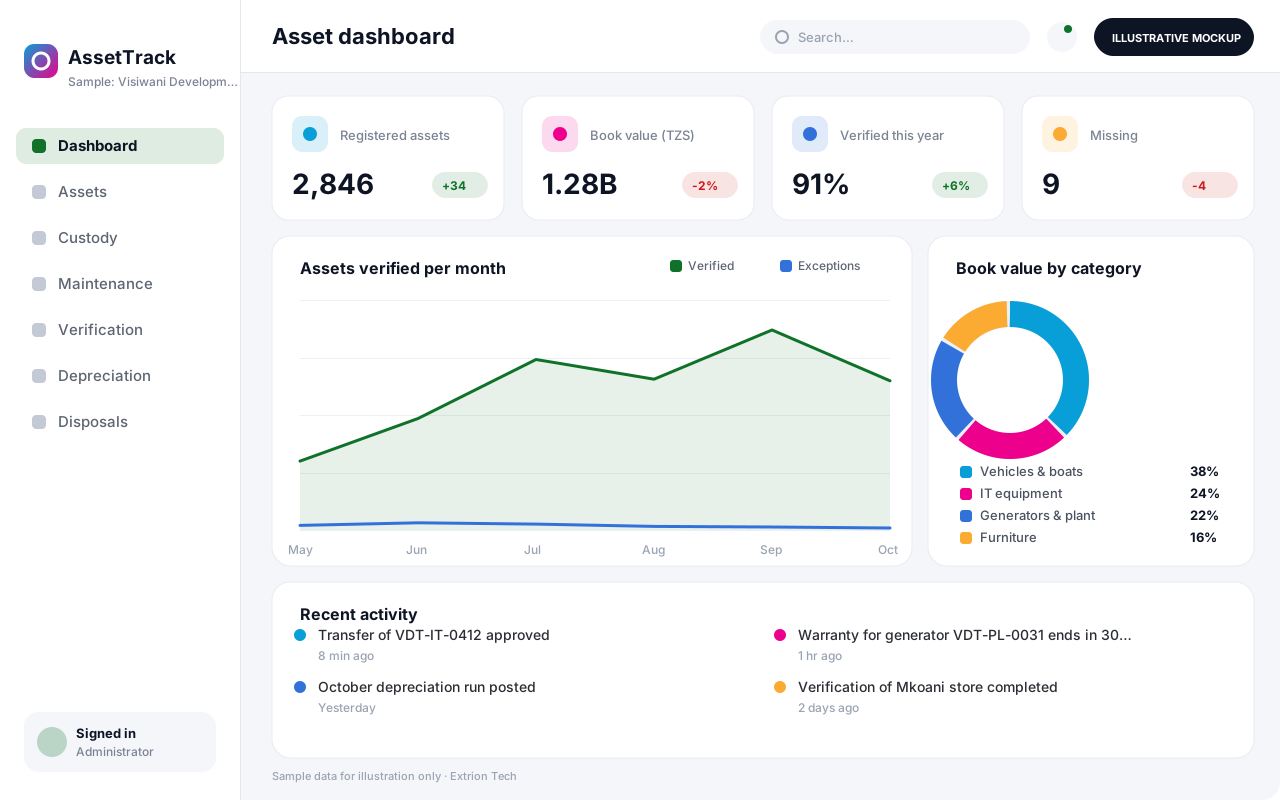
Five screens of the system
Illustrative mockups with sample data — not screenshots of a client’s system.
Workflow
From acquisition to disposal
-
1
Acquisition
Record the asset with supplier, cost, purchase date and warranty.
-
2
Tagging
Print and attach a barcode or QR tag linked to the asset record.
-
3
Assignment
Assign to a location and custodian who acknowledges receipt.
-
4
Transfers and returns
Move assets between offices or staff with approval and acknowledgement.
-
5
Maintenance
Schedule servicing, log repairs and track warranty expiry.
-
6
Verification
Scan tags during physical audits and resolve missing or misplaced assets.
-
7
Depreciation
Calculate monthly or annual depreciation and update book values.
-
8
Disposal
Approve sale, donation or write-off and record proceeds.
Functions covered
Modules and what they do
01 Asset register
-
Asset records
Holds category, serial number, cost, location, condition and documents.
-
Tagging and labels
Generates barcode or QR labels linked to each asset.
-
Custody and transfers
Records issues, returns and transfers with custodian acknowledgement.
02 Lifecycle
-
Maintenance and warranty
Schedules servicing, logs repairs and reminds staff before warranties expire.
-
Physical verification
Runs audits by location and compares scanned assets with the register.
-
Disposal
Manages disposal requests, approvals, method and proceeds.
03 Finance and reporting
-
Depreciation
Calculates depreciation by straight-line or reducing balance at set rates.
-
Asset reports
Produces fixed asset registers, movement, condition and verification reports.
-
Accounting integration
Optional / subject to scope
Posts acquisition, depreciation and disposal entries where an interface exists.
-
Staff exit clearance
Optional / subject to scope
Lists assets held by leaving staff so they are returned before exit.
Technology stack
Technology selected for this solution
These are the technologies planned for this type of system. The final stack depends on scale, performance, licensing, infrastructure, integrations and your requirements.
Frontend
Backend
Database
Mobile
Infrastructure
Integrations
Security & data integrity
Protecting your data and its accuracy
Changes to asset cost, depreciation settings and disposals are limited to authorised finance roles, and every custody change is recorded so accountability for each asset is clear.
Standard protections
-
Role-based access control
Each user sees only what their role allows.
-
Authentication and authorisation
Every request is checked for a signed-in, permitted user.
-
Fine-grained permissions
Permissions per module and action, such as view, edit or approve.
-
Secure password storage
Passwords are stored using strong one-way hashing, never in plain text.
-
Encryption in transit
HTTPS/TLS protects data between users and the server.
-
Server-side input validation
All input is validated on the server before it is saved.
-
Protection against common web vulnerabilities
Defences against injection, cross-site scripting and request forgery.
-
Database constraints and transactions
Constraints and transactions keep related records consistent.
-
Audit logs
Important actions are recorded with who, what and when.
-
User activity history
A history of each user’s activity for supervisors and administrators.
-
Backup and restoration
Scheduled backups with tested restoration procedures.
-
Session management
Session time-outs and the ability to sign out other devices.
Optional advanced protections
- Offline mode with controlled synchronisation Work offline and synchronise safely when the connection returns.
- Multi-factor authentication A second sign-in step for selected or all users.
- Single sign-on Sign in with your organisation’s identity provider where supported.
- Data export controls Exports limited to authorised roles and recorded.
Data integrity
Each asset has a unique tag that cannot be reused, and transfers update location and custodian together in one transaction. Depreciation runs are locked once posted so book values cannot be silently changed. Verification results are reconciled against the register, and missing or found assets are resolved through recorded actions.
Security controls are configured for each project. We do not claim certification, compliance or immunity from attack unless independently verified for your deployment.
Customisation & integration
Tailored to how you work
We tailor modules, reports, permissions, workflows, branding and integrations to your organisation. Tell us which features you need when you request a quote.
- Asset categories, tag formats and location hierarchy
- Depreciation methods, rates and financial year
- Approval steps for transfers and disposals
- Verification schedules and audit reports
- Integration with accounting and HR systems
Deployment & support
From go-live to continuous improvement
Onboarding, data migration, training, maintenance, technical support and future enhancements are services we scope into your project.
Bringing records from spreadsheets or older systems, checked and reconciled.
Role-based training for users, supervisors and administrators.
Technical support and maintenance under an agreed support plan.
New modules, reports and integrations as your organisation grows.
Pricing
Pricing tailored to your requirements
Every organisation has different workflows, users, infrastructure, and integration needs. Request a quotation for a solution designed around your requirements.
- Number of users, branches and modules
- Customisation and integrations
- Hosting: cloud, your server or hybrid
- Data migration and training
- Support and maintenance plan
Inventory, Retail & Commerce
Related systems
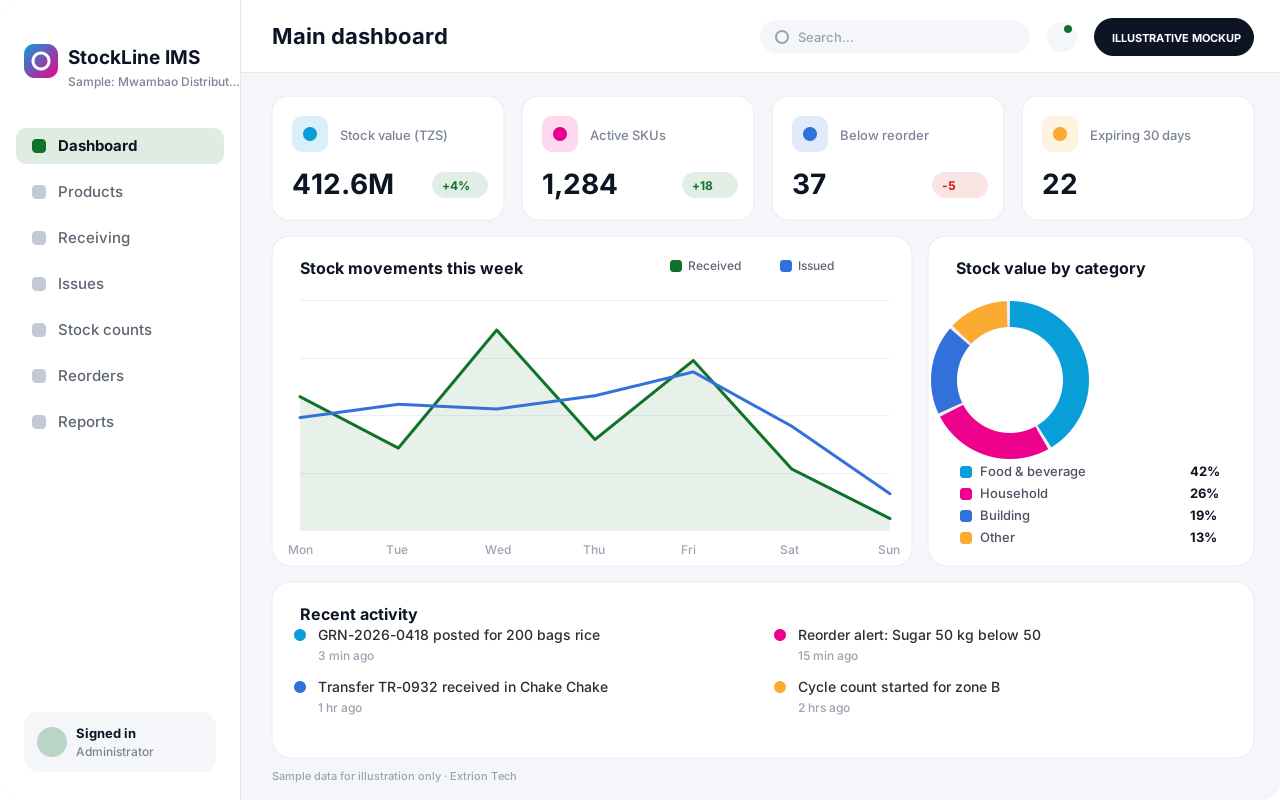 Inventory Management System A custom inventory system that tracks every product from receipt to issue or sale, with batch details, reorder alerts and stock counts across stores and branches.
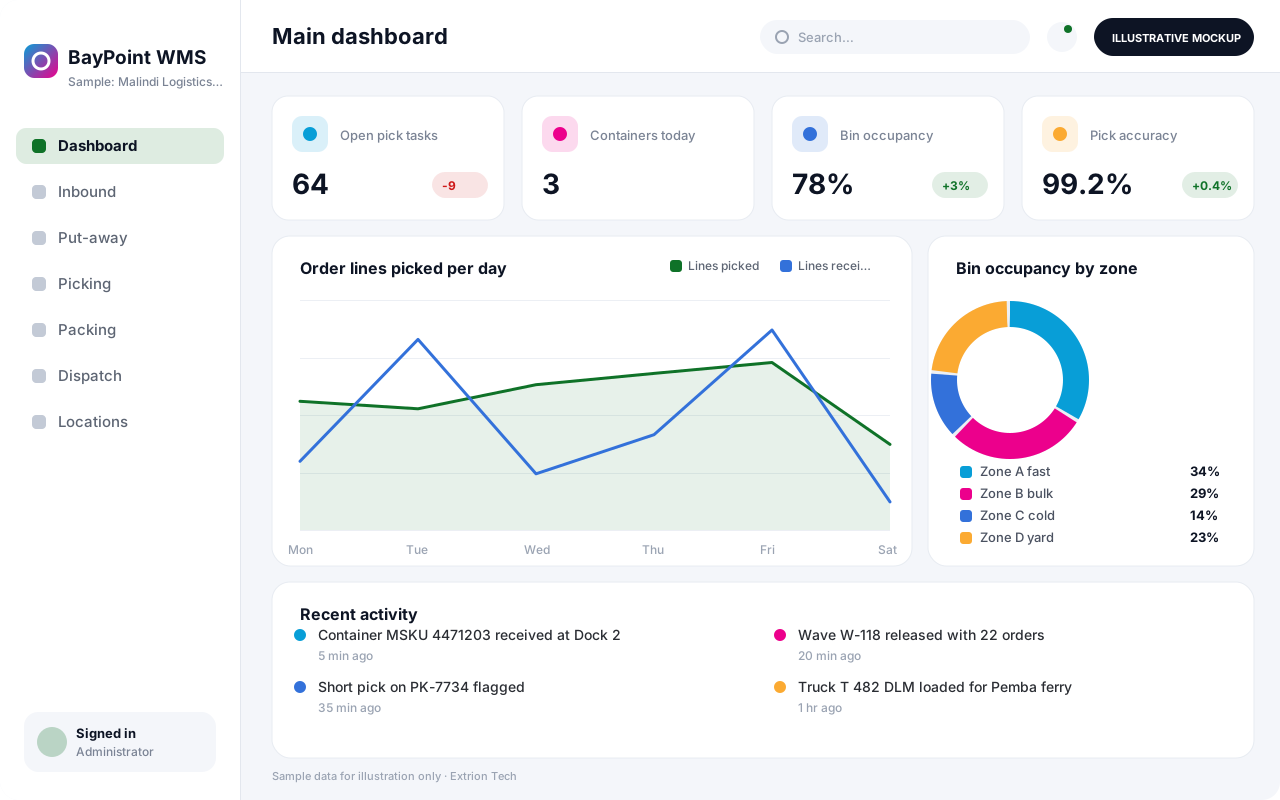 Warehouse Management System A warehouse system that directs receiving, put-away, picking, packing and dispatch by bin location, so pallets and cartons move quickly and every location stays accurate.
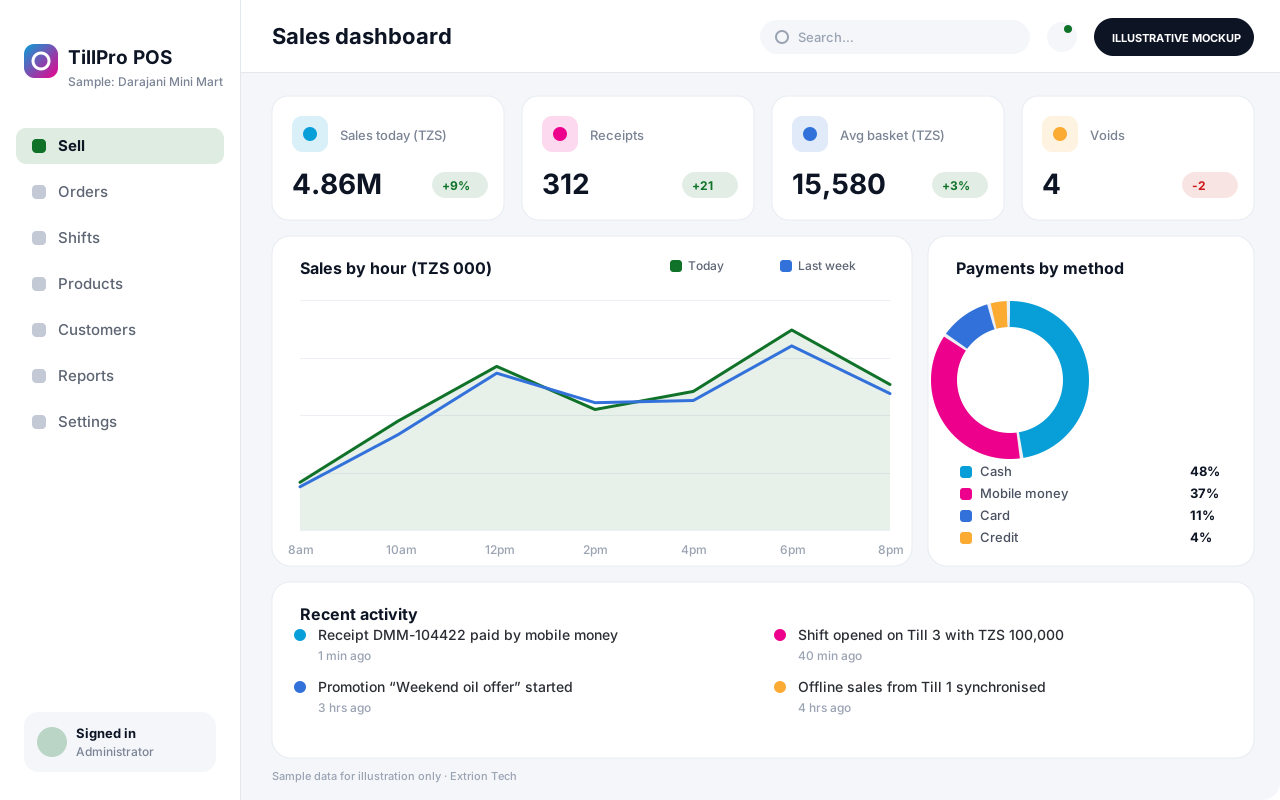 Point of Sale System A fast point of sale system for shops, restaurants and pharmacies, with barcode checkout, mixed payments, shift cash-up and live stock deduction across tills and branches.
Back to the catalogue Business software services Our development process
