Custom & AI-Powered Solutions
Specialised Data Collection and Reporting System
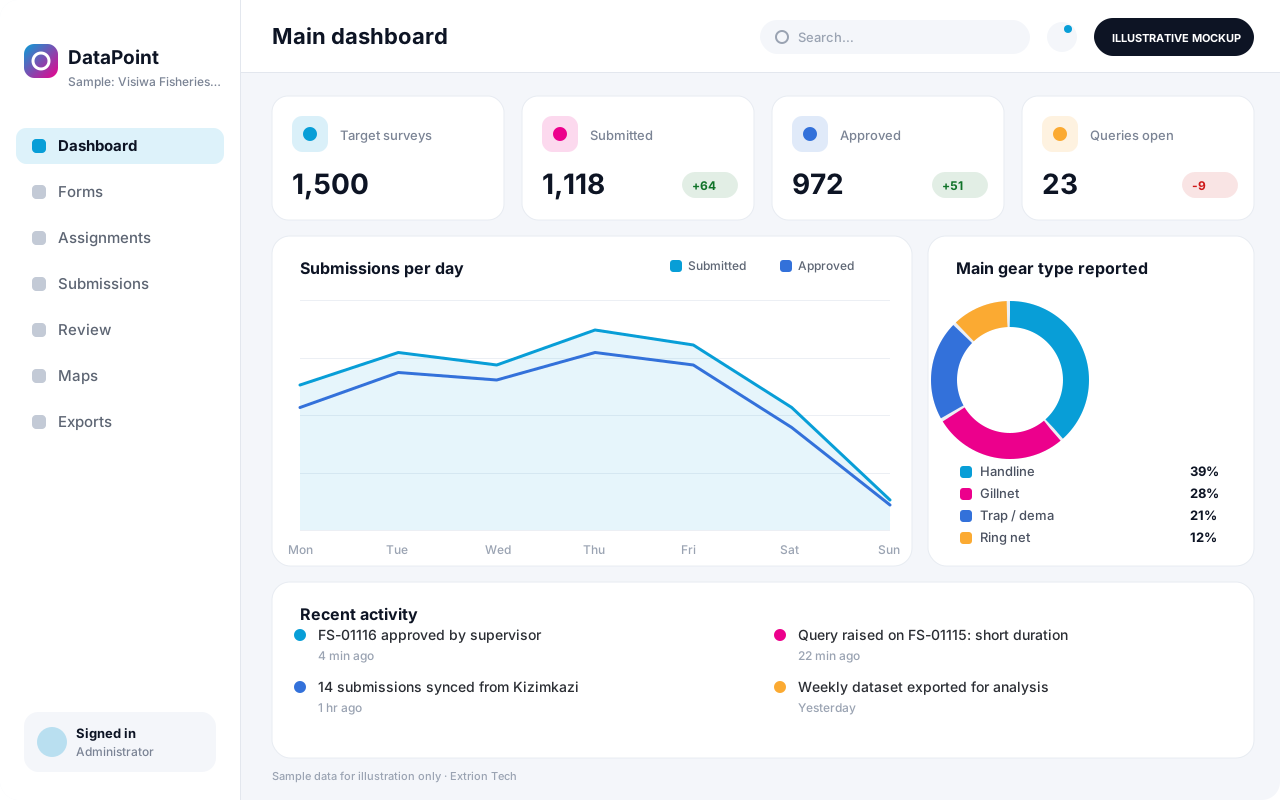
A data collection and reporting system for surveys, inspections and routine returns, combining offline mobile forms, validation, supervisor checks and dashboards built around your indicators.
- Android
- Web-based
Overview
Specialised Data Collection and Reporting System
Surveys, inspections, routine returns and research studies all depend on the quality of the data collected. When forms are on paper or in loosely shared spreadsheets, errors are found only at analysis time, supervisors cannot follow up enumerators quickly, and producing a report means weeks of cleaning and compiling.
Extrion Tech designs and develops specialised data collection and reporting systems in-house for institutions, researchers and businesses in Zanzibar and across Tanzania. Questionnaires and inspection checklists are built with skip logic, validation rules and controlled lists, and are completed on Android devices that work offline in remote areas. Submissions sync to a central database where supervisors review quality, query errors and approve records. Approved data feeds dashboards, tables and maps designed around the client’s own indicators, and clean datasets can be exported for further statistical analysis.
Each system is built for a specific purpose rather than as a general survey tool, so the forms, sampling or assignment rules, location hierarchy, quality checks and outputs match the study or reporting obligation. Consent wording, anonymisation of respondents and data protection requirements are established with the client for the relevant jurisdiction, and ethical approvals remain the client’s responsibility where research rules require them.
Business problems it addresses
- Paper questionnaires and spreadsheets contain errors that are only discovered during analysis.
- Supervisors cannot monitor enumerators or inspectors in real time or follow up quickly on problems.
- Data entry from paper forms delays results by weeks and adds transcription mistakes.
- Different teams collect similar data in different formats, so results cannot be compared.
- Producing routine reports and dashboards requires manual cleaning and compiling each period.
Interface
Five screens of the system
Illustrative mockups with sample data — not screenshots of a client’s system.
Workflow
From questionnaire to approved dataset
-
1
Study and indicator design
Objectives, indicators, sample and outputs are agreed with the client.
-
2
Form building
Questionnaires or checklists are built with skip logic, validation and controlled lists.
-
3
Pilot and training
Forms are piloted, corrected and data collectors are trained on the app.
-
4
Assignment
Supervisors assign households, sites or facilities to each data collector.
-
5
Field collection
Data is captured offline with GPS, photos and timestamps, then synced.
-
6
Quality review
Supervisors check submissions, raise queries and approve or reject records.
-
7
Analysis and reporting
Approved data updates dashboards, tables and maps, and clean exports are produced.
Functions covered
Modules and what they do
01 Form design
-
Questionnaire builder
Builds forms with sections, repeat groups, skip logic and calculated fields.
-
Validation and controlled lists
Enforces ranges, formats and lists such as regions, districts and shehias.
-
Form versioning
Keeps each form version so data stays linked to the questions actually asked.
02 Field collection
-
Android collection app
Lets data collectors complete forms offline with GPS, photos and timestamps.
-
Assignments and quotas
Allocates sites or respondents and tracks progress against targets.
-
Supervisor review
Lets supervisors check, query, approve or reject submissions.
-
Back-check sampling
Optional / subject to scope
Selects a share of submissions for verification visits or call-backs.
03 Reporting
-
Indicator dashboards
Presents approved results as charts and tables by area and period.
-
Map view
Optional / subject to scope
Plots submissions and results on maps by location and category.
-
Data exports
Exports clean, labelled datasets for spreadsheets and statistical packages.
Technology stack
Technology selected for this solution
These are the technologies planned for this type of system. The final stack depends on scale, performance, licensing, infrastructure, integrations and your requirements.
Frontend
Backend
Database
Mobile
Infrastructure
Integrations
Security & data integrity
Protecting your data and its accuracy
Respondent identifiers can be separated from survey answers and restricted to named data managers, and exports can be anonymised before sharing. Consent, anonymisation and retention requirements are agreed with the client for the relevant jurisdiction.
Standard protections
-
Role-based access control
Each user sees only what their role allows.
-
Authentication and authorisation
Every request is checked for a signed-in, permitted user.
-
Fine-grained permissions
Permissions per module and action, such as view, edit or approve.
-
Secure password storage
Passwords are stored using strong one-way hashing, never in plain text.
-
Encryption in transit
HTTPS/TLS protects data between users and the server.
-
Server-side input validation
All input is validated on the server before it is saved.
-
Protection against common web vulnerabilities
Defences against injection, cross-site scripting and request forgery.
-
Database constraints and transactions
Constraints and transactions keep related records consistent.
-
Audit logs
Important actions are recorded with who, what and when.
-
User activity history
A history of each user’s activity for supervisors and administrators.
-
Backup and restoration
Scheduled backups with tested restoration procedures.
-
Secure API access
Authenticated, rate-limited access for integrations.
-
Offline mode with controlled synchronisation
Work offline and synchronise safely when the connection returns.
-
Data export controls
Exports limited to authorised roles and recorded.
Optional advanced protections
- Encryption at rest Sensitive data encrypted on disk where the infrastructure supports and is configured for it.
- Multi-factor authentication A second sign-in step for selected or all users.
- Data retention and deletion policies Retention periods and deletion rules agreed with you.
Data integrity
Validation rules and skip logic stop most errors at the point of entry, and every submission keeps its form version, collector, device time and GPS position. Corrections after review are recorded as changes with a reason, and only approved records feed dashboards and final datasets.
Security controls are configured for each project. We do not claim certification, compliance or immunity from attack unless independently verified for your deployment.
Customisation & integration
Tailored to how you work
We tailor modules, reports, permissions, workflows, branding and integrations to your organisation. Tell us which features you need when you request a quote.
- Questionnaires, checklists and validation rules
- Location hierarchy and assignment rules
- Quality checks and back-check rates
- Indicator dashboards, tables and maps
- Export formats and anonymisation settings
Deployment & support
From go-live to continuous improvement
Onboarding, data migration, training, maintenance, technical support and future enhancements are services we scope into your project.
Bringing records from spreadsheets or older systems, checked and reconciled.
Role-based training for users, supervisors and administrators.
Technical support and maintenance under an agreed support plan.
New modules, reports and integrations as your organisation grows.
Pricing
Pricing tailored to your requirements
Every organisation has different workflows, users, infrastructure, and integration needs. Request a quotation for a solution designed around your requirements.
- Number of users, branches and modules
- Customisation and integrations
- Hosting: cloud, your server or hybrid
- Data migration and training
- Support and maintenance plan
Custom & AI-Powered Solutions
Related systems
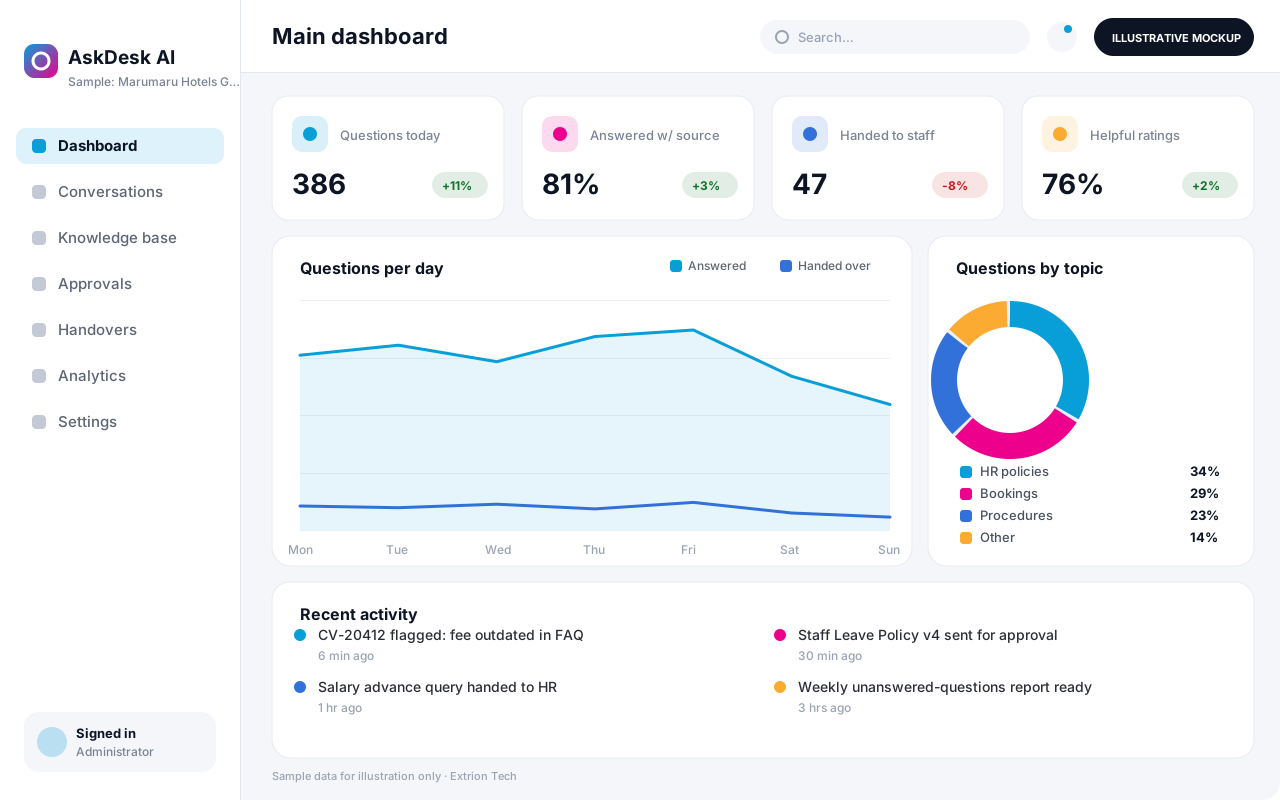 AI-Powered Business Assistant An AI assistant that answers staff or customer questions from your organisation’s own approved content, shows its sources and hands over to a person when a matter needs human judgement.
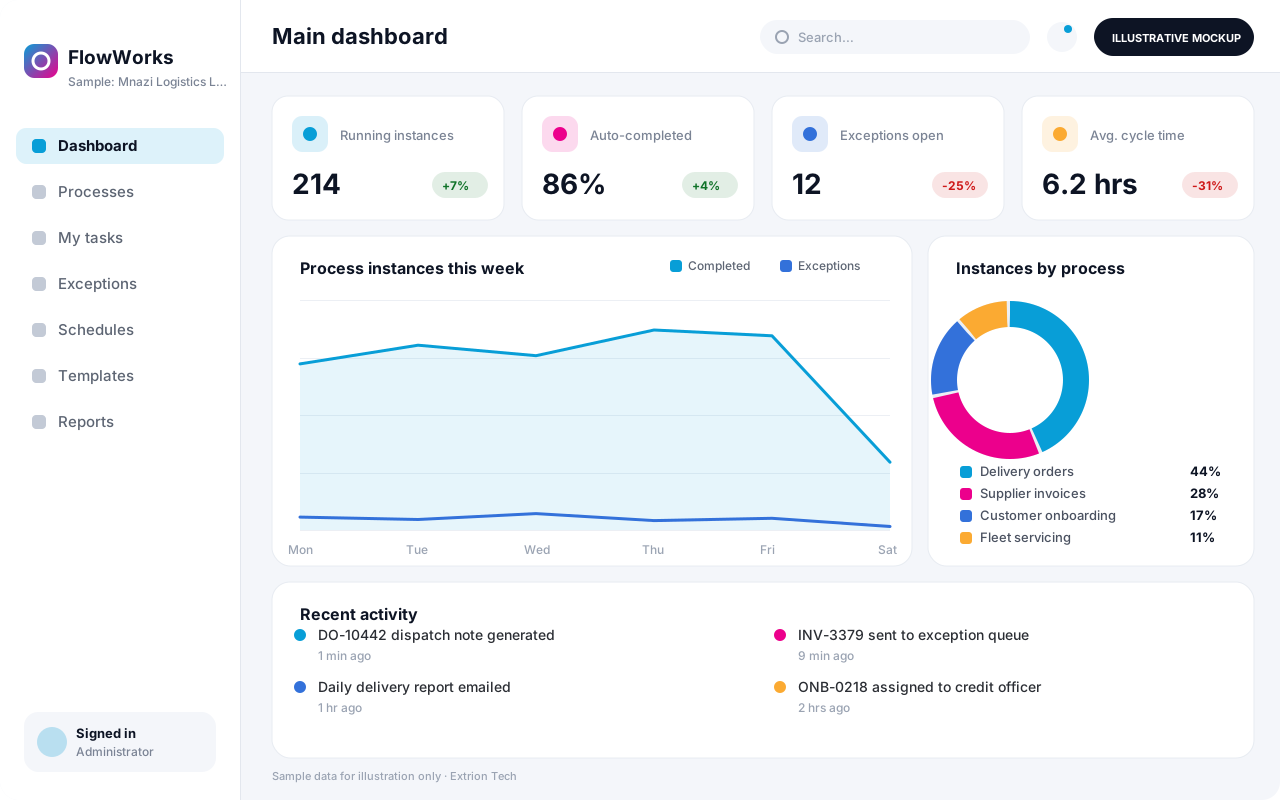 Business Process Automation System A custom automation system that maps a repetitive business process into defined steps, rules and hand-offs, so routine work moves on its own and exceptions reach the right person.
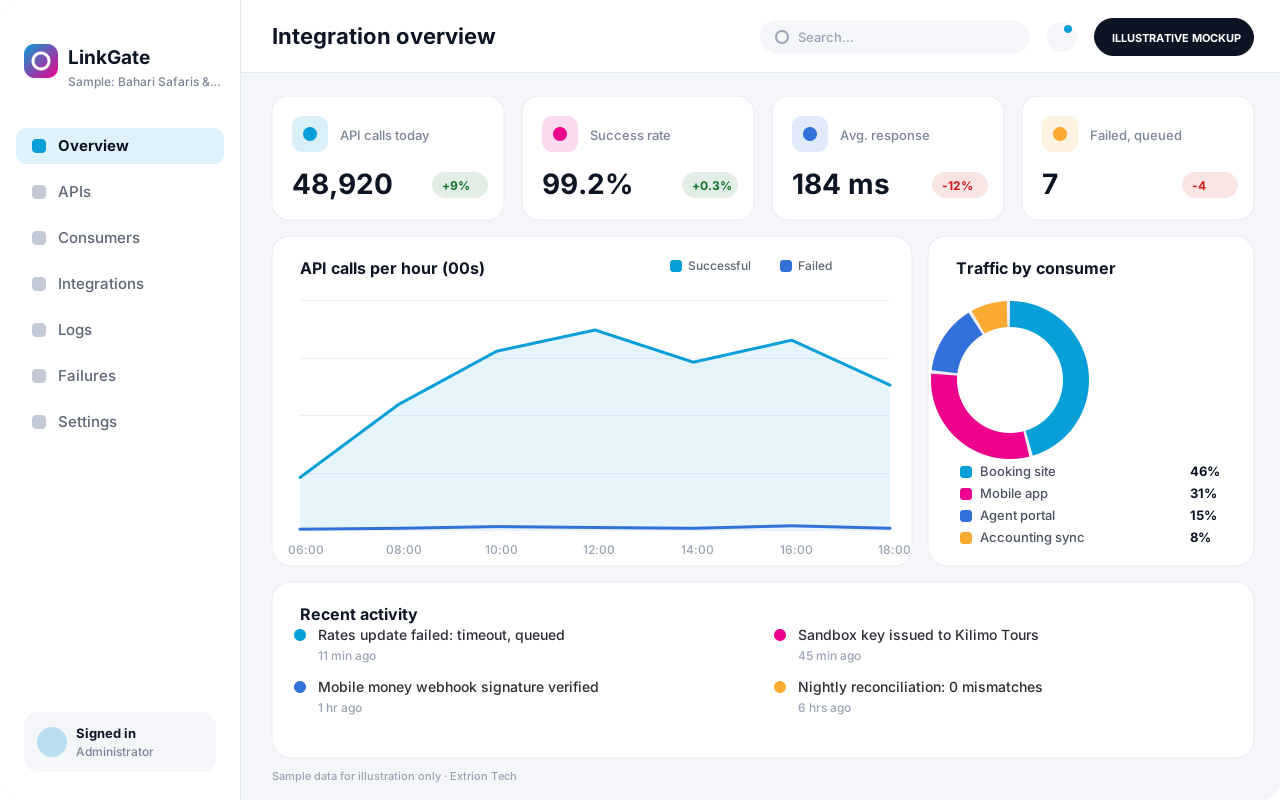 Custom API and Integration Platform A custom integration layer that connects your systems, partners and payment or messaging providers through secure APIs, with logging, retries and monitoring of every exchange.
Back to the catalogue Business software services Our development process
