Custom & AI-Powered Solutions
AI-Powered Business Assistant
An AI assistant that answers staff or customer questions from your organisation’s own approved content, shows its sources and hands over to a person when a matter needs human judgement.
- Web-based
- Android
- iOS
- Server-based
Overview
AI-Powered Business Assistant
Staff and customers ask the same questions every day: what a policy says, how a procedure works, what documents are needed, what a service costs. The answers usually exist somewhere in manuals, circulars and FAQs, but finding them takes time and depends on who happens to be available.
Extrion Tech designs and develops AI-powered business assistants in-house for organisations in Zanzibar, Tanzania and the wider region. The assistant is connected to a knowledge base of content the organisation has reviewed and approved, and it answers questions by drawing on those documents, showing which sources it used. It can be offered to staff on an internal portal or to customers on a website or messaging channel, and it can pass a conversation to a person when a question is outside its scope, sensitive or unresolved. Administrators decide which documents are included, review conversations and correct gaps in the content.
AI responses are only as reliable as the content behind them and can still be incomplete or wrong, so the assistant is designed to support people, not replace their judgement. Important decisions, such as approvals, eligibility, financial or medical matters, remain subject to human review. The choice of AI model and provider, hosting arrangement, languages and data-handling rules are agreed with the client for each project.
Business problems it addresses
- Staff spend a large part of the day answering repetitive questions that are already covered in existing documents.
- Policies and procedures are spread across manuals and circulars, so employees struggle to find the current version.
- Customers wait for office hours or call back several times for simple information about services and requirements.
- New employees take a long time to become productive because knowledge sits with a few experienced colleagues.
- Management has little visibility of which questions are asked most often and where documentation is unclear.
Interface
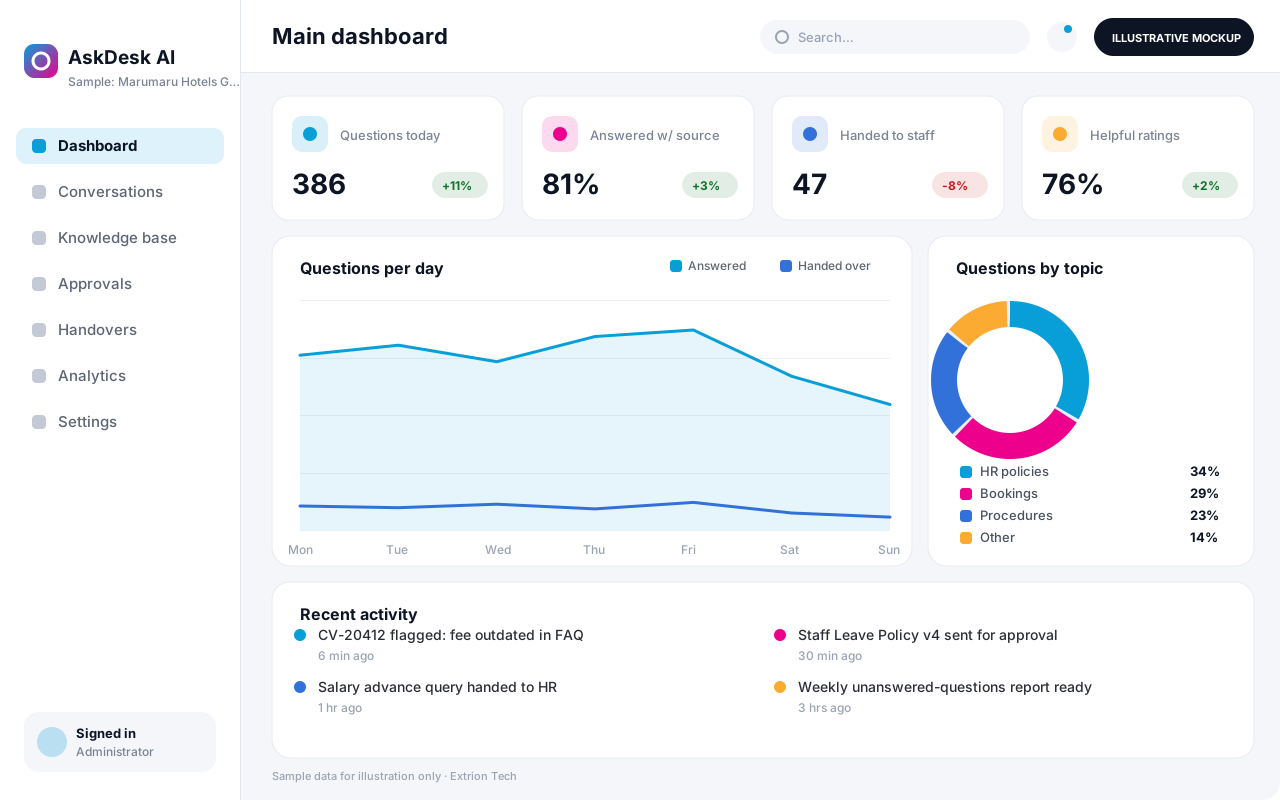
Five screens of the system
Illustrative mockups with sample data — not screenshots of a client’s system.
Workflow
From approved content to reviewed answers
-
1
Scope and policy
The client agrees what the assistant may answer, for whom, and what must go to a person.
-
2
Content collection
Policies, FAQs and procedures are gathered and checked by their owners before use.
-
3
Knowledge base set-up
Approved documents are processed into a searchable knowledge base with version dates.
-
4
Testing with real questions
Staff test typical questions, note weak answers and fix gaps in the source content.
-
5
Answering users
The assistant answers from retrieved content and shows the sources it relied on.
-
6
Human handover
Out-of-scope, sensitive or unresolved questions are passed to a staff member.
-
7
Review and improvement
Admins review conversations, rate answers and update content on a regular cycle.
Functions covered
Modules and what they do
01 Knowledge base
-
Document library
Holds the approved policies, FAQs and manuals the assistant may draw on, with owners and dates.
-
Content approval
Requires a content owner to approve a document before the assistant can use it.
-
Search index
Splits and indexes approved content so relevant passages can be retrieved for each question.
02 Assistant
-
Chat interface
Provides a chat window for a website, staff portal or mobile app.
-
Source references
Shows the documents and sections an answer was based on so users can check them.
-
Scope and safety rules
Limits topics, sets refusal wording and routes sensitive subjects to a person.
-
Human handover
Transfers a conversation, with its history, to an available staff member.
-
Messaging channel connector
Optional / subject to scope
Connects the assistant to a messaging channel where the provider offers a business API.
03 Oversight
-
Conversation review
Lets supervisors read conversations, flag poor answers and note corrections.
-
Unanswered questions report
Lists questions the assistant could not answer to guide content updates.
-
Usage analytics
Reports on volumes, topics, handover rates and user feedback over time.
-
Staff single sign-on
Optional / subject to scope
Lets employees use the internal assistant with their existing work accounts.
Technology stack
Technology selected for this solution
These are the technologies planned for this type of system. The final stack depends on scale, performance, licensing, infrastructure, integrations and your requirements.
Frontend
Backend
Database
Infrastructure
Integrations
Security & data integrity
Protecting your data and its accuracy
Only approved content is made available to the assistant, and restricted documents can be limited to authorised staff users. Where personal or confidential information is involved, what may be sent to an external AI provider, how long conversations are kept and who may review them are agreed with the client for the relevant jurisdiction.
Standard protections
-
Role-based access control
Each user sees only what their role allows.
-
Authentication and authorisation
Every request is checked for a signed-in, permitted user.
-
Fine-grained permissions
Permissions per module and action, such as view, edit or approve.
-
Secure password storage
Passwords are stored using strong one-way hashing, never in plain text.
-
Encryption in transit
HTTPS/TLS protects data between users and the server.
-
Server-side input validation
All input is validated on the server before it is saved.
-
Protection against common web vulnerabilities
Defences against injection, cross-site scripting and request forgery.
-
Database constraints and transactions
Constraints and transactions keep related records consistent.
-
Audit logs
Important actions are recorded with who, what and when.
-
User activity history
A history of each user’s activity for supervisors and administrators.
-
Backup and restoration
Scheduled backups with tested restoration procedures.
-
Secure API access
Authenticated, rate-limited access for integrations.
-
Monitoring and error logging
Errors and unusual activity are logged and monitored.
-
Data retention and deletion policies
Retention periods and deletion rules agreed with you.
Optional advanced protections
- Single sign-on Sign in with your organisation’s identity provider where supported.
- Multi-factor authentication A second sign-in step for selected or all users.
- Encryption at rest Sensitive data encrypted on disk where the infrastructure supports and is configured for it.
- Data export controls Exports limited to authorised roles and recorded.
Data integrity
Each document in the knowledge base carries a version, owner and approval date, and withdrawn documents are removed from the index so outdated answers are not repeated. Every answer is logged with the sources retrieved, allowing reviewers to trace why the assistant responded as it did and to correct the underlying content.
Security controls are configured for each project. We do not claim certification, compliance or immunity from attack unless independently verified for your deployment.
Customisation & integration
Tailored to how you work
We tailor modules, reports, permissions, workflows, branding and integrations to your organisation. Tell us which features you need when you request a quote.
- Topics in scope, refusal wording and handover rules
- Choice of AI model, provider and hosting arrangement
- Languages, tone and organisation branding
- Channels such as website, staff portal or mobile app
- Review cycles and reports for content owners
Deployment & support
From go-live to continuous improvement
Onboarding, data migration, training, maintenance, technical support and future enhancements are services we scope into your project.
Bringing records from spreadsheets or older systems, checked and reconciled.
Role-based training for users, supervisors and administrators.
Technical support and maintenance under an agreed support plan.
New modules, reports and integrations as your organisation grows.
Pricing
Pricing tailored to your requirements
Every organisation has different workflows, users, infrastructure, and integration needs. Request a quotation for a solution designed around your requirements.
- Number of users, branches and modules
- Customisation and integrations
- Hosting: cloud, your server or hybrid
- Data migration and training
- Support and maintenance plan
Custom & AI-Powered Solutions
Related systems
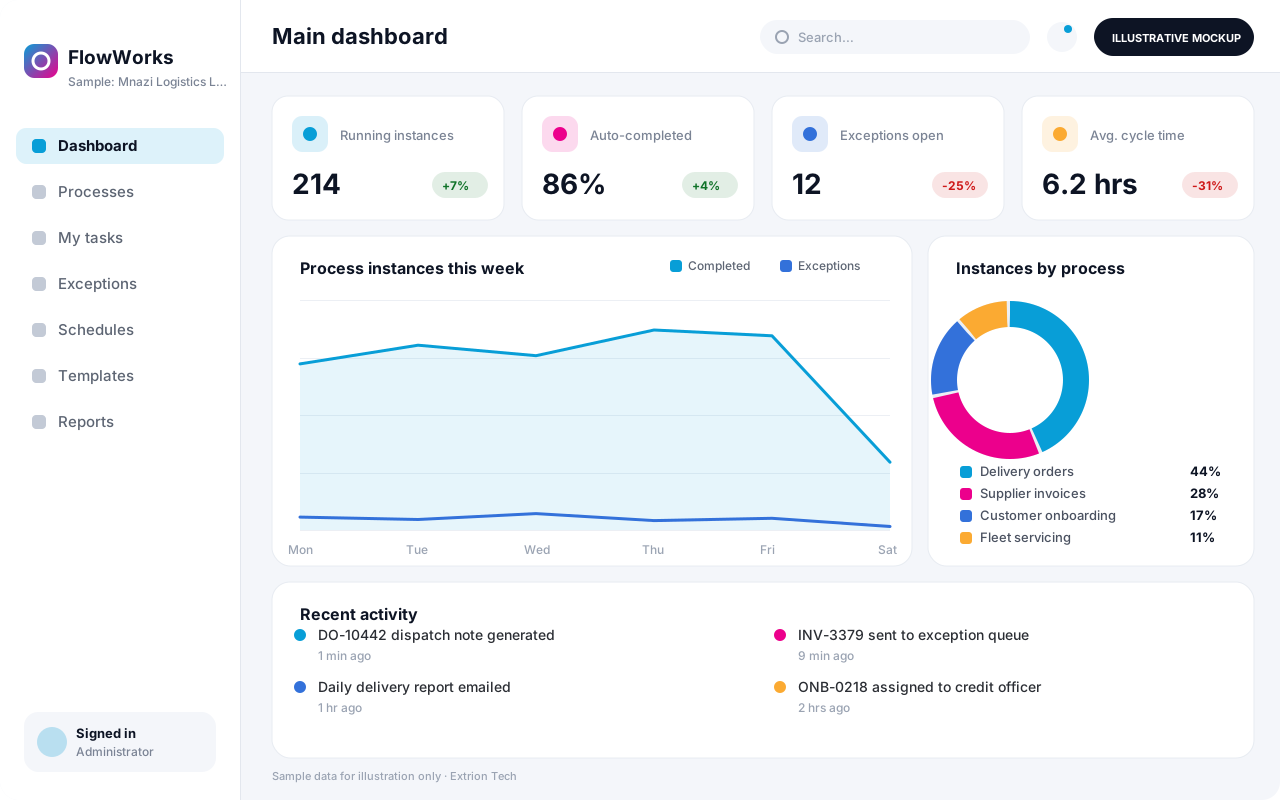 Business Process Automation System A custom automation system that maps a repetitive business process into defined steps, rules and hand-offs, so routine work moves on its own and exceptions reach the right person.
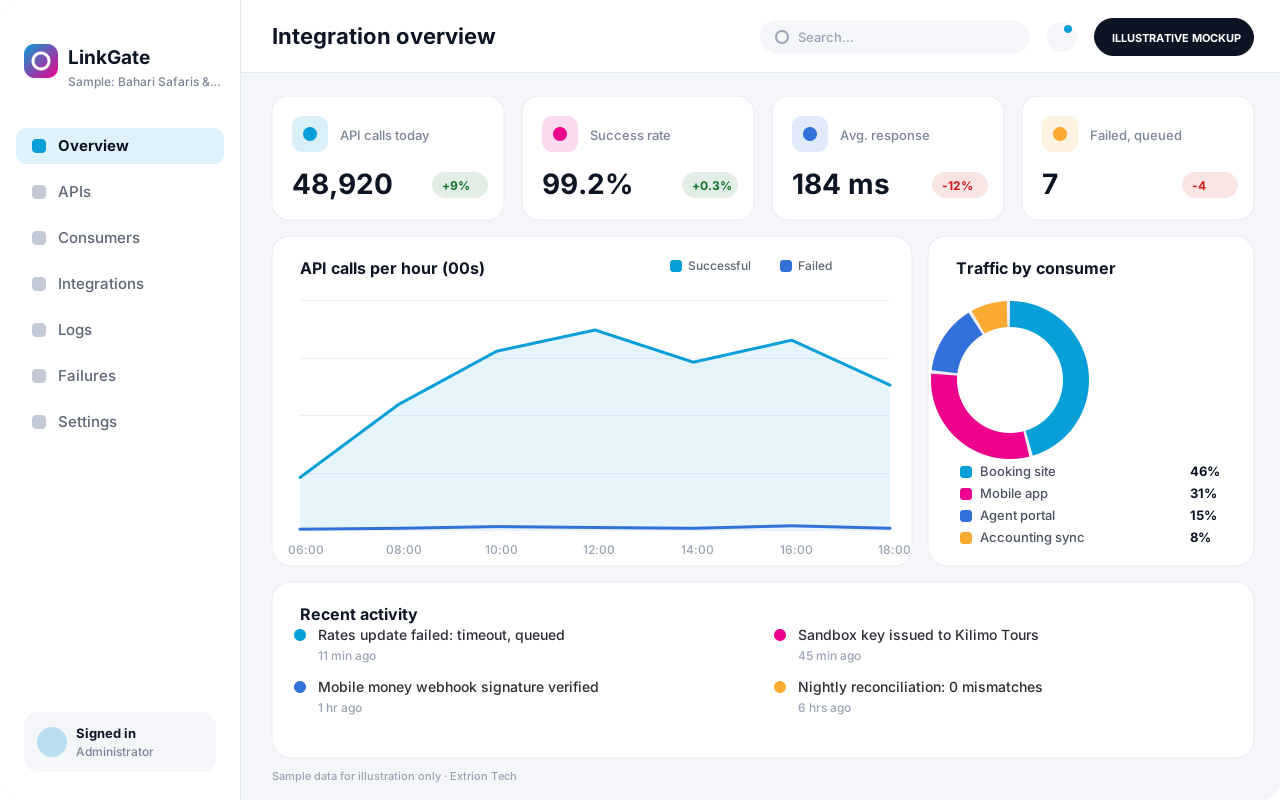 Custom API and Integration Platform A custom integration layer that connects your systems, partners and payment or messaging providers through secure APIs, with logging, retries and monitoring of every exchange.
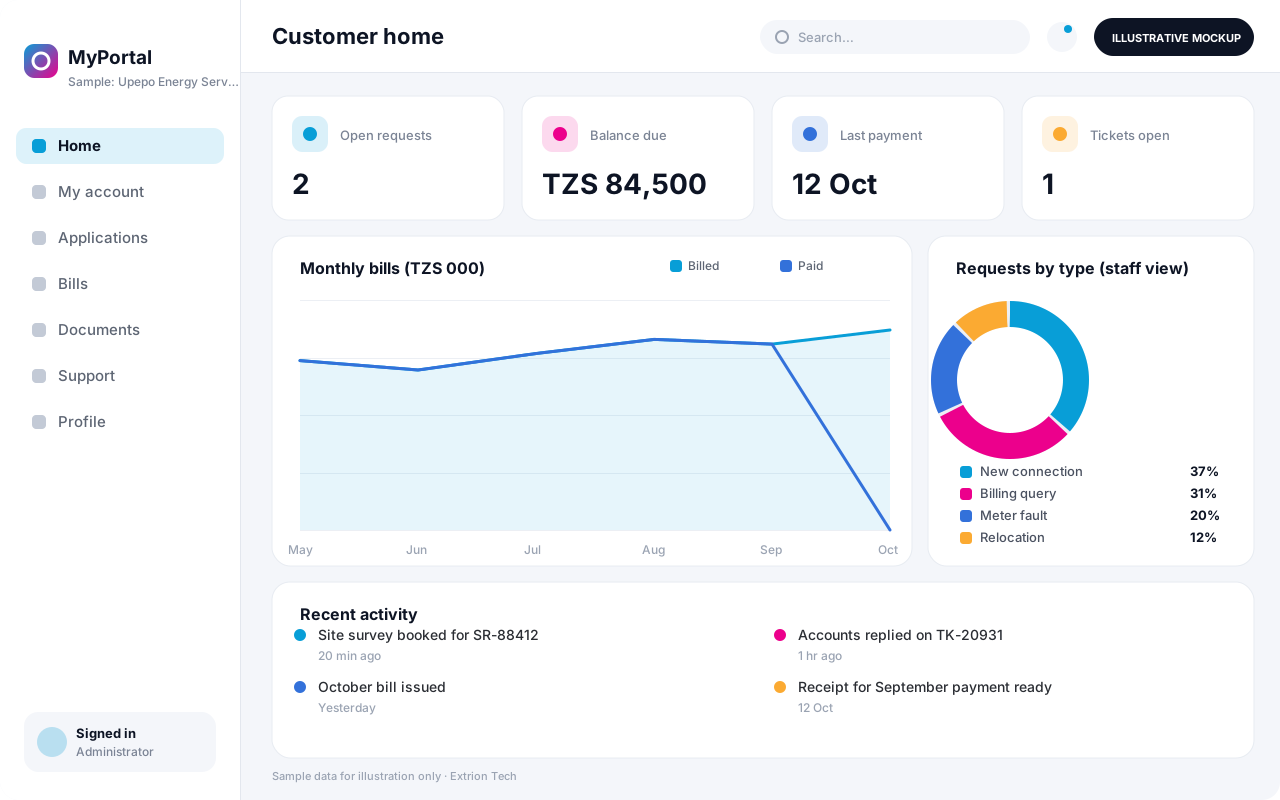 Digital Customer Portal A secure self-service portal where customers apply for services, track requests, view statements and documents, pay bills and raise support tickets without visiting an office.
Back to the catalogue Business software services Our development process
