Custom & AI-Powered Solutions
Business Process Automation System
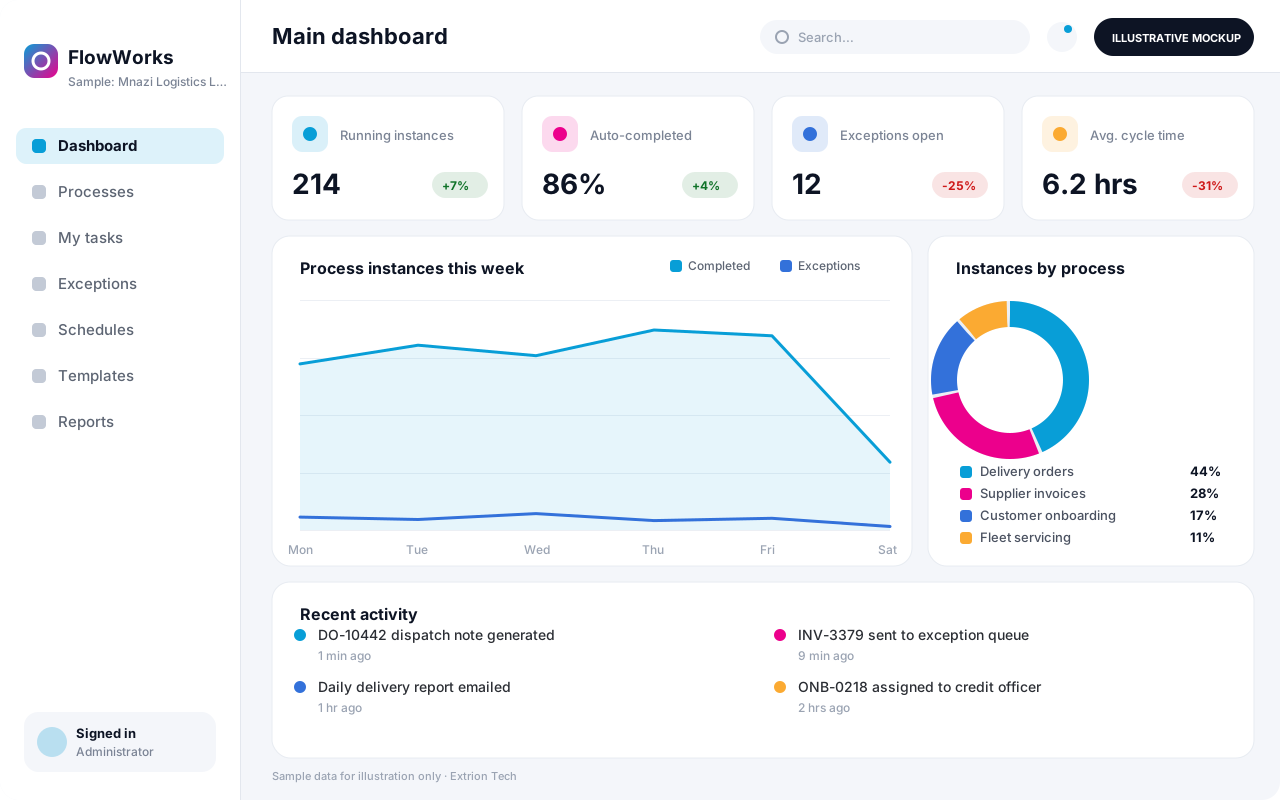
A custom automation system that maps a repetitive business process into defined steps, rules and hand-offs, so routine work moves on its own and exceptions reach the right person.
- Web-based
- Server-based
Overview
Business Process Automation System (BPA)
Every organisation has processes that consume hours of manual effort: copying data between spreadsheets and systems, chasing documents, sending the same notifications, checking the same conditions and compiling the same weekly reports. These tasks are rarely complicated, but doing them by hand is slow and introduces errors.
Extrion Tech designs and builds business process automation systems in-house for businesses and institutions in Zanzibar and across Tanzania. Each project starts by mapping how a process actually runs today, including the exceptions staff handle informally. The process is then turned into a defined flow of steps, business rules, deadlines and responsibilities. Routine steps such as data validation, document generation, notifications, scheduled reports and record updates run automatically, while decisions and exceptions are routed to the right person with the information they need.
Automation is built around the client’s real processes, not a generic template, and it is introduced step by step so staff can see and trust what is happening. Typical candidates include customer onboarding, invoice processing, stock replenishment requests, contract renewals and compliance reminders. Connections to existing accounting, HR or line-of-business systems are optional and depend on the access those systems provide.
Business problems it addresses
- Staff re-enter the same data into several spreadsheets and systems, causing delays and mismatches.
- Routine notifications, reminders and follow-ups depend on someone remembering to send them.
- Processes stall at hand-offs between departments because nobody knows whose turn it is.
- Exceptions are handled informally, so the same problems recur and are never measured.
- Weekly and monthly reports are compiled manually from several sources every time.
Interface
Five screens of the system
Illustrative mockups with sample data — not screenshots of a client’s system.
Workflow
From manual process to automated flow
-
1
Process discovery
Current steps, hand-offs, documents and exceptions are mapped with the staff who do the work.
-
2
Rules and decisions
Business rules, approval points and deadlines are agreed and documented with the client.
-
3
Flow design
The process is modelled as automatic steps, human tasks and exception paths.
-
4
Trigger
A new record, form, file, date or system event starts a process instance.
-
5
Automatic steps
Validation, calculations, documents and notifications run without manual effort.
-
6
Human tasks and exceptions
Decisions and failed checks are routed to the responsible person with full context.
-
7
Monitoring and refinement
Timings and exceptions are reviewed, and rules are adjusted as the process matures.
Functions covered
Modules and what they do
01 Process design
-
Process definitions
Defines each process’s steps, roles, rules, deadlines and exception paths.
-
Business rules
Applies conditions such as amount limits, document checks and routing decisions.
-
Triggers and schedules
Starts processes from events, form submissions, imported files or set times.
02 Execution
-
Task inbox
Gives each user a list of tasks and decisions waiting for them, with due dates.
-
Document generation
Produces letters, invoices, contracts and summaries from templates and process data.
-
Notifications
Sends email or SMS updates to staff, customers or suppliers at defined steps.
-
Exception queue
Collects failed checks and unusual cases for review instead of letting them stall silently.
03 Connections and insight
-
System connectors
Optional / subject to scope
Reads from and writes to accounting, HR or other systems where an API or export is available.
-
File import and export
Optional / subject to scope
Processes spreadsheets and CSV files exchanged with banks, suppliers or partners.
-
Process performance reports
Shows volumes, cycle times, overdue tasks and exception rates per process.
Technology stack
Technology selected for this solution
These are the technologies planned for this type of system. The final stack depends on scale, performance, licensing, infrastructure, integrations and your requirements.
Frontend
Backend
Database
Infrastructure
Integrations
Security & data integrity
Protecting your data and its accuracy
Automated steps run with only the permissions they need, and credentials for connected systems are stored securely rather than in process definitions. Requirements for any personal or financial data handled by a process are agreed with the client for the relevant jurisdiction.
Standard protections
-
Role-based access control
Each user sees only what their role allows.
-
Authentication and authorisation
Every request is checked for a signed-in, permitted user.
-
Fine-grained permissions
Permissions per module and action, such as view, edit or approve.
-
Secure password storage
Passwords are stored using strong one-way hashing, never in plain text.
-
Encryption in transit
HTTPS/TLS protects data between users and the server.
-
Server-side input validation
All input is validated on the server before it is saved.
-
Protection against common web vulnerabilities
Defences against injection, cross-site scripting and request forgery.
-
Database constraints and transactions
Constraints and transactions keep related records consistent.
-
Audit logs
Important actions are recorded with who, what and when.
-
User activity history
A history of each user’s activity for supervisors and administrators.
-
Backup and restoration
Scheduled backups with tested restoration procedures.
-
Secure API access
Authenticated, rate-limited access for integrations.
-
Monitoring and error logging
Errors and unusual activity are logged and monitored.
-
Session management
Session time-outs and the ability to sign out other devices.
Optional advanced protections
- Multi-factor authentication A second sign-in step for selected or all users.
- Single sign-on Sign in with your organisation’s identity provider where supported.
- Encryption at rest Sensitive data encrypted on disk where the infrastructure supports and is configured for it.
- Disaster recovery planning A documented plan to restore service after a major failure.
Data integrity
Each process instance keeps a step-by-step log of what ran, with which data and with what result, so any outcome can be traced. Multi-step updates run in database transactions, failed steps are retried or sent to the exception queue rather than half-completed, and imported files are checked before records change.
Security controls are configured for each project. We do not claim certification, compliance or immunity from attack unless independently verified for your deployment.
Customisation & integration
Tailored to how you work
We tailor modules, reports, permissions, workflows, branding and integrations to your organisation. Tell us which features you need when you request a quote.
- Processes automated and their steps and rules
- Approval points, deadlines and escalation paths
- Document and notification templates
- Connections to existing systems and file formats
- Performance dashboards per process owner
Deployment & support
From go-live to continuous improvement
Onboarding, data migration, training, maintenance, technical support and future enhancements are services we scope into your project.
Bringing records from spreadsheets or older systems, checked and reconciled.
Role-based training for users, supervisors and administrators.
Technical support and maintenance under an agreed support plan.
New modules, reports and integrations as your organisation grows.
Pricing
Pricing tailored to your requirements
Every organisation has different workflows, users, infrastructure, and integration needs. Request a quotation for a solution designed around your requirements.
- Number of users, branches and modules
- Customisation and integrations
- Hosting: cloud, your server or hybrid
- Data migration and training
- Support and maintenance plan
Custom & AI-Powered Solutions
Related systems
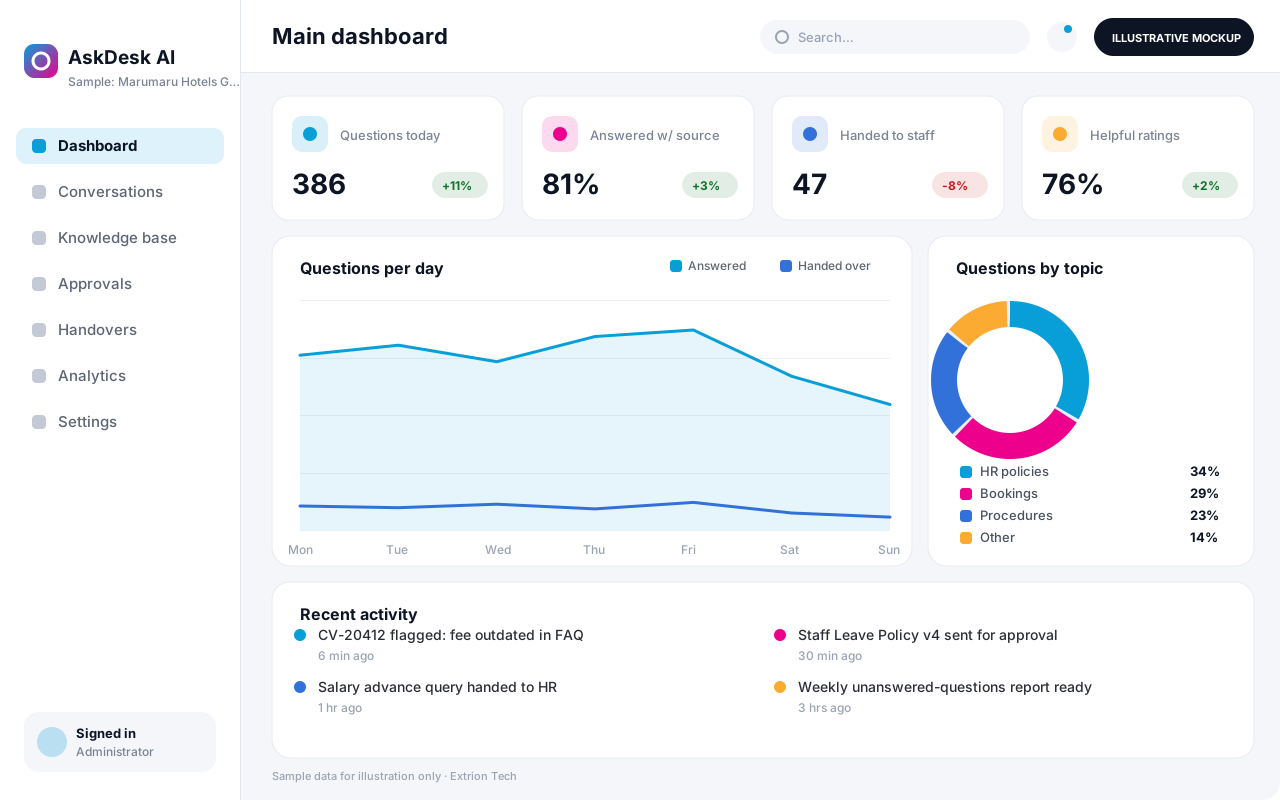 AI-Powered Business Assistant An AI assistant that answers staff or customer questions from your organisation’s own approved content, shows its sources and hands over to a person when a matter needs human judgement.
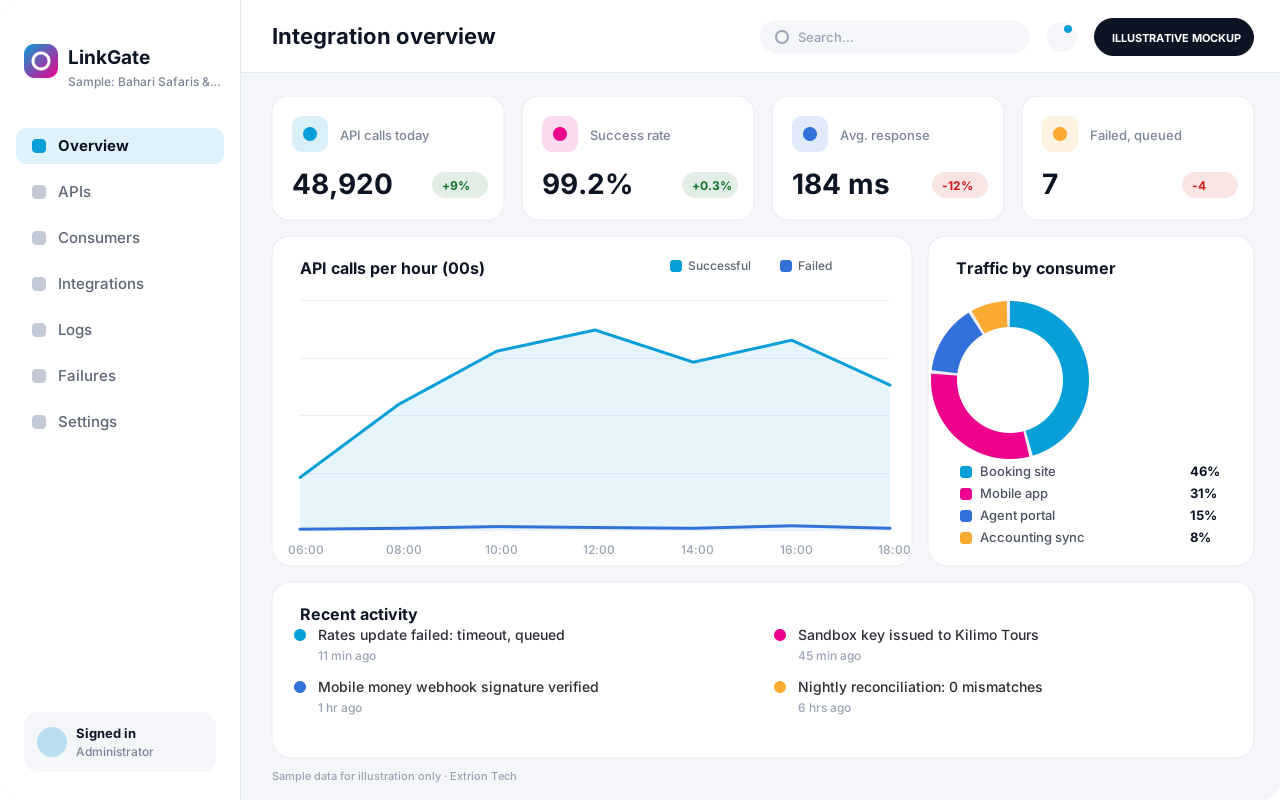 Custom API and Integration Platform A custom integration layer that connects your systems, partners and payment or messaging providers through secure APIs, with logging, retries and monitoring of every exchange.
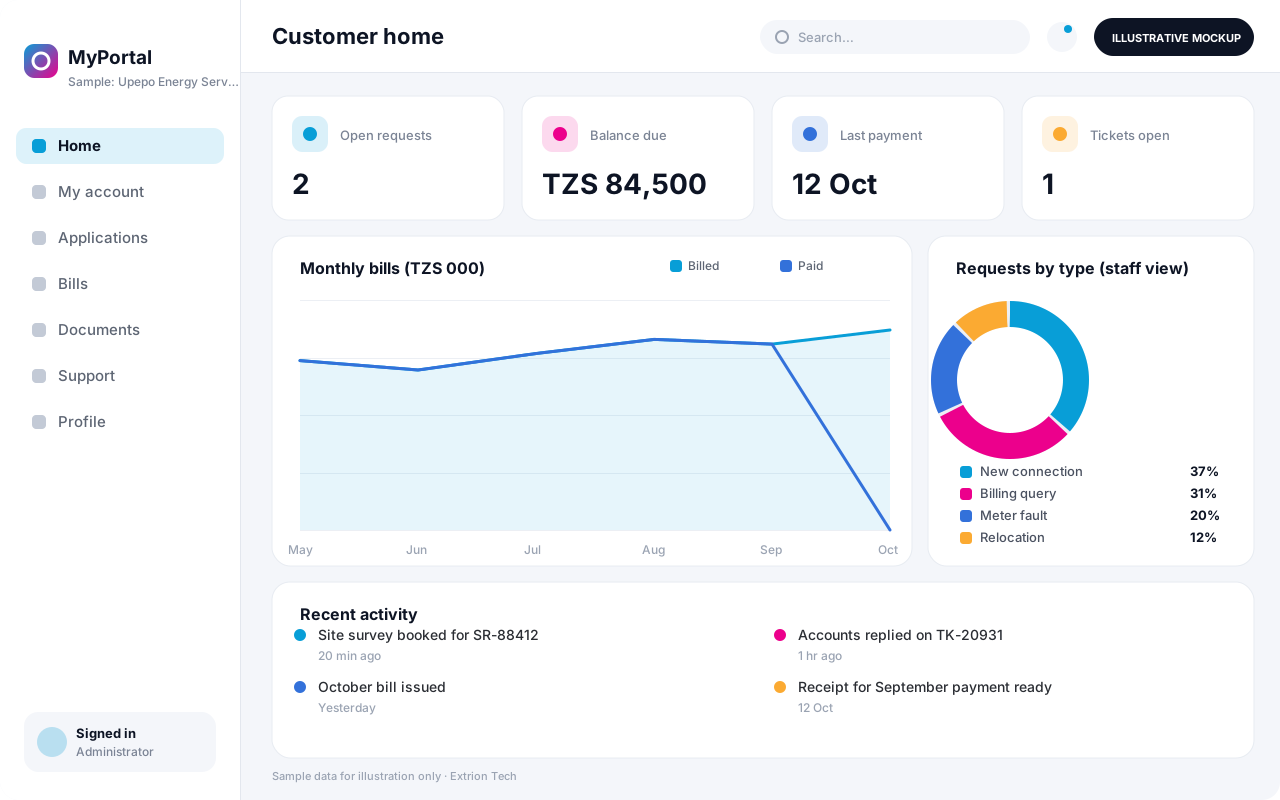 Digital Customer Portal A secure self-service portal where customers apply for services, track requests, view statements and documents, pay bills and raise support tickets without visiting an office.
Back to the catalogue Business software services Our development process
