Healthcare
Patient Appointment and Queue Management System
Online and front-desk booking, token issuing, waiting-area display screens and SMS calls that shorten waits and spread patient load across clinics and doctors.
- Web-based
- Android
- iOS
Overview
Patient Appointment and Queue Management System
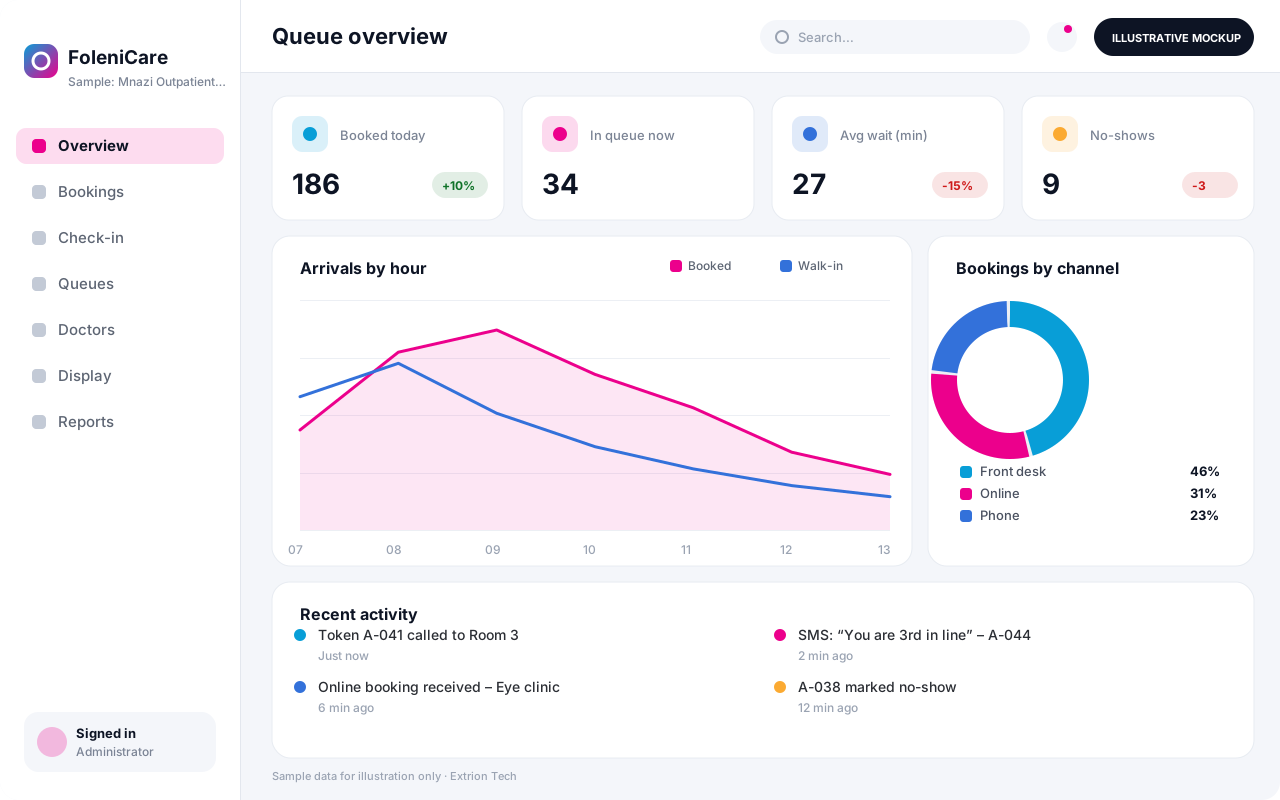
Long, uncertain waits are one of the most common complaints in outpatient care. A Patient Appointment and Queue Management System lets patients book a slot in advance, issues a numbered token on arrival and shows live progress on waiting-area screens, so people know where they stand and staff are not constantly asked who is next.
Extrion Tech develops appointment and queue systems in-house for hospitals, clinics and specialist practices in Zanzibar and across Tanzania. Doctor rosters, clinic sessions, slot lengths and priority rules – for example for elderly patients, pregnant women or emergencies – are configured to match how your outpatient department actually runs. Bookings can be made by reception, through a web page or by phone staff.
Managers see how long patients wait at each stage and which clinics are overloaded, helping them adjust rosters and session times. SMS confirmations and “your turn is near” messages can be sent through an SMS gateway, and the system can stand alone or connect to an existing hospital system via API, subject to project scope. Data handling rules are agreed with the client for the relevant jurisdiction.
Business problems it addresses
- Patients arrive early in the morning and wait for hours with no idea of their place in line.
- Some doctors are overbooked while others have empty sessions.
- Queue-jumping and disputes at the front desk create tension and complaints.
- Missed appointments leave gaps because there is no reminder or confirmation.
- Management has no data on actual waiting times to guide staffing decisions.
Interface
Five screens of the system
Illustrative mockups with sample data — not screenshots of a client’s system.
Workflow
From booking to consultation room
-
1
Book a slot
The patient books online or through reception, choosing clinic, doctor and an open time slot.
-
2
Confirmation
An SMS confirms the booking and sends a reminder the day before.
-
3
Arrival and token
On arrival the patient checks in and receives a numbered token, with priority applied where due.
-
4
Triage queue
The nurse calls tokens for vital signs and passes patients to the right doctor’s queue.
-
5
Called to room
The doctor calls the next token, which appears on the display screen with the room number.
-
6
Onward services
Patients sent to lab, pharmacy or cashier join those queues automatically.
-
7
Review waiting times
Managers review waits, no-shows and doctor utilisation to adjust rosters.
Functions covered
Modules and what they do
01 Scheduling
-
Doctor rosters and sessions
Defines who works which clinic, on which days, with slot lengths and capacity.
-
Appointment booking
Books, moves and cancels appointments from the front desk.
-
Online booking page
Optional / subject to scope
Lets patients choose and book available slots from a phone or computer.
02 Queue flow
-
Check-in and tokens
Issues printed or SMS tokens on arrival and applies priority categories.
-
Calling console
Lets nurses and doctors call, skip, recall or transfer the next patient.
-
Display screens
Shows called tokens and room numbers on waiting-area TVs, with optional audio.
03 Communication
-
SMS notifications
Optional / subject to scope
Sends confirmations, reminders and call-ahead messages through an SMS gateway.
-
Self-service kiosk
Optional / subject to scope
Allows patients to check in and print a token without queuing at reception.
04 Insight
-
Waiting time analytics
Measures time from arrival to triage, consultation and exit by clinic.
-
Hospital system link
Optional / subject to scope
Shares bookings and check-ins with an existing HMS via API.
Technology stack
Technology selected for this solution
These are the technologies planned for this type of system. The final stack depends on scale, performance, licensing, infrastructure, integrations and your requirements.
Frontend
Backend
Database
Mobile
Infrastructure
Integrations
Security & data integrity
Protecting your data and its accuracy
Display screens show only token numbers and room names, never patient names or conditions. Booking data access and retention are agreed with the client for the relevant jurisdiction.
Standard protections
-
Role-based access control
Each user sees only what their role allows.
-
Authentication and authorisation
Every request is checked for a signed-in, permitted user.
-
Fine-grained permissions
Permissions per module and action, such as view, edit or approve.
-
Secure password storage
Passwords are stored using strong one-way hashing, never in plain text.
-
Encryption in transit
HTTPS/TLS protects data between users and the server.
-
Server-side input validation
All input is validated on the server before it is saved.
-
Protection against common web vulnerabilities
Defences against injection, cross-site scripting and request forgery.
-
Database constraints and transactions
Constraints and transactions keep related records consistent.
-
Audit logs
Important actions are recorded with who, what and when.
-
Backup and restoration
Scheduled backups with tested restoration procedures.
-
Session management
Session time-outs and the ability to sign out other devices.
-
Secure API access
Authenticated, rate-limited access for integrations.
Optional advanced protections
- Multi-factor authentication A second sign-in step for selected or all users.
- Monitoring and error logging Errors and unusual activity are logged and monitored.
- Data retention and deletion policies Retention periods and deletion rules agreed with you.
Data integrity
Slot capacity is enforced in the database so two patients cannot be booked into the same slot, and tokens are generated in a strict sequence per clinic per day. Every call, skip and transfer is time-stamped, giving waiting-time reports an exact, auditable basis.
Security controls are configured for each project. We do not claim certification, compliance or immunity from attack unless independently verified for your deployment.
Customisation & integration
Tailored to how you work
We tailor modules, reports, permissions, workflows, branding and integrations to your organisation. Tell us which features you need when you request a quote.
- Clinics, rooms, slot lengths and session times
- Priority categories and queue rules
- Display screen layout, language and audio announcements
- SMS wording in Kiswahili and English
- Integration with an existing hospital system
Deployment & support
From go-live to continuous improvement
Onboarding, data migration, training, maintenance, technical support and future enhancements are services we scope into your project.
Bringing records from spreadsheets or older systems, checked and reconciled.
Role-based training for users, supervisors and administrators.
Technical support and maintenance under an agreed support plan.
New modules, reports and integrations as your organisation grows.
Pricing
Pricing tailored to your requirements
Every organisation has different workflows, users, infrastructure, and integration needs. Request a quotation for a solution designed around your requirements.
- Number of users, branches and modules
- Customisation and integrations
- Hosting: cloud, your server or hybrid
- Data migration and training
- Support and maintenance plan
Healthcare
Related systems
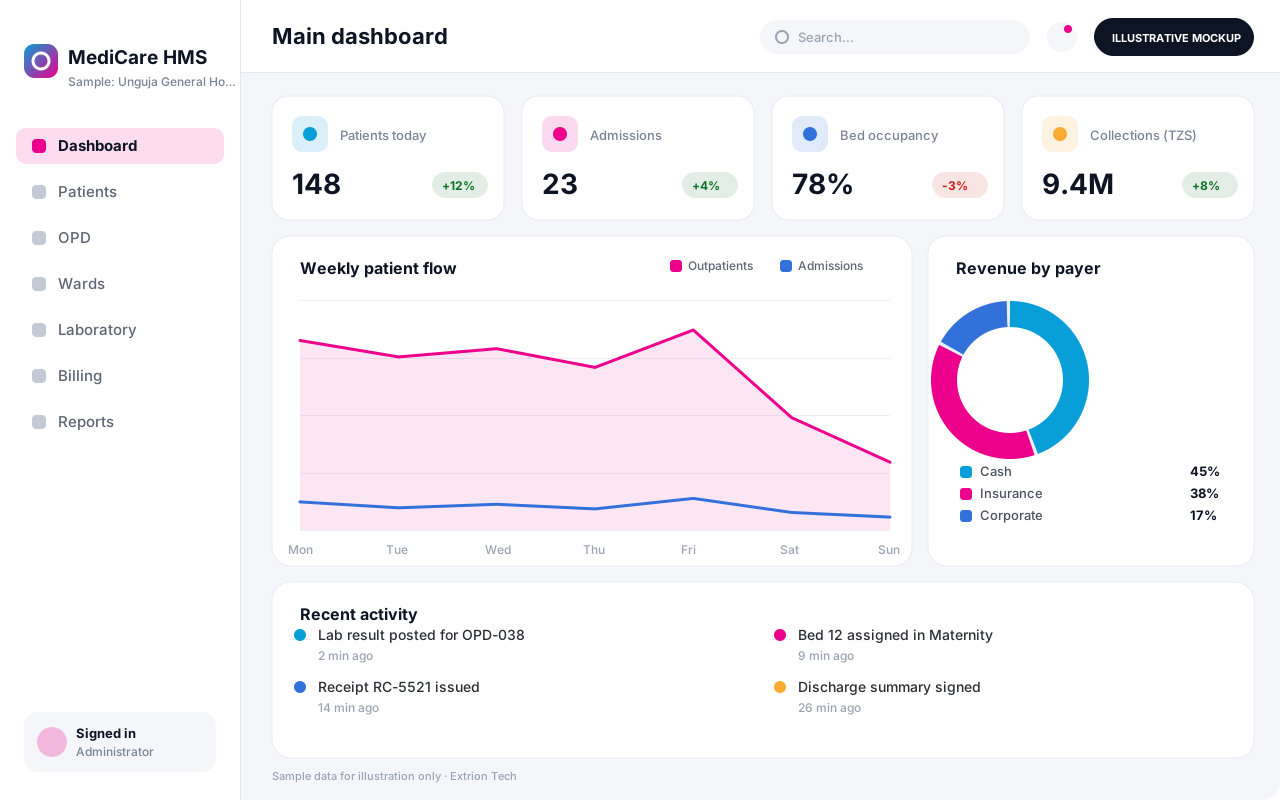 Hospital Management System An integrated hospital system connecting registration, outpatient and inpatient care, laboratory, pharmacy, billing and reporting in one secure platform.
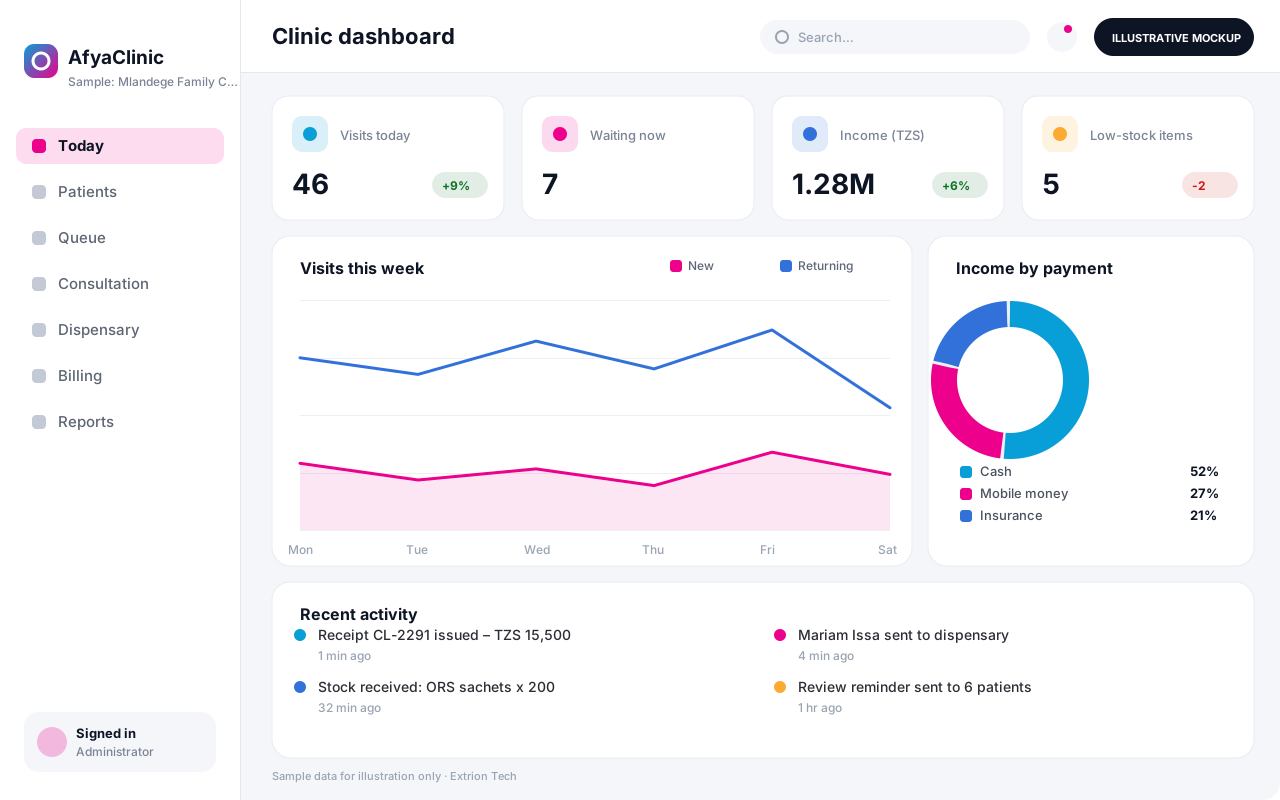 Clinic Management System A lean system for private clinics and dispensaries that handles patient visits, consultations, dispensing, simple lab work and cash or insurance billing.
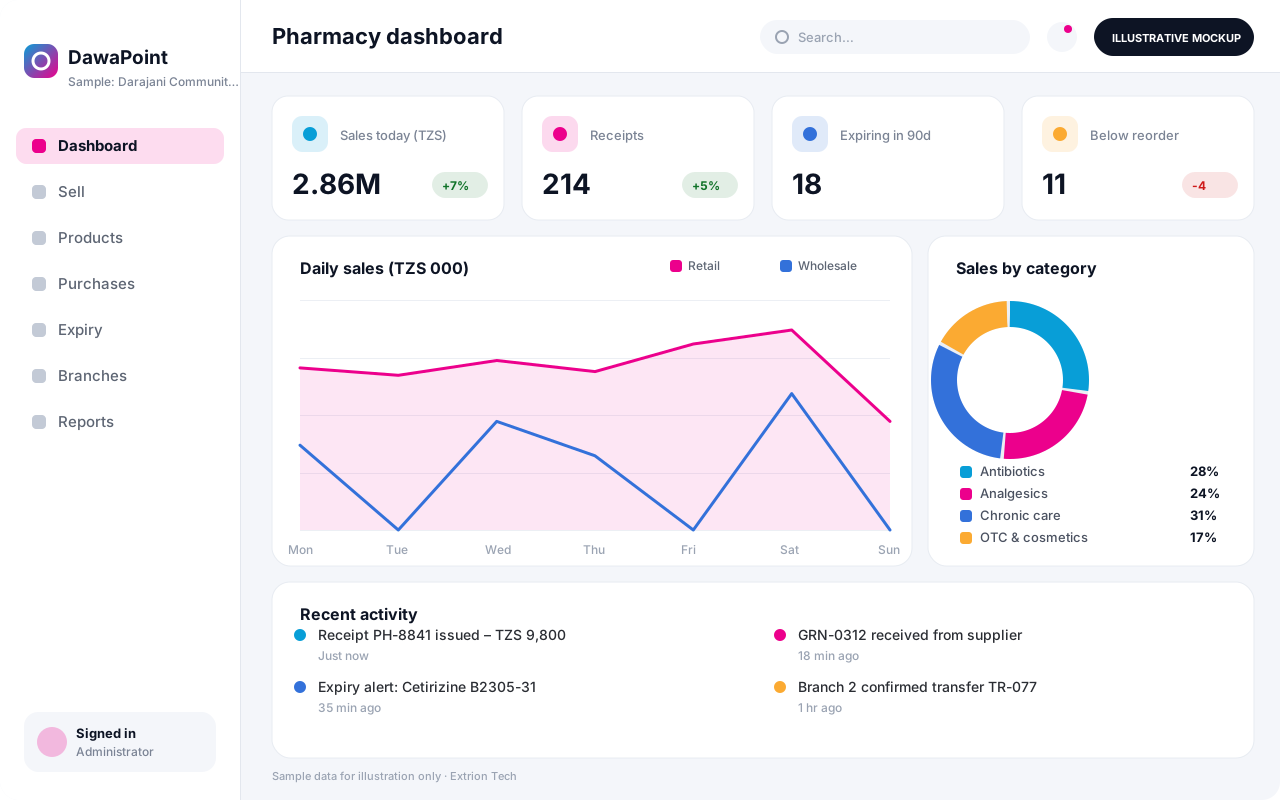 Pharmacy Management System Point-of-sale and stock control for retail and wholesale pharmacies, with batch and expiry tracking, prescriptions, supplier orders and branch reporting.
Back to the catalogue Business software services Our development process
