Healthcare
Clinic Management System
A lean system for private clinics and dispensaries that handles patient visits, consultations, dispensing, simple lab work and cash or insurance billing.
- Web-based
- Windows desktop
- Android
Overview
Clinic Management System
Smaller facilities need structure without the weight of a full hospital system. A Clinic Management System focuses on the essentials of a busy outpatient practice: registering patients quickly, keeping clear consultation notes, dispensing from the clinic’s own stock, running common tests and collecting payment before the patient leaves.
Extrion Tech builds clinic systems in-house for private clinics, dispensaries and specialist practices in Zanzibar and mainland Tanzania. Because many clinics operate with a handful of staff covering several roles, we design simple screens that a receptionist-cashier or a clinical officer-dispenser can use comfortably, and we keep the setup light enough to run on a single local computer or a small cloud server.
Owners gain a reliable daily view of visits, income and drug stock without waiting for manual end-of-month counts. Repeat patients are recognised instantly, chronic cases can be recalled for review, and SMS reminders or mobile money payments can be added where a provider API is available. Access rules and data retention are agreed with the clinic for the relevant jurisdiction.
Business problems it addresses
- Patient cards get lost, so repeat visitors are registered again and their history is unavailable.
- Drugs are dispensed without a record, leaving stock counts and income impossible to reconcile.
- The owner cannot see daily takings unless they are physically present at the clinic.
- Chronic patients miss reviews because there is no reminder or recall list.
Interface
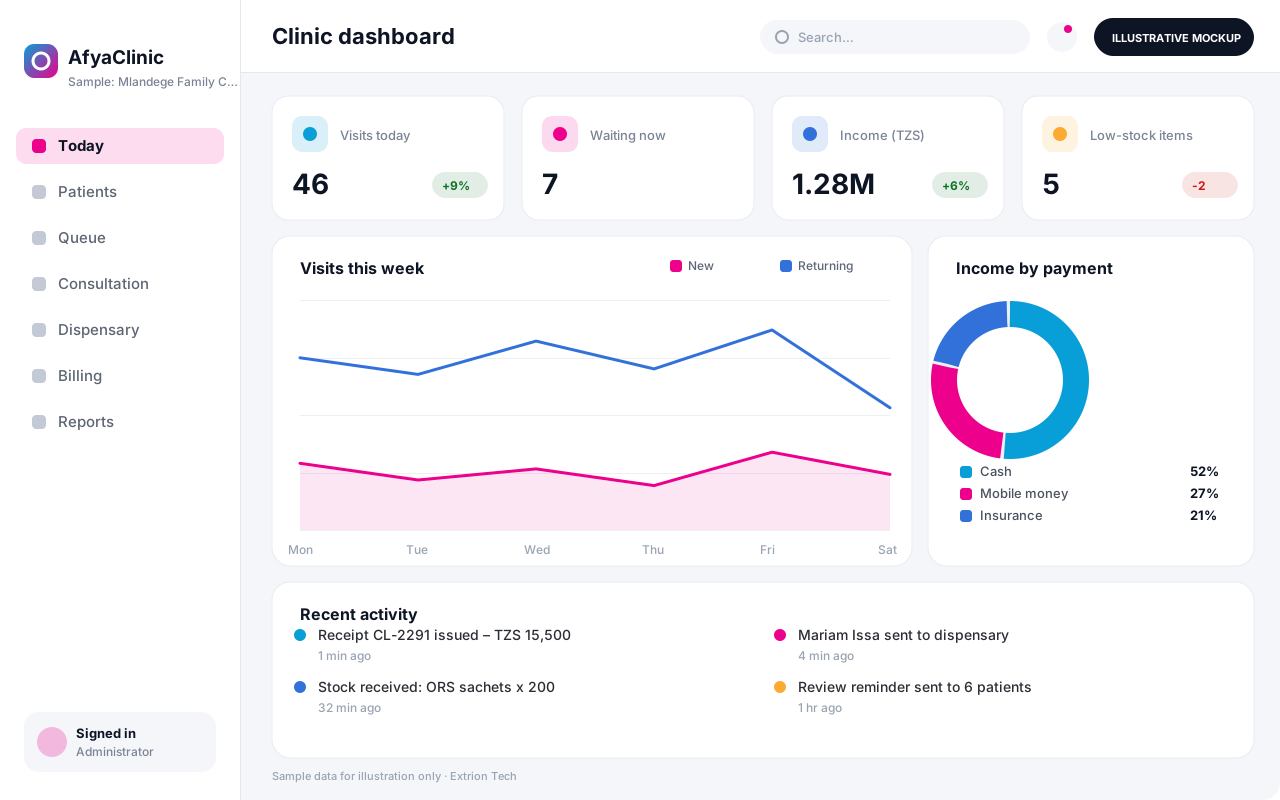
Five screens of the system
Illustrative mockups with sample data — not screenshots of a client’s system.
Workflow
A clinic visit, start to finish
-
1
Check-in
The receptionist finds the returning patient by phone or name, or registers a new one in seconds.
-
2
Vital signs
The nurse records weight, temperature and blood pressure against today’s visit.
-
3
Consultation
The clinician reviews past visits, records findings and diagnosis, and orders tests or drugs.
-
4
Quick tests
Common tests such as malaria RDT or blood sugar are recorded and visible to the clinician at once.
-
5
Dispensing
Prescribed drugs are dispensed from clinic stock and deducted automatically.
-
6
Payment
The bill is totalled and settled by cash, insurance card or mobile money, with a printed receipt.
-
7
Recall and review
Follow-up dates are set and the owner reviews daily visits, income and low-stock alerts.
Functions covered
Modules and what they do
01 Front desk
-
Patient register
Stores patient details and finds returning patients by name, phone or file number.
-
Visit queue
Shows who is waiting, with nurse, clinician or dispensing status.
02 Clinical
-
Consultation notes
Records complaints, findings, diagnosis and treatment for each visit.
-
Basic laboratory
Records in-clinic tests and results against the visit.
-
Dental or eye charting
Optional / subject to scope
Adds speciality charting for dental or optical practices.
03 Dispensing and stock
-
Dispensary
Dispenses prescribed items and prints dosage labels for the patient.
-
Drug stock
Tracks purchases, balances, batches and expiry dates with reorder alerts.
04 Billing and reports
-
Billing and receipts
Totals services and drugs per visit and issues receipts.
-
Insurance billing
Optional / subject to scope
Records member numbers and prepares monthly claims per insurer.
-
SMS reminders
Optional / subject to scope
Sends review and appointment reminders through an SMS gateway.
-
Owner reports
Summarises visits, income, top diagnoses and stock value per day or month.
Technology stack
Technology selected for this solution
These are the technologies planned for this type of system. The final stack depends on scale, performance, licensing, infrastructure, integrations and your requirements.
Frontend
Backend
Database
Desktop
Infrastructure
Integrations
Security & data integrity
Protecting your data and its accuracy
Consultation notes are visible only to clinical staff, while front-desk users see demographic and billing details. Privacy safeguards and record retention are agreed with the clinic for the relevant jurisdiction.
Standard protections
-
Role-based access control
Each user sees only what their role allows.
-
Authentication and authorisation
Every request is checked for a signed-in, permitted user.
-
Fine-grained permissions
Permissions per module and action, such as view, edit or approve.
-
Secure password storage
Passwords are stored using strong one-way hashing, never in plain text.
-
Encryption in transit
HTTPS/TLS protects data between users and the server.
-
Server-side input validation
All input is validated on the server before it is saved.
-
Protection against common web vulnerabilities
Defences against injection, cross-site scripting and request forgery.
-
Database constraints and transactions
Constraints and transactions keep related records consistent.
-
Audit logs
Important actions are recorded with who, what and when.
-
Backup and restoration
Scheduled backups with tested restoration procedures.
-
Session management
Session time-outs and the ability to sign out other devices.
Optional advanced protections
- Multi-factor authentication A second sign-in step for selected or all users.
- Encryption at rest Sensitive data encrypted on disk where the infrastructure supports and is configured for it.
- Offline mode with controlled synchronisation Work offline and synchronise safely when the connection returns.
- Data retention and deletion policies Retention periods and deletion rules agreed with you.
Data integrity
Dispensing and billing are saved together, so every drug leaving the shelf appears on a bill and reduces stock in the same transaction. Receipts are numbered sequentially and cannot be deleted, only reversed with a reason, and the daily cash-up compares expected and declared takings.
Security controls are configured for each project. We do not claim certification, compliance or immunity from attack unless independently verified for your deployment.
Customisation & integration
Tailored to how you work
We tailor modules, reports, permissions, workflows, branding and integrations to your organisation. Tell us which features you need when you request a quote.
- Service and drug price lists
- Speciality forms for dental, eye or maternal care
- Receipt, label and report layouts with clinic branding
- Insurance schemes and member validation rules
- Reminder messages and recall intervals
Deployment & support
From go-live to continuous improvement
Onboarding, data migration, training, maintenance, technical support and future enhancements are services we scope into your project.
Bringing records from spreadsheets or older systems, checked and reconciled.
Role-based training for users, supervisors and administrators.
Technical support and maintenance under an agreed support plan.
New modules, reports and integrations as your organisation grows.
Pricing
Pricing tailored to your requirements
Every organisation has different workflows, users, infrastructure, and integration needs. Request a quotation for a solution designed around your requirements.
- Number of users, branches and modules
- Customisation and integrations
- Hosting: cloud, your server or hybrid
- Data migration and training
- Support and maintenance plan
Healthcare
Related systems
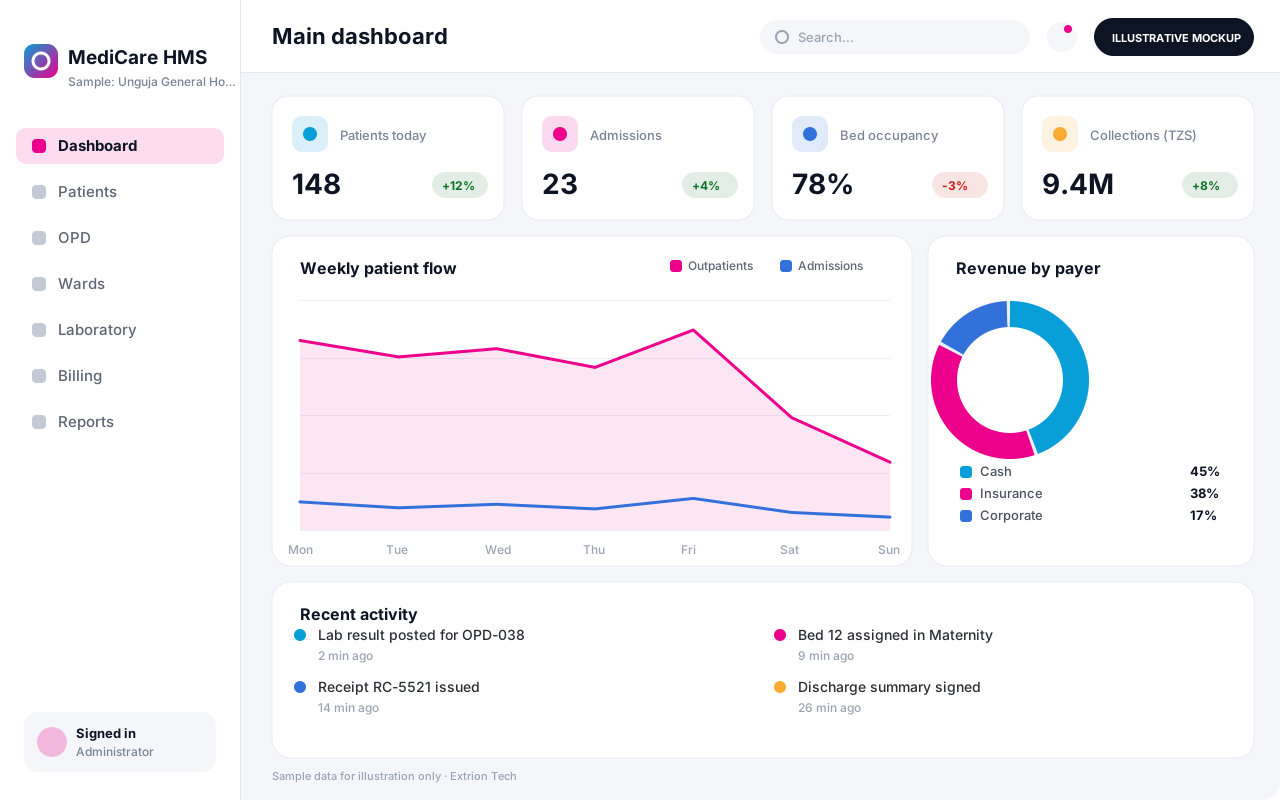 Hospital Management System An integrated hospital system connecting registration, outpatient and inpatient care, laboratory, pharmacy, billing and reporting in one secure platform.
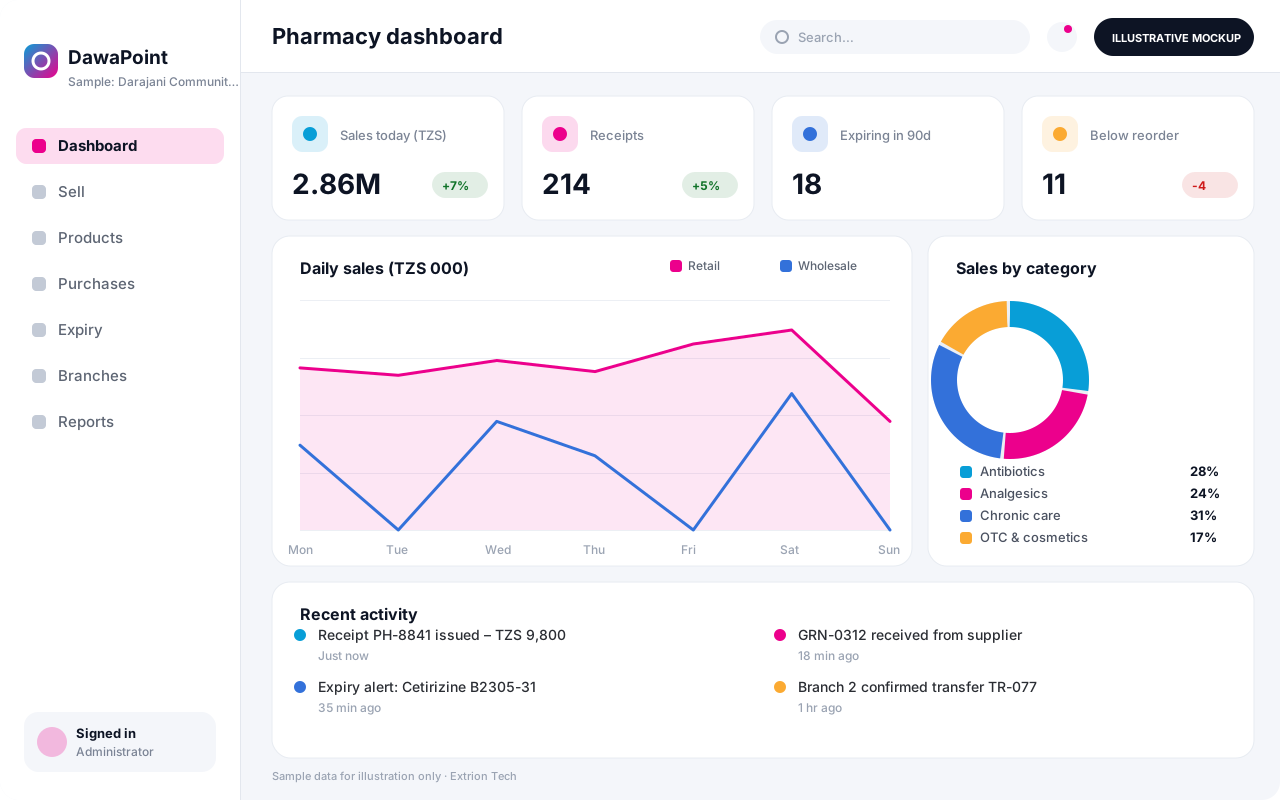 Pharmacy Management System Point-of-sale and stock control for retail and wholesale pharmacies, with batch and expiry tracking, prescriptions, supplier orders and branch reporting.
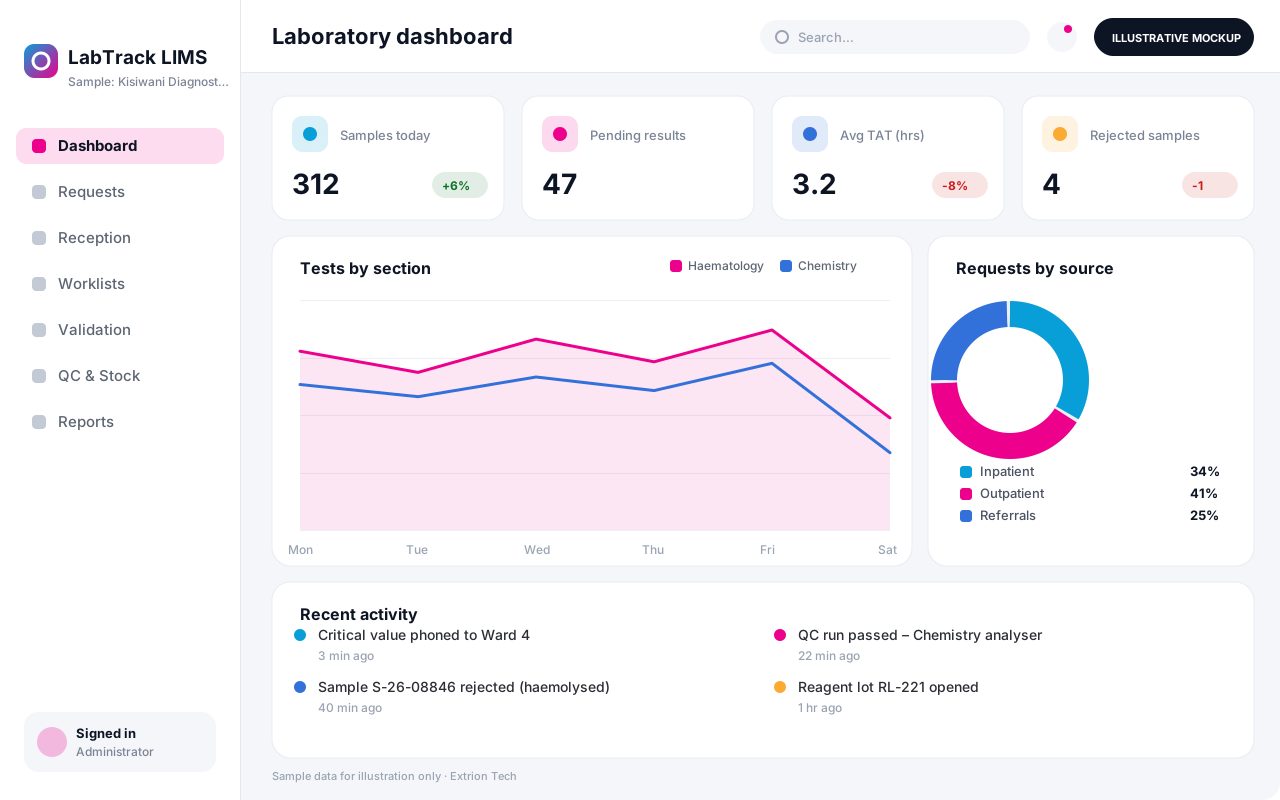 Laboratory Information Management System Tracks every sample from request and collection through testing, verification and reporting, with turnaround monitoring, quality control and reagent stock.
Back to the catalogue Business software services Our development process
