Healthcare
Electronic Medical Records System
A structured, secure digital record of each patient’s history, diagnoses, medications, allergies, results and clinical notes, available to authorised clinicians at the point of care.
- Web-based
- Android
- Server-based
Overview
Electronic Medical Records System (EMR)
Good clinical decisions depend on a complete history. An Electronic Medical Records System replaces paper files with a structured digital record that follows the patient across visits and departments: problems and diagnoses, medications, allergies, vital signs, results, procedures and clinicians’ notes, all in one chronological view.
Extrion Tech designs and develops EMR systems in-house for hospitals, clinics and programmes in Zanzibar and Tanzania. We work with clinicians to define the forms they actually need – general consultation, antenatal, chronic disease follow-up, paediatrics – using standard coding such as ICD-10 where the client requires it. The EMR can stand alone or sit alongside billing, laboratory and pharmacy systems through APIs, according to project scope.
Because medical records are among the most sensitive data an organisation holds, access is granted by role and care relationship, every view and change is logged, and records are never silently overwritten. Clinical alerts for allergies and drug interactions can be configured. Privacy safeguards, consent handling and retention periods are agreed with the client for the relevant jurisdiction before the system goes live.
Business problems it addresses
- Clinicians treat patients without seeing previous diagnoses, allergies or medications.
- Paper files are bulky, deteriorate and cannot be read by more than one person at a time.
- Handwritten notes are hard to read and lead to medication and dosage errors.
- Chronic patients’ progress cannot be tracked over time to judge whether treatment works.
Interface
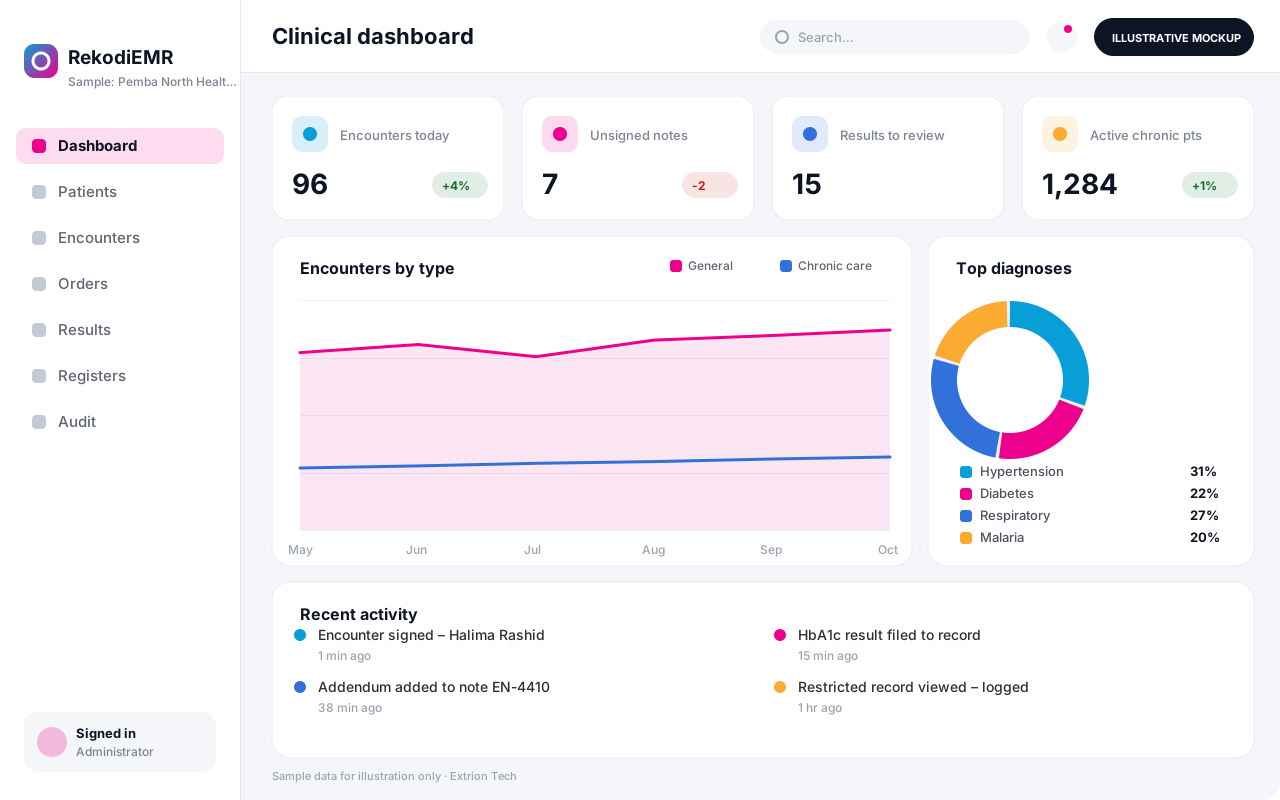
Five screens of the system
Illustrative mockups with sample data — not screenshots of a client’s system.
Workflow
Building the patient record
-
1
Identify the patient
The clinician opens the correct record using hospital number, name and date of birth checks.
-
2
Review the summary
Active problems, medications, allergies and recent results are shown before anything is entered.
-
3
Document the encounter
History, examination and vital signs are recorded on the form suited to the visit type.
-
4
Diagnose and code
Diagnoses are added with ICD-10 codes and the problem list is updated.
-
5
Order and prescribe
Investigations and medicines are ordered, with allergy and interaction alerts checked.
-
6
Sign the note
The clinician signs the encounter, locking it; later changes become dated addenda.
-
7
Continuity of care
Referrals, follow-up plans and results stay on the timeline for the next clinician.
Functions covered
Modules and what they do
01 Patient record
-
Patient summary
Shows demographics, active problems, medications, allergies and alerts on one page.
-
Clinical timeline
Lists every encounter, result and procedure in date order.
-
Document scanning
Optional / subject to scope
Attaches scanned historical files and external reports to the record.
02 Clinical documentation
-
Encounter forms
Provides structured forms for consultation, antenatal, chronic care and other visit types.
-
Diagnosis coding
Records diagnoses with ICD-10 codes for clinical and statistical use.
-
Medication management
Records prescriptions and maintains the current medication list.
-
Clinical alerts
Optional / subject to scope
Warns about allergies, duplicates and configured drug interactions.
03 Care coordination
-
Orders and results
Sends lab and imaging orders and files returned results in the record.
-
Referrals
Creates referral letters and tracks referred-in and referred-out patients.
-
Chronic care registers
Optional / subject to scope
Tracks patients with conditions such as diabetes or hypertension over time.
04 Governance
-
Access and consent
Controls who may view records and records consent or restricted-access flags.
-
Data exchange
Optional / subject to scope
Shares records with other systems through APIs, using HL7 FHIR where scoped.
Technology stack
Technology selected for this solution
These are the technologies planned for this type of system. The final stack depends on scale, performance, licensing, infrastructure, integrations and your requirements.
Frontend
Backend
Database
Mobile
Infrastructure
Integrations
Security & data integrity
Protecting your data and its accuracy
Every record view, edit and export is logged against the user, and sensitive records can be flagged for restricted access. Consent, privacy safeguards and retention periods are agreed with the client for the relevant jurisdiction.
Standard protections
-
Role-based access control
Each user sees only what their role allows.
-
Authentication and authorisation
Every request is checked for a signed-in, permitted user.
-
Fine-grained permissions
Permissions per module and action, such as view, edit or approve.
-
Secure password storage
Passwords are stored using strong one-way hashing, never in plain text.
-
Encryption in transit
HTTPS/TLS protects data between users and the server.
-
Encryption at rest
Sensitive data encrypted on disk where the infrastructure supports and is configured for it.
-
Server-side input validation
All input is validated on the server before it is saved.
-
Protection against common web vulnerabilities
Defences against injection, cross-site scripting and request forgery.
-
Database constraints and transactions
Constraints and transactions keep related records consistent.
-
Audit logs
Important actions are recorded with who, what and when.
-
User activity history
A history of each user’s activity for supervisors and administrators.
-
Backup and restoration
Scheduled backups with tested restoration procedures.
-
Session management
Session time-outs and the ability to sign out other devices.
-
Data retention and deletion policies
Retention periods and deletion rules agreed with you.
Optional advanced protections
- Multi-factor authentication A second sign-in step for selected or all users.
- Single sign-on Sign in with your organisation’s identity provider where supported.
- Disaster recovery planning A documented plan to restore service after a major failure.
- Offline mode with controlled synchronisation Work offline and synchronise safely when the connection returns.
- Data export controls Exports limited to authorised roles and recorded.
Data integrity
Patient identity checks and duplicate detection prevent records being split or merged by mistake. Signed encounters are immutable, so corrections are added as dated addenda that preserve the original, and coded fields are validated against controlled lists such as ICD-10.
Security controls are configured for each project. We do not claim certification, compliance or immunity from attack unless independently verified for your deployment.
Customisation & integration
Tailored to how you work
We tailor modules, reports, permissions, workflows, branding and integrations to your organisation. Tell us which features you need when you request a quote.
- Encounter forms and clinical templates per specialty
- Alert rules for allergies and interactions
- Access rules by department and care team
- Coding standards and statistical outputs
- Integrations with lab, pharmacy and billing systems
Deployment & support
From go-live to continuous improvement
Onboarding, data migration, training, maintenance, technical support and future enhancements are services we scope into your project.
Bringing records from spreadsheets or older systems, checked and reconciled.
Role-based training for users, supervisors and administrators.
Technical support and maintenance under an agreed support plan.
New modules, reports and integrations as your organisation grows.
Pricing
Pricing tailored to your requirements
Every organisation has different workflows, users, infrastructure, and integration needs. Request a quotation for a solution designed around your requirements.
- Number of users, branches and modules
- Customisation and integrations
- Hosting: cloud, your server or hybrid
- Data migration and training
- Support and maintenance plan
Healthcare
Related systems
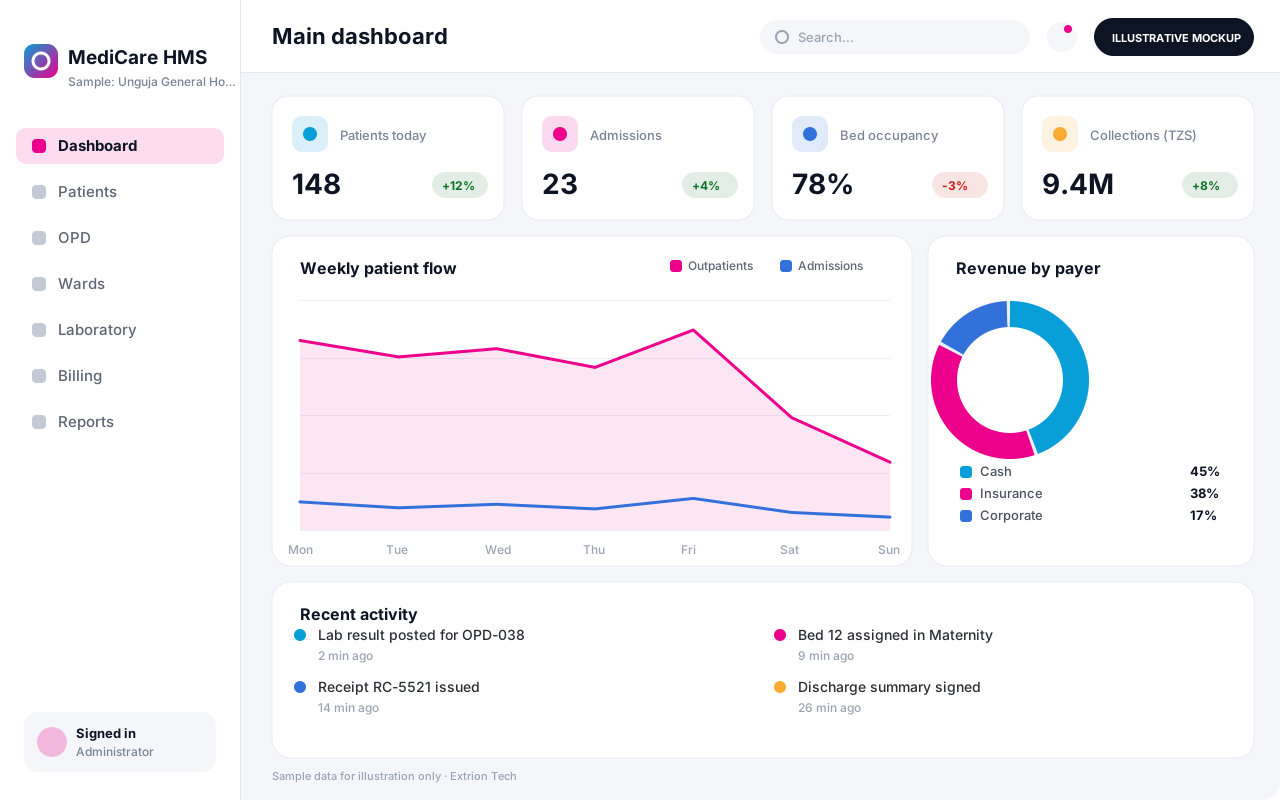 Hospital Management System An integrated hospital system connecting registration, outpatient and inpatient care, laboratory, pharmacy, billing and reporting in one secure platform.
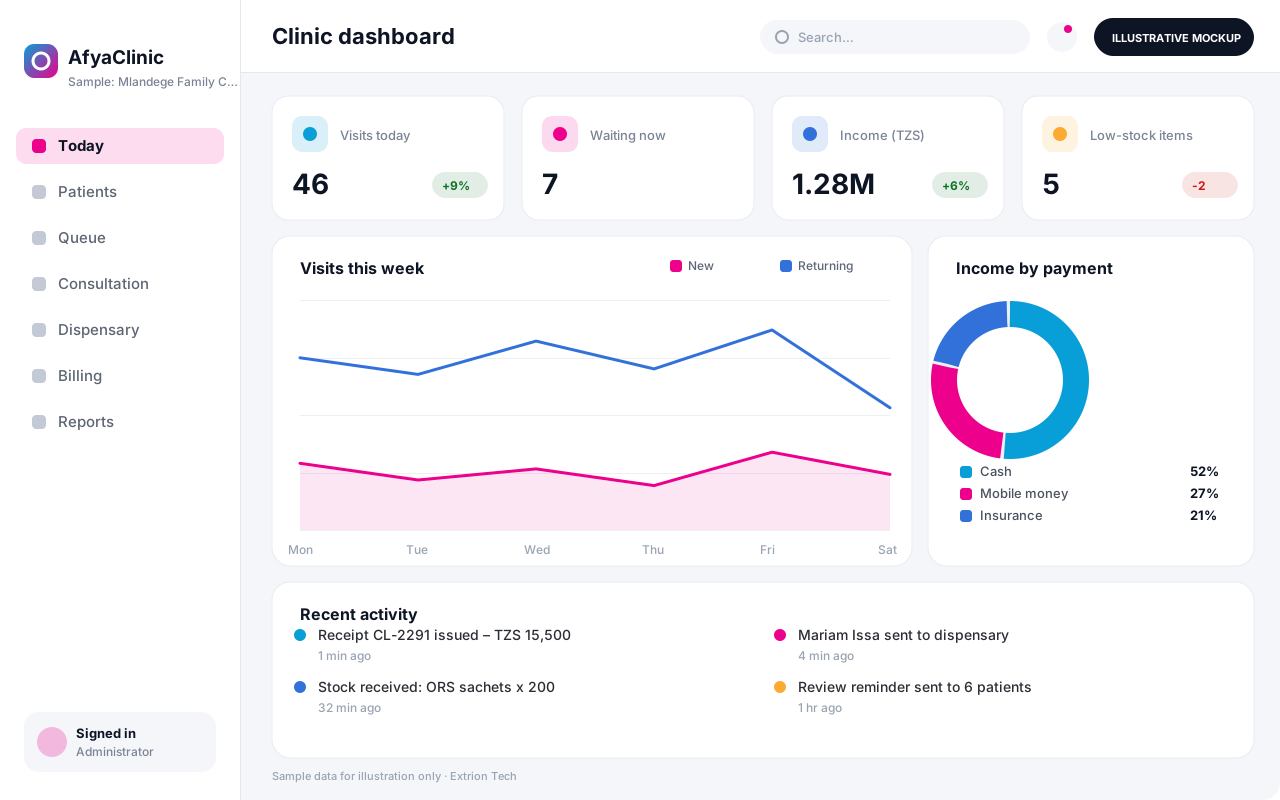 Clinic Management System A lean system for private clinics and dispensaries that handles patient visits, consultations, dispensing, simple lab work and cash or insurance billing.
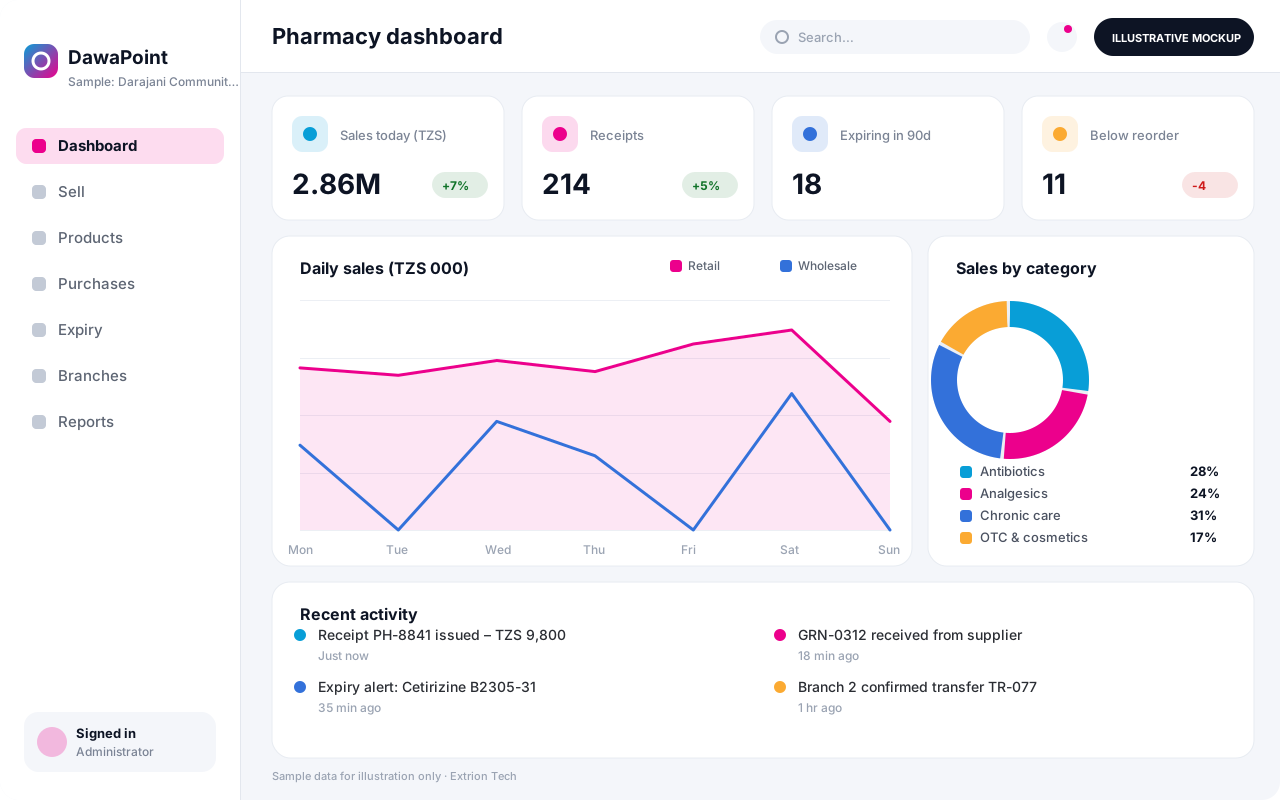 Pharmacy Management System Point-of-sale and stock control for retail and wholesale pharmacies, with batch and expiry tracking, prescriptions, supplier orders and branch reporting.
Back to the catalogue Business software services Our development process
