Custom & AI-Powered Solutions
Digital Customer Portal
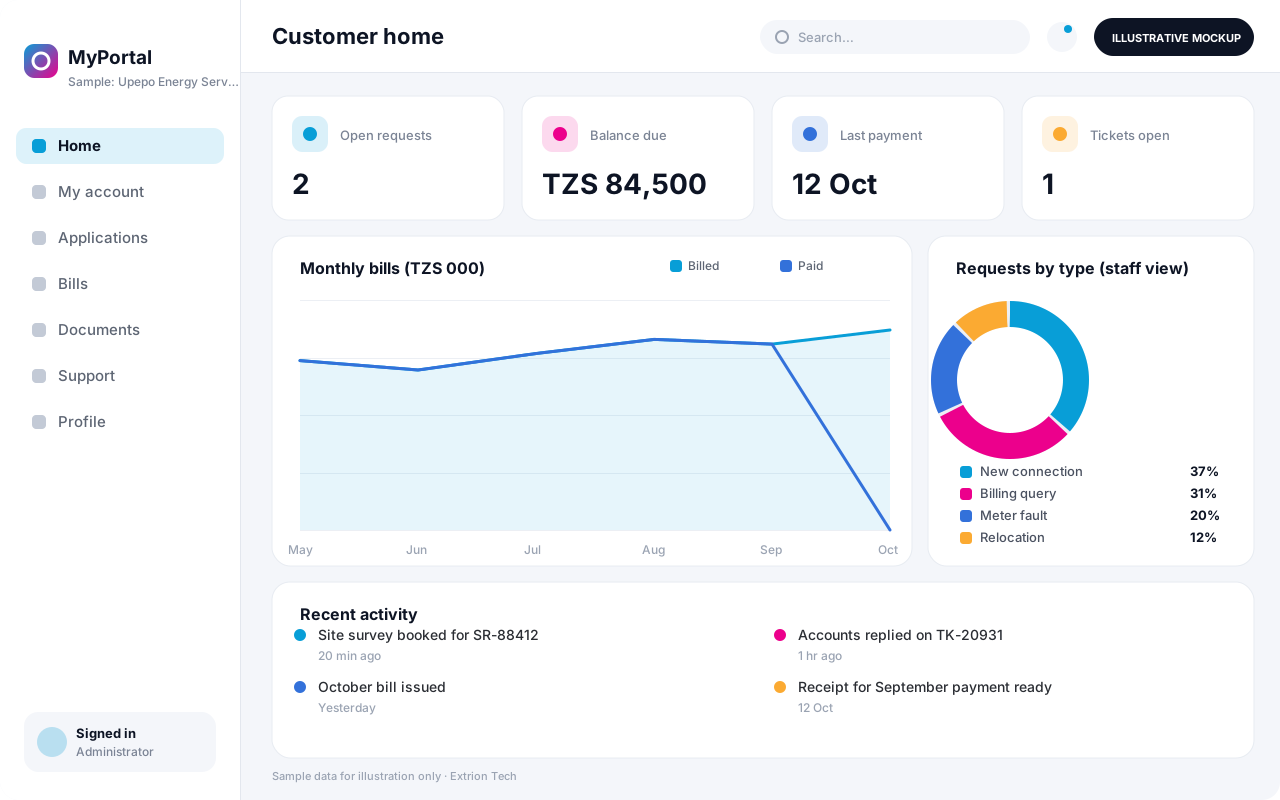
A secure self-service portal where customers apply for services, track requests, view statements and documents, pay bills and raise support tickets without visiting an office.
- Web-based
- Android
- iOS
Overview
Digital Customer Portal
Customers increasingly expect to deal with organisations online, yet many still have to visit an office, phone repeatedly or send documents by messaging app to check an application, get a statement or report a problem. Each of these contacts takes staff time, and the information given can vary depending on who answers.
Extrion Tech designs and develops digital customer portals in-house for businesses and institutions in Zanzibar and across Tanzania. Customers register securely, then see their own accounts, services, applications, invoices and documents in one place. They can submit requests with attachments, follow progress step by step, download statements and receipts, and raise support tickets that land with the right team. Staff work from a back-office view of the same requests, so the customer and the organisation always see the same status.
The portal is built around the services the client actually offers, whether that is utility connections, insurance claims, loan applications, property rentals or business licences. Its structure, forms, branding and languages are designed with the client, and it can be connected to existing billing or core systems where they provide an API. Online payments through mobile money or cards are optional and subject to provider access and project scope.
Business problems it addresses
- Customers travel to an office or call repeatedly to check the status of an application or request.
- Statements, receipts and certificates are requested by phone and sent manually by staff.
- Documents arrive through personal messaging apps and email, making them hard to file and verify.
- Front-office staff give inconsistent answers because they cannot see a single request history.
- Service is available only during office hours, limiting customers who work or live far away.
Interface
Five screens of the system
Illustrative mockups with sample data — not screenshots of a client’s system.
Workflow
From registration to resolved request
-
1
Customer registration
Customer creates an account and verifies their phone number or email address.
-
2
Account linking
Existing customer numbers are linked after verification by staff or an agreed check.
-
3
Service request
Customer selects a service, completes the form and uploads required documents.
-
4
Back-office processing
Staff review the request, ask for missing items and move it through defined stages.
-
5
Notifications
Customer receives SMS or email updates at each status change.
-
6
Payment, if required
Fees or invoices are shown and paid through an agreed channel, then receipted.
-
7
Completion and feedback
The outcome or document is issued in the portal and the customer rates the service.
Functions covered
Modules and what they do
01 Customer self-service
-
Registration and login
Provides secure sign-up, verification and password recovery for customers.
-
My account
Shows the customer’s services, balances, contacts and linked accounts.
-
Service applications
Offers online forms for each service with document upload and validation.
-
Documents and statements
Lets customers download statements, invoices, receipts and issued certificates.
02 Service delivery
-
Back-office request handling
Gives staff queues, stages and notes for processing customer requests.
-
Support tickets
Routes complaints and questions to the responsible team with response targets.
-
Notifications
Sends status updates and reminders by SMS, email or in-portal messages.
03 Payments and integration
-
Online payments
Optional / subject to scope
Accepts mobile money or card payments where the provider offers an API.
-
Core system connector
Optional / subject to scope
Reads balances and writes requests to existing billing or core systems where an API exists.
-
Service level reports
Reports on request volumes, turnaround times and customer feedback.
Technology stack
Technology selected for this solution
These are the technologies planned for this type of system. The final stack depends on scale, performance, licensing, infrastructure, integrations and your requirements.
Frontend
Backend
Database
Mobile
Infrastructure
Integrations
Security & data integrity
Protecting your data and its accuracy
Customers can only ever see their own accounts and documents, and account linking requires verification so one person cannot claim another’s records. Privacy, consent and retention requirements for customer data are agreed with the client for the relevant jurisdiction.
Standard protections
-
Authentication and authorisation
Every request is checked for a signed-in, permitted user.
-
Role-based access control
Each user sees only what their role allows.
-
Fine-grained permissions
Permissions per module and action, such as view, edit or approve.
-
Secure password storage
Passwords are stored using strong one-way hashing, never in plain text.
-
Encryption in transit
HTTPS/TLS protects data between users and the server.
-
Server-side input validation
All input is validated on the server before it is saved.
-
Protection against common web vulnerabilities
Defences against injection, cross-site scripting and request forgery.
-
Database constraints and transactions
Constraints and transactions keep related records consistent.
-
Audit logs
Important actions are recorded with who, what and when.
-
User activity history
A history of each user’s activity for supervisors and administrators.
-
Backup and restoration
Scheduled backups with tested restoration procedures.
-
Session management
Session time-outs and the ability to sign out other devices.
-
Secure API access
Authenticated, rate-limited access for integrations.
-
Monitoring and error logging
Errors and unusual activity are logged and monitored.
Optional advanced protections
- Multi-factor authentication A second sign-in step for selected or all users.
- Encryption at rest Sensitive data encrypted on disk where the infrastructure supports and is configured for it.
- Data retention and deletion policies Retention periods and deletion rules agreed with you.
- Disaster recovery planning A documented plan to restore service after a major failure.
Data integrity
Uploaded documents are checked for type and size and stored against the request, and requests move only through defined stages with a recorded reason for each change. Payments are confirmed with the provider before a receipt is issued, so portal balances reconcile with the billing system.
Security controls are configured for each project. We do not claim certification, compliance or immunity from attack unless independently verified for your deployment.
Customisation & integration
Tailored to how you work
We tailor modules, reports, permissions, workflows, branding and integrations to your organisation. Tell us which features you need when you request a quote.
- Services offered and their application forms
- Request stages, response targets and teams
- Branding, domain and Swahili or English content
- Payment channels and billing integration
- Customer notifications and feedback questions
Deployment & support
From go-live to continuous improvement
Onboarding, data migration, training, maintenance, technical support and future enhancements are services we scope into your project.
Bringing records from spreadsheets or older systems, checked and reconciled.
Role-based training for users, supervisors and administrators.
Technical support and maintenance under an agreed support plan.
New modules, reports and integrations as your organisation grows.
Pricing
Pricing tailored to your requirements
Every organisation has different workflows, users, infrastructure, and integration needs. Request a quotation for a solution designed around your requirements.
- Number of users, branches and modules
- Customisation and integrations
- Hosting: cloud, your server or hybrid
- Data migration and training
- Support and maintenance plan
Custom & AI-Powered Solutions
Related systems
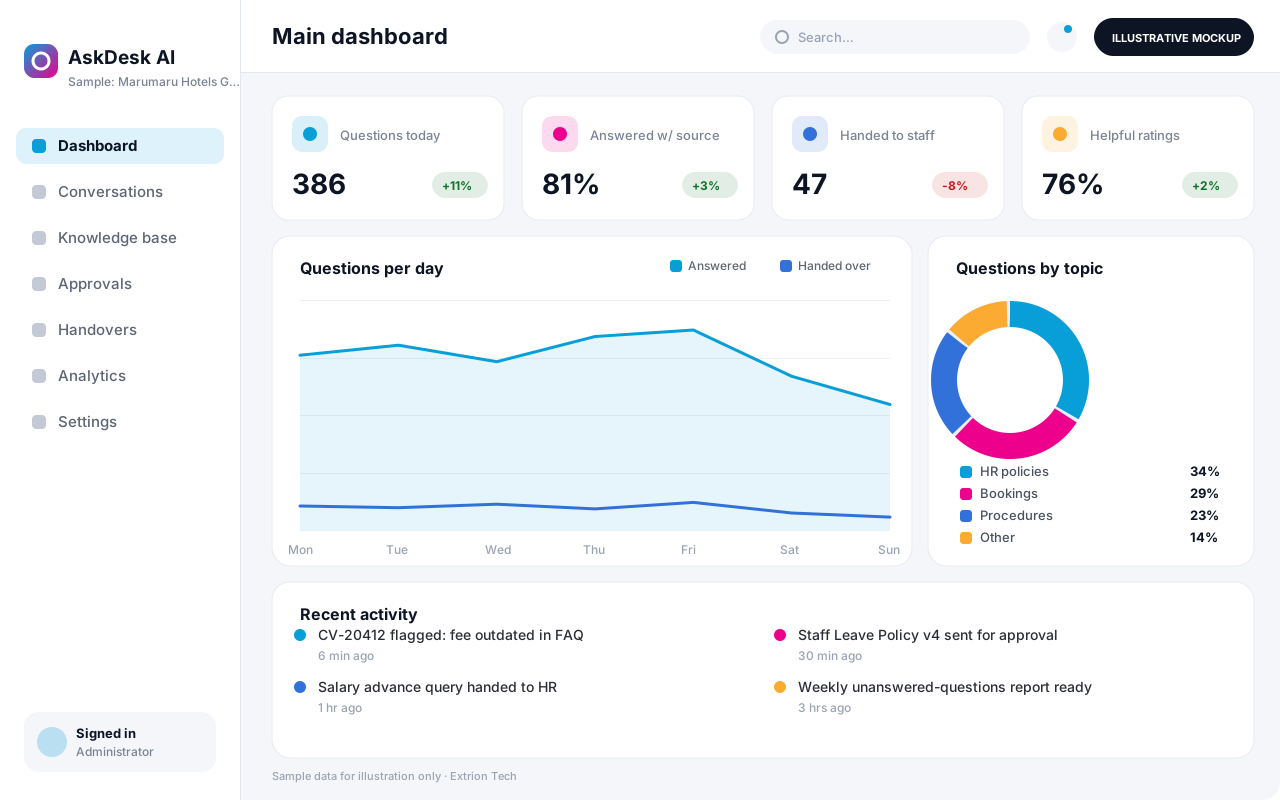 AI-Powered Business Assistant An AI assistant that answers staff or customer questions from your organisation’s own approved content, shows its sources and hands over to a person when a matter needs human judgement.
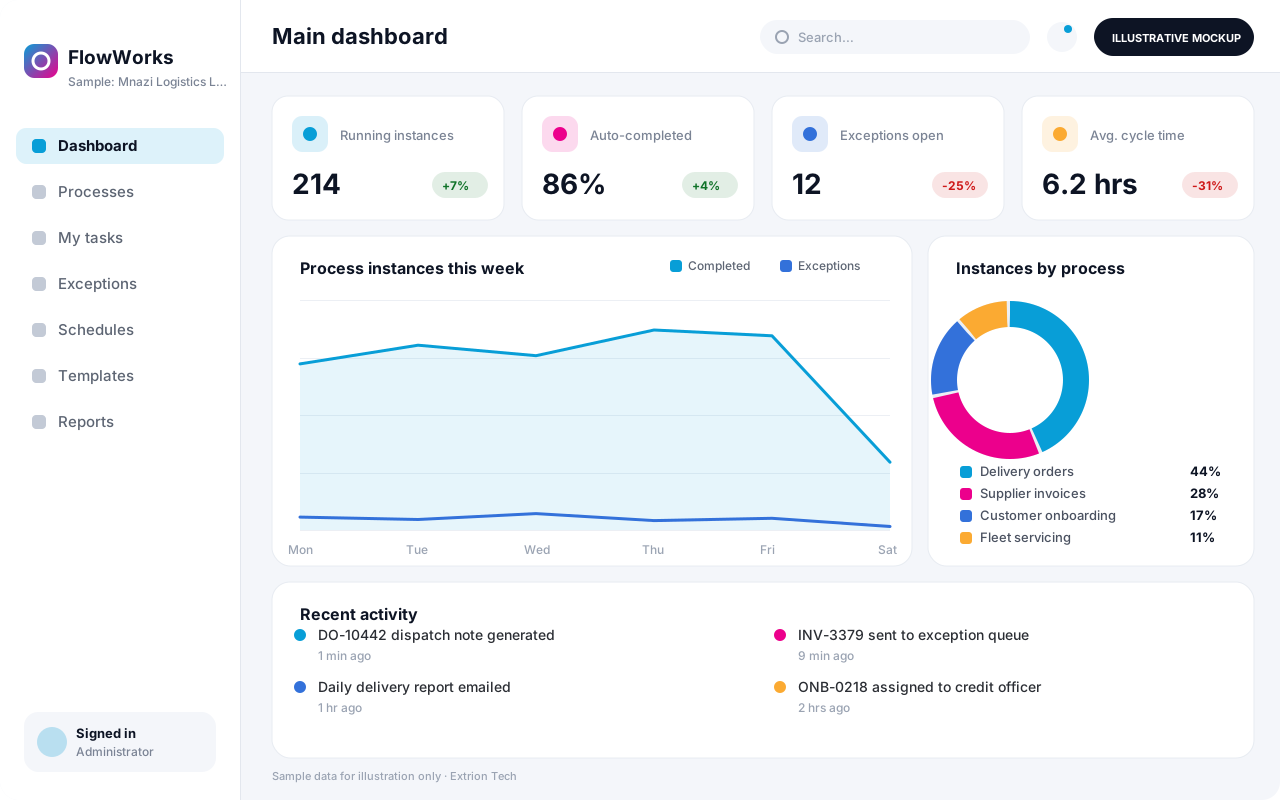 Business Process Automation System A custom automation system that maps a repetitive business process into defined steps, rules and hand-offs, so routine work moves on its own and exceptions reach the right person.
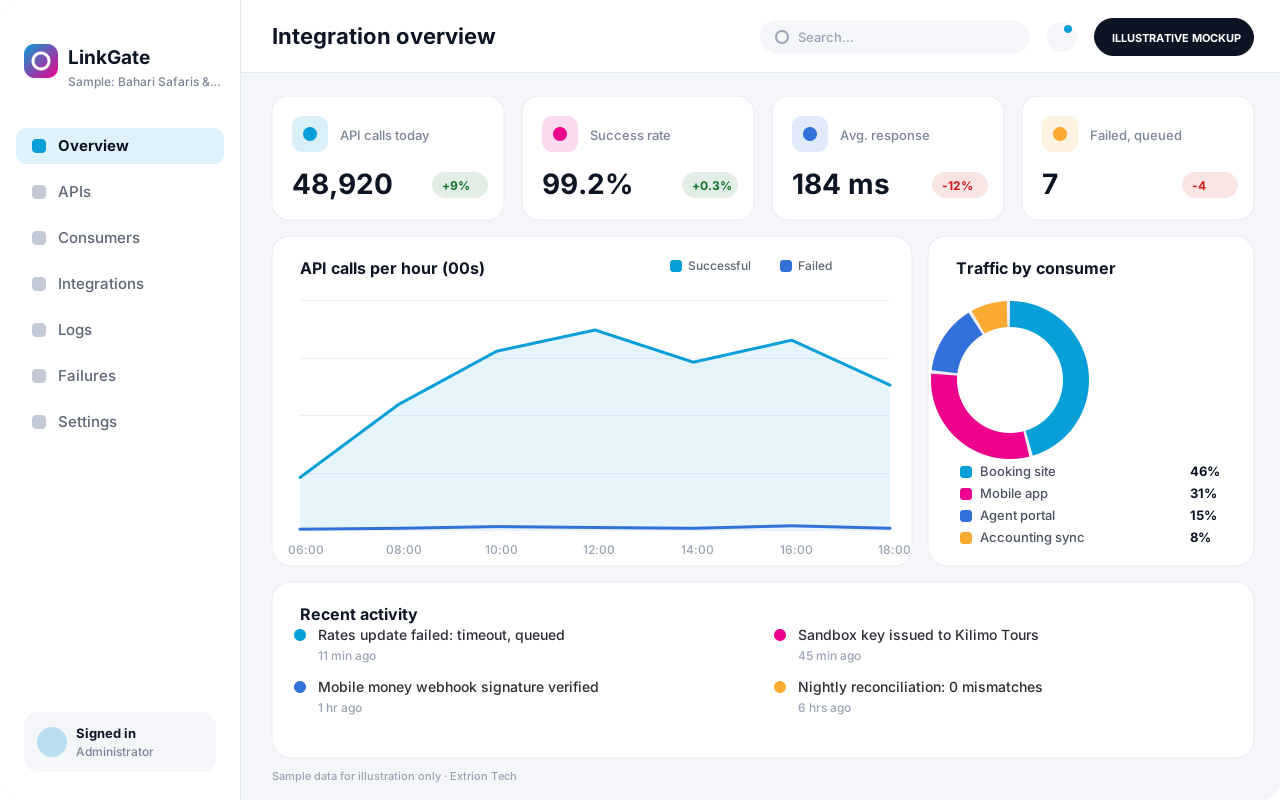 Custom API and Integration Platform A custom integration layer that connects your systems, partners and payment or messaging providers through secure APIs, with logging, retries and monitoring of every exchange.
Back to the catalogue Business software services Our development process
