Custom & AI-Powered Solutions
Custom Mobile Business Application
A custom Android and iOS app built around a specific business task, such as field sales, deliveries or inspections, with offline working, GPS, photos and sync to a web back office.
- Android
- iOS
- Web-based
Overview
Custom Mobile Business Application
Many businesses have staff who spend the day away from a desk: sales representatives visiting shops, drivers making deliveries, technicians servicing equipment or officers inspecting sites. Their work is often recorded on paper or sent through personal messaging apps, so managers see it late and in different formats.
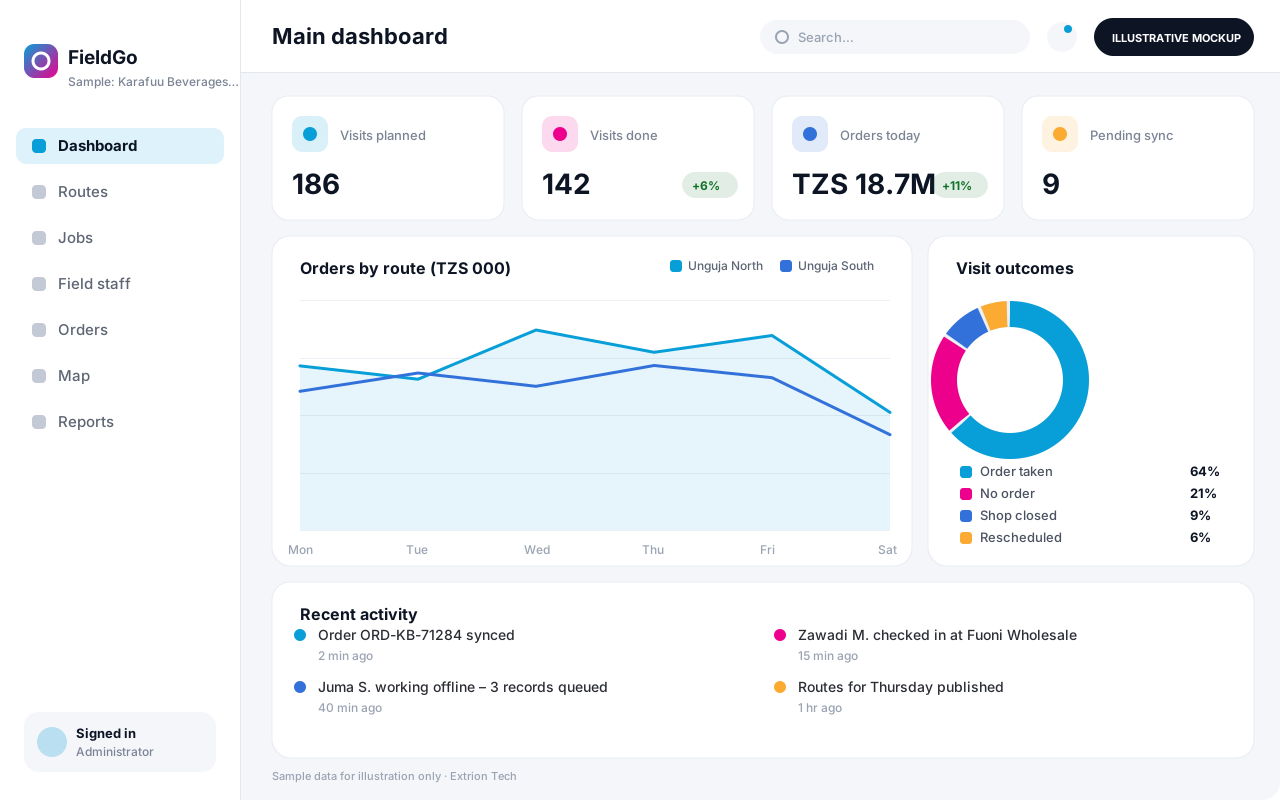
Extrion Tech designs and develops custom mobile business applications in-house for organisations in Zanzibar, mainland Tanzania and the region. Each app is built for one clearly defined job, with screens that follow the steps staff actually take in the field. Typical capabilities include customer and route lists, order taking, delivery confirmation with signature or photo, checklists, GPS location stamps and barcode scanning. Because mobile coverage varies, apps can work offline and sync automatically when a connection returns. A web back office lets supervisors assign work, see progress and review what was captured.
The scope, devices and features are agreed with the client before development, and the app can be distributed privately to staff devices or published to app stores, subject to store review. Connections to existing stock, accounting or customer systems are optional and depend on the APIs they provide, and any data protection requirements are established with the client for the relevant jurisdiction.
Business problems it addresses
- Field staff record orders, deliveries or inspections on paper, which reaches the office days later.
- Managers cannot see where field teams are or how much of the day’s work has been completed.
- Photos and proofs are sent through personal messaging apps and are hard to file against the right job.
- Poor network coverage in some areas makes web-based tools unreliable in the field.
- Data captured in the field is re-typed into office systems, causing delays and errors.
Interface
Five screens of the system
Illustrative mockups with sample data — not screenshots of a client’s system.
Workflow
From job assignment to synced proof
-
1
Plan the day
Supervisor assigns routes, visits or jobs to field staff from the web back office.
-
2
Sync to device
Staff open the app and download their jobs, customer details and price lists.
-
3
Check in on site
Arrival is recorded with GPS location and time at each customer or site.
-
4
Capture the work
Orders, checklists, readings or deliveries are recorded, with photos and barcodes.
-
5
Confirm with customer
The customer signs on screen or confirms by code, and a receipt can be sent by SMS.
-
6
Sync to office
Records upload immediately, or automatically when the device is back online.
-
7
Review and report
Supervisors review submissions and daily reports on visits, orders and exceptions.
Functions covered
Modules and what they do
01 Mobile app
-
Jobs and routes
Shows each user their assigned visits, deliveries or tasks in planned order.
-
Data capture forms
Records orders, checklists, readings or delivery details designed for the task.
-
Photos, signatures and GPS
Attaches photos, on-screen signatures and location stamps to each record.
-
Offline storage and sync
Keeps work on the device without a connection and syncs it automatically later.
-
Barcode and QR scanning
Optional / subject to scope
Uses the device camera to scan products, parcels or asset tags.
02 Web back office
-
Assignment and scheduling
Lets supervisors create jobs, plan routes and assign them to staff.
-
Live progress map
Shows completed and pending jobs and last known check-in locations.
-
Submission review
Lets office staff check, query or approve records captured in the field.
03 Reporting and integration
-
Field performance reports
Reports visits, orders, deliveries and exceptions by staff, route and period.
-
Business system connector
Optional / subject to scope
Sends orders or deliveries to stock or accounting systems where an API is available.
-
Customer SMS receipts
Optional / subject to scope
Sends order or delivery confirmations to customers via an SMS gateway.
Technology stack
Technology selected for this solution
These are the technologies planned for this type of system. The final stack depends on scale, performance, licensing, infrastructure, integrations and your requirements.
Frontend
Backend
Database
Mobile
Infrastructure
Integrations
Security & data integrity
Protecting your data and its accuracy
Each user sees only their assigned jobs, data stored on the device is limited to what is needed, and access can be revoked remotely if a phone is lost. Location tracking rules and data protection requirements are agreed with the client for the relevant jurisdiction.
Standard protections
-
Authentication and authorisation
Every request is checked for a signed-in, permitted user.
-
Role-based access control
Each user sees only what their role allows.
-
Fine-grained permissions
Permissions per module and action, such as view, edit or approve.
-
Secure password storage
Passwords are stored using strong one-way hashing, never in plain text.
-
Encryption in transit
HTTPS/TLS protects data between users and the server.
-
Server-side input validation
All input is validated on the server before it is saved.
-
Secure API access
Authenticated, rate-limited access for integrations.
-
Database constraints and transactions
Constraints and transactions keep related records consistent.
-
Audit logs
Important actions are recorded with who, what and when.
-
User activity history
A history of each user’s activity for supervisors and administrators.
-
Backup and restoration
Scheduled backups with tested restoration procedures.
-
Session management
Session time-outs and the ability to sign out other devices.
-
Offline mode with controlled synchronisation
Work offline and synchronise safely when the connection returns.
Optional advanced protections
- Encryption at rest Sensitive data encrypted on disk where the infrastructure supports and is configured for it.
- Multi-factor authentication A second sign-in step for selected or all users.
- Monitoring and error logging Errors and unusual activity are logged and monitored.
Data integrity
Each record created offline carries a unique device-generated ID and time stamp, so syncing twice never creates duplicates and conflicts are flagged for review. Forms validate quantities, prices and mandatory photos before saving, and the server keeps the full history of each record from capture to approval.
Security controls are configured for each project. We do not claim certification, compliance or immunity from attack unless independently verified for your deployment.
Customisation & integration
Tailored to how you work
We tailor modules, reports, permissions, workflows, branding and integrations to your organisation. Tell us which features you need when you request a quote.
- The field task, screens and form fields
- Offline data scope and sync rules
- Checklists, price lists and product catalogues
- Back-office reports and supervisor views
- Branding, languages and store or private distribution
Deployment & support
From go-live to continuous improvement
Onboarding, data migration, training, maintenance, technical support and future enhancements are services we scope into your project.
Bringing records from spreadsheets or older systems, checked and reconciled.
Role-based training for users, supervisors and administrators.
Technical support and maintenance under an agreed support plan.
New modules, reports and integrations as your organisation grows.
Pricing
Pricing tailored to your requirements
Every organisation has different workflows, users, infrastructure, and integration needs. Request a quotation for a solution designed around your requirements.
- Number of users, branches and modules
- Customisation and integrations
- Hosting: cloud, your server or hybrid
- Data migration and training
- Support and maintenance plan
Custom & AI-Powered Solutions
Related systems
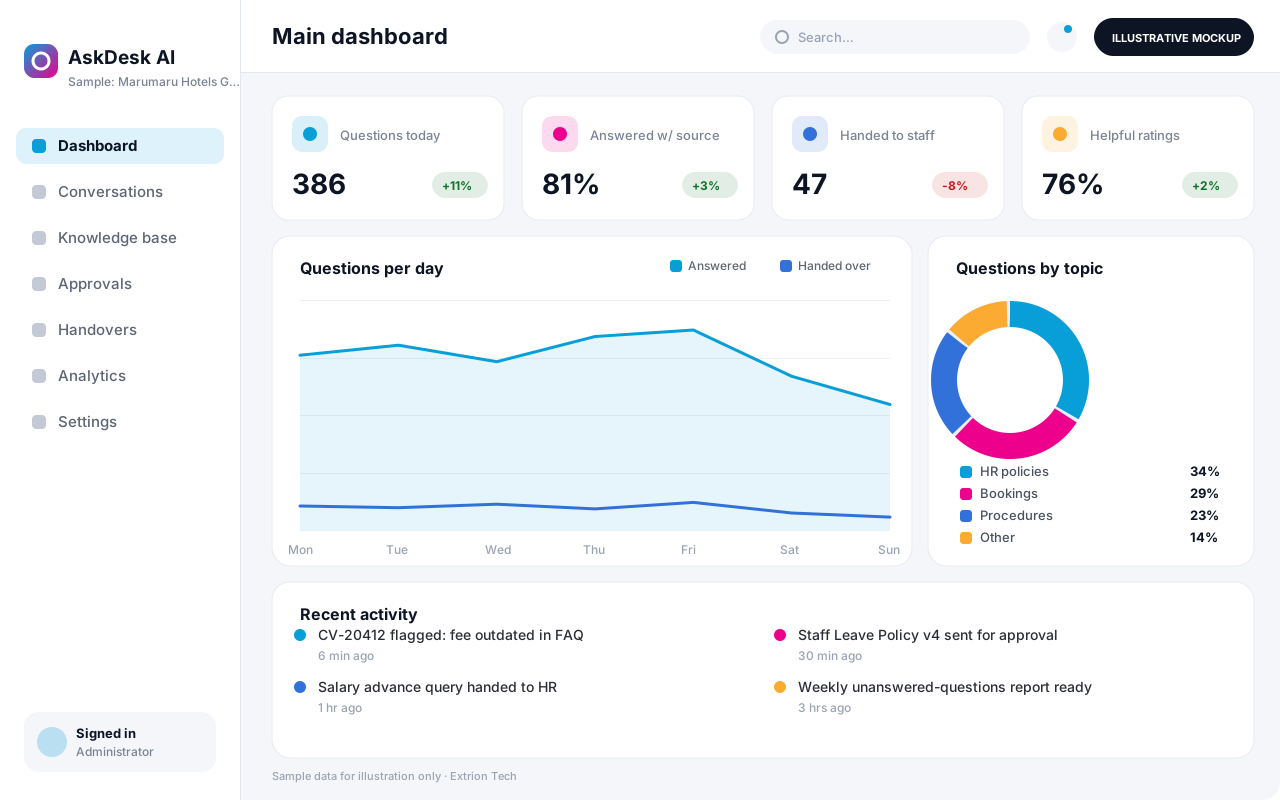 AI-Powered Business Assistant An AI assistant that answers staff or customer questions from your organisation’s own approved content, shows its sources and hands over to a person when a matter needs human judgement.
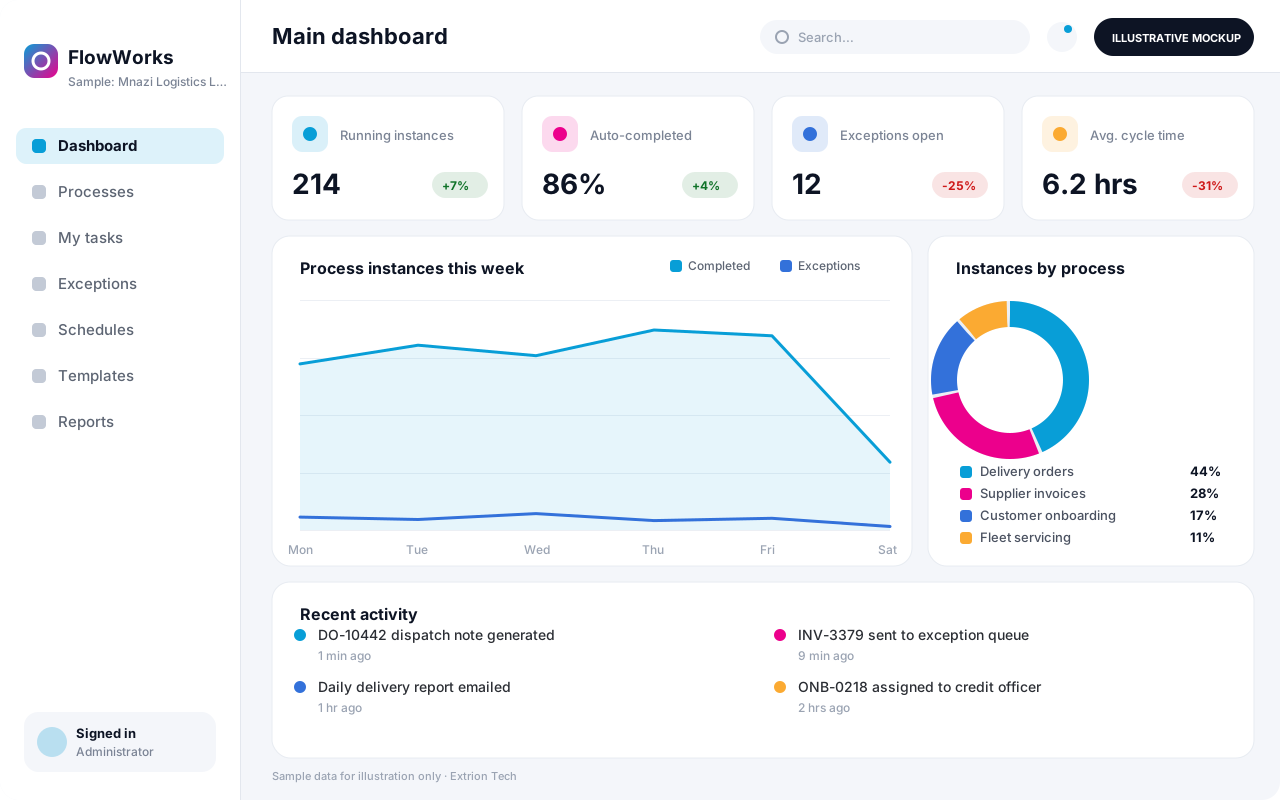 Business Process Automation System A custom automation system that maps a repetitive business process into defined steps, rules and hand-offs, so routine work moves on its own and exceptions reach the right person.
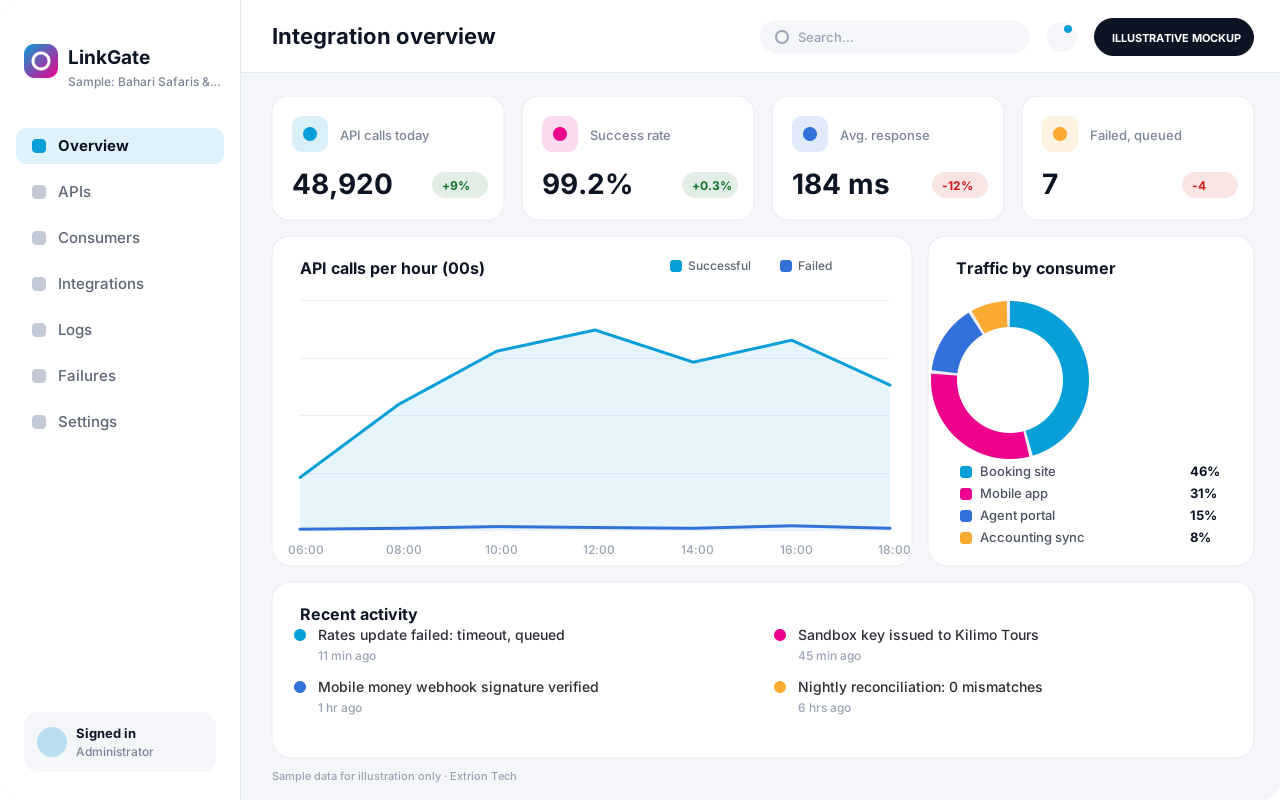 Custom API and Integration Platform A custom integration layer that connects your systems, partners and payment or messaging providers through secure APIs, with logging, retries and monitoring of every exchange.
Back to the catalogue Business software services Our development process
