Transport & Logistics
Vehicle Maintenance Management System
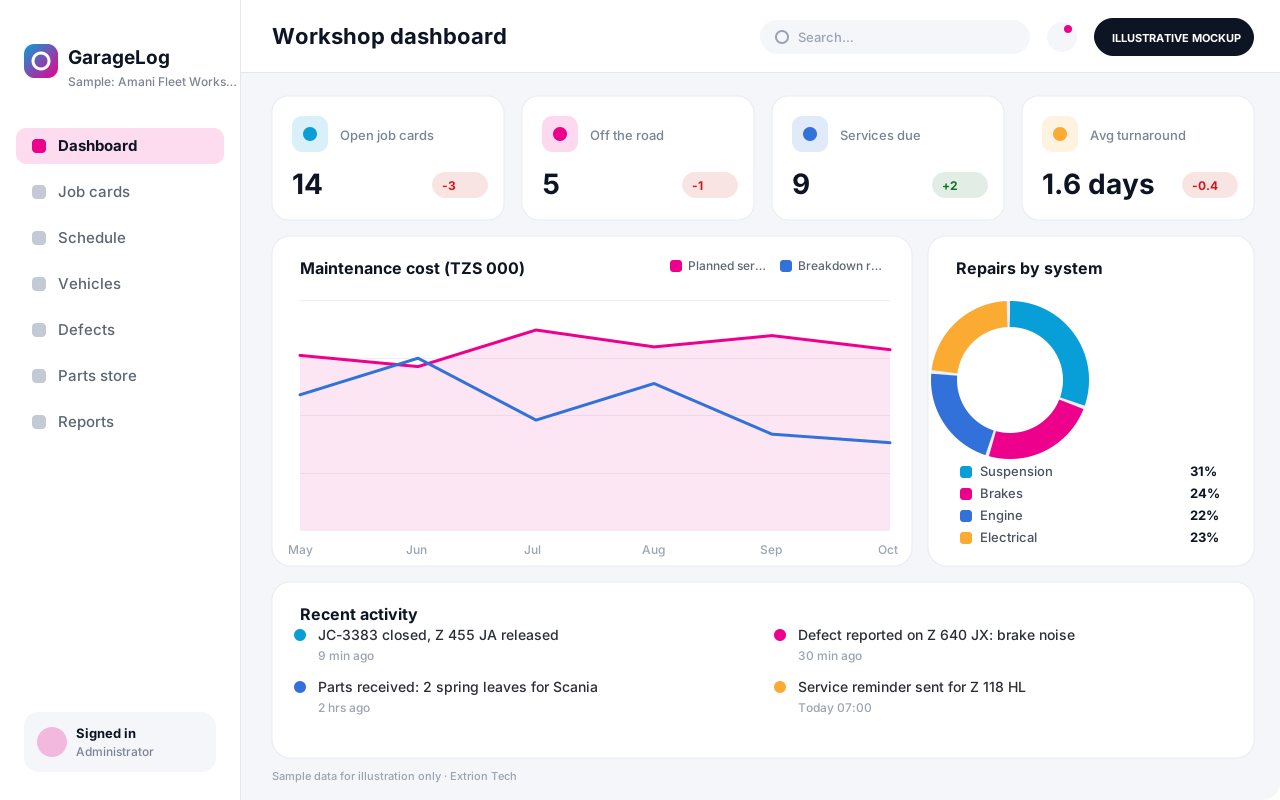
A workshop and maintenance system that schedules servicing by kilometres or date, manages job cards, parts and labour, and keeps a full repair history for every vehicle.
- Web-based
- Android
- Windows desktop
Overview
Vehicle Maintenance Management System
A Vehicle Maintenance Management System helps fleet owners and workshops keep vehicles roadworthy and repair costs under control. Extrion Tech develops it for in-house fleet workshops as well as independent garages that service vehicles for several customers.
Service plans are set per vehicle type, for example an oil service every 5,000 km or a major service every twelve months, and the system raises reminders from odometer readings or dates. Drivers report defects from a phone, and the workshop opens a job card that records the complaint, diagnosis, mechanics assigned, parts issued from the store and labour hours. Costly or external repairs pass through approval before work starts, and the vehicle is released only after a road test and sign-off.
In Zanzibar and coastal Tanzania, salt air, rough rural roads and long lead times for spare parts shipped via Dar es Salaam make planned maintenance and a well-managed parts store particularly valuable. The system keeps a full history per vehicle, so recurring faults, warranty claims and the true cost of ownership are visible. Managers can see vehicles off the road, average repair turnaround and cost per vehicle, and use that evidence when deciding whether to repair or replace.
Business problems it addresses
- Services are missed because nobody tracks kilometres or due dates.
- Vehicles stay off the road for days waiting for parts or decisions.
- Parts are issued from the store without being charged to a vehicle.
- Repair history is lost, so recurring faults are not recognised.
- Repair costs grow without approval or comparison with replacement.
Interface
Five screens of the system
Illustrative mockups with sample data — not screenshots of a client’s system.
Workflow
From defect report to vehicle release
-
1
Service due or defect
A reminder from km or date, or a driver’s defect report, starts the job.
-
2
Vehicle check-in
Record odometer, fuel level, condition and the customer or driver complaint.
-
3
Job card and diagnosis
Open a job card, assign mechanics and record the diagnosis.
-
4
Estimate and approval
Costly or external repairs are estimated and approved before work starts.
-
5
Parts and labour
Issue parts from the store and log labour hours against the job card.
-
6
Quality check
Road test and foreman sign-off confirm the repair is complete.
-
7
Release and history
Release the vehicle, update service history and set the next due service.
Functions covered
Modules and what they do
01 Planning
-
Service plans
Defines service intervals by kilometres, engine hours or date per vehicle type.
-
Defect reporting
Lets drivers report faults with photos from a phone or at the workshop desk.
-
Workshop scheduling
Books vehicles into bays and assigns mechanics by availability.
02 Workshop
-
Job cards
Records complaints, diagnosis, tasks, mechanics and status for each job.
-
Repair estimates and approvals
Prepares cost estimates and routes them for approval above set limits.
-
Labour tracking
Logs mechanic hours per task for costing and productivity.
-
Customer invoicing
Optional / subject to scope
Bills external customers for parts and labour in garage operations.
03 Parts and history
-
Spare parts store
Manages part numbers, stock levels, reorder points and issues to job cards.
-
Service history
Keeps every service, repair, part and cost against the vehicle.
-
Warranty claims
Optional / subject to scope
Tracks parts and repairs under warranty and supplier claims.
-
Fleet system integration
Optional / subject to scope
Reads odometer readings from a fleet or GPS system where an interface exists.
Technology stack
Technology selected for this solution
These are the technologies planned for this type of system. The final stack depends on scale, performance, licensing, infrastructure, integrations and your requirements.
Frontend
Backend
Database
Mobile
Infrastructure
Integrations
Security & data integrity
Protecting your data and its accuracy
Parts issues, repair approvals and job card closures are restricted to authorised roles and logged, so costs charged to each vehicle can be verified during audit.
Standard protections
-
Role-based access control
Each user sees only what their role allows.
-
Authentication and authorisation
Every request is checked for a signed-in, permitted user.
-
Fine-grained permissions
Permissions per module and action, such as view, edit or approve.
-
Secure password storage
Passwords are stored using strong one-way hashing, never in plain text.
-
Encryption in transit
HTTPS/TLS protects data between users and the server.
-
Server-side input validation
All input is validated on the server before it is saved.
-
Protection against common web vulnerabilities
Defences against injection, cross-site scripting and request forgery.
-
Database constraints and transactions
Constraints and transactions keep related records consistent.
-
Audit logs
Important actions are recorded with who, what and when.
-
User activity history
A history of each user’s activity for supervisors and administrators.
-
Backup and restoration
Scheduled backups with tested restoration procedures.
-
Session management
Session time-outs and the ability to sign out other devices.
Optional advanced protections
- Offline mode with controlled synchronisation Work offline and synchronise safely when the connection returns.
- Multi-factor authentication A second sign-in step for selected or all users.
- Secure API access Authenticated, rate-limited access for integrations.
- Data export controls Exports limited to authorised roles and recorded.
Data integrity
Parts issued to a job card reduce store stock and add cost to the vehicle in the same transaction, so stores and workshop figures always agree. A job card cannot be closed without labour, parts and sign-off recorded, and odometer readings must not go backwards. Periodic parts counts are reconciled against issues and receipts.
Security controls are configured for each project. We do not claim certification, compliance or immunity from attack unless independently verified for your deployment.
Customisation & integration
Tailored to how you work
We tailor modules, reports, permissions, workflows, branding and integrations to your organisation. Tell us which features you need when you request a quote.
- Service intervals and checklists per vehicle type
- Approval limits for internal and external repairs
- Job card layout and inspection forms
- Labour rates and garage invoicing rules
- Integration with fleet, GPS and accounting systems
Deployment & support
From go-live to continuous improvement
Onboarding, data migration, training, maintenance, technical support and future enhancements are services we scope into your project.
Bringing records from spreadsheets or older systems, checked and reconciled.
Role-based training for users, supervisors and administrators.
Technical support and maintenance under an agreed support plan.
New modules, reports and integrations as your organisation grows.
Pricing
Pricing tailored to your requirements
Every organisation has different workflows, users, infrastructure, and integration needs. Request a quotation for a solution designed around your requirements.
- Number of users, branches and modules
- Customisation and integrations
- Hosting: cloud, your server or hybrid
- Data migration and training
- Support and maintenance plan
Transport & Logistics
Related systems
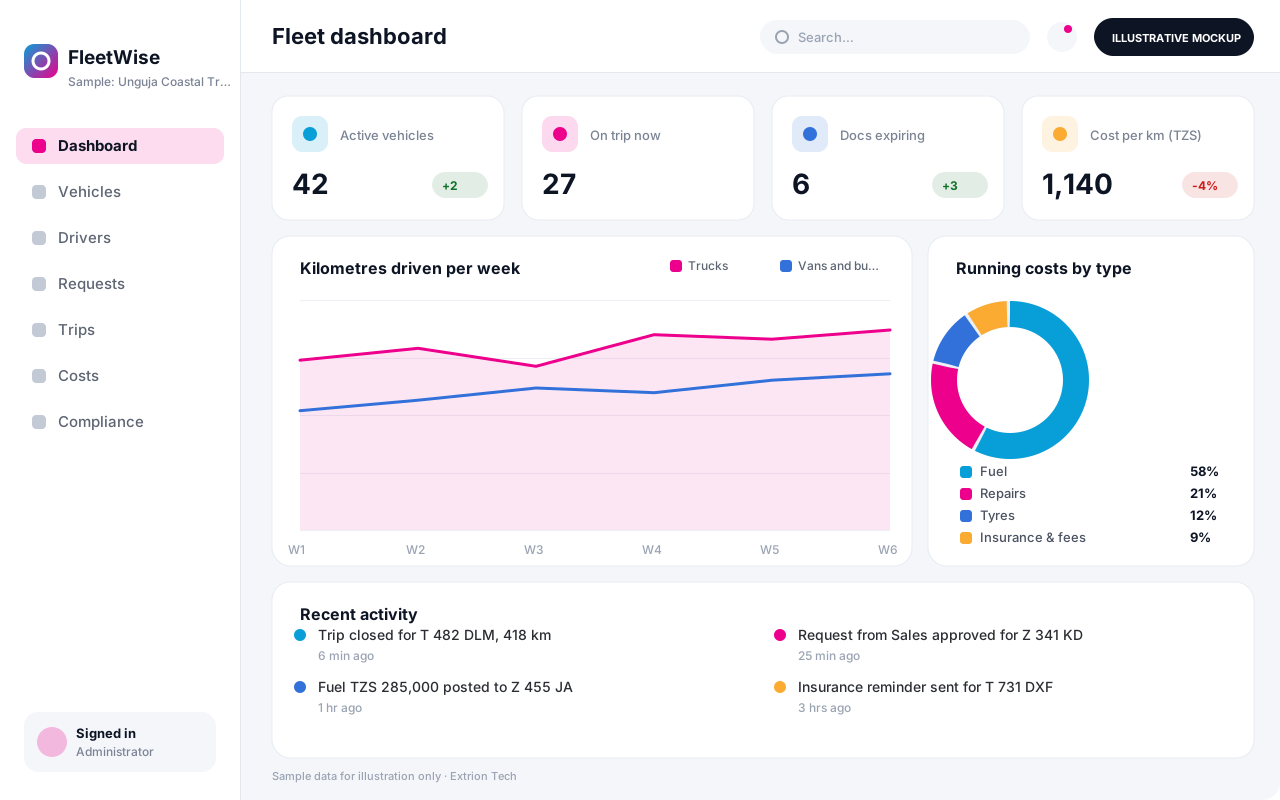 Fleet Management System A fleet system that keeps every vehicle, driver, trip, document and running cost in one place, with GPS tracking integration, licence reminders and cost-per-kilometre reporting.
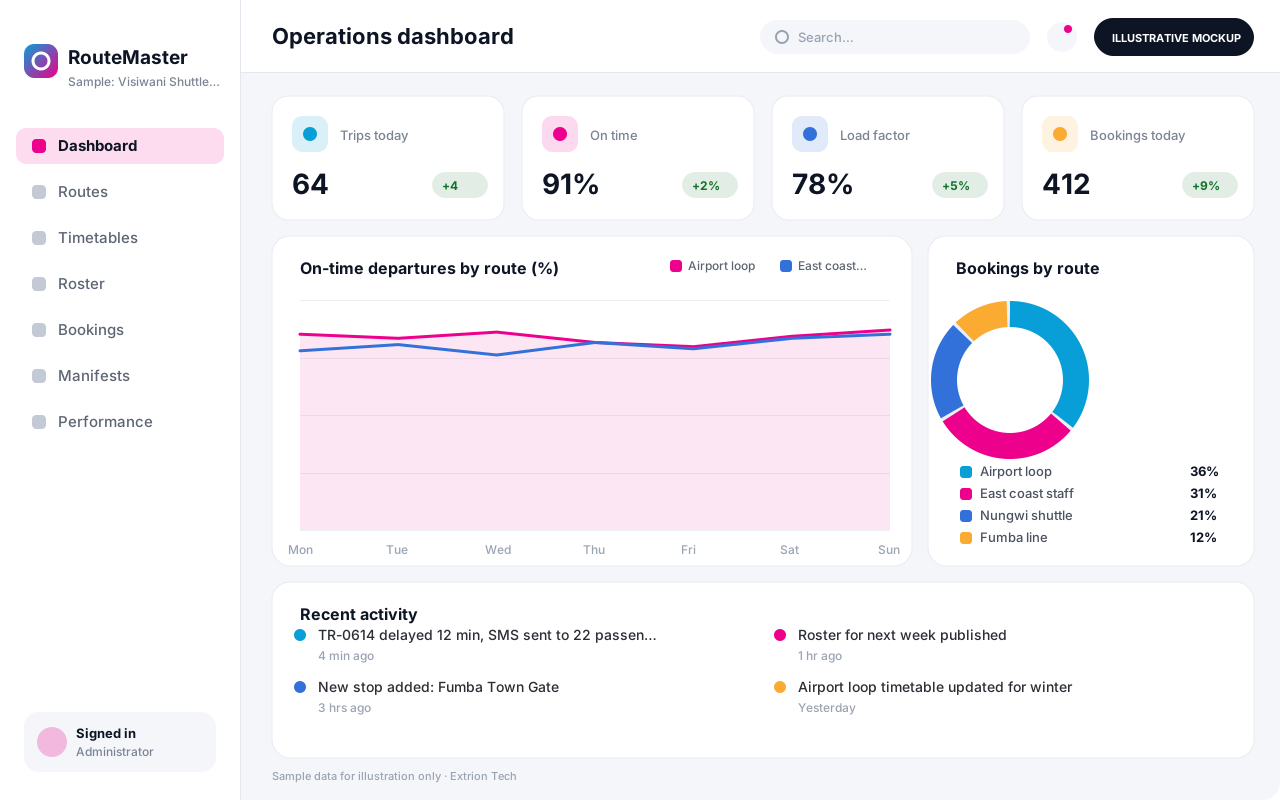 Transport and Route Management System A route planning and scheduling system for scheduled transport, defining routes, stops, timetables and vehicle rosters, with bookings, manifests and on-time performance reporting.
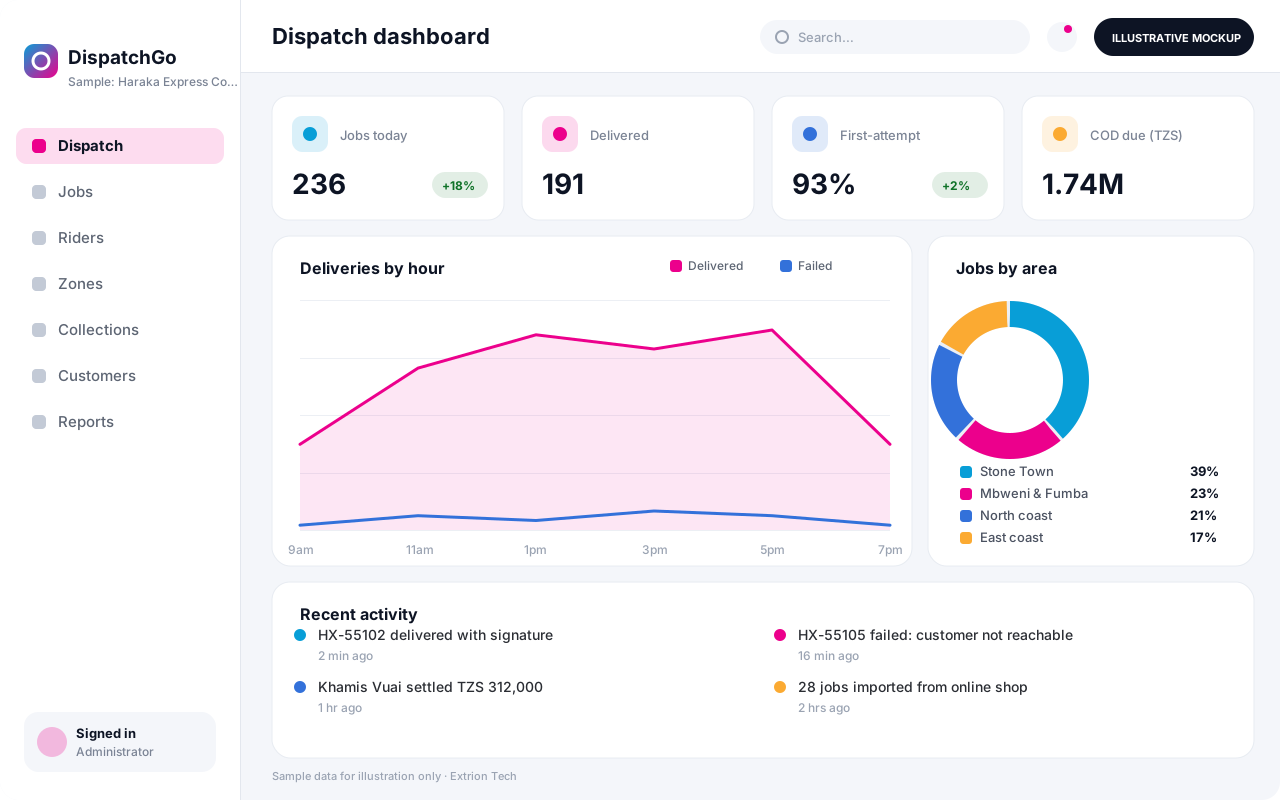 Delivery and Dispatch Management System A dispatch system for same-day and last-mile deliveries that assigns orders to riders and drivers, tracks each job and captures proof of delivery and cash collected.
Back to the catalogue Business software services Our development process
