Education
Student Information System
A central register of student identity, enrolment history, guardians, health notes, discipline and transfers, giving each institution one authoritative student record.
- Web-based
- Android
Overview
Student Information System (SIS)
A Student Information System is the authoritative record of who each student is and how their time at an institution has unfolded. Extrion Tech develops SIS platforms in-house in Zanzibar for schools, colleges and education offices that need clean, consistent student data before anything else can work well.
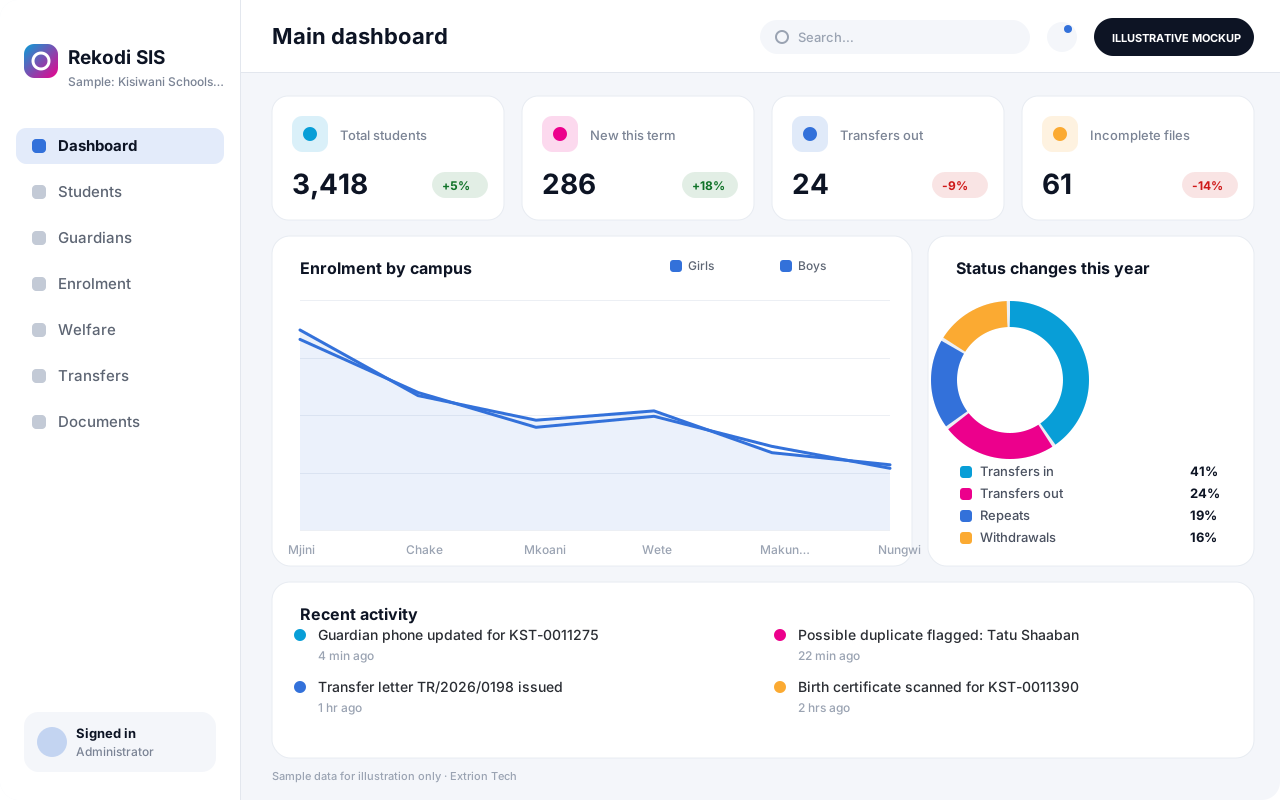
Each student has one profile holding personal details, photographs, guardians and emergency contacts, enrolment and promotion history, documents such as birth certificates and previous school reports, health and special needs notes, and discipline or welfare cases. Registrars handle transfers in and out, repeats, suspensions and withdrawals through recorded status changes, so the history behind every record is preserved. Duplicate checks help prevent the same learner being registered twice.
Because other systems depend on this data, the SIS can expose class lists, contacts and enrolment status to fees, examination, library or learning platforms through secure interfaces where that is in scope. Education offices and school groups in Tanzania can use it to consolidate enrolment figures across several schools. Certificates, transfer letters and enrolment summaries are generated from templates rather than typed by hand.
Business problems it addresses
- The same student appears with different spellings and numbers across registers and systems.
- Guardian contacts and emergency details are out of date when they are needed most.
- Transfers, repeats and withdrawals are not recorded consistently, leaving gaps in student history.
- Producing enrolment figures for owners or education offices requires manual counting.
- Student documents and health notes are kept in paper files that are hard to find and protect.
Interface
Five screens of the system
Illustrative mockups with sample data — not screenshots of a client’s system.
Workflow
Keeping one record per student
-
1
Registration
Create the student profile with identity details, photo and guardians.
-
2
Duplicate check
Match names, dates of birth and previous numbers to avoid duplicate records.
-
3
Document capture
Scan and attach birth certificates, prior reports and transfer letters.
-
4
Enrolment and promotion
Record class each year and promote, repeat or graduate students at year end.
-
5
Welfare and discipline
Log health notes, counselling and discipline cases with restricted access.
-
6
Status changes
Process transfers, suspensions and withdrawals with reasons and dates.
-
7
Letters and reports
Issue certificates and transfer letters and produce enrolment statistics.
Functions covered
Modules and what they do
01 Student records
-
Student profiles
Holds identity details, photographs and unique student numbers.
-
Guardians and contacts
Links guardians, relationships and emergency contacts to each student.
-
Enrolment history
Keeps class, year and promotion records for every academic year.
-
Document store
Attaches scanned certificates, reports and letters to the student file.
02 Welfare and status
-
Health and special needs
Records allergies, conditions and learning support needs with restricted access.
-
Discipline and counselling
Optional / subject to scope
Logs incidents, actions taken and follow-up meetings.
-
Transfers and withdrawals
Manages transfers in and out, suspensions and leavers with full history.
03 Reporting and interfaces
-
Letters and certificates
Generates transfer letters, leaving certificates and enrolment confirmations.
-
Enrolment statistics
Summarises enrolment by class, gender, age and campus.
-
Data sharing API
Optional / subject to scope
Provides student data to fees, exams or library systems where in scope.
Technology stack
Technology selected for this solution
These are the technologies planned for this type of system. The final stack depends on scale, performance, licensing, infrastructure, integrations and your requirements.
Frontend
Backend
Database
Infrastructure
Integrations
Security & data integrity
Protecting your data and its accuracy
Student records include children’s personal, health and welfare information, so sensitive sections are limited to named roles, every view and change is logged, and privacy and retention rules are agreed with the client for the relevant jurisdiction.
Standard protections
-
Role-based access control
Each user sees only what their role allows.
-
Authentication and authorisation
Every request is checked for a signed-in, permitted user.
-
Fine-grained permissions
Permissions per module and action, such as view, edit or approve.
-
Secure password storage
Passwords are stored using strong one-way hashing, never in plain text.
-
Encryption in transit
HTTPS/TLS protects data between users and the server.
-
Encryption at rest
Sensitive data encrypted on disk where the infrastructure supports and is configured for it.
-
Server-side input validation
All input is validated on the server before it is saved.
-
Protection against common web vulnerabilities
Defences against injection, cross-site scripting and request forgery.
-
Database constraints and transactions
Constraints and transactions keep related records consistent.
-
Audit logs
Important actions are recorded with who, what and when.
-
User activity history
A history of each user’s activity for supervisors and administrators.
-
Backup and restoration
Scheduled backups with tested restoration procedures.
-
Secure API access
Authenticated, rate-limited access for integrations.
-
Data export controls
Exports limited to authorised roles and recorded.
Optional advanced protections
- Multi-factor authentication A second sign-in step for selected or all users.
- Single sign-on Sign in with your organisation’s identity provider where supported.
- Data retention and deletion policies Retention periods and deletion rules agreed with you.
- Disaster recovery planning A documented plan to restore service after a major failure.
Data integrity
Unique student numbers and duplicate-matching rules keep one record per learner, and status changes are stored as dated events rather than overwritten fields. An audit trail records who changed personal or guardian details, and enrolment counts are derived directly from the recorded history.
Security controls are configured for each project. We do not claim certification, compliance or immunity from attack unless independently verified for your deployment.
Customisation & integration
Tailored to how you work
We tailor modules, reports, permissions, workflows, branding and integrations to your organisation. Tell us which features you need when you request a quote.
- Student number formats and required profile fields
- Welfare and discipline categories and access rules
- Letter, certificate and transfer templates
- Promotion and repeat rules at year end
- Interfaces to other school or education office systems
Deployment & support
From go-live to continuous improvement
Onboarding, data migration, training, maintenance, technical support and future enhancements are services we scope into your project.
Bringing records from spreadsheets or older systems, checked and reconciled.
Role-based training for users, supervisors and administrators.
Technical support and maintenance under an agreed support plan.
New modules, reports and integrations as your organisation grows.
Pricing
Pricing tailored to your requirements
Every organisation has different workflows, users, infrastructure, and integration needs. Request a quotation for a solution designed around your requirements.
- Number of users, branches and modules
- Customisation and integrations
- Hosting: cloud, your server or hybrid
- Data migration and training
- Support and maintenance plan
Education
Related systems
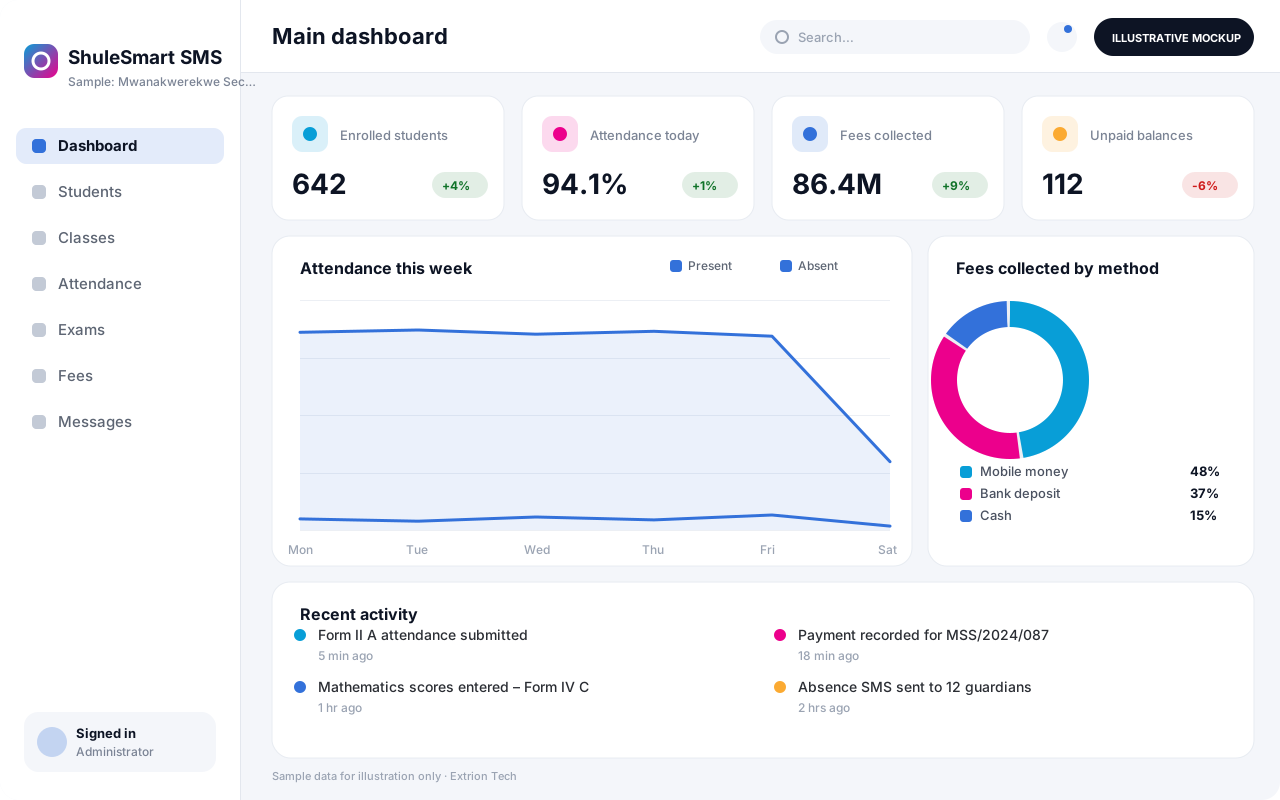 School Management System A complete school platform covering admissions, class allocation, attendance, assessments, results, fees and parent communication for primary and secondary schools.
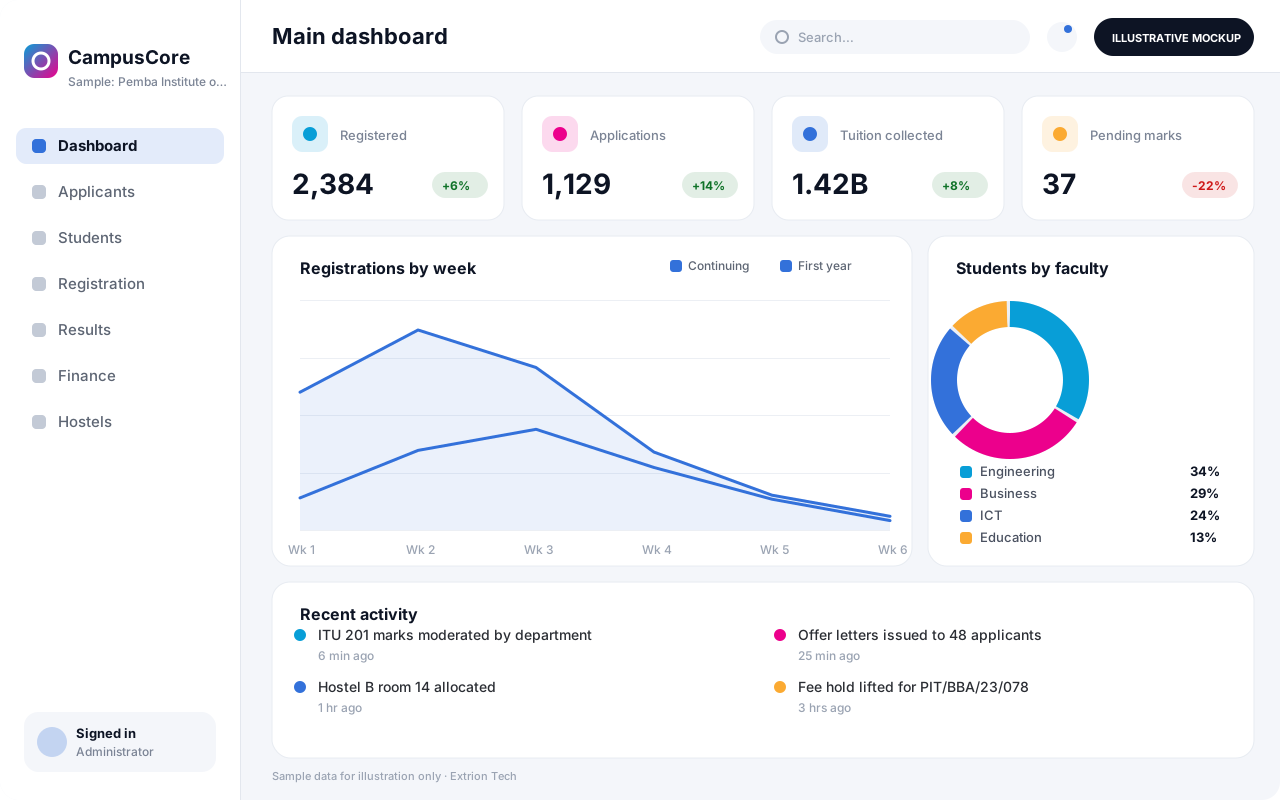 University and College Management System An institution-wide platform for programmes, applications, registration, course units, GPA, tuition billing, hostels and graduation at universities and colleges.
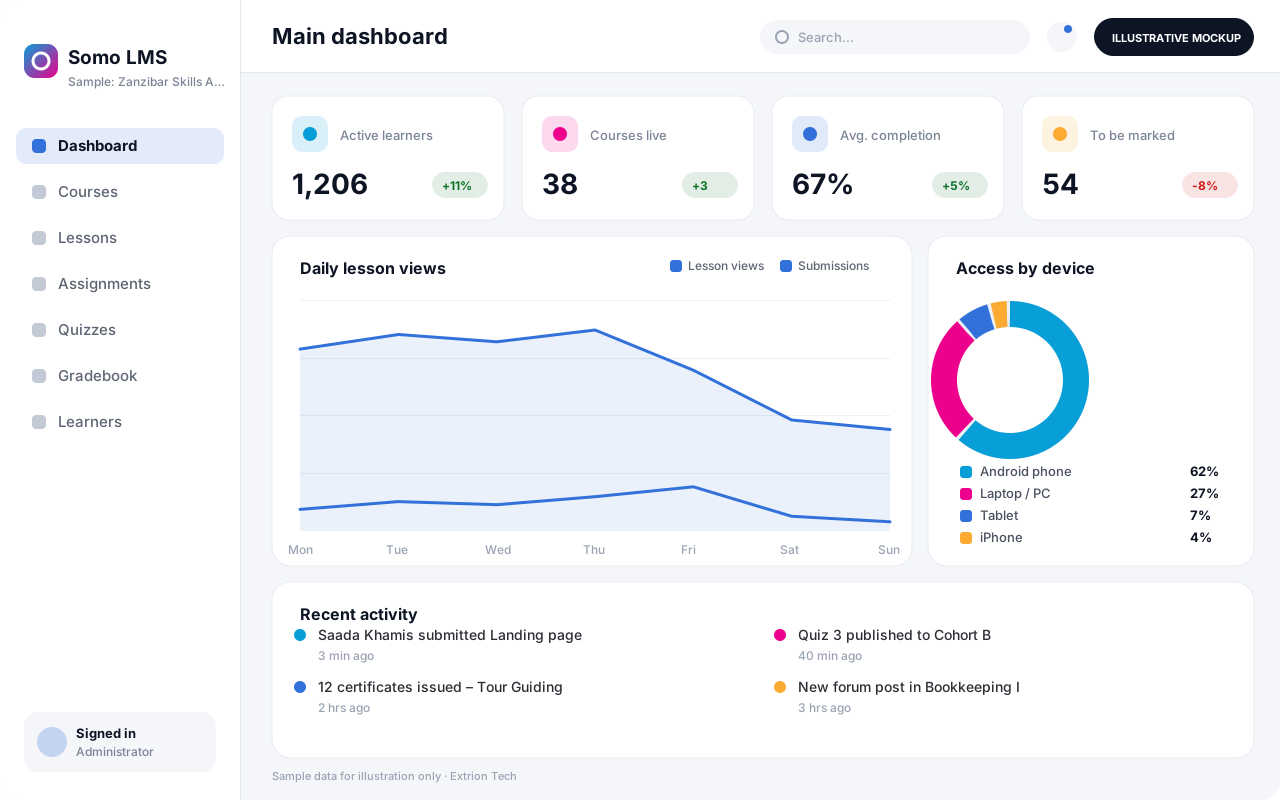 Learning Management System An online learning platform for courses, lesson materials, assignments, quizzes, discussion and progress tracking, usable on low-bandwidth connections and mobile devices.
Back to the catalogue Business software services Our development process
