Education
Learning Management System
An online learning platform for courses, lesson materials, assignments, quizzes, discussion and progress tracking, usable on low-bandwidth connections and mobile devices.
- Web-based
- Android
- iOS
Overview
Learning Management System (LMS)
A Learning Management System gives schools, colleges and training organisations a structured place to deliver and track learning outside the classroom. Extrion Tech develops LMS platforms in-house in Zanzibar, designed for the realities of local connectivity: lightweight pages, downloadable materials and mobile access for learners who mostly use phones.
Instructors build courses from modules and lessons, attaching notes, slides, short videos and links. They publish assignments with deadlines and rubrics, create quizzes from question banks, and run discussion forums for each class. Learners enrol, work through lessons in sequence, submit work and see feedback and grades in one place, while instructors follow completion and engagement for every learner.
The platform suits blended teaching in secondary schools and colleges as well as staff training and professional courses for organisations in Tanzania. Certificates can be issued automatically when completion rules are met, and live class links can be attached from the video tools an organisation already uses. Integration with a School Management or Student Information System to share class lists and grades is optional and defined during project scoping.
Business problems it addresses
- Learning materials are scattered across messaging groups, flash drives and email.
- Instructors cannot see which learners have opened lessons or are falling behind.
- Collecting, marking and returning assignments on paper is slow and easily lost.
- Training for staff in several locations is costly to deliver in person.
- High data costs and unstable connections discourage learners from heavy online platforms.
Interface
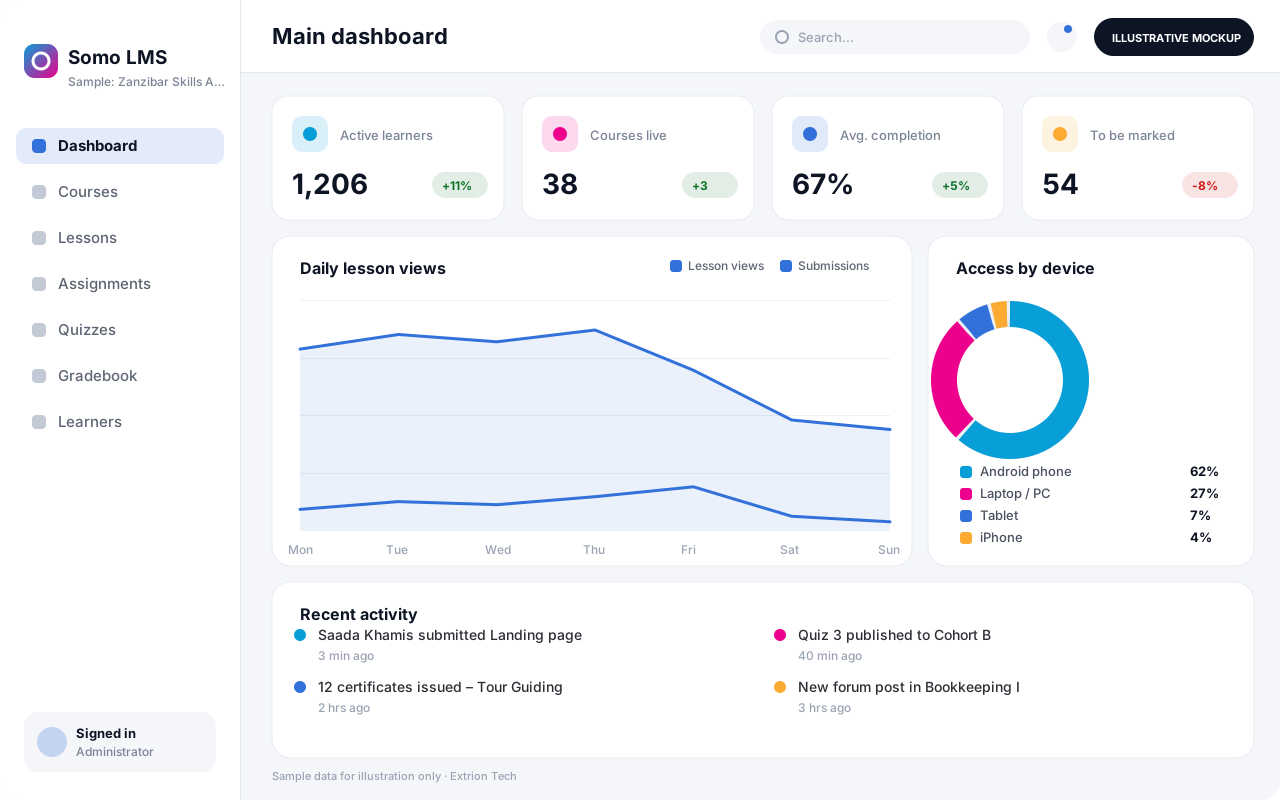
Five screens of the system
Illustrative mockups with sample data — not screenshots of a client’s system.
Workflow
From course design to certification
-
1
Course setup
Create the course, its modules, schedule and completion rules.
-
2
Content upload
Add notes, slides, short videos and links to each lesson.
-
3
Learner enrolment
Enrol learners individually, by class list or with an enrolment key.
-
4
Learning and discussion
Learners work through lessons and ask questions in course forums.
-
5
Assignments and quizzes
Learners submit work and attempt quizzes before the set deadlines.
-
6
Marking and feedback
Instructors grade with rubrics; quizzes are marked automatically.
-
7
Completion and certificates
Progress is tracked and certificates issued when rules are met.
Functions covered
Modules and what they do
01 Course delivery
-
Course and lesson builder
Organises content into modules and lessons with release dates.
-
Media and document library
Stores notes, slides and compressed videos for reuse across courses.
-
Discussion forums
Provides course and lesson-level discussion between learners and instructors.
-
Live class links
Optional / subject to scope
Schedules live sessions using an existing video conferencing tool.
02 Assessment
-
Assignments and rubrics
Collects file or text submissions and grades them against rubrics.
-
Quizzes and question banks
Builds timed quizzes from multiple-choice, short-answer and matching questions.
-
Gradebook
Combines assignment and quiz scores into weighted course grades.
03 Tracking and administration
-
Progress and engagement reports
Shows lesson completion, last activity and at-risk learners.
-
Certificates
Optional / subject to scope
Generates verifiable completion certificates from templates.
-
SMS and SIS integration
Optional / subject to scope
Syncs class lists and grades or sends reminders where in scope.
Technology stack
Technology selected for this solution
These are the technologies planned for this type of system. The final stack depends on scale, performance, licensing, infrastructure, integrations and your requirements.
Frontend
Backend
Database
Mobile
Infrastructure
Integrations
Security & data integrity
Protecting your data and its accuracy
Learner submissions, grades and activity data are visible only to enrolled instructors and administrators, and retention of coursework and learner records is agreed with the organisation.
Standard protections
-
Role-based access control
Each user sees only what their role allows.
-
Authentication and authorisation
Every request is checked for a signed-in, permitted user.
-
Fine-grained permissions
Permissions per module and action, such as view, edit or approve.
-
Secure password storage
Passwords are stored using strong one-way hashing, never in plain text.
-
Encryption in transit
HTTPS/TLS protects data between users and the server.
-
Server-side input validation
All input is validated on the server before it is saved.
-
Protection against common web vulnerabilities
Defences against injection, cross-site scripting and request forgery.
-
Database constraints and transactions
Constraints and transactions keep related records consistent.
-
User activity history
A history of each user’s activity for supervisors and administrators.
-
Backup and restoration
Scheduled backups with tested restoration procedures.
-
Session management
Session time-outs and the ability to sign out other devices.
-
Secure API access
Authenticated, rate-limited access for integrations.
Optional advanced protections
- Single sign-on Sign in with your organisation’s identity provider where supported.
- Multi-factor authentication A second sign-in step for selected or all users.
- Offline mode with controlled synchronisation Work offline and synchronise safely when the connection returns.
- Audit logs Important actions are recorded with who, what and when.
Data integrity
Submissions are time-stamped and stored as immutable versions, so late or resubmitted work is clear to the instructor. Quiz attempts are saved per answer to survive dropped connections, and gradebook totals are recalculated from individual scores whenever weightings change.
Security controls are configured for each project. We do not claim certification, compliance or immunity from attack unless independently verified for your deployment.
Customisation & integration
Tailored to how you work
We tailor modules, reports, permissions, workflows, branding and integrations to your organisation. Tell us which features you need when you request a quote.
- Course formats, completion rules and grading weights
- Certificate designs and verification pages
- Branding, domain and mobile app name
- Language of the interface, including Kiswahili
- Integrations with existing school or HR systems
Deployment & support
From go-live to continuous improvement
Onboarding, data migration, training, maintenance, technical support and future enhancements are services we scope into your project.
Bringing records from spreadsheets or older systems, checked and reconciled.
Role-based training for users, supervisors and administrators.
Technical support and maintenance under an agreed support plan.
New modules, reports and integrations as your organisation grows.
Pricing
Pricing tailored to your requirements
Every organisation has different workflows, users, infrastructure, and integration needs. Request a quotation for a solution designed around your requirements.
- Number of users, branches and modules
- Customisation and integrations
- Hosting: cloud, your server or hybrid
- Data migration and training
- Support and maintenance plan
Education
Related systems
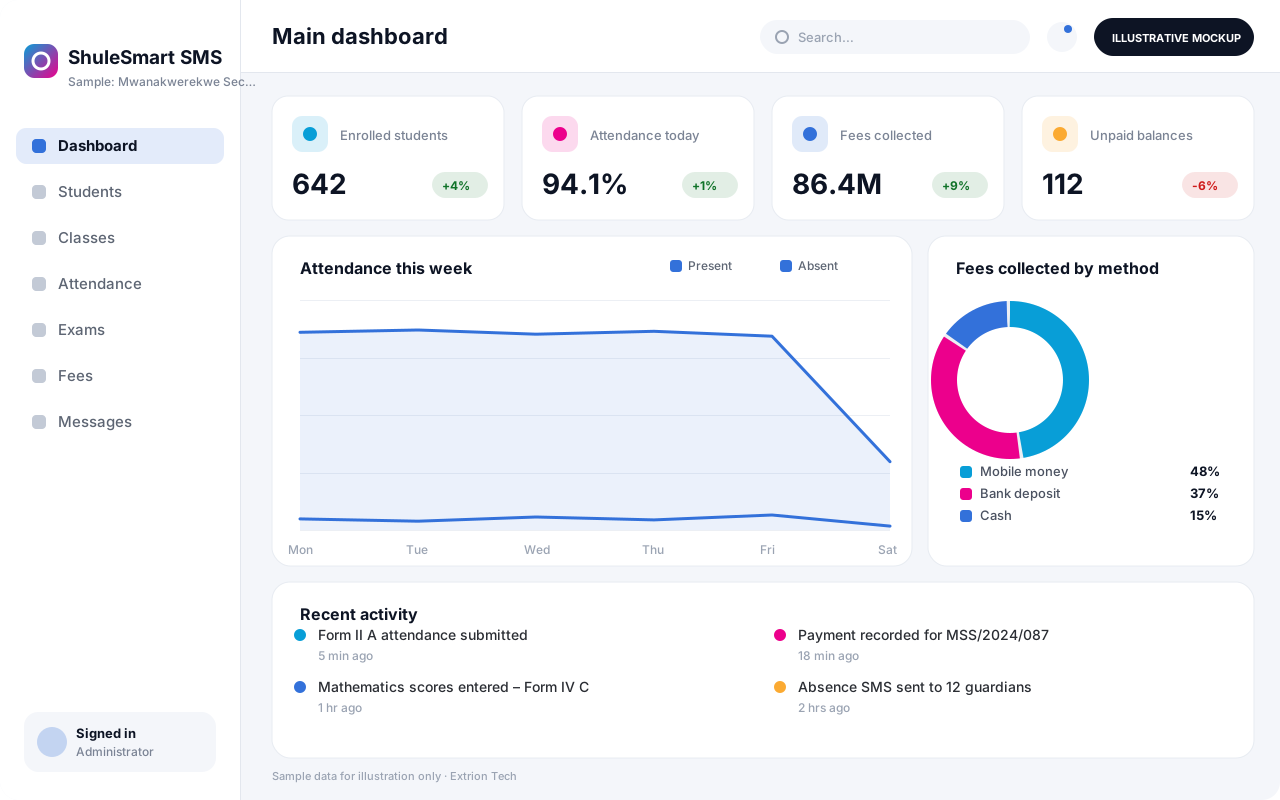 School Management System A complete school platform covering admissions, class allocation, attendance, assessments, results, fees and parent communication for primary and secondary schools.
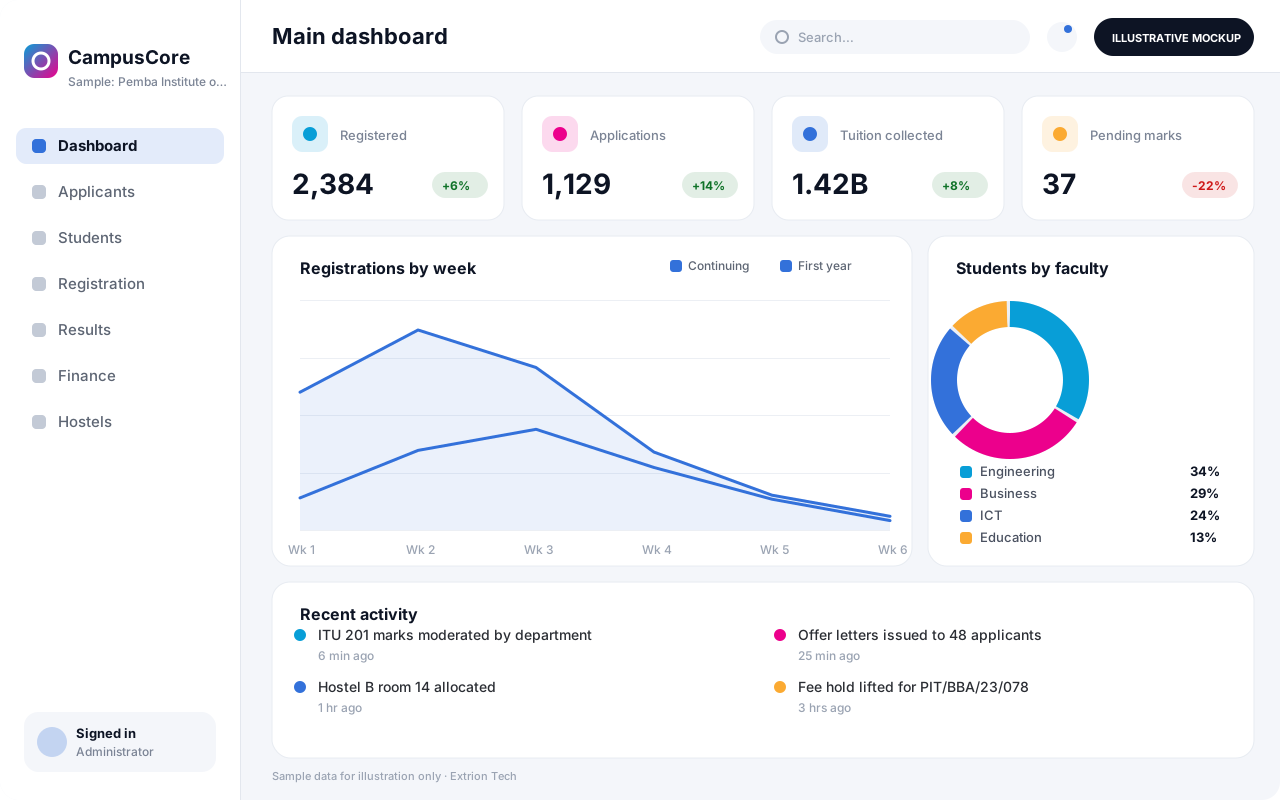 University and College Management System An institution-wide platform for programmes, applications, registration, course units, GPA, tuition billing, hostels and graduation at universities and colleges.
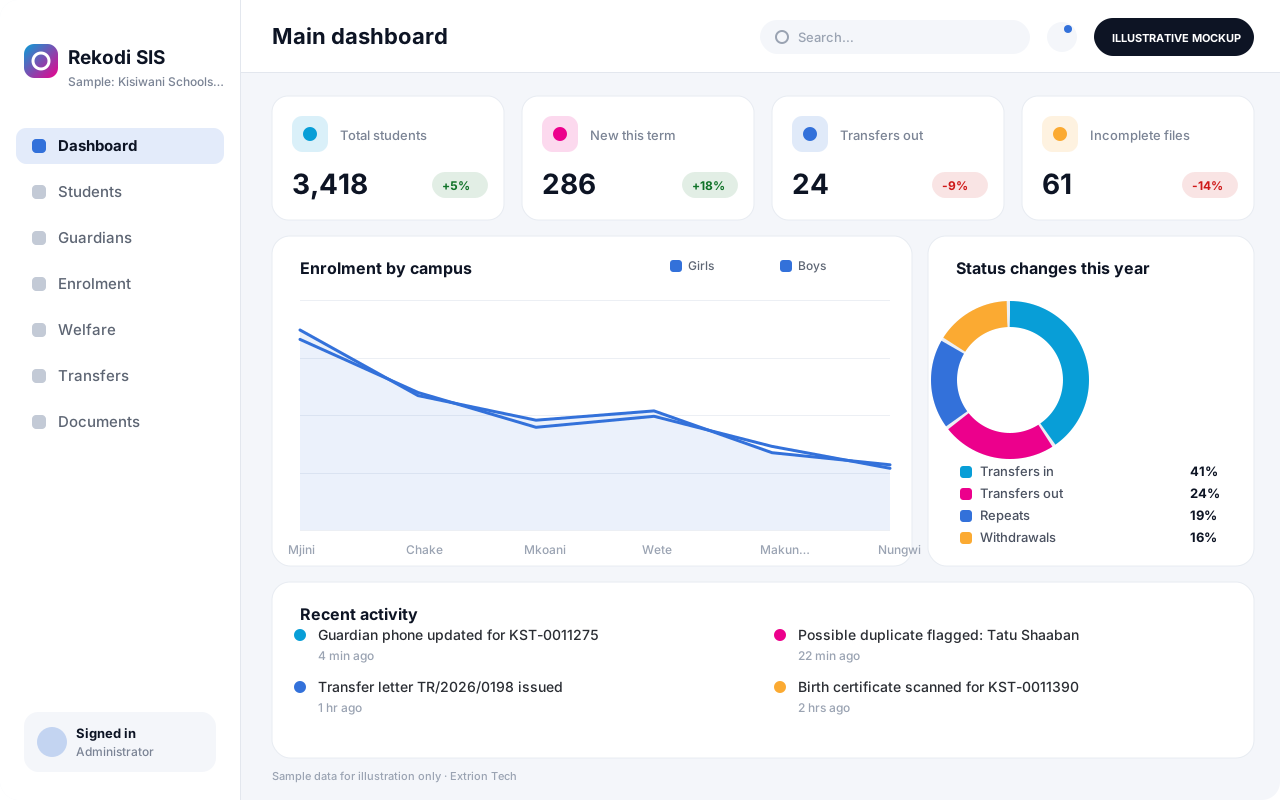 Student Information System A central register of student identity, enrolment history, guardians, health notes, discipline and transfers, giving each institution one authoritative student record.
Back to the catalogue Business software services Our development process
