Education
Library Management System
Catalogues books and resources, manages copies, borrowing, returns, reservations and fines, and offers an online catalogue for students, staff and members.
- Web-based
- Android
Overview
Library Management System
A Library Management System replaces card catalogues and borrowing ledgers with a searchable collection and accurate loan records. Extrion Tech develops library systems in-house in Zanzibar for school, college and organisational libraries, from a single room of textbooks to collections spread across several branches.
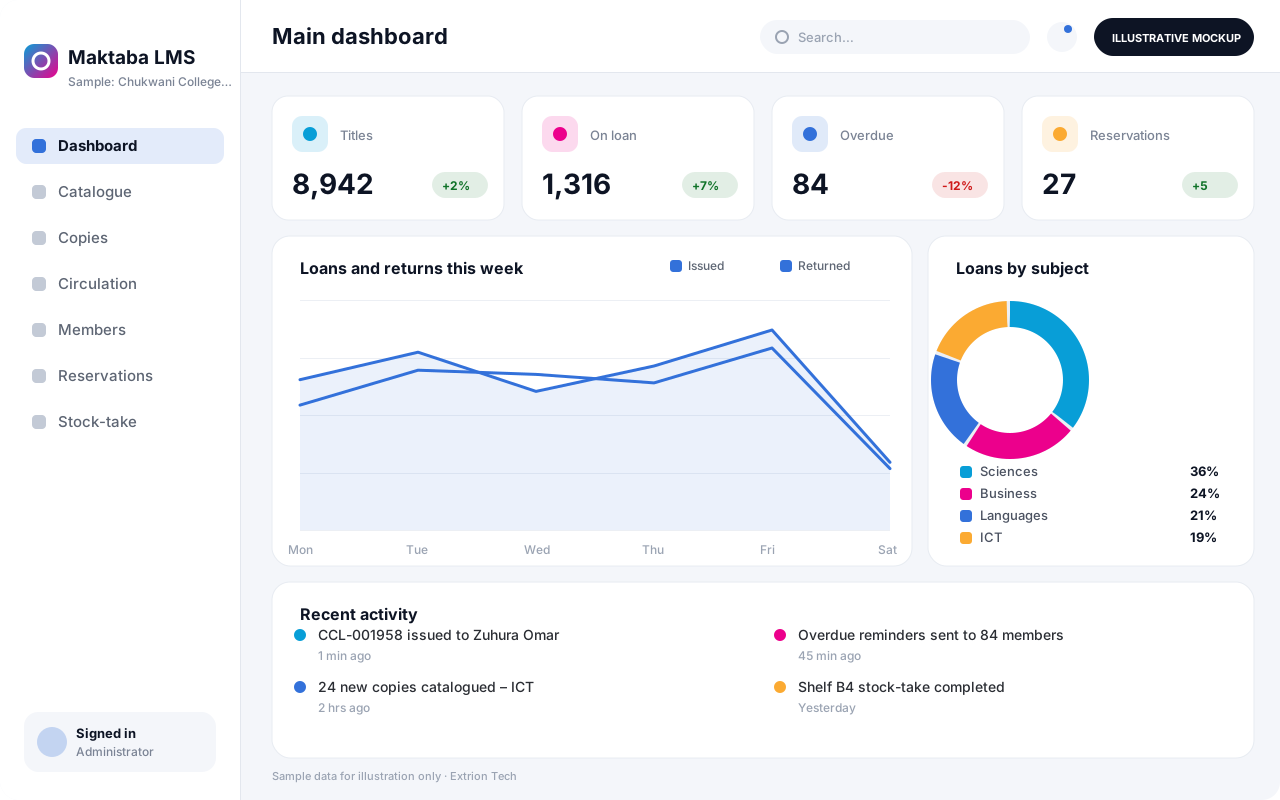
Librarians catalogue titles with author, subject, classification number and ISBN, then register each physical copy with its own barcode and shelf location. Members are registered or imported from the school or student system, and loan rules set how many items each member type may borrow and for how long. Issue and return happen at the desk by scanning member and copy barcodes, overdue items are flagged automatically, and fines or replacement charges are recorded where the library uses them.
Students and staff search the online catalogue to see whether a title is available and place reservations. Textbook loan schemes, where class sets are issued for a whole term, are handled alongside ordinary borrowing. Stock-taking by barcode scanning highlights missing items, and reports show the most borrowed titles, overdue loans and gaps in the collection to guide purchasing decisions.
Business problems it addresses
- Librarians cannot easily tell which copies are on the shelf, on loan or missing.
- Overdue books are noticed late and many are never recovered.
- Students have no way to check whether a book is available before visiting the library.
- Issuing class sets of textbooks each term is slow and difficult to track per student.
- Annual stock-taking takes days and produces unreliable figures.
Interface
Five screens of the system
Illustrative mockups with sample data — not screenshots of a client’s system.
Workflow
From cataloguing to stock-taking
-
1
Acquisition
Record new titles received by purchase or donation with supplier and cost.
-
2
Cataloguing
Enter title details, subject and classification, and register each copy.
-
3
Labelling and shelving
Print barcode and spine labels and assign shelf locations.
-
4
Member registration
Register or import students and staff with their borrowing category.
-
5
Issue and return
Scan member and copy barcodes to issue, renew and return items.
-
6
Overdues and reservations
Notify members of due and overdue items and hold reserved copies.
-
7
Stock-taking and reports
Scan shelves to find missing items and review usage reports.
Functions covered
Modules and what they do
01 Collection
-
Cataloguing
Records bibliographic details, subjects and classification numbers.
-
Copy and barcode management
Registers each copy with a barcode, condition and shelf location.
-
Acquisitions
Optional / subject to scope
Tracks orders, donations, suppliers and costs of new materials.
-
Digital resources
Optional / subject to scope
Links e-books, past papers and documents to the catalogue.
02 Circulation
-
Issue, return and renewal
Handles desk transactions by barcode within each member’s loan rules.
-
Reservations
Queues requests for borrowed titles and holds returned copies.
-
Overdues and fines
Flags overdue items, sends reminders and records fines or replacements.
-
Textbook class sets
Issues term-long textbook sets per class and tracks each copy.
03 Access and reporting
-
Online catalogue
Lets members search titles, see availability and reserve items.
-
Stock-taking
Compares scanned shelf inventory with expected holdings.
-
Usage reports
Shows popular titles, borrowing by class and collection gaps.
Technology stack
Technology selected for this solution
These are the technologies planned for this type of system. The final stack depends on scale, performance, licensing, infrastructure, integrations and your requirements.
Frontend
Backend
Database
Infrastructure
Integrations
Security & data integrity
Protecting your data and its accuracy
Member borrowing histories are visible only to library staff and the member concerned, and retention of loan history is agreed with the institution.
Standard protections
-
Role-based access control
Each user sees only what their role allows.
-
Authentication and authorisation
Every request is checked for a signed-in, permitted user.
-
Fine-grained permissions
Permissions per module and action, such as view, edit or approve.
-
Secure password storage
Passwords are stored using strong one-way hashing, never in plain text.
-
Encryption in transit
HTTPS/TLS protects data between users and the server.
-
Server-side input validation
All input is validated on the server before it is saved.
-
Protection against common web vulnerabilities
Defences against injection, cross-site scripting and request forgery.
-
Database constraints and transactions
Constraints and transactions keep related records consistent.
-
User activity history
A history of each user’s activity for supervisors and administrators.
-
Backup and restoration
Scheduled backups with tested restoration procedures.
-
Session management
Session time-outs and the ability to sign out other devices.
Optional advanced protections
- Single sign-on Sign in with your organisation’s identity provider where supported.
- Audit logs Important actions are recorded with who, what and when.
- Offline mode with controlled synchronisation Work offline and synchronise safely when the connection returns.
Data integrity
Each copy can only be on one active loan at a time, enforced by database constraints, and loan limits are checked before every issue. Returns, renewals and fines are recorded as dated transactions, and stock-take results are reconciled against expected holdings before copies are marked missing.
Security controls are configured for each project. We do not claim certification, compliance or immunity from attack unless independently verified for your deployment.
Customisation & integration
Tailored to how you work
We tailor modules, reports, permissions, workflows, branding and integrations to your organisation. Tell us which features you need when you request a quote.
- Loan periods and limits per member category
- Classification scheme and catalogue fields
- Fine rules, grace periods and replacement charges
- Barcode and spine label formats
- Branches, collections and opening hours
Deployment & support
From go-live to continuous improvement
Onboarding, data migration, training, maintenance, technical support and future enhancements are services we scope into your project.
Bringing records from spreadsheets or older systems, checked and reconciled.
Role-based training for users, supervisors and administrators.
Technical support and maintenance under an agreed support plan.
New modules, reports and integrations as your organisation grows.
Pricing
Pricing tailored to your requirements
Every organisation has different workflows, users, infrastructure, and integration needs. Request a quotation for a solution designed around your requirements.
- Number of users, branches and modules
- Customisation and integrations
- Hosting: cloud, your server or hybrid
- Data migration and training
- Support and maintenance plan
Education
Related systems
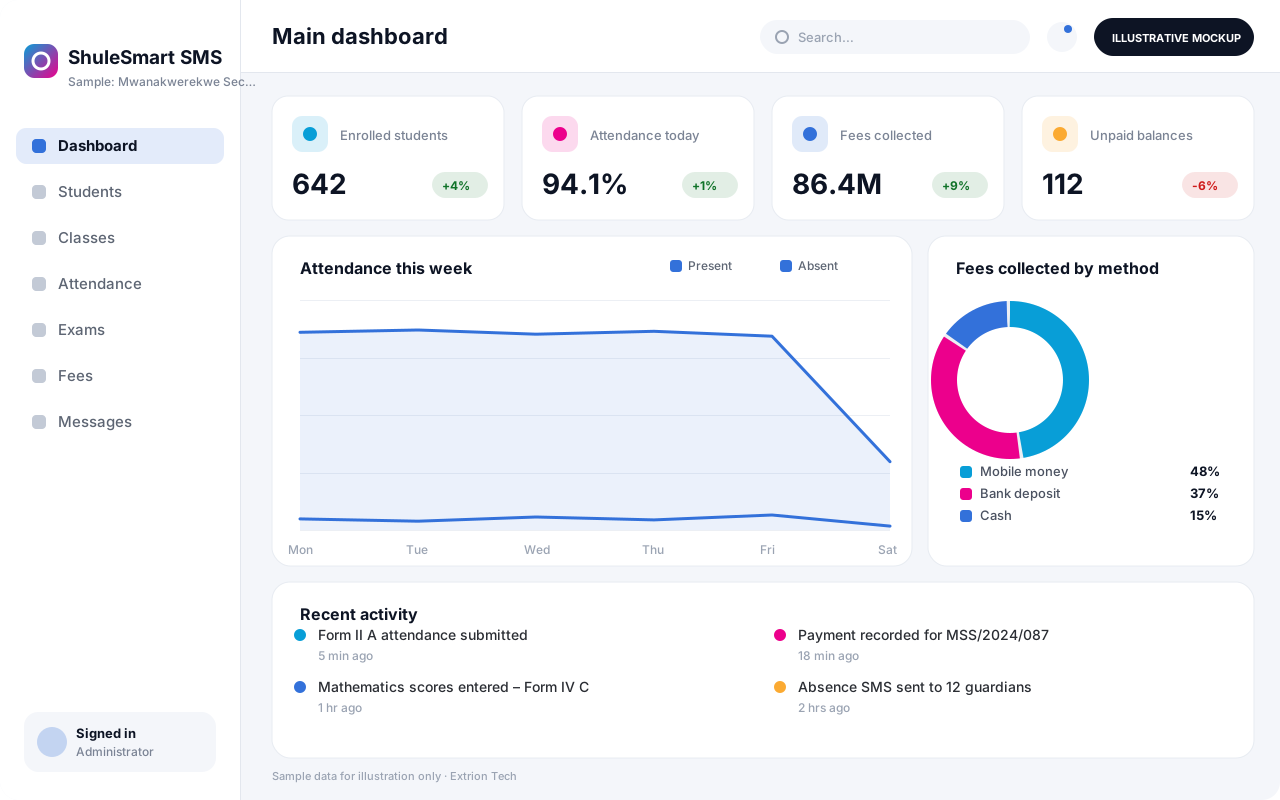 School Management System A complete school platform covering admissions, class allocation, attendance, assessments, results, fees and parent communication for primary and secondary schools.
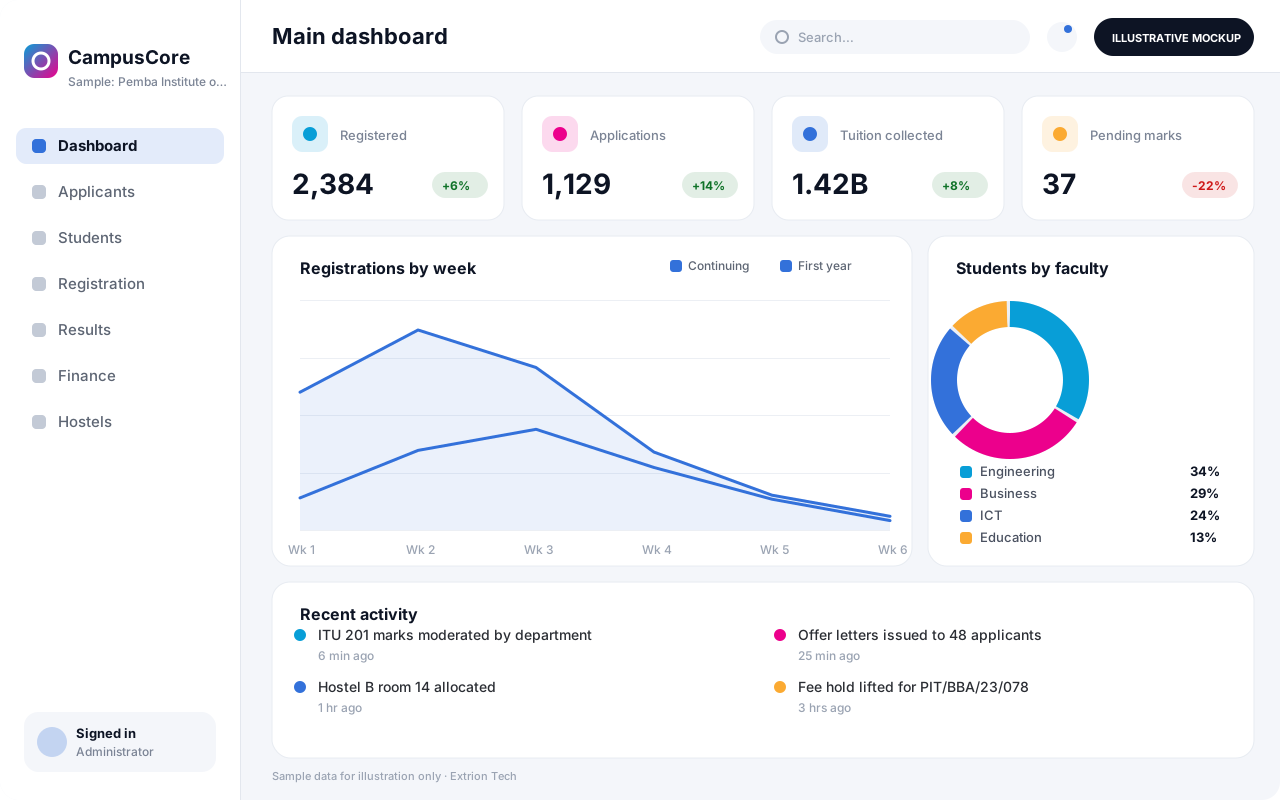 University and College Management System An institution-wide platform for programmes, applications, registration, course units, GPA, tuition billing, hostels and graduation at universities and colleges.
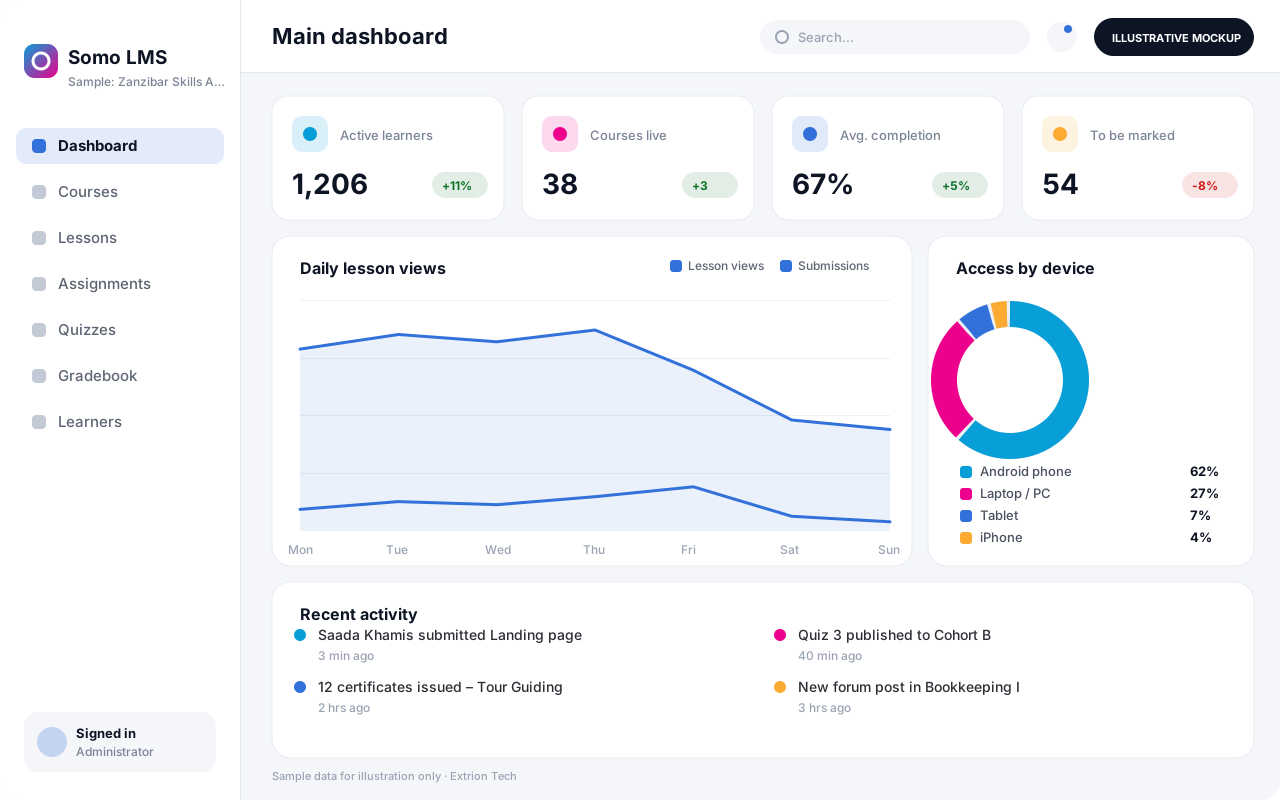 Learning Management System An online learning platform for courses, lesson materials, assignments, quizzes, discussion and progress tracking, usable on low-bandwidth connections and mobile devices.
Back to the catalogue Business software services Our development process
