Business & Enterprise
Document Management System
A document system for scanning, indexing, filing, versioning and securely retrieving records, with access permissions, check-in/out and retention schedules for each document type.
- Web-based
- Windows desktop
- Server-based
Overview
Document Management System (DMS)
Registries full of box files, shared drives with duplicated folders, and contracts saved on personal laptops make documents hard to find and easy to lose. Staff spend time searching, the latest version is uncertain, and sensitive files can be opened by anyone with drive access. A Document Management System gives every record a defined place, owner and access rule.
Extrion Tech develops the DMS around your filing structure and document types: contracts, correspondence, land files, student or staff files, invoices or board papers. Paper records are scanned in batches, indexed with metadata such as file number, party and date, and made searchable, including text recognition on scans where included in the project scope. Version control, check-in and check-out prevent two people overwriting each other, and every view, download and change is logged.
Retention schedules and disposal approvals are configured per document class according to requirements established with the client for the relevant jurisdiction. Organisations in Zanzibar holding historical archives can digitise in phases, starting with the most active files. The DMS can sit behind a workflow or ERP system as its document store, with integrations delivered according to project scope.
Business problems it addresses
- Staff spend hours searching registries and shared drives for a single file.
- Several versions of the same contract or report circulate with no clear latest copy.
- Sensitive documents are accessible to anyone with folder access, with no record of who opened them.
- Physical files are damaged, misfiled or lost when borrowed.
- There is no consistent schedule for retaining or disposing of records.
Interface
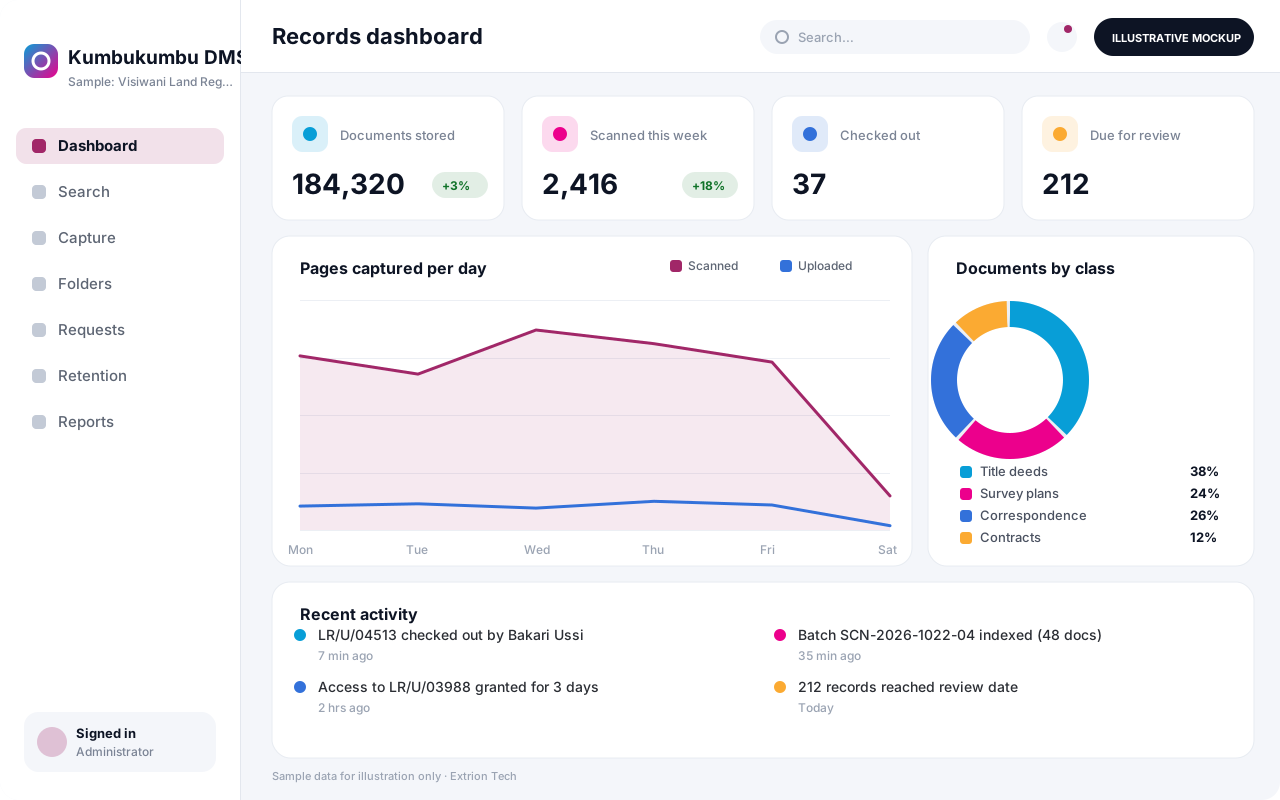
Five screens of the system
Illustrative mockups with sample data — not screenshots of a client’s system.
Workflow
From capture to disposal
-
1
Capture
Paper records are scanned in batches, or electronic files uploaded from desktop or email.
-
2
Indexing
Each document receives a type, file number and metadata such as party, date and reference.
-
3
Classification and filing
Documents are filed into the agreed structure and inherit that folder’s permissions.
-
4
Search and retrieval
Authorised users find documents by metadata or text and open them in the browser.
-
5
Editing and versioning
Users check documents out, upload revisions and keep a complete version history.
-
6
Access requests
Restricted documents can be requested, with access granted for a limited period.
-
7
Retention and disposal
Records reaching their retention date are listed for review and approved disposal or archive.
Functions covered
Modules and what they do
01 Capture and filing
-
Scanning and upload
Imports batches from scanners and uploads from desktop or email.
-
Metadata and document types
Defines required index fields for each document class.
-
Text recognition (OCR)
Optional / subject to scope
Makes scanned pages searchable by their text content.
02 Access and control
-
Permissions
Sets view, edit, download and share rights by role, folder and document.
-
Version control
Keeps every revision with check-in, check-out and comments.
-
Access log
Records each view, download and change with user and time.
-
Physical file tracking
Optional / subject to scope
Tracks borrowing and return of paper files by barcode.
03 Lifecycle and integration
-
Retention schedules
Applies retention periods and disposal reviews per document class.
-
Document workflows
Routes documents for review, approval or signature.
-
System integration
Optional / subject to scope
Serves as the document store for ERP, HR or workflow systems, subject to scope.
Technology stack
Technology selected for this solution
These are the technologies planned for this type of system. The final stack depends on scale, performance, licensing, infrastructure, integrations and your requirements.
Frontend
Backend
Database
Desktop
Infrastructure
Integrations
Security & data integrity
Protecting your data and its accuracy
Legal, personal and financial records are restricted at folder and document level, and downloads of sensitive classes can be disabled or watermarked. Retention, disposal and confidentiality rules are agreed with the client for the relevant jurisdiction.
Standard protections
-
Role-based access control
Each user sees only what their role allows.
-
Authentication and authorisation
Every request is checked for a signed-in, permitted user.
-
Fine-grained permissions
Permissions per module and action, such as view, edit or approve.
-
Secure password storage
Passwords are stored using strong one-way hashing, never in plain text.
-
Encryption in transit
HTTPS/TLS protects data between users and the server.
-
Encryption at rest
Sensitive data encrypted on disk where the infrastructure supports and is configured for it.
-
Server-side input validation
All input is validated on the server before it is saved.
-
Protection against common web vulnerabilities
Defences against injection, cross-site scripting and request forgery.
-
Audit logs
Important actions are recorded with who, what and when.
-
User activity history
A history of each user’s activity for supervisors and administrators.
-
Backup and restoration
Scheduled backups with tested restoration procedures.
-
Session management
Session time-outs and the ability to sign out other devices.
-
Data export controls
Exports limited to authorised roles and recorded.
-
Data retention and deletion policies
Retention periods and deletion rules agreed with you.
Optional advanced protections
- Multi-factor authentication A second sign-in step for selected or all users.
- Single sign-on Sign in with your organisation’s identity provider where supported.
- Disaster recovery planning A documented plan to restore service after a major failure.
- Secure API access Authenticated, rate-limited access for integrations.
Data integrity
Stored files are fingerprinted with checksums so any alteration or corruption can be detected, and new versions never overwrite earlier ones. Required metadata is validated at indexing, and disposal is executed only after recorded approval.
Security controls are configured for each project. We do not claim certification, compliance or immunity from attack unless independently verified for your deployment.
Customisation & integration
Tailored to how you work
We tailor modules, reports, permissions, workflows, branding and integrations to your organisation. Tell us which features you need when you request a quote.
- Folder structure and file numbering scheme
- Document classes and required metadata
- Permission model by department and role
- Retention periods and disposal approvals
- Phased digitisation of existing archives
Deployment & support
From go-live to continuous improvement
Onboarding, data migration, training, maintenance, technical support and future enhancements are services we scope into your project.
Bringing records from spreadsheets or older systems, checked and reconciled.
Role-based training for users, supervisors and administrators.
Technical support and maintenance under an agreed support plan.
New modules, reports and integrations as your organisation grows.
Pricing
Pricing tailored to your requirements
Every organisation has different workflows, users, infrastructure, and integration needs. Request a quotation for a solution designed around your requirements.
- Number of users, branches and modules
- Customisation and integrations
- Hosting: cloud, your server or hybrid
- Data migration and training
- Support and maintenance plan
Business & Enterprise
Related systems
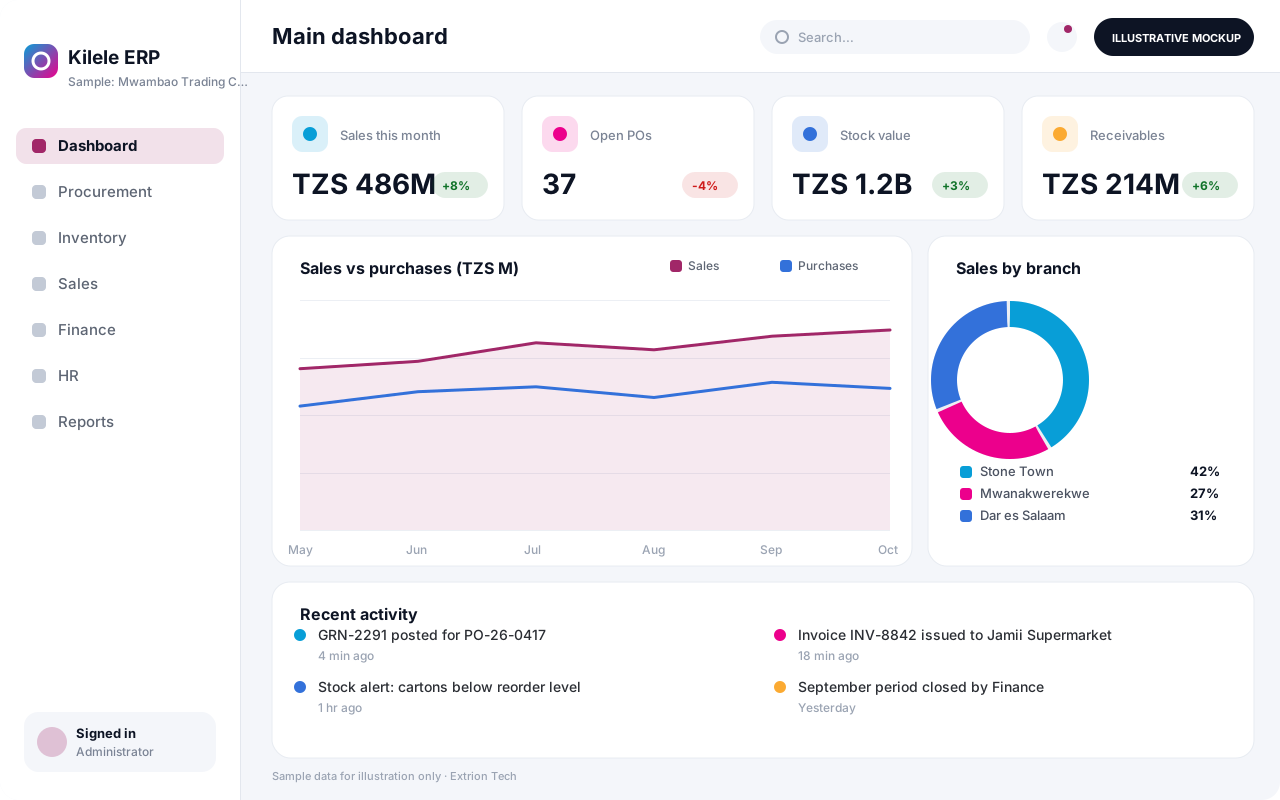 Enterprise Resource Planning System An integrated ERP that links procurement, inventory, sales, finance and HR in one database, giving management one consistent view of operations across every branch.
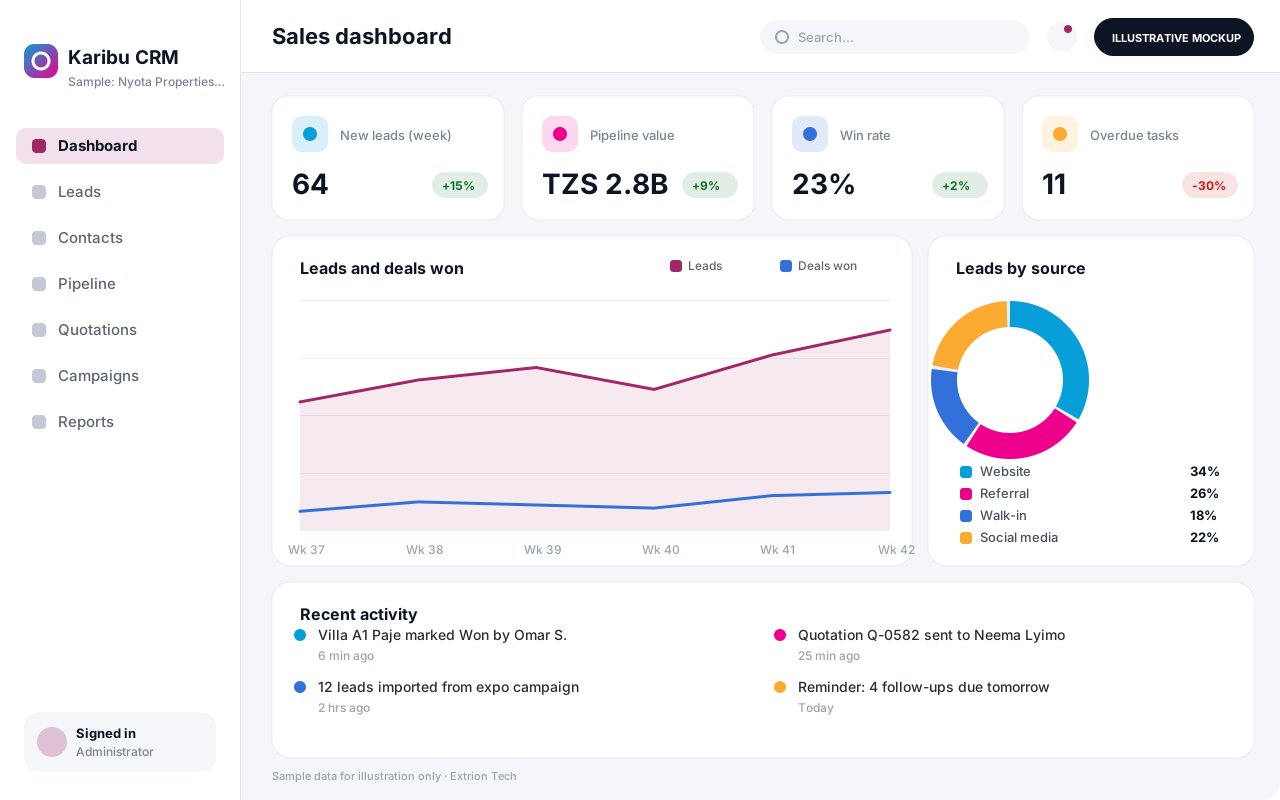 Customer Relationship Management System A CRM that tracks leads, contacts, deals, follow-ups and customer history in one place, helping sales and service teams convert more enquiries and keep accounts active.
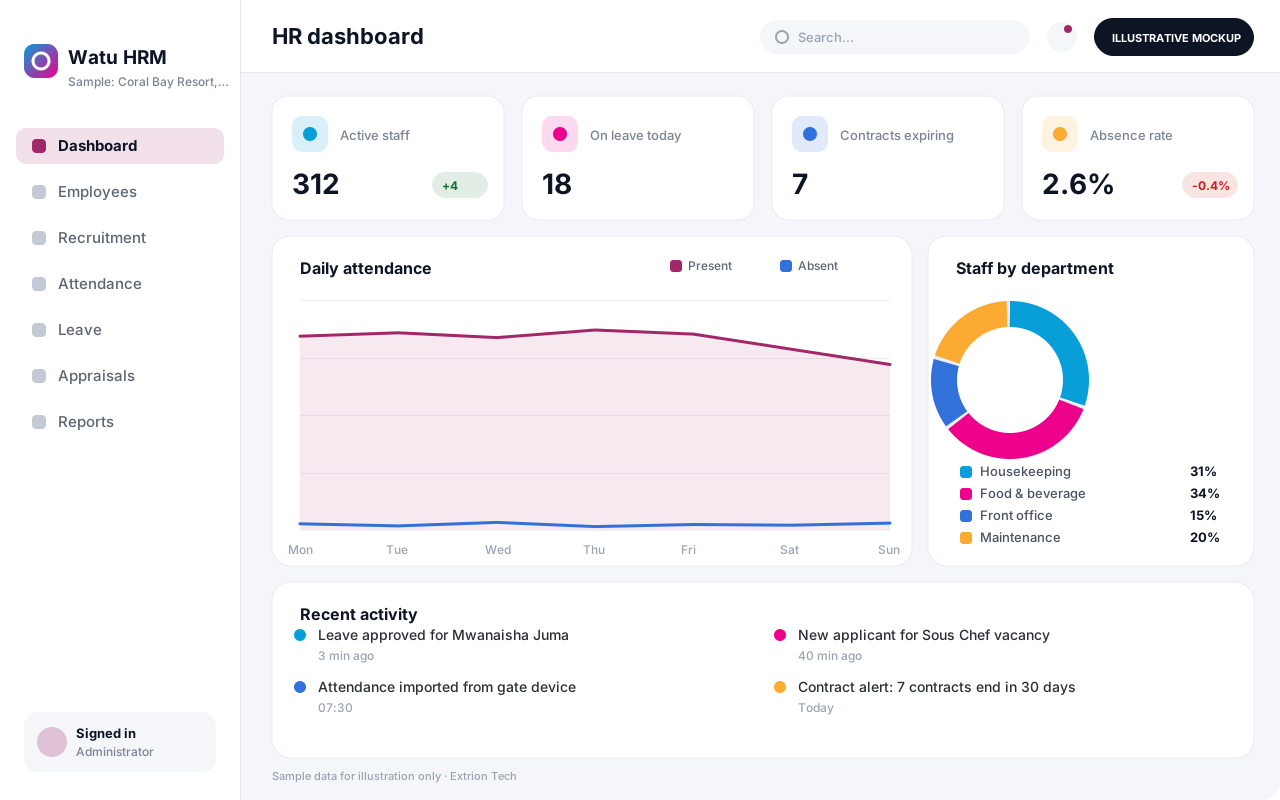 Human Resource Management System An HR system for employee records, recruitment, contracts, attendance, leave and performance reviews, with self-service so staff and managers handle requests without paperwork.
Back to the catalogue Business software services Our development process
