Business & Enterprise
Customer Support and Helpdesk System
A helpdesk that turns calls, emails and web requests into tracked tickets with priorities, SLA timers, assignment, escalation and a knowledge base for faster, consistent answers.
- Web-based
- Android
- iOS
Overview
Customer Support and Helpdesk System
When support requests arrive by phone, email, WhatsApp and walk-in, they are easy to lose. Customers repeat their story to several staff, urgent faults wait behind simple questions, and managers cannot tell how long issues take to resolve. A Customer Support and Helpdesk System gives every request a ticket number, an owner and a deadline.
Extrion Tech develops the helpdesk around your support model: the channels you accept, ticket categories, priority levels, service level targets and escalation paths between first-line agents, technical teams and managers. Tickets are created automatically from email and web forms, or logged by agents during calls, and are assigned by category, skill or workload. SLA timers show agents exactly how much time remains, and overdue tickets escalate without anyone needing to chase them.
Customers receive updates by email or SMS and can track their ticket through a portal, while agents draw on a shared knowledge base of tested answers. The system suits internet providers, utilities, software vendors and internal IT teams across Zanzibar and Tanzania. Messaging channels such as WhatsApp, a call-centre phone system or an existing CRM can be connected according to project scope and where the provider offers an API.
Business problems it addresses
- Requests arriving through several channels are lost or answered twice.
- Urgent faults are not distinguished from routine questions.
- Customers must repeat their issue each time they contact support.
- Managers have no data on response times, resolution times or recurring problems.
- Answers depend on individual agents rather than shared, tested knowledge.
Interface
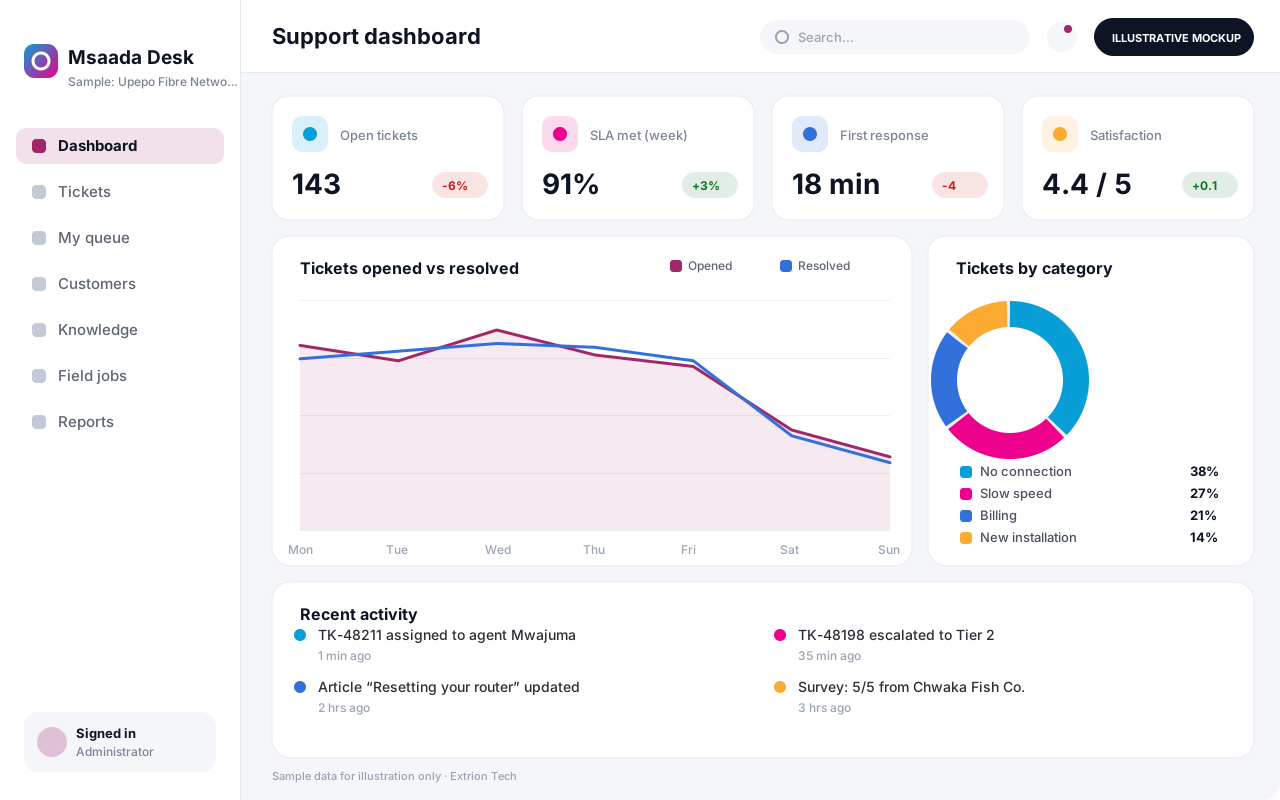
Five screens of the system
Illustrative mockups with sample data — not screenshots of a client’s system.
Workflow
From request to resolution
-
1
Ticket intake
Requests arrive by email, web form, phone or chat and are logged with a ticket number.
-
2
Categorise and prioritise
Category and priority set the SLA target and which team the ticket belongs to.
-
3
Assignment
The ticket is assigned to an agent by skill, queue or workload, and the customer is notified.
-
4
Diagnosis and response
The agent works the issue, using the knowledge base and recording each action.
-
5
Escalation
Complex or overdue tickets move to technical teams or supervisors automatically.
-
6
Resolution and confirmation
The fix is recorded and the customer confirms resolution or reopens the ticket.
-
7
Feedback and learning
A satisfaction survey is sent and recurring issues feed new knowledge base articles.
Functions covered
Modules and what they do
01 Ticketing
-
Multi-channel intake
Creates tickets from email, web forms and agent-logged calls.
-
Queues and assignment
Routes tickets to teams and agents using configurable rules.
-
SLA management
Tracks response and resolution targets with countdown timers.
-
Escalation rules
Moves tickets up support tiers when time limits or conditions are met.
02 Customer and knowledge
-
Customer portal
Lets customers submit, track and reply to their tickets.
-
Knowledge base
Stores approved articles for agents and public self-help.
-
Satisfaction surveys
Collects ratings and comments after ticket closure.
03 Channels and field work
-
SMS and WhatsApp updates
Optional / subject to scope
Sends ticket notifications through providers that offer an API.
-
Field technician app
Optional / subject to scope
Assigns site visits and records work done from a phone.
-
Phone system link
Optional / subject to scope
Opens the caller’s history from the call-centre system, subject to scope.
Technology stack
Technology selected for this solution
These are the technologies planned for this type of system. The final stack depends on scale, performance, licensing, infrastructure, integrations and your requirements.
Frontend
Backend
Database
Mobile
Infrastructure
Integrations
Security & data integrity
Protecting your data and its accuracy
Tickets often contain customer contact details and account information, so agents see only their queues and portal users see only their own tickets. Retention of closed tickets is agreed with the client for the relevant jurisdiction.
Standard protections
-
Role-based access control
Each user sees only what their role allows.
-
Authentication and authorisation
Every request is checked for a signed-in, permitted user.
-
Fine-grained permissions
Permissions per module and action, such as view, edit or approve.
-
Secure password storage
Passwords are stored using strong one-way hashing, never in plain text.
-
Encryption in transit
HTTPS/TLS protects data between users and the server.
-
Server-side input validation
All input is validated on the server before it is saved.
-
Protection against common web vulnerabilities
Defences against injection, cross-site scripting and request forgery.
-
Audit logs
Important actions are recorded with who, what and when.
-
User activity history
A history of each user’s activity for supervisors and administrators.
-
Backup and restoration
Scheduled backups with tested restoration procedures.
-
Session management
Session time-outs and the ability to sign out other devices.
-
Secure API access
Authenticated, rate-limited access for integrations.
Optional advanced protections
- Multi-factor authentication A second sign-in step for selected or all users.
- Single sign-on Sign in with your organisation’s identity provider where supported.
- Encryption at rest Sensitive data encrypted on disk where the infrastructure supports and is configured for it.
- Data retention and deletion policies Retention periods and deletion rules agreed with you.
- Offline mode with controlled synchronisation Work offline and synchronise safely when the connection returns.
Data integrity
Ticket timestamps for creation, first response, escalation and resolution are recorded by the system and cannot be edited, so SLA reports reflect what actually happened. Incoming emails are threaded to existing tickets by reference to avoid duplicates.
Security controls are configured for each project. We do not claim certification, compliance or immunity from attack unless independently verified for your deployment.
Customisation & integration
Tailored to how you work
We tailor modules, reports, permissions, workflows, branding and integrations to your organisation. Tell us which features you need when you request a quote.
- Ticket categories, priorities and SLA targets
- Queues, teams and escalation tiers
- Customer portal branding and forms
- Notification templates for email and SMS
- Integration with CRM, billing or phone systems
Deployment & support
From go-live to continuous improvement
Onboarding, data migration, training, maintenance, technical support and future enhancements are services we scope into your project.
Bringing records from spreadsheets or older systems, checked and reconciled.
Role-based training for users, supervisors and administrators.
Technical support and maintenance under an agreed support plan.
New modules, reports and integrations as your organisation grows.
Pricing
Pricing tailored to your requirements
Every organisation has different workflows, users, infrastructure, and integration needs. Request a quotation for a solution designed around your requirements.
- Number of users, branches and modules
- Customisation and integrations
- Hosting: cloud, your server or hybrid
- Data migration and training
- Support and maintenance plan
Business & Enterprise
Related systems
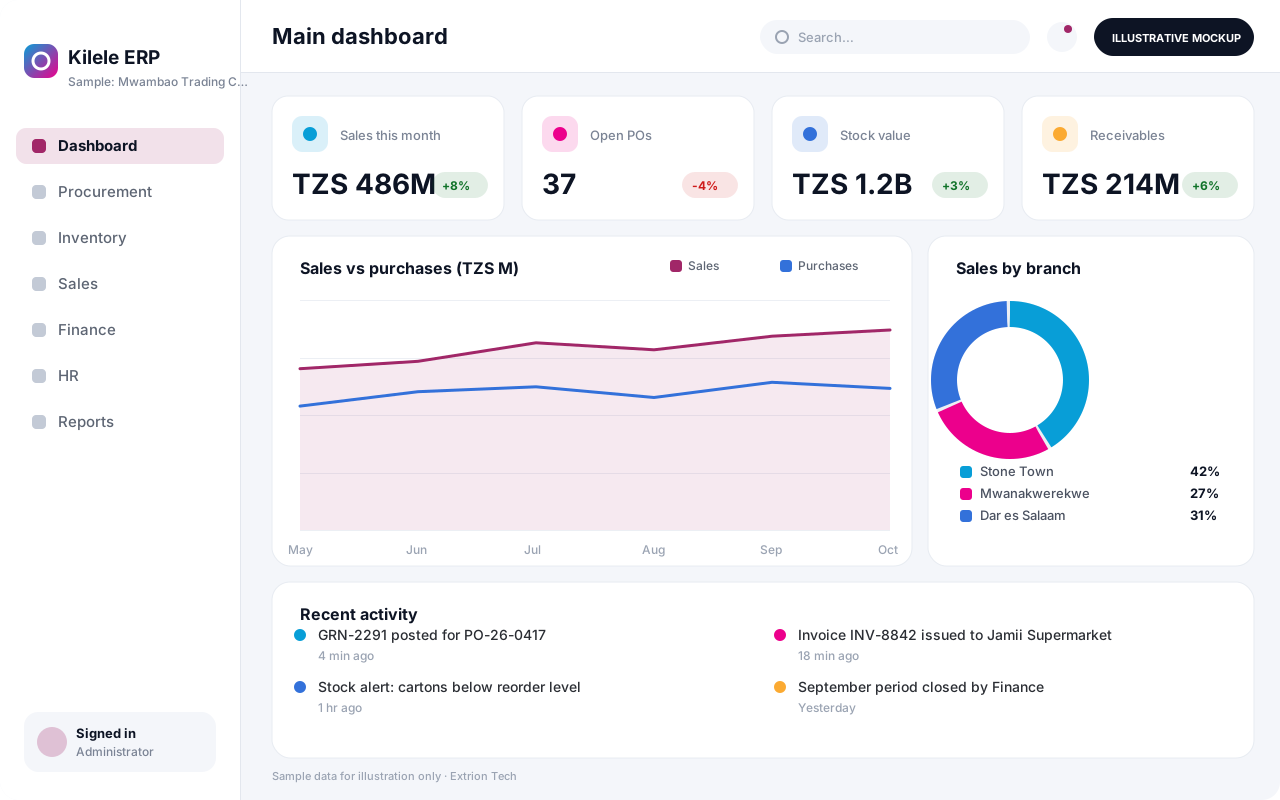 Enterprise Resource Planning System An integrated ERP that links procurement, inventory, sales, finance and HR in one database, giving management one consistent view of operations across every branch.
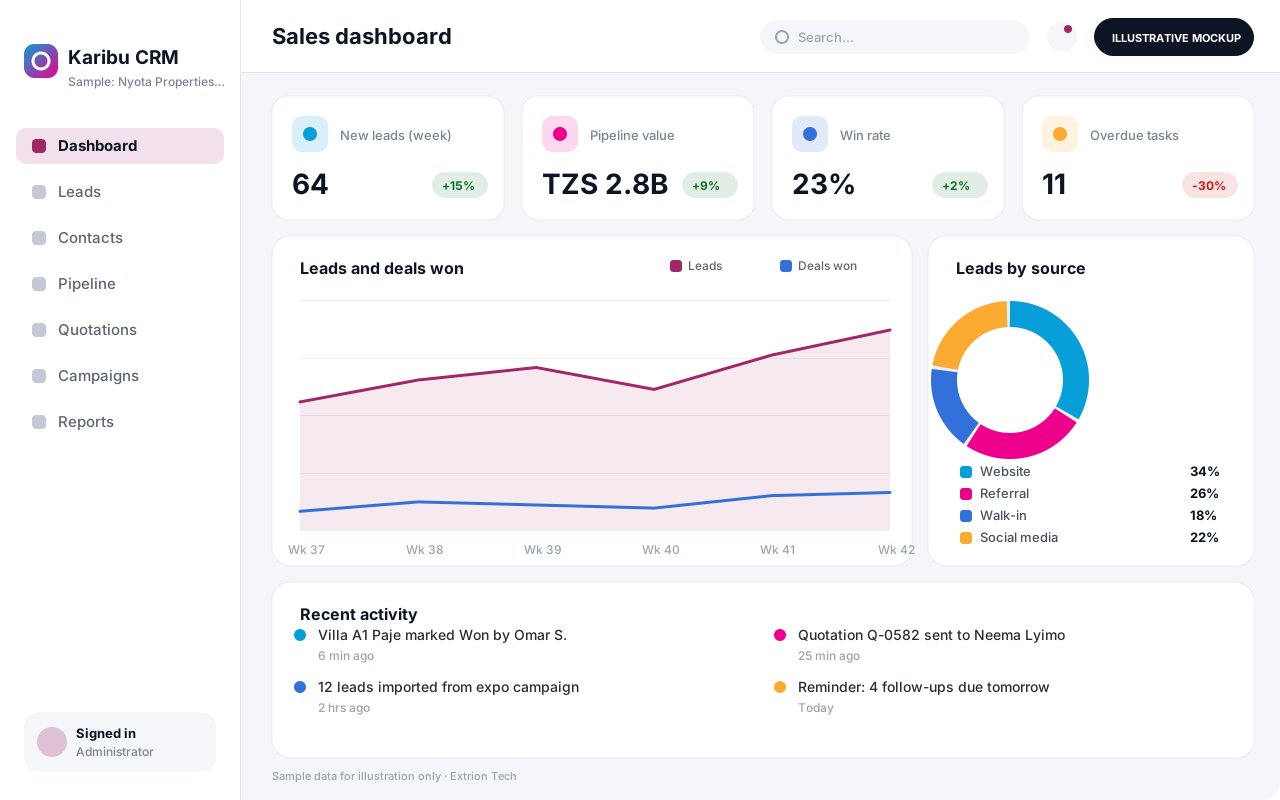 Customer Relationship Management System A CRM that tracks leads, contacts, deals, follow-ups and customer history in one place, helping sales and service teams convert more enquiries and keep accounts active.
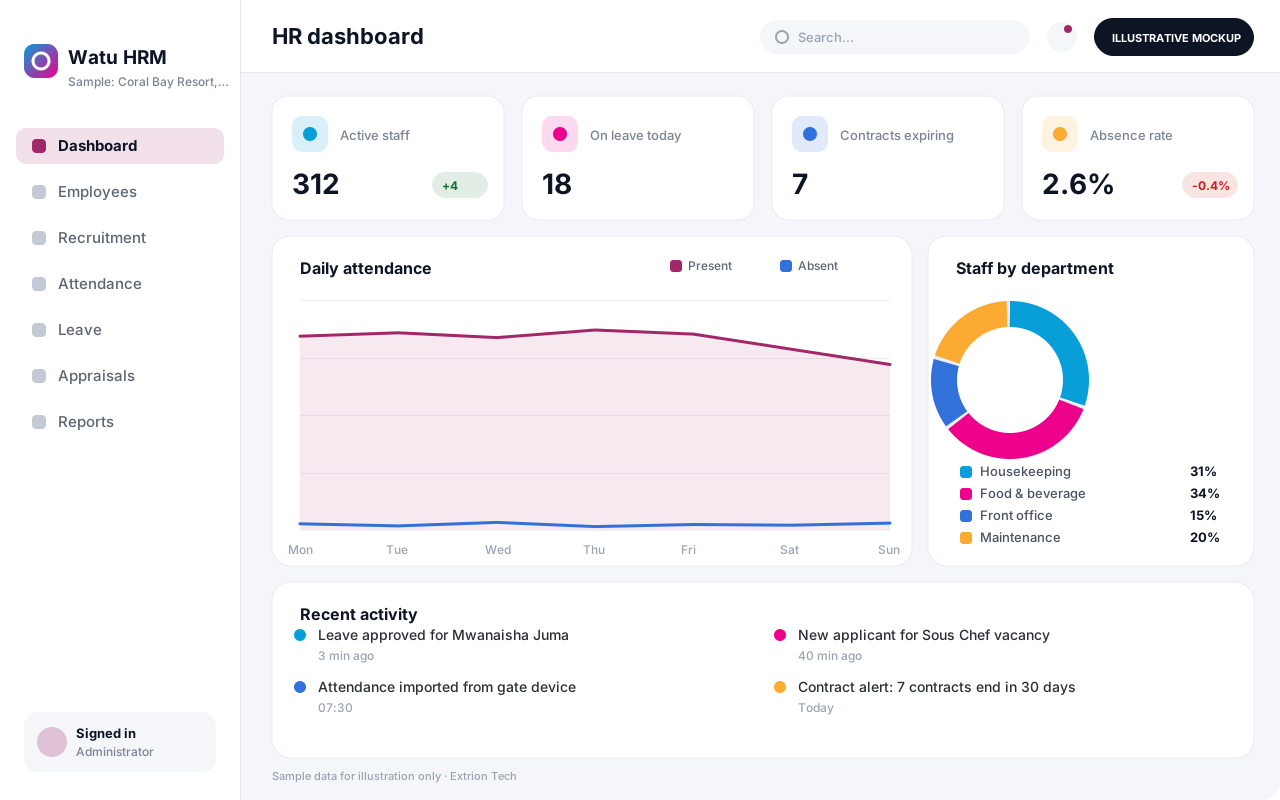 Human Resource Management System An HR system for employee records, recruitment, contracts, attendance, leave and performance reviews, with self-service so staff and managers handle requests without paperwork.
Back to the catalogue Business software services Our development process
