Business & Enterprise
Business Intelligence and Reporting System
A BI and reporting platform that brings data from operational systems into one model, with defined KPIs, interactive dashboards, drill-down and scheduled reports for managers.
- Web-based
- Server-based
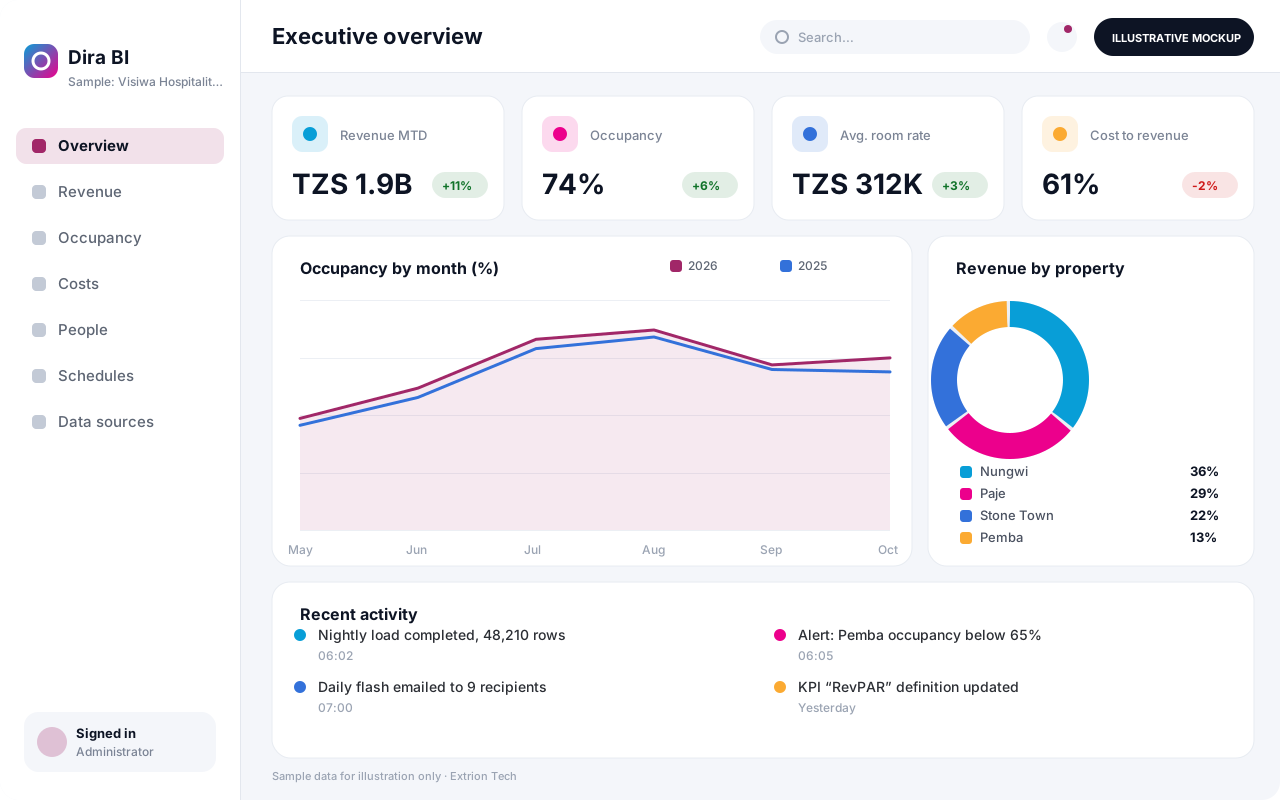
Overview
Business Intelligence and Reporting System (BI)
Most organisations already hold valuable data in their sales, finance, HR and operational systems, but each report is built by hand from separate exports. Different departments quote different numbers for the same measure, and by the time a monthly pack is ready it is already out of date. A Business Intelligence and Reporting System creates one trusted source for management information.
Extrion Tech starts by agreeing the key questions management needs answered and the definition of each KPI, such as revenue, occupancy, collection rate or cost per unit. Data is then extracted from your existing databases, spreadsheets or system APIs on a schedule, cleaned and loaded into a reporting model. Dashboards present the figures by period, branch, product or region, with filters and drill-down to the underlying records.
Scheduled reports can be emailed to managers and boards, and thresholds can trigger alerts when a figure moves outside an agreed range. Row-level permissions ensure a branch manager in Pemba sees only their branch, while head office sees the whole of Tanzania. Data sources are connected according to project scope and the access each source system allows, and the model can grow as new systems are added.
Business problems it addresses
- Management reports are compiled manually from several exports every month.
- Departments use different definitions, so the same KPI shows different values.
- Decisions are made on figures that are weeks old.
- Analysts spend more time preparing data than interpreting it.
- Managers cannot drill down from a summary figure to the transactions behind it.
Interface
Five screens of the system
Illustrative mockups with sample data — not screenshots of a client’s system.
Workflow
From source data to decisions
-
1
Requirements and KPIs
Management agrees the questions, KPI definitions, targets and reporting dimensions.
-
2
Source connection
Databases, spreadsheets and system APIs are connected according to the access each allows.
-
3
Extraction and cleaning
Scheduled jobs load data, standardise codes and flag missing or inconsistent records.
-
4
Reporting model
Cleaned data is organised into a model by period, branch, product and other dimensions.
-
5
Dashboards
Interactive dashboards show KPIs against targets with filters and drill-down.
-
6
Distribution and alerts
Reports are scheduled to recipients and alerts fire when values cross thresholds.
-
7
Review and refinement
New questions and data sources are added as management needs evolve.
Functions covered
Modules and what they do
01 Data foundation
-
Data connectors
Extracts data from databases, files and APIs on a schedule.
-
Data quality checks
Validates, standardises and reports issues in loaded data.
-
Reporting model
Stores cleaned data in a structure optimised for analysis.
02 Analysis and presentation
-
KPI library
Holds each KPI’s definition, formula, owner and target.
-
Dashboards
Presents interactive charts and tables with filters and drill-down.
-
Report builder
Lets analysts assemble tabular reports and export them.
03 Distribution
-
Scheduled reports
Emails PDF or spreadsheet reports to recipients on a timetable.
-
Threshold alerts
Notifies owners when a KPI moves outside its agreed range.
-
Mobile dashboards
Optional / subject to scope
Provides a phone-friendly view of key figures for executives.
-
Map-based analysis
Optional / subject to scope
Displays figures by region or site on a map, subject to scope.
Technology stack
Technology selected for this solution
These are the technologies planned for this type of system. The final stack depends on scale, performance, licensing, infrastructure, integrations and your requirements.
Frontend
Backend
Database
Infrastructure
Integrations
Security & data integrity
Protecting your data and its accuracy
Aggregated reports can still reveal sensitive financial or personal information, so row-level rules restrict each user to their branch, region or programme. Source system credentials are held server-side, and data retention is agreed with the client.
Standard protections
-
Role-based access control
Each user sees only what their role allows.
-
Authentication and authorisation
Every request is checked for a signed-in, permitted user.
-
Fine-grained permissions
Permissions per module and action, such as view, edit or approve.
-
Secure password storage
Passwords are stored using strong one-way hashing, never in plain text.
-
Encryption in transit
HTTPS/TLS protects data between users and the server.
-
Server-side input validation
All input is validated on the server before it is saved.
-
Protection against common web vulnerabilities
Defences against injection, cross-site scripting and request forgery.
-
Audit logs
Important actions are recorded with who, what and when.
-
User activity history
A history of each user’s activity for supervisors and administrators.
-
Backup and restoration
Scheduled backups with tested restoration procedures.
-
Session management
Session time-outs and the ability to sign out other devices.
-
Secure API access
Authenticated, rate-limited access for integrations.
-
Data export controls
Exports limited to authorised roles and recorded.
-
Monitoring and error logging
Errors and unusual activity are logged and monitored.
Optional advanced protections
- Multi-factor authentication A second sign-in step for selected or all users.
- Single sign-on Sign in with your organisation’s identity provider where supported.
- Encryption at rest Sensitive data encrypted on disk where the infrastructure supports and is configured for it.
Data integrity
Each load job records row counts and control totals and reconciles them with the source system before dashboards refresh. Failed or incomplete loads are flagged rather than published, and every dashboard shows the time its data was last refreshed.
Security controls are configured for each project. We do not claim certification, compliance or immunity from attack unless independently verified for your deployment.
Customisation & integration
Tailored to how you work
We tailor modules, reports, permissions, workflows, branding and integrations to your organisation. Tell us which features you need when you request a quote.
- KPI definitions, targets and thresholds
- Dashboard layouts per role or department
- Data sources added in phases
- Report schedules and recipients
- Branding of dashboards and exported reports
Deployment & support
From go-live to continuous improvement
Onboarding, data migration, training, maintenance, technical support and future enhancements are services we scope into your project.
Bringing records from spreadsheets or older systems, checked and reconciled.
Role-based training for users, supervisors and administrators.
Technical support and maintenance under an agreed support plan.
New modules, reports and integrations as your organisation grows.
Pricing
Pricing tailored to your requirements
Every organisation has different workflows, users, infrastructure, and integration needs. Request a quotation for a solution designed around your requirements.
- Number of users, branches and modules
- Customisation and integrations
- Hosting: cloud, your server or hybrid
- Data migration and training
- Support and maintenance plan
Business & Enterprise
Related systems
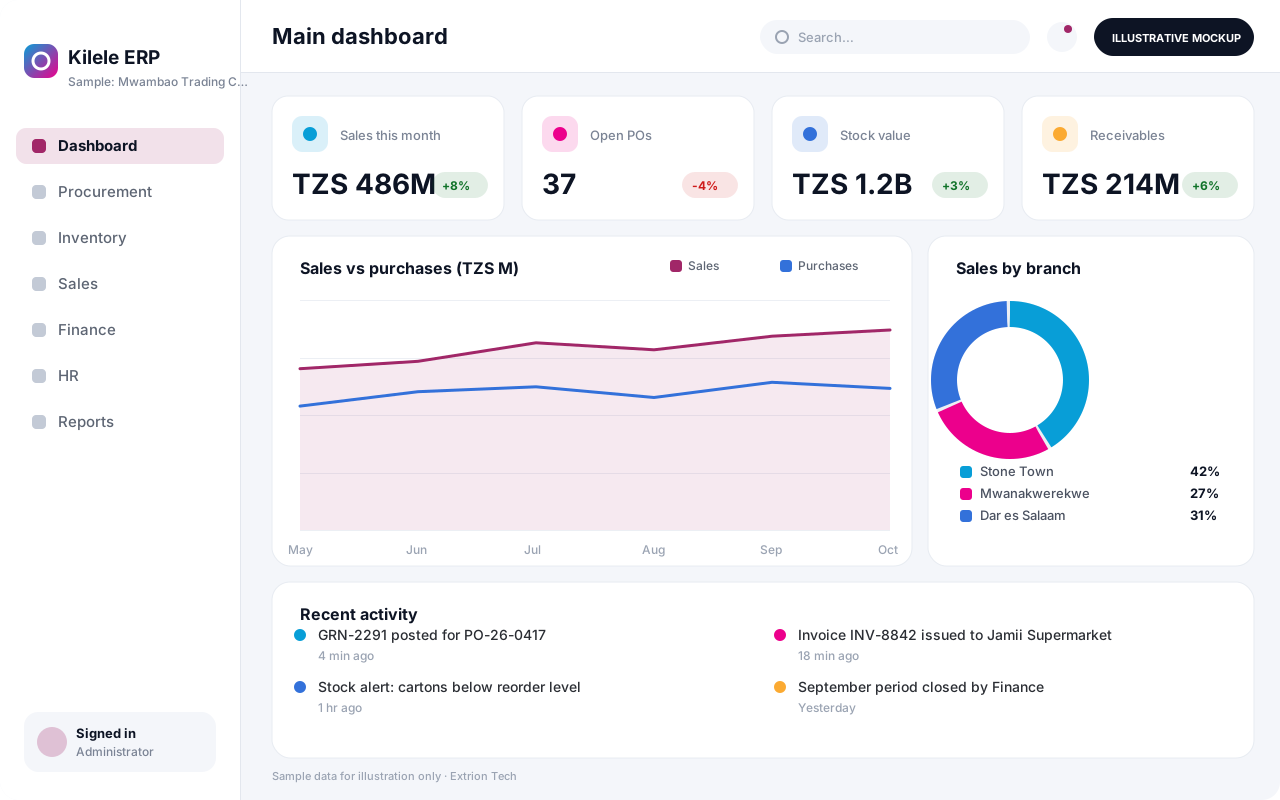 Enterprise Resource Planning System An integrated ERP that links procurement, inventory, sales, finance and HR in one database, giving management one consistent view of operations across every branch.
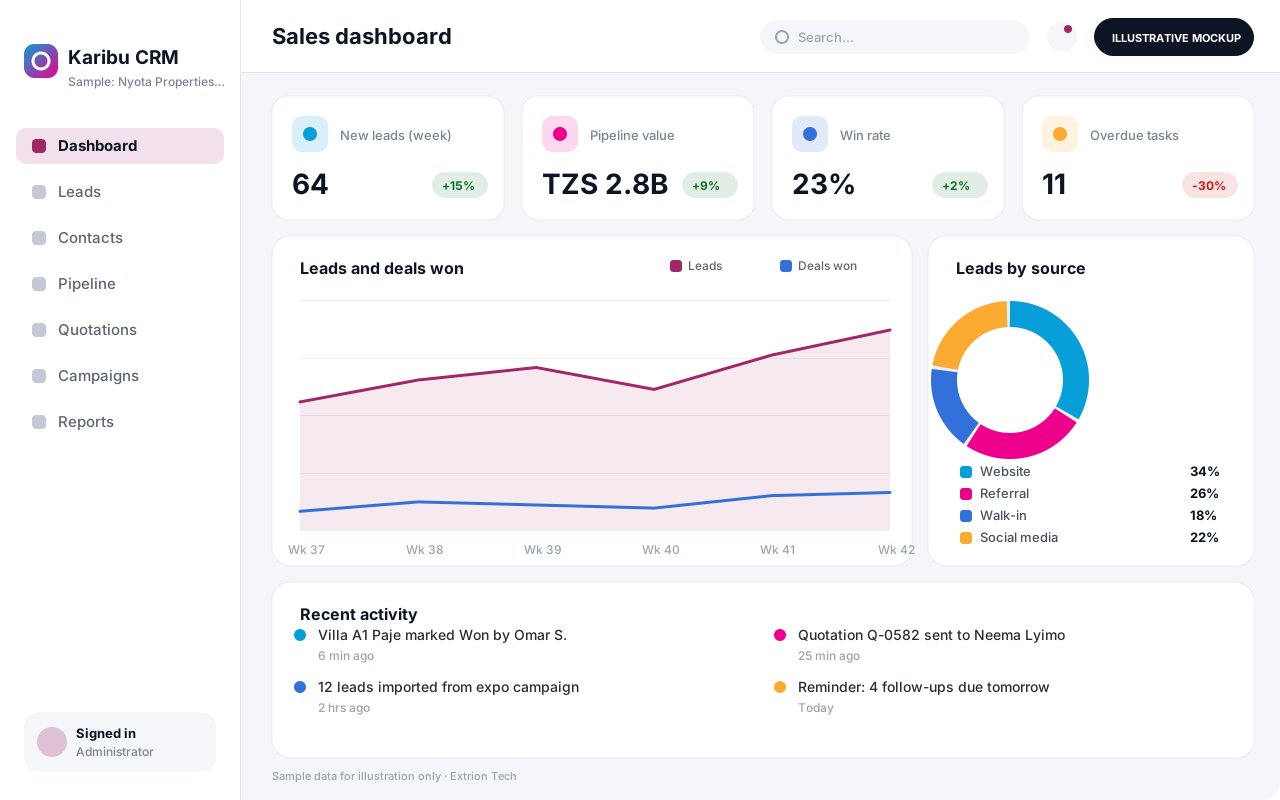 Customer Relationship Management System A CRM that tracks leads, contacts, deals, follow-ups and customer history in one place, helping sales and service teams convert more enquiries and keep accounts active.
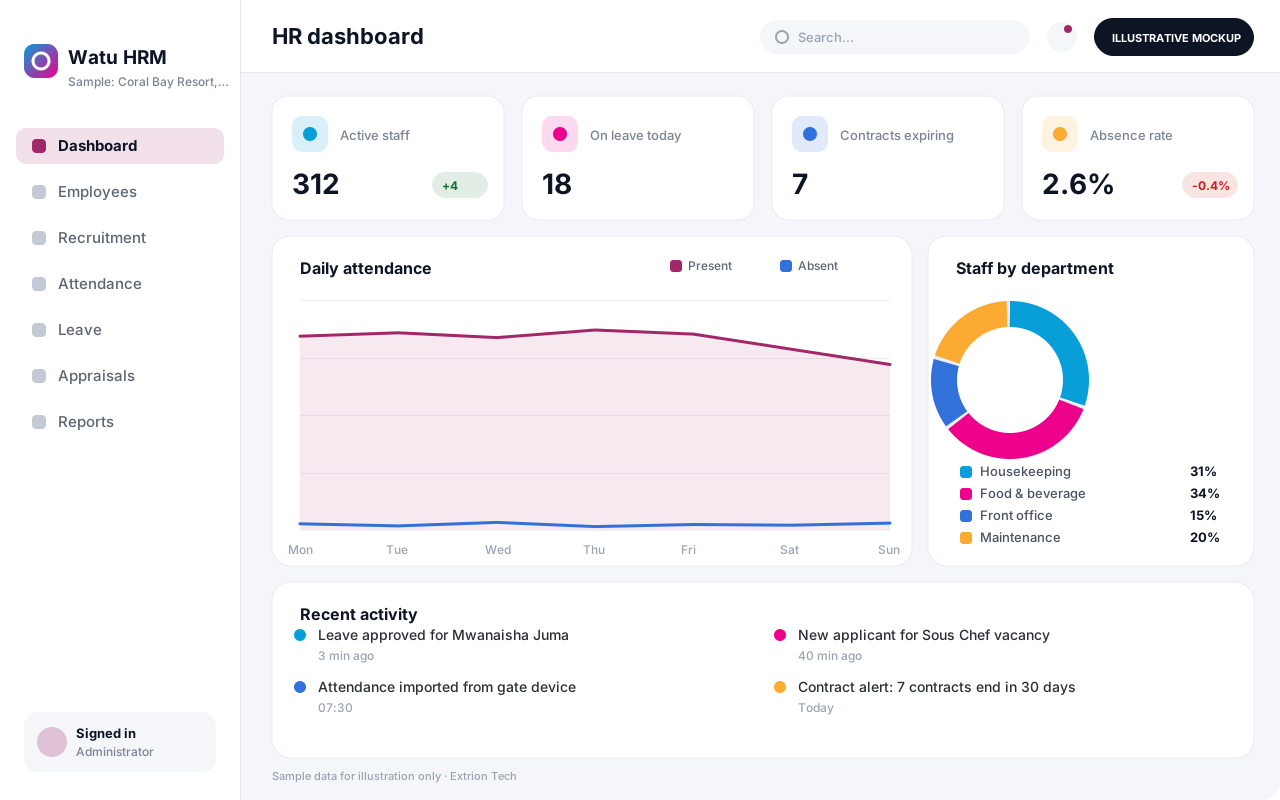 Human Resource Management System An HR system for employee records, recruitment, contracts, attendance, leave and performance reviews, with self-service so staff and managers handle requests without paperwork.
Back to the catalogue Business software services Our development process
