Hospitality & Tourism
Restaurant Management System
Table and order management, kitchen display, menu and recipe costing, ingredient stock and shift cash-up for restaurants, cafés, beach bars and hotel outlets.
- Web-based
- Android
- iOS
- Windows desktop
Overview
Restaurant Management System
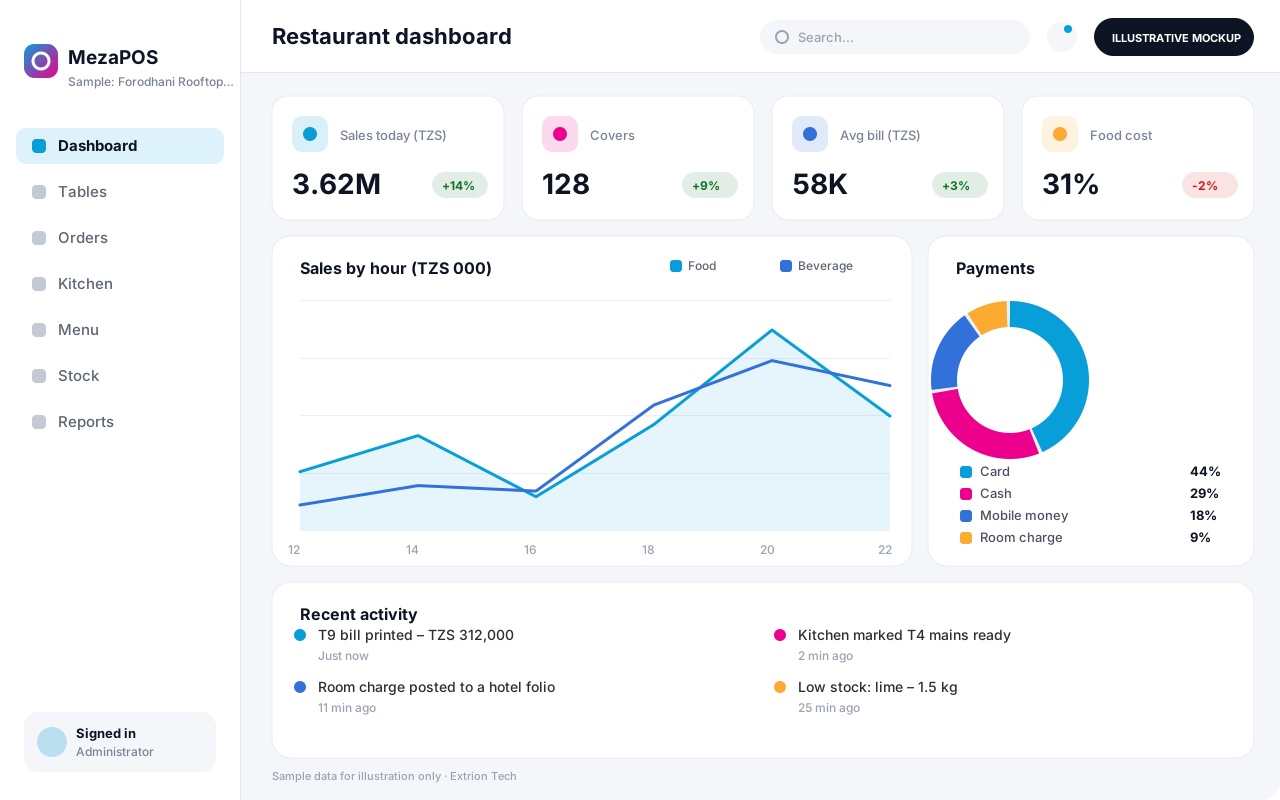
Restaurants win or lose on speed at the table and control behind the counter. A Restaurant Management System lets waiters take orders on a tablet, sends them straight to the kitchen or bar, keeps track of every open table and closes each bill accurately, while recipes and ingredient stock show what each dish really costs.
Extrion Tech builds restaurant systems in-house for independent restaurants, cafés, beach bars, rooftop venues and hotel food and beverage outlets in Zanzibar and Tanzania. Menus can be set up in several languages for international guests, with modifiers, happy-hour pricing and separate kitchen and bar printing. Hotel outlets can post bills to guest rooms when linked to a hotel system through an API.
Owners see sales by dish, waiter and hour, food cost percentages and stock variances, so waste and leakage are visible rather than suspected. Shift cash-ups compare expected and declared takings across cash, card and mobile money. Fiscal receipt devices and payment providers can be integrated where an interface is available and the project scope includes it.
Business problems it addresses
- Handwritten orders get lost or misread, causing wrong dishes and long waits.
- Drinks and dishes leave the kitchen or bar without ever being billed.
- Food costs rise unnoticed because recipes are not costed against current ingredient prices.
- Cash-ups at shift end rarely balance and differences cannot be traced.
Interface
Five screens of the system
Illustrative mockups with sample data — not screenshots of a client’s system.
Workflow
From table to cash-up
-
1
Seat the table
The host opens the table on the floor plan and assigns a waiter and covers.
-
2
Take the order
The waiter enters dishes, drinks and modifiers on a tablet at the table.
-
3
Kitchen and bar
Items route to the right station, where chefs and barmen mark them ready.
-
4
Serve and add
Courses are served and further rounds are added to the same open bill.
-
5
Bill and pay
The bill is printed or split and paid by cash, card, mobile money or room charge.
-
6
Stock deduction
Recipe quantities are deducted from ingredient stock for each item sold.
-
7
Shift cash-up
Cashiers declare takings and the manager reviews sales, voids and variances.
Functions covered
Modules and what they do
01 Front of house
-
Table and floor plan
Shows tables, covers, waiters and how long each table has been open.
-
Order taking
Takes orders on tablets or terminals with modifiers and course timing.
-
Billing and payments
Prints bills, splits them and records cash, card and mobile money payments.
-
Reservations and takeaway
Optional / subject to scope
Records table bookings, takeaway and delivery orders.
02 Back of house
-
Kitchen display
Shows incoming orders by station with preparation timers.
-
Menu management
Maintains dishes, prices, modifiers and multilingual menu names.
03 Stock and costing
-
Recipes and costing
Defines ingredient quantities per dish and calculates food cost.
-
Ingredient stock
Tracks purchases, issues to kitchen, wastage and stock counts.
-
Supplier purchasing
Optional / subject to scope
Raises orders to fish, produce and beverage suppliers and records deliveries.
04 Management
-
Shift and cash-up
Opens and closes shifts and reconciles declared and expected takings.
-
Sales analytics
Reports sales by dish, waiter, hour and outlet with void tracking.
-
Hotel room posting
Optional / subject to scope
Posts bills to guest folios in a linked hotel system.
Technology stack
Technology selected for this solution
These are the technologies planned for this type of system. The final stack depends on scale, performance, licensing, infrastructure, integrations and your requirements.
Frontend
Backend
Database
Mobile
Infrastructure
Integrations
Security & data integrity
Protecting your data and its accuracy
Voids, discounts, complimentary items and price changes need supervisor approval and are logged with the reason. Staff PINs keep each order and payment attributable to one person.
Standard protections
-
Role-based access control
Each user sees only what their role allows.
-
Authentication and authorisation
Every request is checked for a signed-in, permitted user.
-
Fine-grained permissions
Permissions per module and action, such as view, edit or approve.
-
Secure password storage
Passwords are stored using strong one-way hashing, never in plain text.
-
Encryption in transit
HTTPS/TLS protects data between users and the server.
-
Server-side input validation
All input is validated on the server before it is saved.
-
Protection against common web vulnerabilities
Defences against injection, cross-site scripting and request forgery.
-
Database constraints and transactions
Constraints and transactions keep related records consistent.
-
Audit logs
Important actions are recorded with who, what and when.
-
User activity history
A history of each user’s activity for supervisors and administrators.
-
Backup and restoration
Scheduled backups with tested restoration procedures.
-
Session management
Session time-outs and the ability to sign out other devices.
Optional advanced protections
- Offline mode with controlled synchronisation Work offline and synchronise safely when the connection returns.
- Multi-factor authentication A second sign-in step for selected or all users.
- Monitoring and error logging Errors and unusual activity are logged and monitored.
Data integrity
Each item on a bill is linked to the order ticket that sent it to the kitchen or bar, so nothing can be prepared without being billed. Closed bills cannot be edited, only voided with approval, and every sale deducts recipe ingredients so theoretical and counted stock can be compared.
Security controls are configured for each project. We do not claim certification, compliance or immunity from attack unless independently verified for your deployment.
Customisation & integration
Tailored to how you work
We tailor modules, reports, permissions, workflows, branding and integrations to your organisation. Tell us which features you need when you request a quote.
- Menus, modifiers, courses and multilingual names
- Kitchen and bar stations and printer routing
- Happy-hour, set-menu and staff meal pricing
- Bill and receipt layouts with venue branding
- Approval rules for voids, discounts and comps
Deployment & support
From go-live to continuous improvement
Onboarding, data migration, training, maintenance, technical support and future enhancements are services we scope into your project.
Bringing records from spreadsheets or older systems, checked and reconciled.
Role-based training for users, supervisors and administrators.
Technical support and maintenance under an agreed support plan.
New modules, reports and integrations as your organisation grows.
Pricing
Pricing tailored to your requirements
Every organisation has different workflows, users, infrastructure, and integration needs. Request a quotation for a solution designed around your requirements.
- Number of users, branches and modules
- Customisation and integrations
- Hosting: cloud, your server or hybrid
- Data migration and training
- Support and maintenance plan
Hospitality & Tourism
Related systems
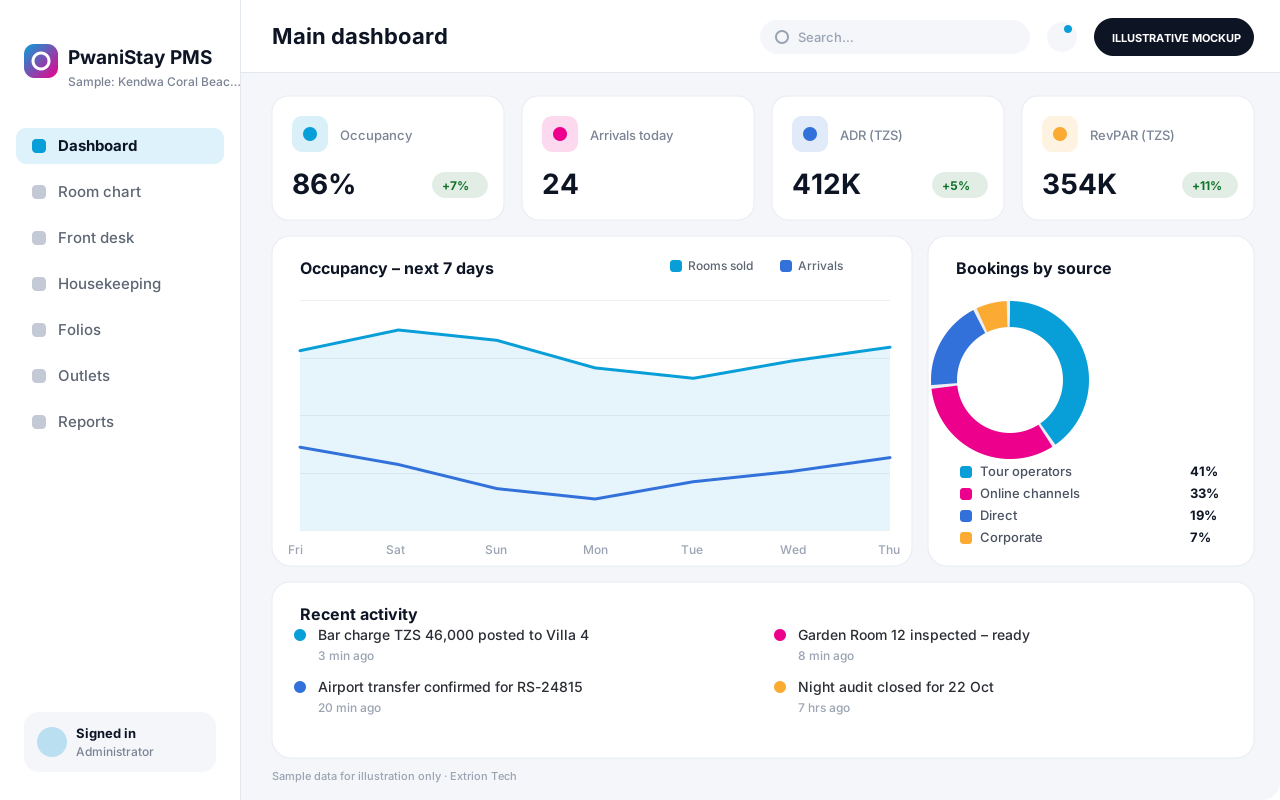 Hotel Management System A complete property system for hotels and resorts covering reservations, front desk, housekeeping, guest folios, outlets, night audit and occupancy reporting.
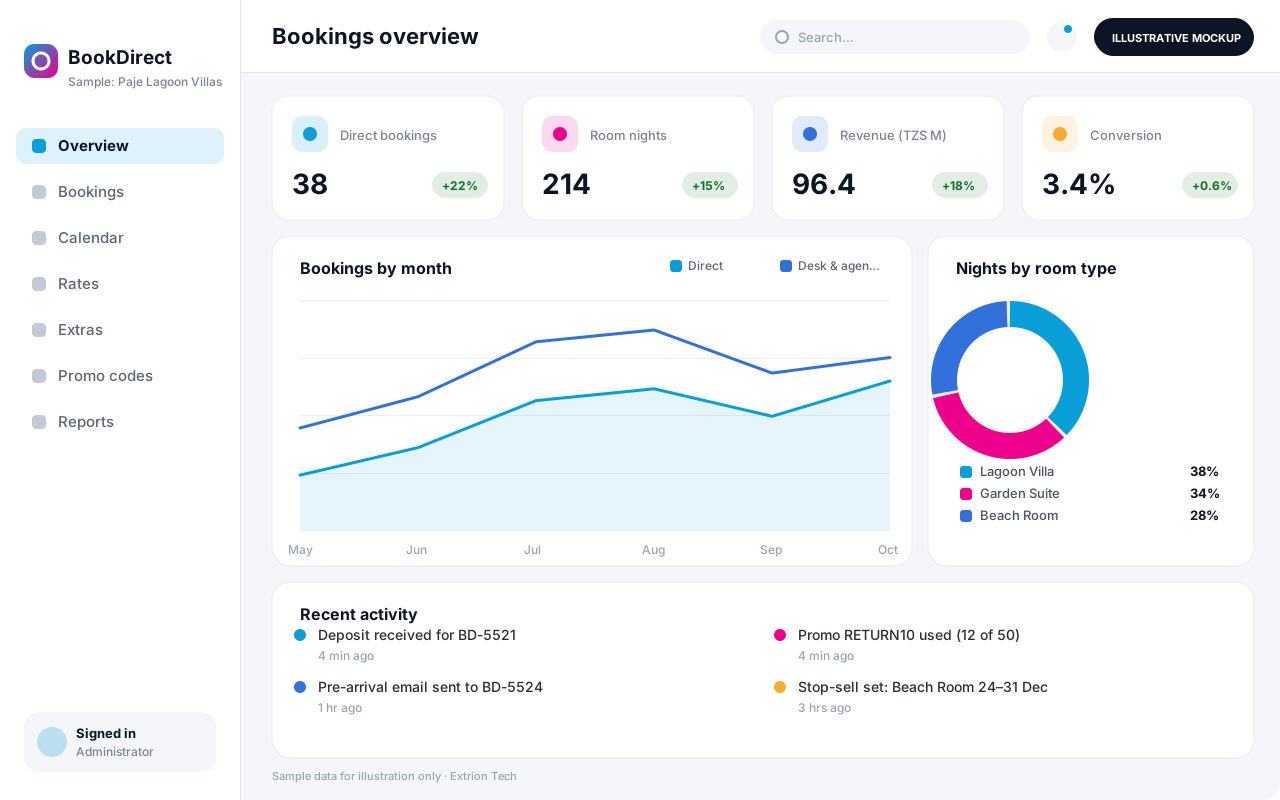 Hotel Booking and Reservation System A commission-free direct booking engine for your own website, with live availability, rate plans, deposits, promo codes and a reservations desk for agents and walk-ins.
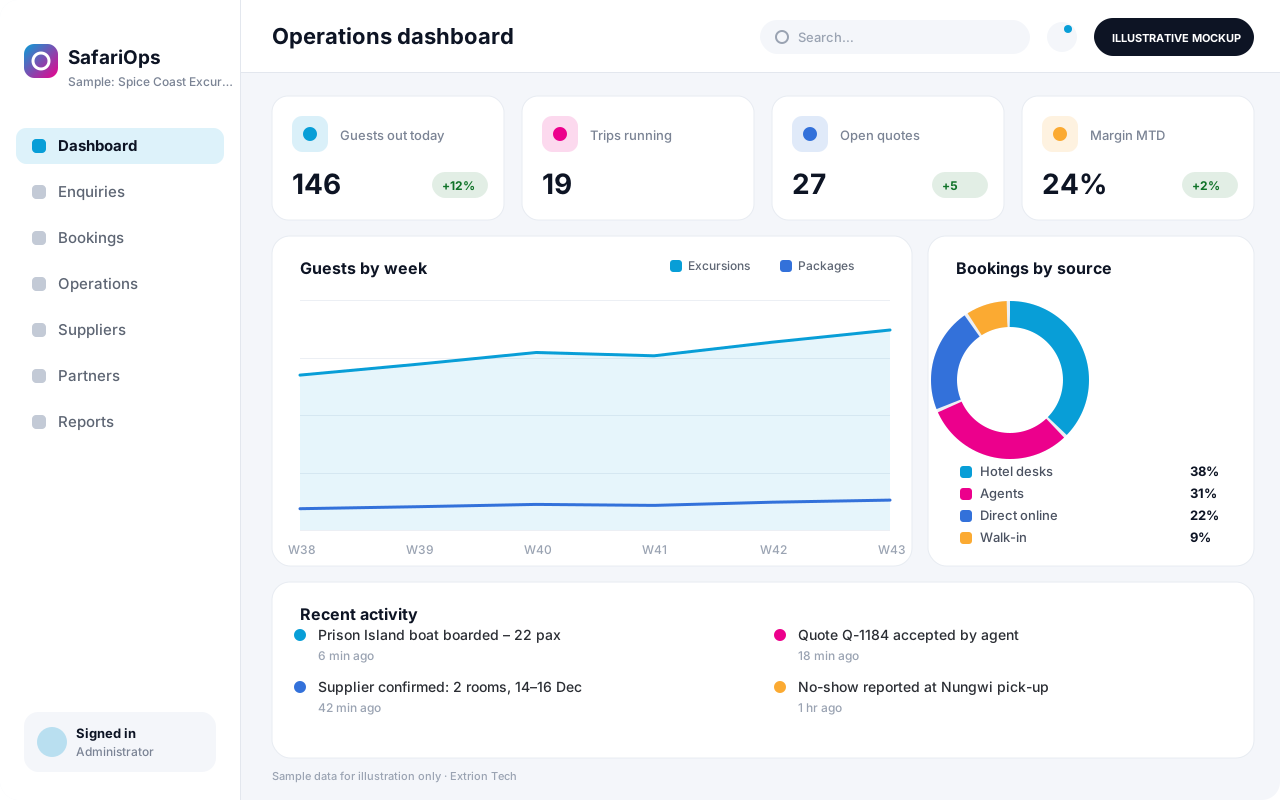 Tour and Travel Management System Plans and runs tours, excursions and safari itineraries – from quotation and booking to guide, vehicle and boat allocation, supplier costs and per-trip profitability.
Back to the catalogue Business software services Our development process
