Extrion Virtual Reality
QR Scan & Discover
Every product has its own page and QR code. Scan one on a label, brochure or shelf and the product opens straight on your phone.
QR Scan & Discover
-
1
Scan
Point your phone camera at the QR code on a label, brochure or shelf.
-
2
Open
The product page opens: no app, no sign-in.
-
3
Discover
Check the photo, specifications and 3D view, then ask for a quotation.
 Access control
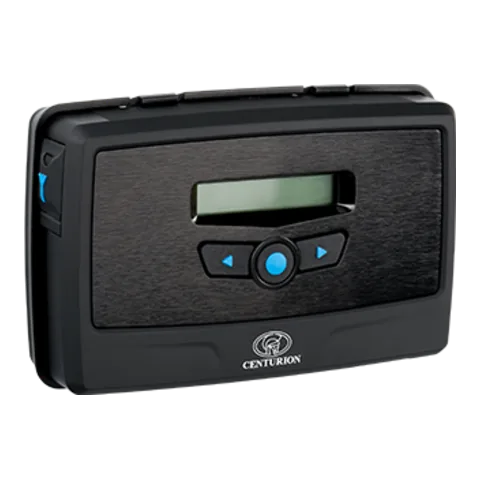
Centurion G-SPEAK ULTRA GSM Intercom System
G-SPEAK ULTRA
This code opens: https://extrion.co.tz/virtual-reality/products/item/centurion-g-speak-ultra
Codes only ever open public product pages on this website.
Seen something you like?
Tell us about your space and we will recommend, quote and install the right technology.